

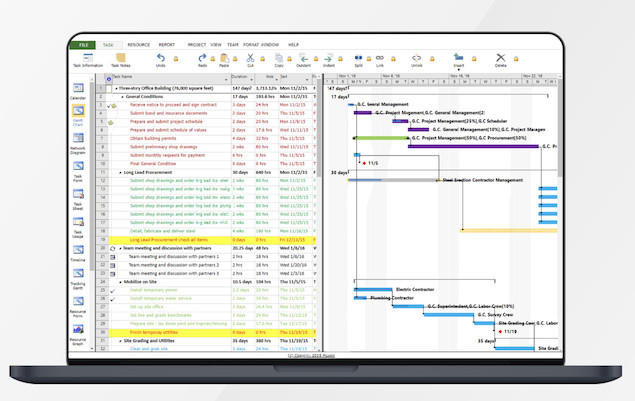
If you just want to open a Microsoft Project file on Mac, we’ve looked at the best MS Project viewers for Mac in 2026 that allow you to both open and edit MPP files.
Although you can run Microsoft Project on a Mac, it does involve installing a virtual machine and with the release of Microsoft Planner, this is becoming less of an attractive option.
There are also some excellent alternatives to Microsoft Project for Mac which we strongly recommend trying instead.
Many of those tools can not only import and export MS Project files, but offer free versions if you just want to open a Microsoft Project files on macOS.
However, if you just want to simply open and view MPP files on your Mac for free, here are the best Microsoft Project viewers for Mac.
1. Project Plan 365

Project Plan 365 remains the closest thing to Microsoft Project on a Mac and is still one of the best ways to open and edit MPP files on macOS.
Unlike many viewers that only allow read-only access, Project Plan 365 lets you fully edit Microsoft Project files while maintaining compatibility with MPP formats from Microsoft Project 2003 onward.
It supports:
- Gantt Charts
- Task Sheets
- Resource Sheets
- Baselines
- Dependencies
- Critical Path analysis
One of the biggest advantages is that it feels very similar to Microsoft Project itself, making it easy for existing Project users to switch.
Project Plan 365 can open files directly from:
- OneDrive
- SharePoint
- Dropbox
- Google Drive
- Email attachments
- Local Mac storage
There’s also a free viewer mode if you simply want to open and review MPP files without editing them.
For most Mac users, this is currently the best all-round Microsoft Project viewer available.
2. Project Viewer 365
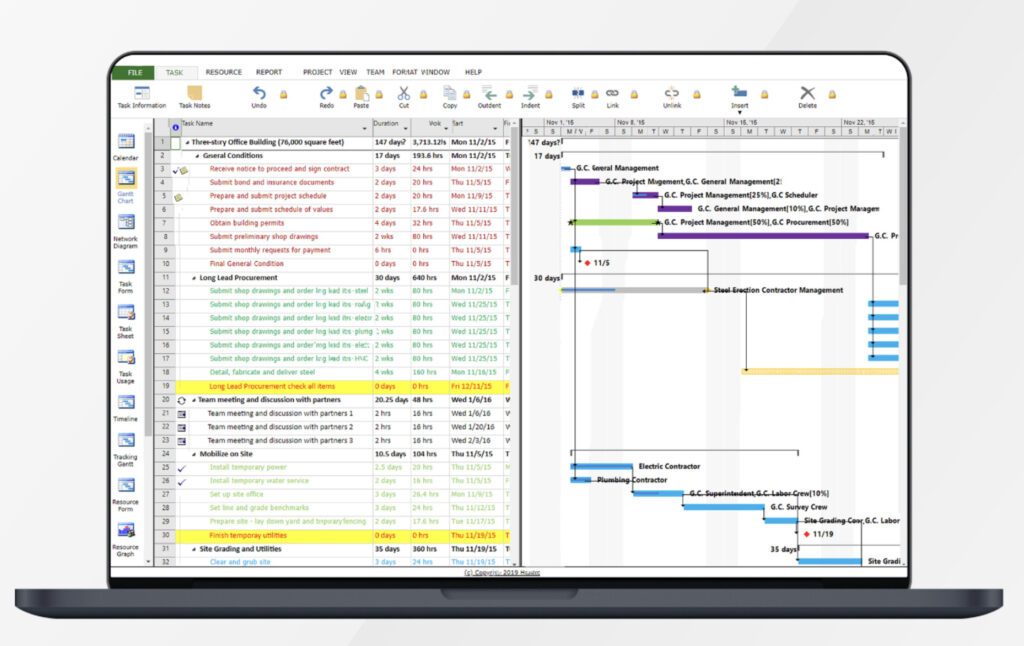
Project Viewer 365 is the lightweight viewing-only version of Project Plan 365 and is ideal if you simply need to open Microsoft Project files on a Mac without making edits.
It supports:
- MPP files from Microsoft Project 2003 onwards
- Gantt Chart views
- Task and Resource Sheets
- Printing and PDF export
The app is particularly useful for teams that receive Project files from Windows users but don’t actually manage projects in Microsoft Project themselves.
Because it integrates with cloud storage services and SharePoint, it’s also useful in enterprise environments where MPP files are still commonly shared internally.
3. MOOS Project Viewer
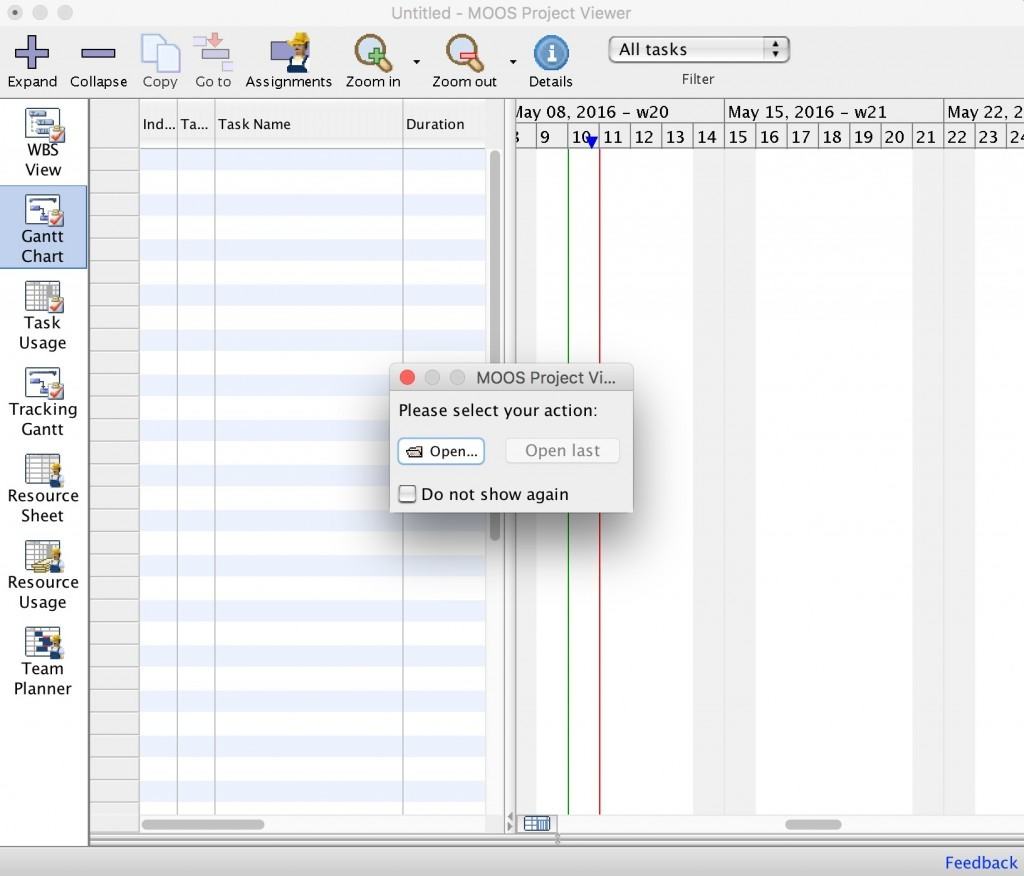
MOOS Project Viewer is still one of the simplest free Microsoft Project viewers for Mac.
It supports opening:
- MPP
- MPT
- XML
…and works with Microsoft Project files dating back to Project 2000.
The interface is fairly basic by modern standards, but if you only occasionally need to open an MPP file, it still does the job well.
MOOS Project Viewer is best suited to:
- Viewing timelines
- Checking task dates
- Printing schedules
- Reviewing project structure
However, unlike more modern tools, it lacks cloud integrations and collaboration features.
4. RationalPlan
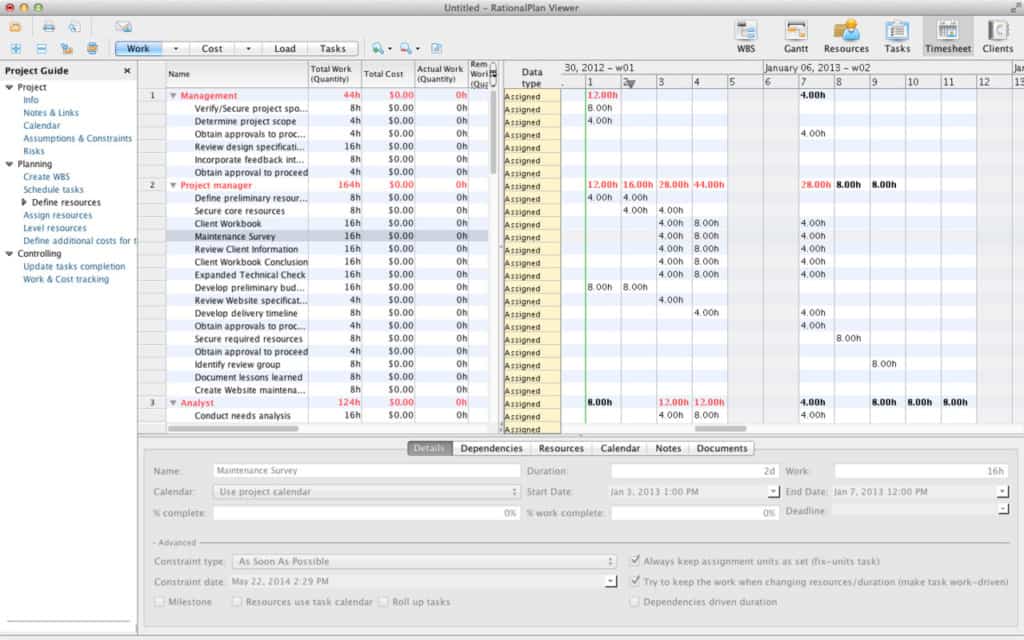
RationalPlan is more than just an MPP viewer – it’s a complete project management platform with Microsoft Project compatibility built in.
The free viewer allows Mac users to open and inspect Microsoft Project files, while the paid version adds advanced project management tools including:
- Resource management
- Cost tracking
- Time estimation
- Team collaboration
- Critical path analysis
RationalPlan is particularly useful for smaller businesses looking for a cheaper alternative to Microsoft Project that still supports MPP files.
Because it’s cross-platform, teams can also collaborate between Mac and Windows without compatibility problems.
5. GanttProject
GanttProject has improved significantly in recent years and is now one of the better free open-source options for Mac users.
Although it’s not a dedicated Microsoft Project viewer, it can import and export Microsoft Project XML files and works well for users who mainly need to review schedules and timelines.
Features include:
- Gantt charts
- Task dependencies
- Resource allocation
- PDF and CSV export
The interface is simpler than Microsoft Project, but many Mac users actually prefer its cleaner approach.
It’s especially useful if you want a completely free alternative that runs natively on macOS.
6. Smartsheet
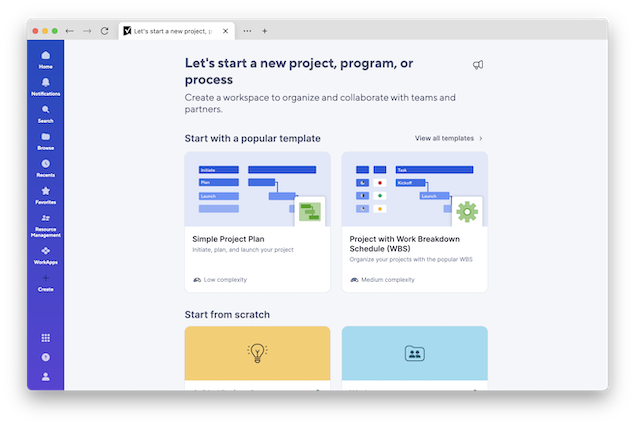
Cloud-based project management platforms like Smartsheet have become increasingly popular replacements for Microsoft Project.
Smartsheet can import Microsoft Project files directly and often provides a much easier collaboration experience for mixed Mac and Windows teams.
Unlike traditional MPP viewers, Smartsheet works entirely in the browser and includes:
- Real-time collaboration
- Dashboards
- Automation
- File sharing
- Timeline and Gantt views
For organizations moving away from Microsoft Project entirely, Smartsheet is one of the strongest modern alternatives.
What Happened To Microsoft Project On Mac?
Microsoft still does not make a native macOS version of Microsoft Project.
If you want to run the full desktop version of Microsoft Project on a Mac, you still need to run Windows using virtualization software like Parallels Desktop.
Microsoft currently sells:
- Project Standard 2024
- Project Professional 2024
- Project Plan subscriptions
The perpetual-license desktop versions still exist, but Microsoft is increasingly pushing businesses toward cloud-based tools like Microsoft Planner and the wider Microsoft 365 products.
For many Mac users, using a lightweight MPP viewer or switching to a modern project management platform is now a much simpler solution than running Windows solely for Microsoft Project.
Which Microsoft Project Viewer Is Best For Mac?
Here’s the best option depending on your needs:
- Best overall: Project Plan 365
- Best free viewer: MOOS Project Viewer
- Best open-source option: GanttProject
- Best Microsoft Project alternative: Smartsheet
- Best for business teams: RationalPlan
If you only occasionally open MPP files, a free viewer is usually enough.
However, if you regularly work with Microsoft Project files, Project Plan 365 currently offers the closest experience to Microsoft Project itself on macOS.