


Note: Tax software, supported forms and promotional prices change during each filing season. This guide is general product information, not personal tax advice.
Most people do not need a special Mac app to file their taxes. The best tax services now work securely in Safari, Chrome or Firefox, so they run on any recent Mac, including Apple Silicon models. A desktop app can still be useful if you prefer to keep a local copy of your return, but it should not be the deciding factor.
For most US taxpayers, TurboTax remains the best all-round choice if you value the smoothest guided experience. FreeTaxUSA is our best-value pick because its federal filing is free even for more complicated individual returns. Cash App Taxes is the standout choice if you want genuinely free federal and state filing and are comfortable filing without personalised tax advice.
If you are in the UK, skip the US services entirely. Use a UK Self Assessment product such as GoSimpleTax or TaxCalc, and make sure it is suitable for Making Tax Digital for Income Tax if that applies to you.
Best Tax Software for Mac at a Glance
| Tax software | Works on a Mac? | Best for | Price position when checked |
|---|---|---|---|
| TurboTax | Online, plus personal desktop editions for Mac | The most polished guided filing experience | Free edition is limited to simple qualifying returns; paid prices change through the season |
| FreeTaxUSA | Online | Best value for individual federal returns, including self-employed filers | Federal return free; 2025 state return $15.99 |
| H&R Block | Online and Mac desktop software | People who may want in-person help as well as DIY software | Varies by product, state and filing method |
| Cash App Taxes | Online on a Mac and through the Cash App | Completely free federal and state filing | $0 federal and state filing |
| TaxSlayer | Online | Low-cost guided filing with a simpler product range | Free for qualifying simple returns; paid pricing changes seasonally |
| TaxAct | Online | DIY filing with the option to add expert help or hand the return over | DIY starts at $0; expert help and state returns cost extra |
A Quick Note on Tax Years
Tax software is sold for a tax year, not simply a calendar year. For example, a return for income earned in 2025 is generally filed during 2026. If you are buying software before the next filing season opens, check that you are selecting the right tax year and that the forms you need have been released.
The normal US deadline for an individual return is 15 April following the end of the tax year. An extension gives you more time to file, but not more time to pay tax owed. In the UK, the usual deadline for an online Self Assessment return and payment is 31 January after the end of the tax year.
1. TurboTax — Best Overall Tax Software for Mac
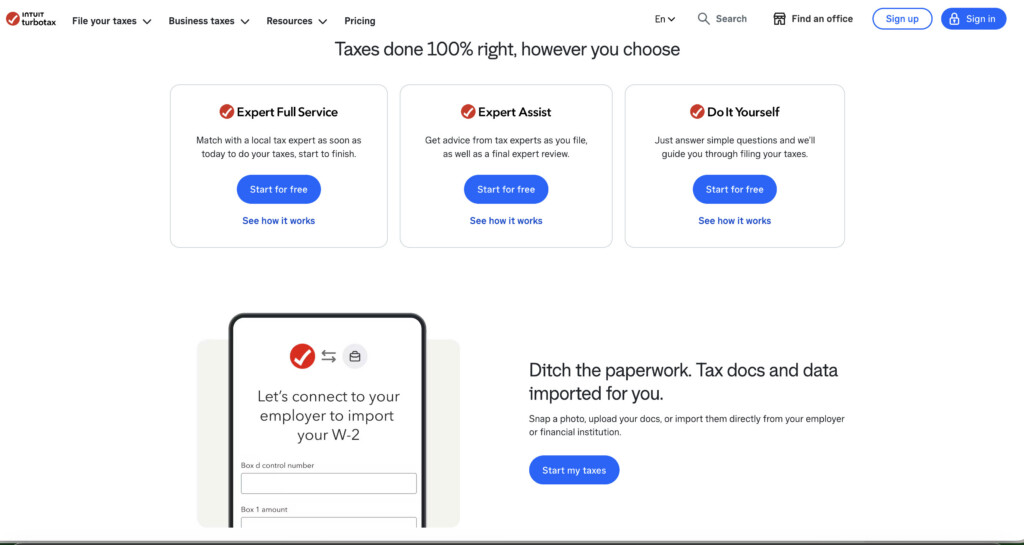
TurboTax is still the easiest choice for a first-time filer, or anyone who would rather answer plain-English questions than work directly through tax forms. It guides you through income, deductions and credits in a logical order, highlights missing information and offers paid routes to live help or full-service preparation.
It is available as an online service on any current Mac. If you prefer desktop software, TurboTax is one of the few major providers that still offers personal Mac downloads. The 2026 desktop editions for Mac are Deluxe, Premier and Home & Business; Intuit lists macOS Sequoia 15 or later as the minimum operating system. You still need an Intuit account and internet connection for activation and updates.
Be careful with the name Home & Business. It is for an individual’s Form 1040 return, including Schedule C sole-proprietor income. It is not the same as a separate business return for an S corporation, partnership or C corporation.
TurboTax is expensive compared with the value options below, and its free edition applies only to a limited group of simple Form 1040 returns. The upside is a very polished product, broad form support in paid tiers, document import options and a clear path to human support if you get stuck.
TurboTax is best for
- First-time filers who want a heavily guided experience
- Homeowners, investors and self-employed people who prefer a familiar interface
- Mac users who genuinely want a downloadable personal tax program rather than a browser-only service
Reasons to think twice
- Paid tiers and state returns can become costly
- The free edition does not cover every tax situation
- TurboTax Business desktop software is Windows-only
2. FreeTaxUSA — Best Value for Most Individual Returns
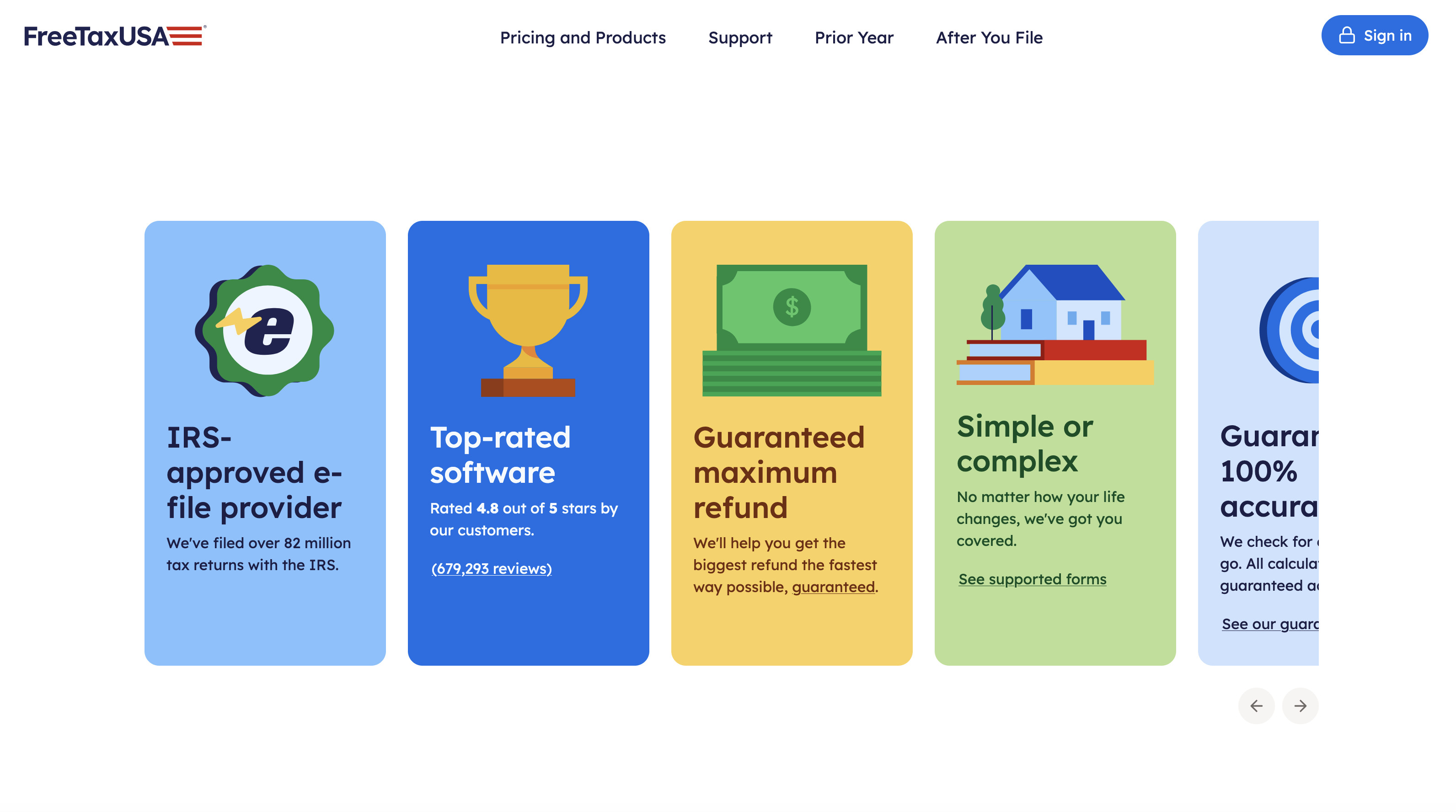
FreeTaxUSA is our value pick because it does something unusually straightforward: it makes federal filing free for individual returns across its supported tax situations, rather than pushing self-employed, investment or rental income into a higher tier.
It works entirely in a browser, so there is no compatibility issue with an Intel or Apple Silicon Mac. You can use it for a basic W-2 return, but it is also worth a serious look if you have Schedule C self-employment income, investments, rental income or a less conventional individual return.
For 2025 returns, a state return costs $15.99. Optional extras include Deluxe support, Pro Support and audit defence. That makes the final price easy to understand before you commit, particularly if you only need one state return.
The trade-off is that it is less hand-holding than TurboTax. The software is capable, but it assumes you are comfortable entering figures from your documents and checking that you have selected the right forms.
FreeTaxUSA is best for
- Cost-conscious taxpayers with more than a simple W-2 return
- Freelancers and sole proprietors filing an individual Schedule C return
- Filers who want to pay for advice only if they actually need it
Reasons to think twice
- It is browser-based only
- State returns and optional help cost extra
- It is not for separate S-corporation, partnership or C-corporation returns
3. H&R Block — Best if You May Want Face-to-Face Help

H&R Block is a strong alternative to TurboTax, particularly if you like the reassurance of being able to move from DIY software to an appointment with a tax professional. Its online service works on a Mac, and it also continues to offer personal desktop software for macOS.
H&R Block currently lists macOS 10.15.7 or later for its personal desktop product, although you should always confirm the requirements for the exact tax-year edition before buying. Its business desktop software, however, is Windows-only.
The desktop route can suit a household with several individual returns because it includes multiple federal e-files, but check the current state-program and state e-file charges before you buy. The online service is usually simpler if you need one return and prefer to work in a browser.
H&R Block is best for
- Filers who may want the option of local, in-person assistance
- Households that prefer desktop software and multiple individual federal returns
- People who want a mainstream alternative to TurboTax
Reasons to think twice
- The most useful assistance costs extra
- State pricing and e-file fees need checking carefully
- Separate business-return software does not run on a Mac
4. Cash App Taxes — Best Completely Free US Filing Option

Cash App Taxes is the simplest recommendation if your priority is paying nothing to file. It says it charges $0 for both federal and state returns, including returns with W-2 income, 1099 income, investments and crypto transactions.
You can prepare the return on a Mac at the Cash App Taxes website, but you need the Cash App on your phone to create or access your account. Cash App also requires phone-number verification. That makes it more convenient for people already comfortable with Cash App than for someone who wants a traditional standalone tax program.
The service is not a substitute for a tax adviser. It is best for confident DIY filers who understand their documents and do not expect a dedicated professional to review their tax position. Before starting, check its current supported-forms list if you have a less common tax situation, multiple state filings, foreign income or an entity return.
Cash App Taxes is best for
- A genuinely free federal and state return
- W-2, 1099, investment and straightforward self-employment filers who are happy to DIY
- Existing Cash App users who are comfortable verifying their identity in the app
Reasons to think twice
- You need a Cash App account and a phone for verification
- It is not the best fit if you want live tax advice or a full-service preparer
- Check form availability before relying on it for an unusual return
5. TaxSlayer — Best Lower-Cost Guided Alternative
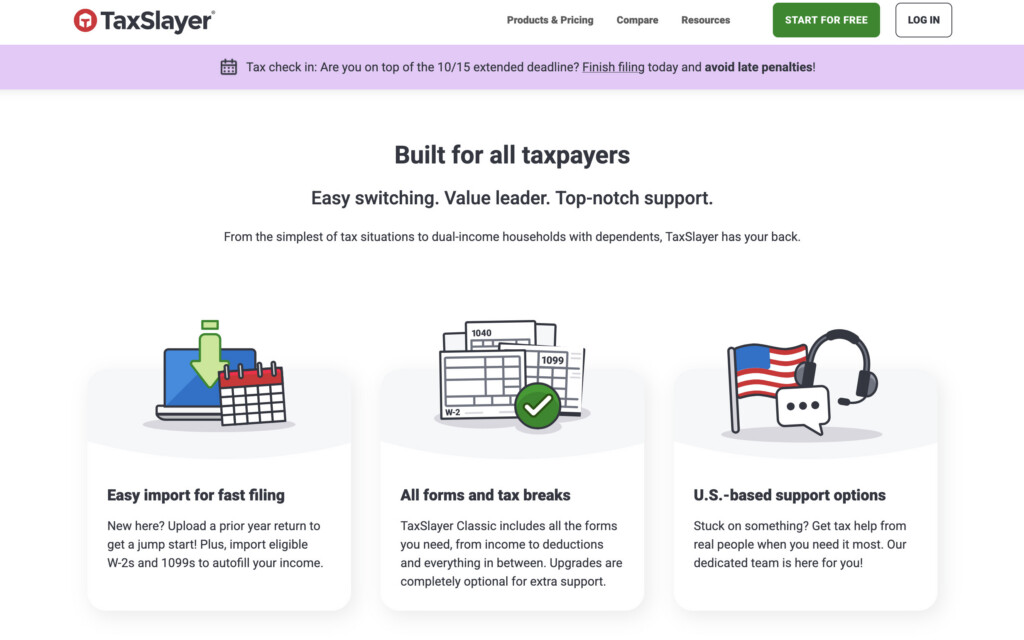
TaxSlayer is an online-only service with a less flashy interface than TurboTax but a practical, good-value structure. Its free tier is intended for qualifying simple returns. Its paid products are designed to cover a much wider range of forms and tax situations, including self-employment, with the level of help increasing as you move up the range.
Because promotions and pricing move throughout tax season, it is better to compare the final price for your actual return than to choose based on an old headline price. TaxSlayer itself makes the same point when comparing its products with competitors.
It is a sensible middle ground if TurboTax feels overpriced but you want more guidance than a bare-bones free filing tool.
TaxSlayer is best for
- DIY filers who want a low-cost paid option
- People who value a simpler price structure than the biggest brands
- Returns that need more than a simple free tier but not a full-service accountant
Reasons to think twice
- It has no Mac desktop application
- The free tier is not for every return
- Compare support levels as well as product prices
6. TaxAct — Best for Flexible DIY, Expert Help or Full Service
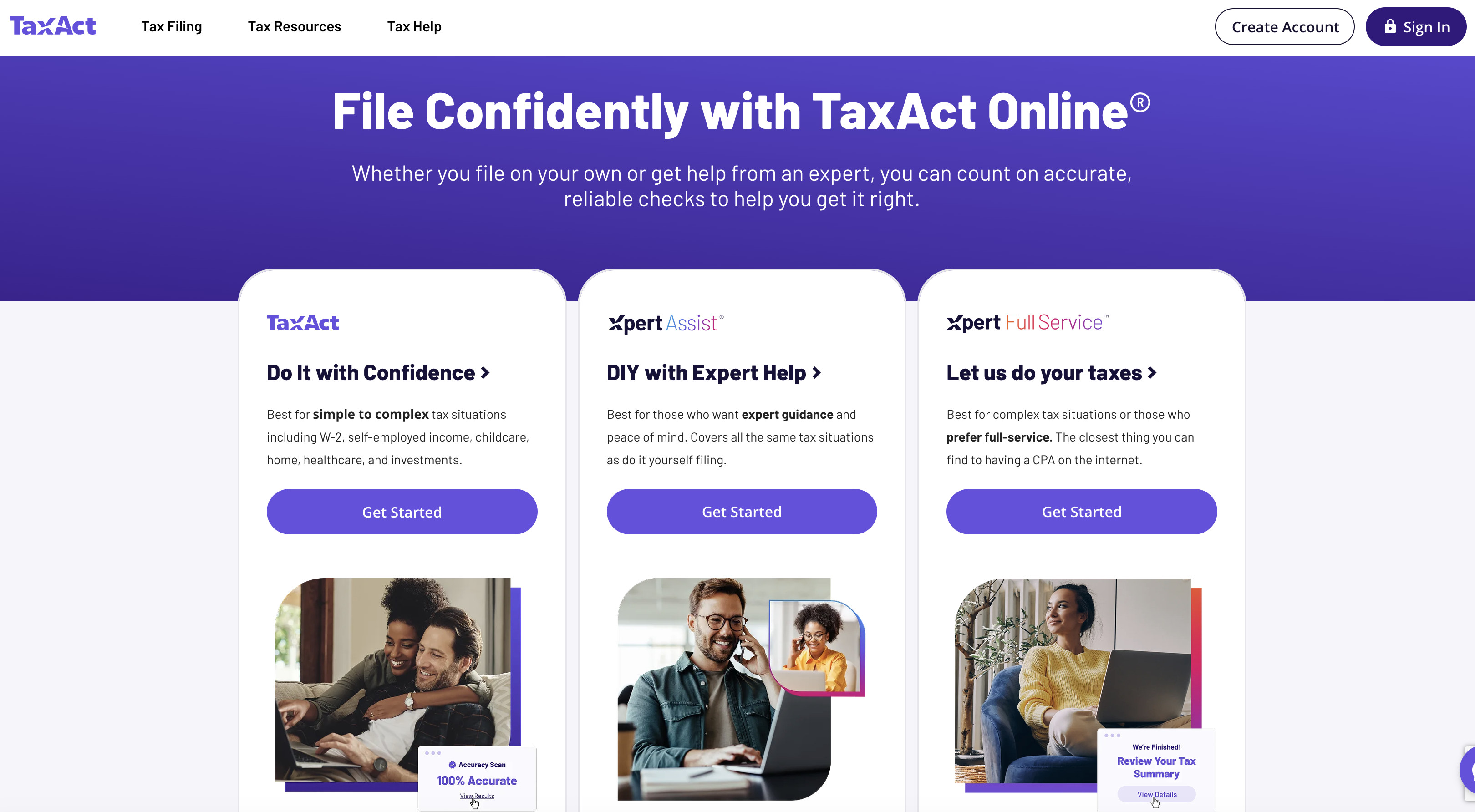
TaxAct is another browser-based choice that works well on a Mac. It separates its offering into DIY filing, expert-assisted filing and a full-service route where a tax professional prepares the return.
Its DIY product supports a range of common situations, including W-2 income, self-employment income, childcare, home, healthcare and investments. At the time of checking, TaxAct listed DIY filing from $0, expert-assisted filing from $45 plus state charges, and full-service filing from $99. Those are starting prices, so treat them as a snapshot rather than a promise of what your return will cost.
TaxAct is a good option if you want to begin the return yourself and retain the ability to add expert help later. As with every online service, confirm that it supports every form and state return you need before paying.
TaxAct is best for
- Taxpayers who want to start DIY but may need an expert check before filing
- W-2, homeowner, investment and self-employed individual returns
- People who prefer browser-based software with several levels of help
Reasons to think twice
- Free filing is subject to eligibility rules
- State returns are extra
- Starting prices change and do not reflect every possible form or add-on
Do Not Overlook IRS Free File
Before paying for any US tax software, check IRS Free File. For the 2025 tax-year filing season, the IRS says taxpayers with adjusted gross income of $89,000 or less can use a participating commercial package for free through the IRS site. The available providers and eligibility rules can change each year, and some packages include a free state return while others do not.
This is different from going directly to a provider’s own free product. Always start at IRS.gov if you want to see the official free-filing options available for your income and situation.
Can You File a Business or S-Corp Return on a Mac?
This is where many tax-software articles become misleading.
A freelancer or sole proprietor normally files a Schedule C as part of an individual Form 1040 return. The personal products above can be suitable for that, provided they support your forms.
An S corporation, partnership or C corporation needs a separate business return such as Form 1120-S, Form 1065 or Form 1120. Do not assume that a product called “Home & Business” handles those entity returns.
TurboTax Business desktop and H&R Block Business desktop software are Windows-only. You could technically try to run Windows in a virtual machine on a Mac, but it is a poor default solution, especially on Apple Silicon: tax vendors may not support Windows on Arm or a virtualised setup if something goes wrong at filing time.
For an entity return, use a browser-based or full-service provider that explicitly supports your entity, state and tax year, or use a qualified tax professional. This is also the point at which professional advice is usually worth the cost if you have payroll, shareholders or partners, multi-state activity, a sale of the business, foreign transactions or a complicated basis calculation.
Best Tax Software for UK Mac Users
US tax software cannot file a UK Self Assessment return. The right choice depends on whether you simply need to submit an annual return or also need ongoing Making Tax Digital for Income Tax records and quarterly updates.
| UK option | Best for | Mac support | Price / key point |
|---|---|---|---|
| HMRC online service | A straightforward annual return | Browser-based | Free, but check it supports your return and do not confuse it with MTD support |
| GoSimpleTax | Individuals, sole traders and landlords who want a guided cloud service | Browser-based | £69.99 per individual tax return on subscription, including VAT, when checked |
| TaxCalc | People who prefer a desktop product or have several returns / extra modules | Works on Mac, Windows and Linux | From £42 when checked; separate products are available for partnerships and limited companies |
GoSimpleTax — Best Simple Online UK Option
GoSimpleTax is a good fit for a straightforward Self Assessment return, especially for sole traders and landlords who want help organising their figures before submitting to HMRC. It works entirely online, offers a no-obligation trial and is listed by HMRC as a commercial supplier for individual and partnership Self Assessment returns.
At the time of checking, an individual Self Assessment subscription was £69.99 including VAT per tax return, while an SA800 partnership subscription was £96.99 including VAT. Check that the plan includes every supplementary page you need before buying.
TaxCalc — Best Desktop UK Option
TaxCalc is the better choice if you specifically want a Mac desktop application. It works on Macs as well as Windows and Linux, is recognised by HMRC and has an annual product cycle that reflects each tax year’s forms and rules.
Its Individual product starts at £42 when checked and can be expanded with partnership or limited-company tax-return products if required. That makes it more flexible than a simple web form, though it is not a replacement for bookkeeping software or an accountant where your affairs are genuinely complex.
A Crucial 2026 UK Change: Making Tax Digital for Income Tax
If your 2024/25 Self Assessment showed qualifying income above £50,000 from self-employment and/or property, you need to use Making Tax Digital for Income Tax from 6 April 2026. Qualifying income means turnover before expenses, not profit.
The threshold falls to more than £30,000 from 6 April 2027 and more than £20,000 from 6 April 2028. People within the regime must keep digital records, use compatible software and send quarterly income-and-expense updates, then complete an annual tax return through the software.
Do not buy a once-a-year tax-return tool just because it works on a Mac. If MTD applies to you, check that it can create your digital records, send quarterly updates and complete your annual obligation. HMRC maintains an official list of recognised commercial Self Assessment software, but it does not endorse individual products.
How to Choose the Right Tax Software for Your Mac
The question is not really “Which Mac app is best?” It is “Which service covers my return, at a fair final price, with the right level of help?”
Before you begin, check these five things:
- Your tax year and filing location. A US Form 1040 and a UK Self Assessment return need completely different software.
- Every form you expect to need. This matters most for self-employment, investment sales, rental income, multi-state filing, foreign income, trusts and business entities.
- The final cost, including state returns and add-ons. A low headline price can rise once you add a state return, expert review, audit support or the option to pay from your refund.
- The support you actually need. If you just need technical help, a low-cost DIY tool may be enough. If you need tax judgement, choose a product with a tax professional or hire one directly.
- Your record-keeping. Have your prior-year return, W-2s, 1099s, mortgage-interest statement, investment records, charitable-giving records and business-expense records ready before you start.
FAQ
Do I need a Mac desktop tax application?
No. A reputable browser-based service works well on any current Mac and is usually easier to keep up to date. Choose a desktop product only if you specifically want local software or prefer that workflow.
Is there a free tax-filing option for a Mac?
Yes. FreeTaxUSA offers free federal filing for supported individual returns, while Cash App Taxes says it offers free federal and state filing. If you meet the income rules, also check IRS Free File before you choose a provider directly.
Can I file an S-corp return from a Mac?
You can use a Mac for an online or full-service business-filing product if it explicitly supports your entity. However, the TurboTax Business and H&R Block Business desktop products are Windows-only, so do not buy a personal Mac edition expecting it to file Form 1120-S, Form 1065 or Form 1120.
Does an extension give me more time to pay tax?
No. In the US, an extension generally gives you more time to file, not more time to pay. Estimate and pay as much as you can by the original deadline to reduce interest and penalties.
Do accuracy guarantees stop an audit?
No. An accuracy guarantee normally relates to a provider’s calculation error, subject to its terms. Audit support and full audit representation are separate products or services. Read the current terms rather than assuming all forms of help are included.
The Bottom Line
For a polished, guided experience on a Mac, choose TurboTax. For the best value on an individual US return, choose FreeTaxUSA. If you want completely free federal and state filing and are happy to do the work yourself, choose Cash App Taxes. If personal support or a local office matters, consider H&R Block.
For UK Mac users, GoSimpleTax is the clearest cloud-based option for a normal Self Assessment return, while TaxCalc is the better pick if you want desktop software or need a route into more advanced tax-return products. If Making Tax Digital for Income Tax applies to you, make MTD compatibility your first filter.