How To Use Apple Intelligence on a MacApple Intelligence has finally been rolled-out as an update for macOS Sequoia but if you’re a little confused where and...
5 Best Free AutoCAD DWG & DXF Viewers For MacIf you need to open an AutoCAD file on your Mac but don’t have AutoCAD installed, here we show some...
Is It Worth Getting a Dedicated IP with a VPN for your Mac?When you connect to a VPN service, you’re usually sharing the same IP address with lots of other subscribers to...
How to Switch From Microsoft Project on a MacIf you’re a new Mac user having to move away from Microsoft Project, you’re not alone. MS Project has been...
How To Strikethrough on a MacStrikethrough text is a great way to show edits, emphasize changes, or highlight something that’s no longer relevant. Whether you’re...
How To Activate Windows 11 ARM in a Virtual MachineVirtual machines are a popular way to run Windows on the latest Apple Silicon Macs but there is one drawback...
How To Install Optifine on a MacAre you playing Minecraft on your Mac but want to boost both the performance and visuals? Want to take advantage...
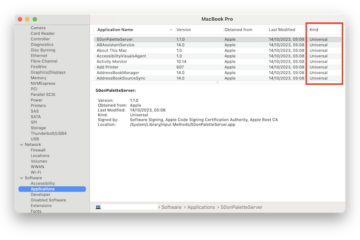
How To Check If An App is 32 or 64-Bit on a MacWhether you’re using an Intel-based Mac or an Apple Silicon model with M-series chips, sometimes you need to know whether...
How To Set Up a VPN for Remote Management of a MacRemote Desktop software has become far more common these days with more and more people working from home and teams...
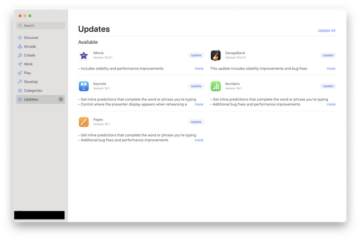
3 Ways To Update Apps & Software on a MacIf you’re wondering how to make sure all your apps are up to date, here we’ll show you all the...