

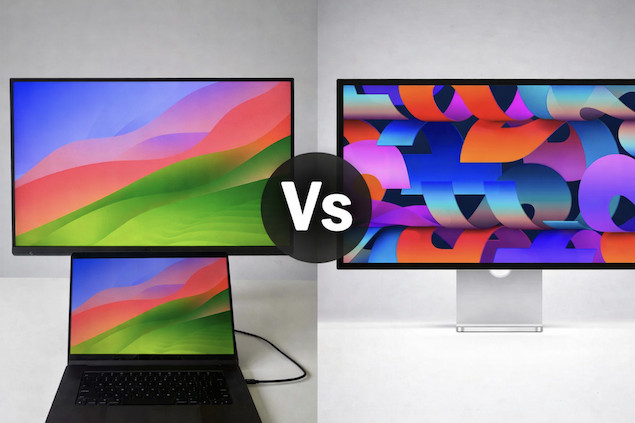
Short answer: The BenQ MA270S gives you true 5K resolution, excellent Mac compatibility, and a fully adjustable ergonomic stand at a much lower price than the Apple Studio Display – but Apple still wins on premium extras like camera, audio, and overall macOS integration.
BenQ’s 5K MA270S gives the Apple Studio Display a real run for its money. Launched around the same time as the Studio Display revamp in early 2026, we were really impressed with BenQ’s new glossy monitor and how sharp the colors are in our hands-on review.
At around $600 cheaper than Apple’s display, it offers a significant saving but without sacrificing the 5K resolution and pixel perfect retina scaling of Apple’s display.
It’s easily one of the best 5K monitors for Mac we’ve tried and here we take a closer look at why it’s also one of the best alternatives to the Studio Display for Mac users.
| Feature / Spec | BenQ MA270S | Apple Studio Display |
|---|---|---|
| Price | $999 / £899 | $1,599 / £1,499 (base) |
| Screen Size | 27″ | 27″ |
| Resolution | 5K (5120×2880) | 5K Retina (5120×2880) |
| Pixel Density (PPI) | 218 | 218 |
| Brightness | 450–500 nits | 600 nits |
| Color Gamut | 99% DCI‑P3 / sRGB | P3 Wide + True Tone |
| Refresh Rate | 70Hz | 60Hz |
| HDR Support | HDR10, DisplayHDR 400 (basic) | None (standard SDR panel) |
| Mac Integration | DisplayPilot 2, brightness sync, iKeyboard control | True Tone, native Apple features |
| Thunderbolt / Power | Thunderbolt 4 with 96W PD + TB4 out | Thunderbolt 5 + 96W PD |
| USB / Extras | USB‑C & USB‑A hub, HDMI | 2× USB‑C, 2× Thunderbolt 5 |
| Built‑in Webcam | ❌ | ✔ 12 MP Center Stage |
| Speakers | Basic 2×3 W | High‑fidelity 6‑speaker system (Spatial Audio) |
| Microphones | Standard | Studio‑quality 3‑mic array |
| Ergonomics | Height / Tilt / Swivel / Pivot | Tilt only (optional height stand extra) |
| Best For | Value‑minded Mac users | All‑in‑one premium Apple monitor |
Display & Resolution
Both the BenQ MA270S and Apple Studio Display use a 27″ 5K panel with 218 PPI, which means extremely sharp text and macOS scaling that lines up with Retina resolutions.
- MA270S: Nano Gloss panel helps reduce reflections while keeping colors vibrant and consistent. It also supports basic HDR (DisplayHDR 400).
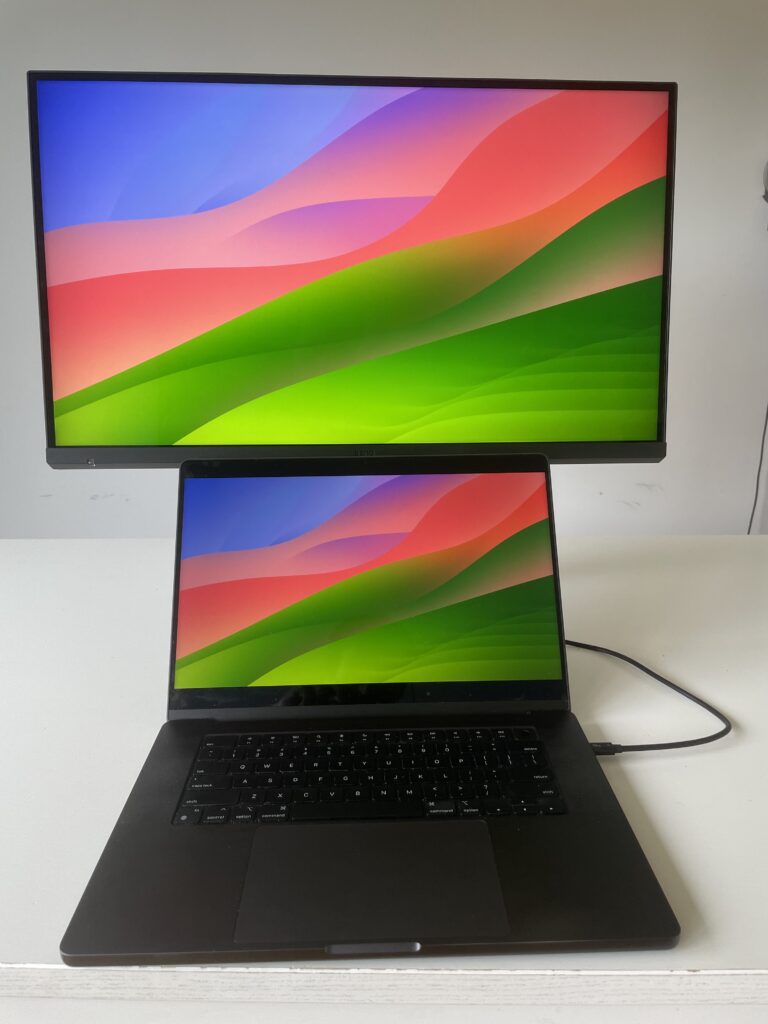
- Studio Display: True Retina 5K with wide colour P3 and True Tone for dynamic tone adjustments based on ambient light – Apple’s calibration & color tuning is tighter by default.
Brightness: Apple leads with 600 nits vs 450–500 nits on the BenQ, which matters in bright rooms or when working with HDR‑styled content (even if the Studio Display doesn’t actually support HDR video playback).
Ports & Connectivity
- MA270S includes two Thunderbolt 4 ports (one upstream + daisy‑chain out), USB‑A & USB‑C downstream, and HDMI – giving you more versatile connectivity for peripherals or multi‑device setups.
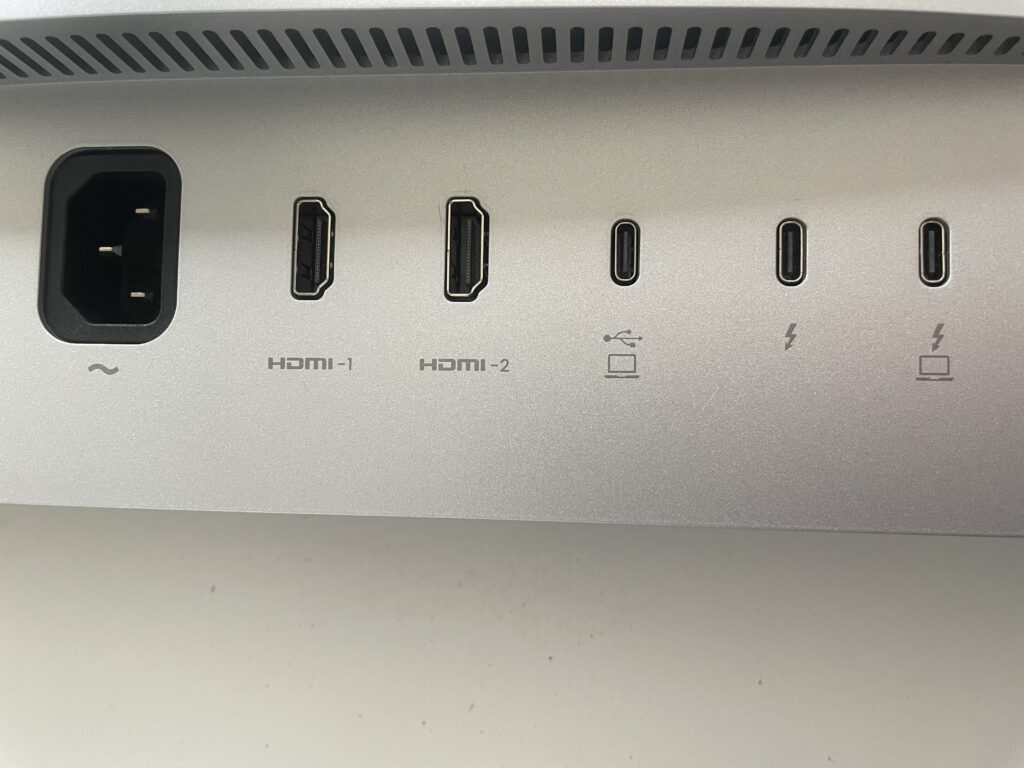
- Studio Display uses 2 x Thunderbolt 5 (higher bandwidth 1 upstream, 1 downstream) and 2 x USB‑C ports – but fewer types of ports compared with the BenQ. Thunderbolt 5 offers significantly higher bandwidth than Thunderbolt 4, but in practice, most Mac users won’t notice a difference unless daisy-chaining multiple high-resolution displays or using very high-speed storage.
Both support up to 96 W power delivery over the main cable for charging a MacBook.
Check our guide to Thunderbolt vs USB-C for more on the differences between them and the different Thunderbolt designations.
Speakers, Webcam & Extras
Here’s where Apple clearly differentiates the Studio Display:
- Apple Studio Display: Built‑in 12 MP Center Stage camera, six‑speaker Spatial Audio system, and studio‑quality mics make it a complete all‑in‑one solution for conferencing, media, and pro work without additional peripherals.
- BenQ MA270S: Includes basic 2×3 W speakers and no webcam/mic, so you’ll need separate audio and camera gear if you need those – but if you already use your MacBook’s camera/speakers, this isn’t a huge loss. You can listen to how the BenQ MA270S speakers sound below:
Ergonomics
BenQ MA270S: Fully adjustable stand with height, tilt, swivel, and pivot adjustments included – great for flexible desks or portrait work.
Apple Studio Display: Only tilt is standard; height‑adjustable stand costs extra – meaning Apple’s ergonomic flexibility costs more.
Build Quality & Design
There’s no denying Apple wins here. Apple still leads in build quality with its aluminium unibody design, while the MA270S is more functional than premium.
However, the BenQ’s design prioritizes ergonomics and practicality over aesthetics. I think it’s still a very good looking monitor and the glossy display gives it an added touch of class.
Price Comparison
- BenQ MA270S: Pricing is variable on Amazon – used models can be cheaper than the list price of $999 but newer ones are often priced above it. Pricing is fixed at $999 / £899 if you buy direct from BenQ.
- Apple Studio Display: Starting at $1,599 / £1,499 for the base model – and costs go up quickly once you add nano‑texture glass or ergonomic stands.
For many Mac users, the MA270S is a very compelling value if you don’t need Apple’s camera/speaker features.
Pros & Cons Summary
| Feature | BenQ MA270S | Apple Studio Display |
|---|---|---|
| Pros | 5K native display at lower price, more I/O versatility, full ergonomic stand included | True Tone + macOS integration, premium build, excellent camera & audio |
| Cons | No webcam/mic, basic speakers, lower brightness | Higher price, limited stand options without extra cost, fewer types of direct physical ports |
Who Should Buy the BenQ MA270S?
Choose the MA270S if you:
- Want a cheaper 5K alternative to the Studio Display
- Need a fully adjustable stand included
- Prefer more ports and flexibility (HDMI, USB-A, daisy chaining)
- Already use a MacBook for webcam and speakers
Who Should Buy the Apple Studio Display?
Choose the Studio Display if you:
- Want an all-in-one monitor with camera, speakers and mics built-in
- Value True Tone and tighter macOS integration
- Prefer Apple’s design and build quality
- Don’t mind paying extra for premium extras and simplicity
Conclusion
If you want great 5K image quality, solid colour performance, and a flexible stand at a fair price, the BenQ MA270S delivers most of what you want from a Mac‑oriented monitor without paying Apple’s premium.
If you prioritize built‑in camera and audio quality, deep macOS integration, and Apple‑branded polish, the Apple Studio Display is still the premium choice – but you’ll pay significantly more for those extras.
Check our full MA270S review and Apple Studio Display review for more on both monitors.