

Mechanical engineers have very different CAD requirements than hobbyists or general designers. Parametric modelling, complex assemblies, simulation, and manufacturing features are essential – and historically, macOS hasn’t always been well supported in these areas.
Industry-standard tools like SolidWorks, Creo, and Siemens NX are still Windows-only,and many of the best CAD software for Mac fall short when it comes to mechanical engineering tools.
However, there are still some very viable options for Mac based mechanical engineers as we’ll explain.
Can Mechanical Engineers Really Use a Mac in 2026?
The short answer is: yes – but with limitations.
Macs are now far more viable for mechanical engineering than they were a few years ago thanks to:
- Apple Silicon performance (M1–M5 chips)
- Cloud-based CAD platforms
- Improved native macOS support
However, there are still trade-offs:
Where Macs work well:
- Product design and prototyping
- Small-to-mid-size assemblies
- CNC and CAM-CAD
- Collaborative/cloud-based engineering
Where Macs still struggle:
- Large enterprise assemblies
- Advanced simulation in high-end environments
- Compatibility with industry-standard tools (SolidWorks, NX, Creo)
If you work in enterprise manufacturing or rely heavily on SolidWorks, a Windows PC is still often the better choice or you may want to try running SolidWorks on your Mac.
But for startups, independent engineers, students, and many manufacturing professionals, there are now excellent CAD options on Mac.
What Mechanical Engineers Should Look for in CAD Software on Mac
Before diving into the best options, here are the key features mechanical engineers should prioritize:
- Parametric & feature-based 3D modelling
- Assembly management (constraints, joints, motion)
- 2D engineering drawings (ISO/ANSI standards)
- Simulation & analysis (stress, thermal, motion)
- CAM & manufacturing support
- Version control & collaboration
- Native Apple Silicon (M-series) performance
- Industry-standard file compatibility (STEP, IGES, DWG)
Not all CAD tools meet these requirements, which is why many generic “best CAD” lists aren’t suitable for mechanical engineers.
Best CAD Software For Mechanical Engineers on Mac Compared
| CAD Tool | Parametric 3D | Assemblies | Simulation | CAM | Pricing (Indicative) |
|---|---|---|---|---|---|
| Autodesk Fusion | ✅ | ✅ | ✅ | ✅ | Free for personal use / Subscriptions from $545/year |
| Onshape | ✅ | ✅ | ⚠️ (Cloud-based) | ⚠️ | Free (public files) / Paid plans from $1,500/user/year |
| AutoCAD for Mac | ❌ | ❌ | ❌ | ❌ | From $245/month or $1,955/year |
| FreeCAD | ✅ | ⚠️ | ⚠️ | ⚠️ | Free (open-source) |
| DraftSight | ❌ | ❌ | ❌ | ❌ | From $249/year (2D Mechanical license) |
⚠️ = Available via extensions, add-ons, or limited compared to dedicated mechanical CAD systems.
Note: Pricing is shown for comparison only. Mechanical engineers should also consider simulation modules, CAM extensions, and team licensing costs, which can significantly affect total ownership cost.
Our Recommendation
If you’re a mechanical engineer using a Mac:
- Best overall: Autodesk Fusion
- Best for teams: Onshape
- Best free option: FreeCAD
- Best for 2D drafting: AutoCAD / DraftSight
Here’s a look at these mechanical engineering tools in more detail.
1. Autodesk Fusion (Best Overall for Mechanical Engineers on Mac)
Best for: Professional mechanical design, simulation, and manufacturing
Platform: Native macOS app (Apple Silicon supported)
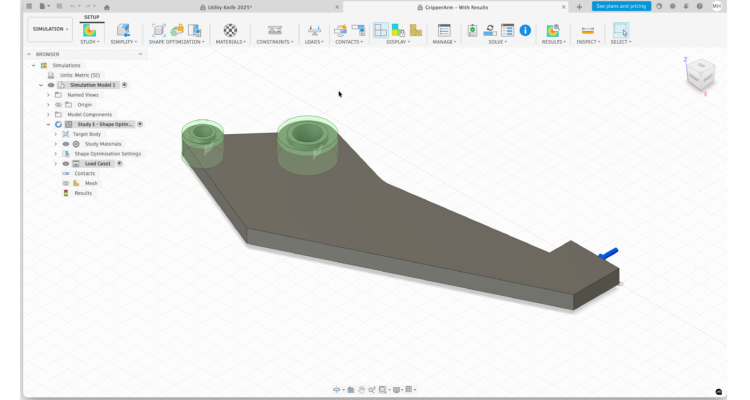
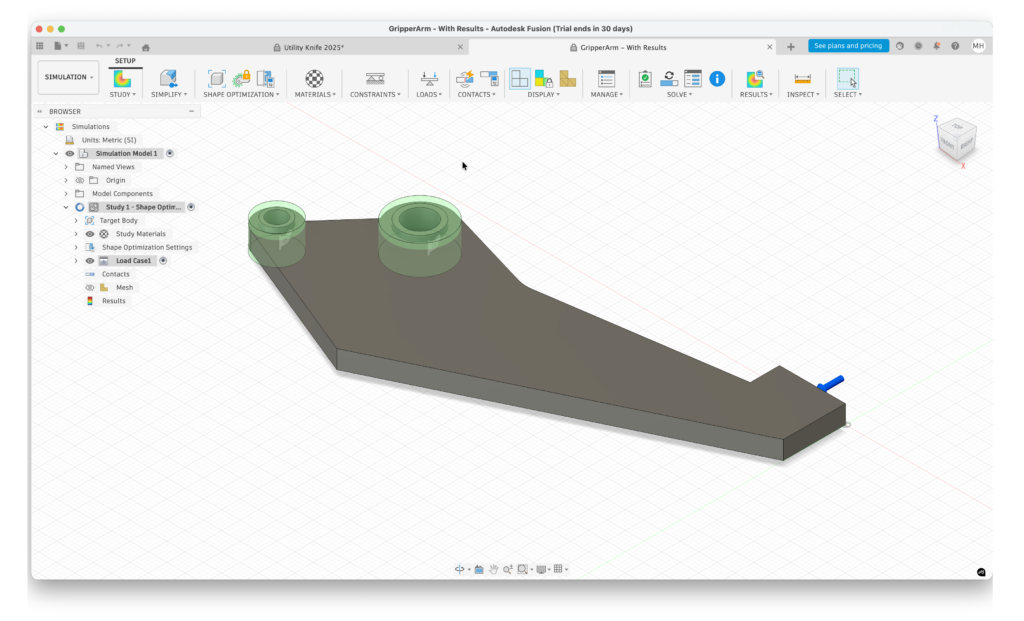
Autodesk Fusion (formerly Fusion 360) is currently the most complete mechanical engineering CAD solution available on macOS.
It combines parametric modelling, assemblies, simulation, CAM, and PCB design into a single platform, making it especially attractive for engineers involved in both design and manufacturing.
Fusion is widely used in product development, prototyping, and small-to-mid-scale manufacturing environments.
Key strengths for mechanical engineers:
- Advanced parametric & direct modelling
- Robust assembly tools with joints and motion studies
- Integrated FEA simulation (stress, thermal, modal)
- Built-in CAM for CNC design
- Excellent STEP, IGES, DWG, and SolidWorks file support
- Optimised for Apple Silicon Macs
Limitations:
- Subscription-only pricing
- Cloud-dependent features may not suit all projects
Read our full Autodesk Fusion for Mac review for a closer look
Pricing: Free for personal use / Subscriptions from $545/year
2. Onshape (Best Cloud-Based CAD for Mechanical Engineering)
Best for: Teams, collaboration, version control
Platform: Browser-based (works perfectly on Mac)
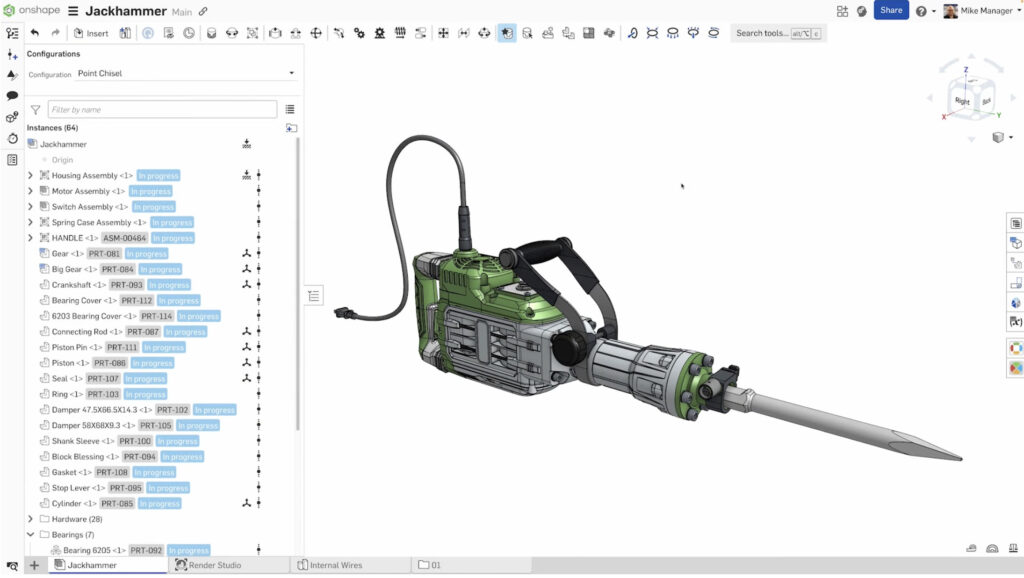
Onshape was created by former SolidWorks founders and is engineered specifically for professional mechanical design but works entirely through any browser.
This eliminates traditional installation, hardware, and OS limitations while offering some of the best collaboration tools in CAD.
Key strengths:
- Fully parametric, feature-based modelling
- Professional-grade assembly management
- Real-time collaboration and branching/version control
- No file conflicts or PDM headaches
- Runs flawlessly on macOS via browser
- Native PDM, branching, and version control for team collaboration
Limitations:
- Requires reliable internet
- Free version makes designs public
- No offline access
- Limited native CAM compared to Fusion (often relies on integrations)
Pricing: Free (files are public) / Paid plans from $1,500/user/year
3. AutoCAD for Mac (Best for 2D Mechanical Drafting)

Best for: 2D drawings, schematics, documentation
Platform: Native macOS app
While AutoCAD for Mac is not a full mechanical modelling tool, it remains widely used for mechanical drafting, layouts, and technical documentation.
The Mac version is well-optimized and supports Apple Silicon, making it useful for engineers working primarily in 2D designs or legacy environments.
Key strengths:
- Industry-standard DWG compatibility
- Precise 2D drafting tools
- Good performance on modern Macs
- Essential for documentation-heavy roles
Limitations:
- Limited 3D mechanical modelling
- No built-in simulation or CAM
- Not suitable as a primary 3D mechanical CAD tool
Read our full AutoCAD for Mac review for a closer look
Pricing: Free Trial, Subscriptions from $245/month or $1,955/year
4. FreeCAD (Best Free & Open-Source Mechanical CAD)
Best for: Budget-conscious engineers, students
Platform: Native macOS app
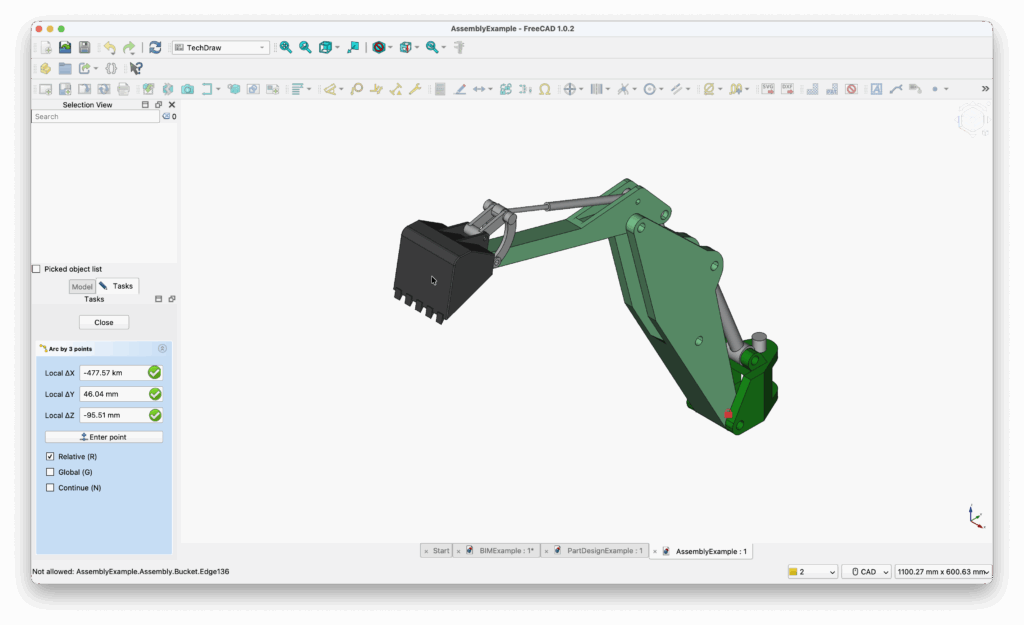
FreeCAD for Mac is a fully parametric, open-source CAD system designed with mechanical engineering in mind.
It supports solid modelling, assemblies, technical drawings, and simulation via extensions making it surprisingly capable and one of the best free CAD software for Mac we’ve tried.
Key strengths:
- Parametric feature-based modelling
- Mechanical-focused workbenches
- STEP, IGES, STL compatibility
- No licensing costs
Limitations:
- Steeper learning curve
- Interface less polished than commercial tools
- Assembly tools not as mature
Read our full FreeCAD for Mac review for a closer look
Pricing: Free
5. DraftSight (Best AutoCAD-Style Alternative for Mechanical Drafting)

Best for: Professional 2D mechanical drawings
Platform: macOS (Intel & Apple Silicon supported)
DraftSight is a professional 2D CAD tool from Dassault Systèmes, aimed at users who need DWG-compatible drafting without AutoCAD pricing.
Key strengths:
- Strong DWG/DXF compatibility
- Familiar AutoCAD-style interface
- Suitable for mechanical drawings and schematics
- Lower cost than AutoCAD
Limitations:
- 2D-only (no mechanical 3D modelling)
- Subscription pricing
Pricing: From $249/year (2D Mechanical license)
6. (Optional) Solid Edge or SolidWorks via Virtualization
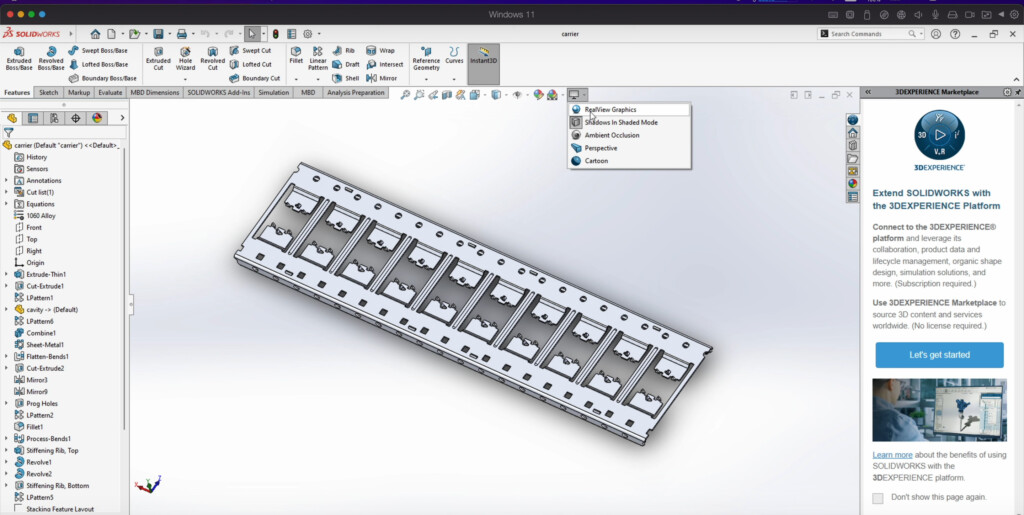
While not native to macOS, some mechanical engineers still run Solid Edge or SolidWorks via virtual machines (e.g., Parallels (paid) on VMware Fusion (free)).
Virtual machines are now surprisingly good at running Windows only CAD software on a Mac as you can see here when we installed AutoCAD Architecture on a Mac.
However, performance and compatibility can vary significantly on Apple Silicon Macs, particularly for graphics-intensive assemblies and simulation workloads.
You can also check out our guide to running SolidWorks on a Mac for more.
Best SolidWorks Alternatives for Mac
If you’re switching from SolidWorks, these are your closest options:
- Autodesk Fusion is the best overall replacement (design + manufacturing)
- Onshape is the closest in terms of a Solidworks workflow and interface
- FreeCAD is easily the best free alternative
FAQ
Can mechanical engineers use a Mac for professional CAD?
Yes. While some industry-standard mechanical CAD platforms such as SolidWorks, Creo, and Siemens NX remain Windows-focused, several tools now offer solid mechanical engineering support on macOS. Autodesk Fusion and FreeCAD run natively on Mac, while cloud-based platforms like Onshape work entirely in a web browser, making them fully Mac-compatible without virtual machines.
Is Autodesk Fusion good enough for serious mechanical engineering work?
Yes. Autodesk Fusion is widely used by mechanical engineers, startups, and small-to-mid-size manufacturers. It combines parametric modelling, assemblies, simulation, and CAM in a single platform, making it suitable for professional engineering, prototyping, and production-ready design.
What’s the main difference between Fusion and Onshape?
Fusion is a hybrid desktop-and-cloud CAD platform with strong built-in simulation and CAM tools. Onshape is a fully cloud-native parametric CAD system designed around collaboration, version control, and team-based working. Fusion works well for engineers focused on manufacturing, while Onshape is better for distributed teams and collaborative design environments.
Are there any free CAD options for mechanical engineers on Mac?
Yes. FreeCAD is the most capable free and open-source CAD solution for mechanical engineers on Mac. It supports parametric modelling, technical drawings, and engineering file formats such as STEP and IGES. While it has a steeper learning curve than commercial tools, it’s a popular option with students, researchers, and engineers on a budget.
Do mechanical engineers still need 2D drafting tools like AutoCAD or DraftSight?
In many cases, yes. Even when 3D modelling is used for design, mechanical engineers often rely on 2D drafting tools for detailed production drawings, schematics, and ISO/ANSI-compliant documentation. AutoCAD and DraftSight remain widely used for this purpose alongside 3D mechanical CAD software.
Can you run SolidWorks on a Mac?
SolidWorks does not run natively on macOS, but it can be used on a Mac through virtualization. Performance and compatibility vary, particularly on Apple Silicon Macs, so this approach is generally best suited to users who are tied to Windows-only CAD software.