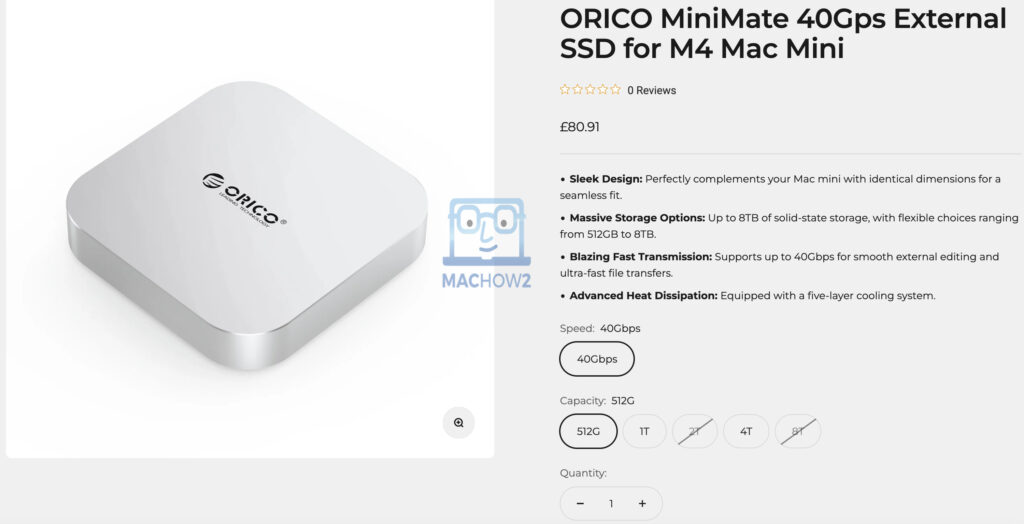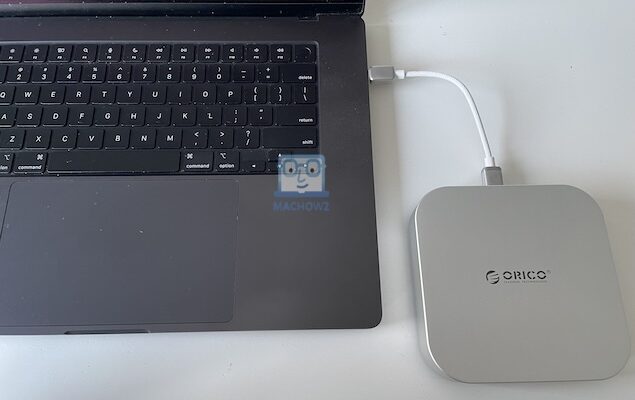
Orico’s MiniMate External SSD is a low cost external Thunderbolt drive that’s designed to complement the M4 Mac Mini.
Following on from Orico’s portable K20 drive, the Mini Mate offers more storage capacity plus support for Thunderbolt transfer speeds of up to 40Gbps – in theory at least.
Although it’s designed to complement the Mac Mini as part of Orico’s Mac Mini Upgrade Series, it can be used with any Mac (or PC) and we tested it with a MacBook Pro.
In this review, we see how it performs compared to the best external SSD drives and thunderbolt drives for Mac currently on the market.
Design & Build Quality
Like most Orico products we’ve seen so far, the Mini Mate has a slick, Apple-like design that will appeal to Mac users.
In fact the 127 x 127 x 25mm (9.84 x 9.84 x 1.97 inches) dimensions are exactly the same as the M4 Mac Mini meaning that it stacks neatly on top of one.

It has a sprayed silver aluminum alloy finish that suits the Mac Mini.
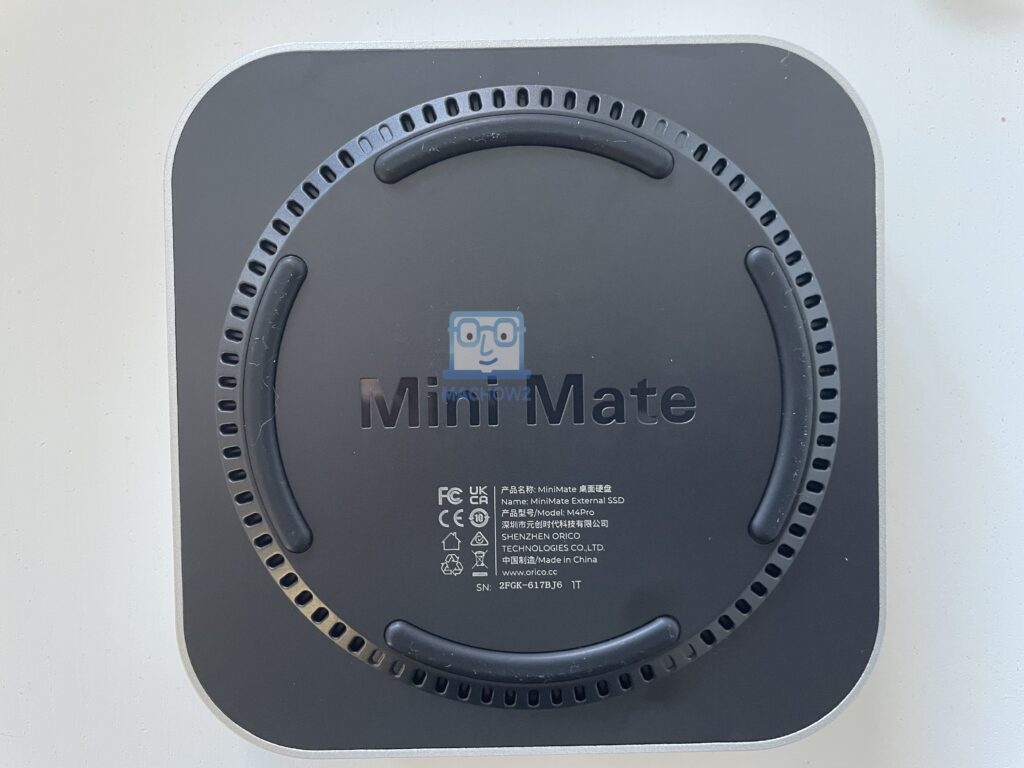
Underneath is a black plastic coating with air vents and the Mini Mate branding on.
Unboxing
Inside the box you’ll find:
- Mini Mate Drive (in this case the 1TB version)
- 1 USB-C Cable: 0.15m
- 1 USB-C Cable: 1m in length (which supports Thunderbolt speeds)
- Instructions
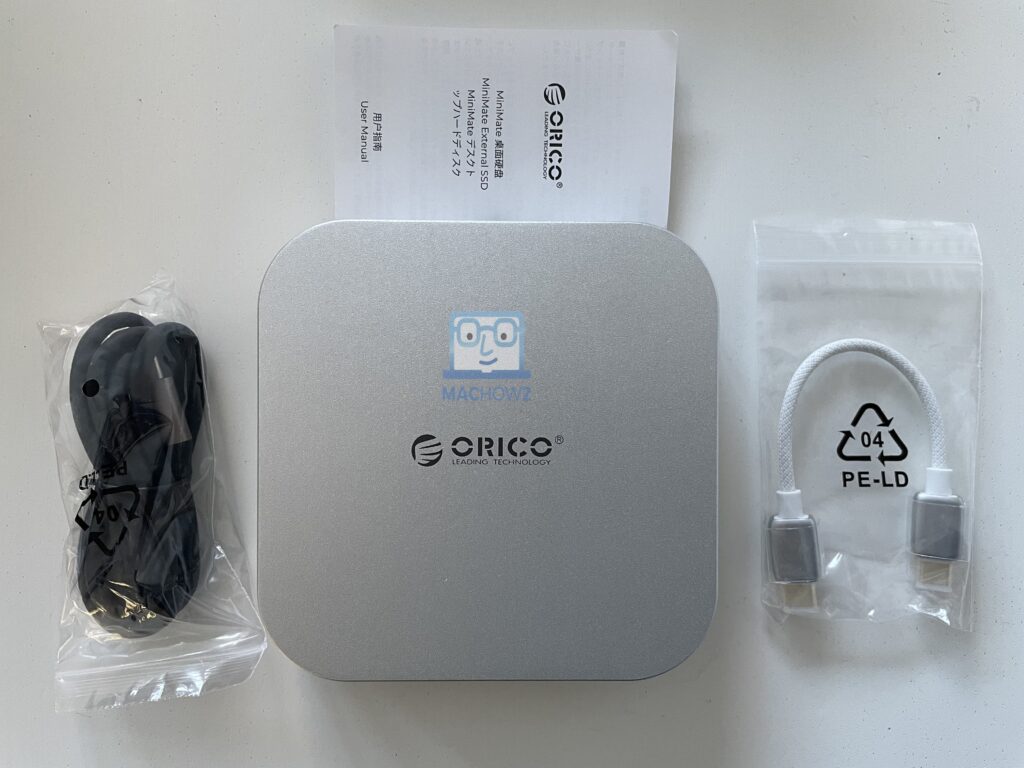
It’s good to see that Orico have included a USB-C Gen 3.2×2 cable that supports Thunderbolt for Mac users although considering it’s aimed at Mac Mini users, it’s the least you’d expect.
The drive feels incredibly light to pick-up and weighs just 11.6 ounces.
Connecting to a Mac
You can connect the Mini Mate to your Mac’s Thunderbolt port via either the USB-C cable or the USB-C Gen 3.2×2 cable which supports Thunderbolt speeds.
Obviously, the USB-C 3.2×2 cable is the best option for Mac users as it supports the Thunderbolt port on Macs.
You can also connect via the shorter USB-C cable but you’ll get slower read/write speeds.
Both cables power the drive so there’s no need for an external power supply.
When you connect for the first time, macOS will prompt you whether to allow access to it.
Don’t worry that it labels the device as “ASMedia 246x” as it’s just a generic name for the Mini Mate.

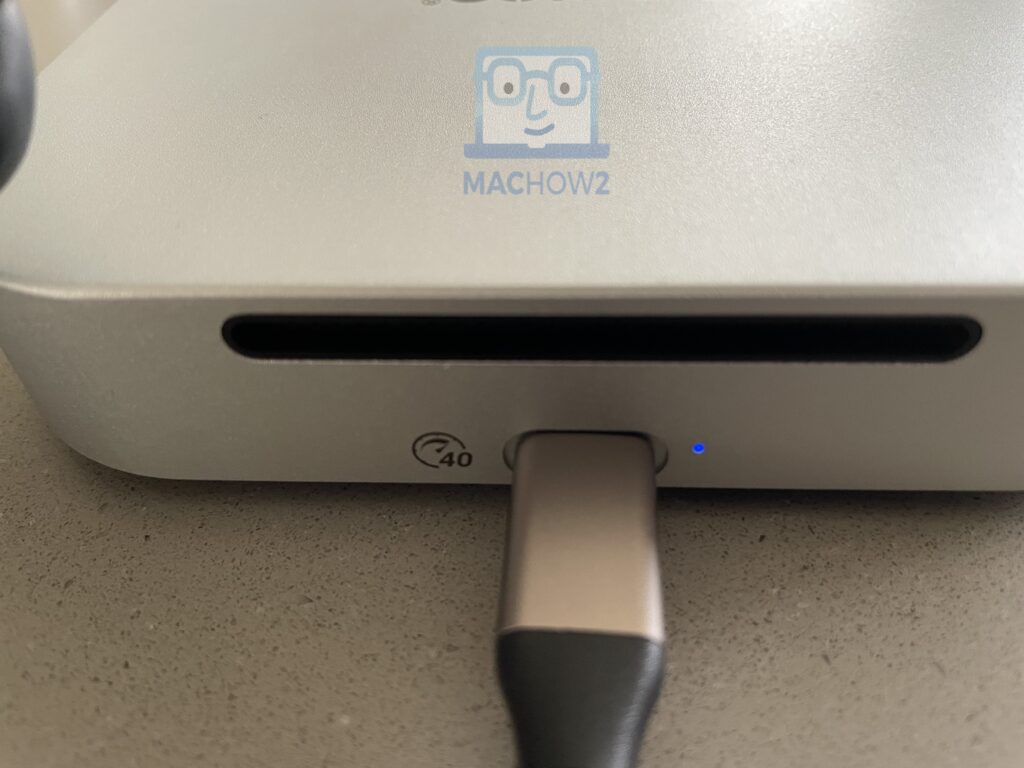
A blue activity LED light at the front of the drive indicates that it is connected to your Mac.
By default, the drive is formatted in exFAT format which means you can use it with both macOS and Windows devices interchangeably.
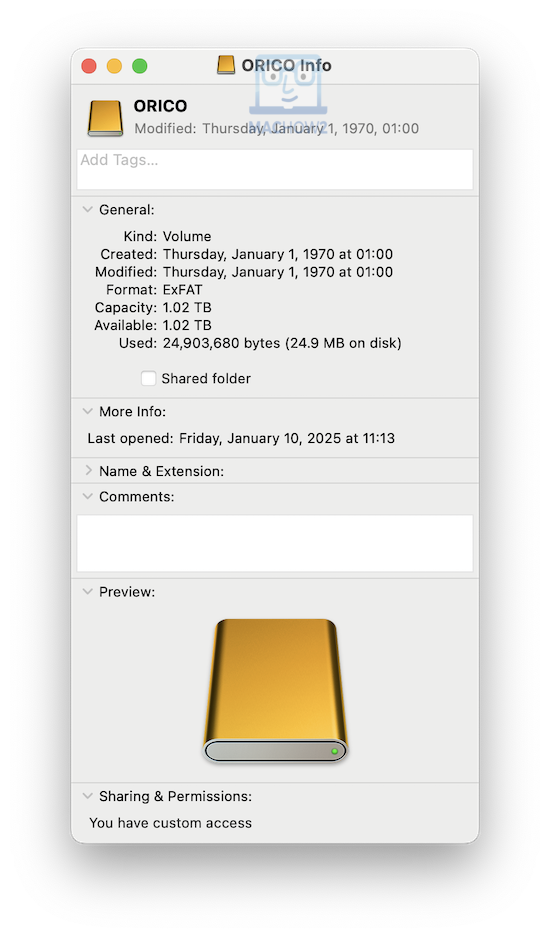
However, if you’re only intending to use it with your Mac and other Apple devices, you might want to consider reformatting it to to APFS.
We did notice that the drive whirs a bit once connected, and although it’s not clear from the specifications, it seems it’s an internal fan that’s running.
This is probably to help control over-heating of the device which we’ll cover a bit later.
Performance
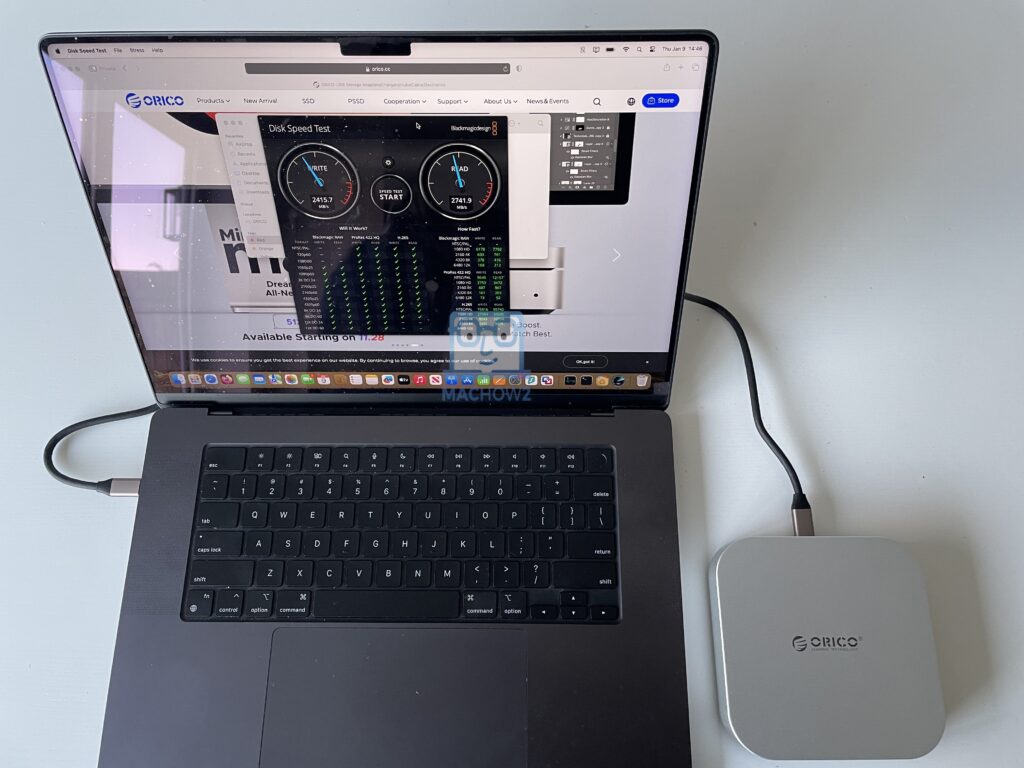
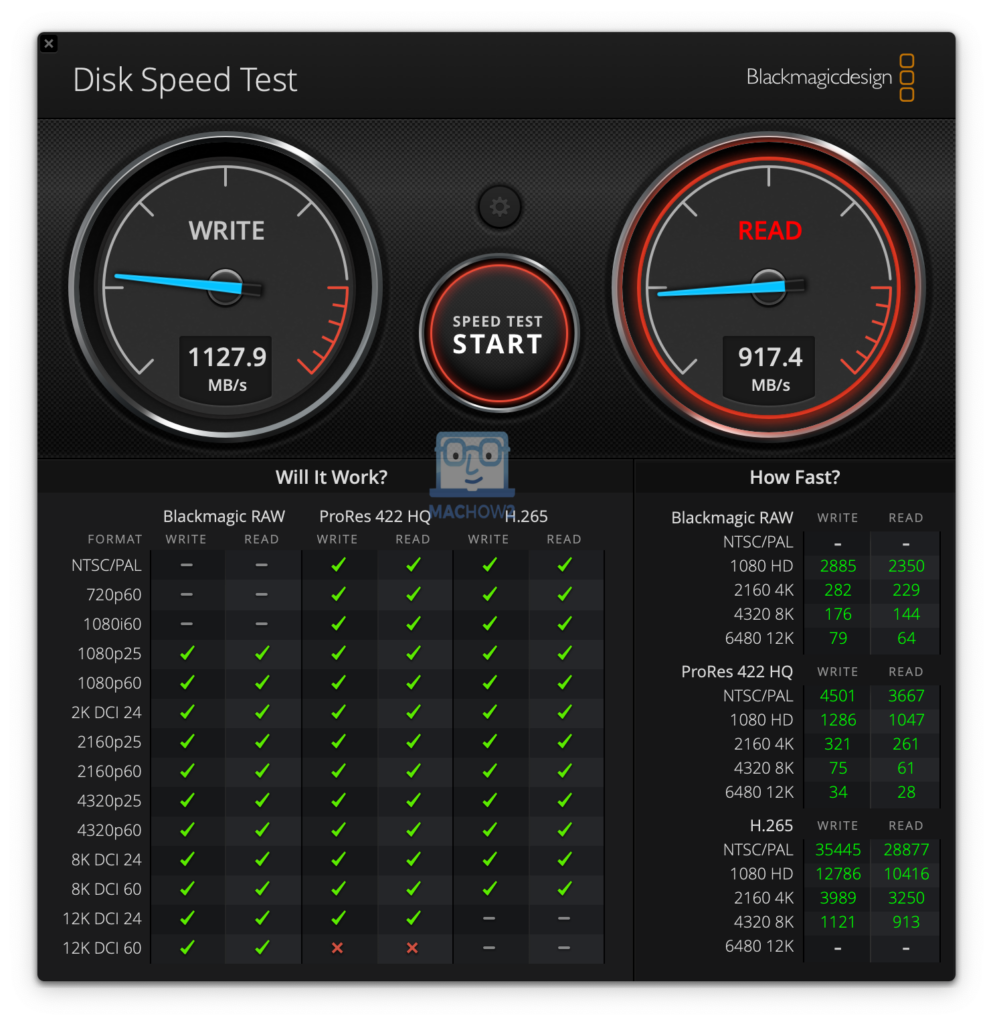
The Orico Mini Mate has a Thunderbolt port which means it can theoretically achieve read transfer speeds of up to 40Gbps (4000 MB/s)
However, in reality we found speeds were considerably below this.
The latest version of the Orico Mini Mate advertises Thunderbolt read speeds of up to 60Gbps (6000 MB/s) on the Amazon site although we experienced well below this too.
With the longer Thunderbolt cable attached, the Orico Mini Mate achieved Read speeds of around 30Gbps (3000 MB/s) – which is still extremely fast.
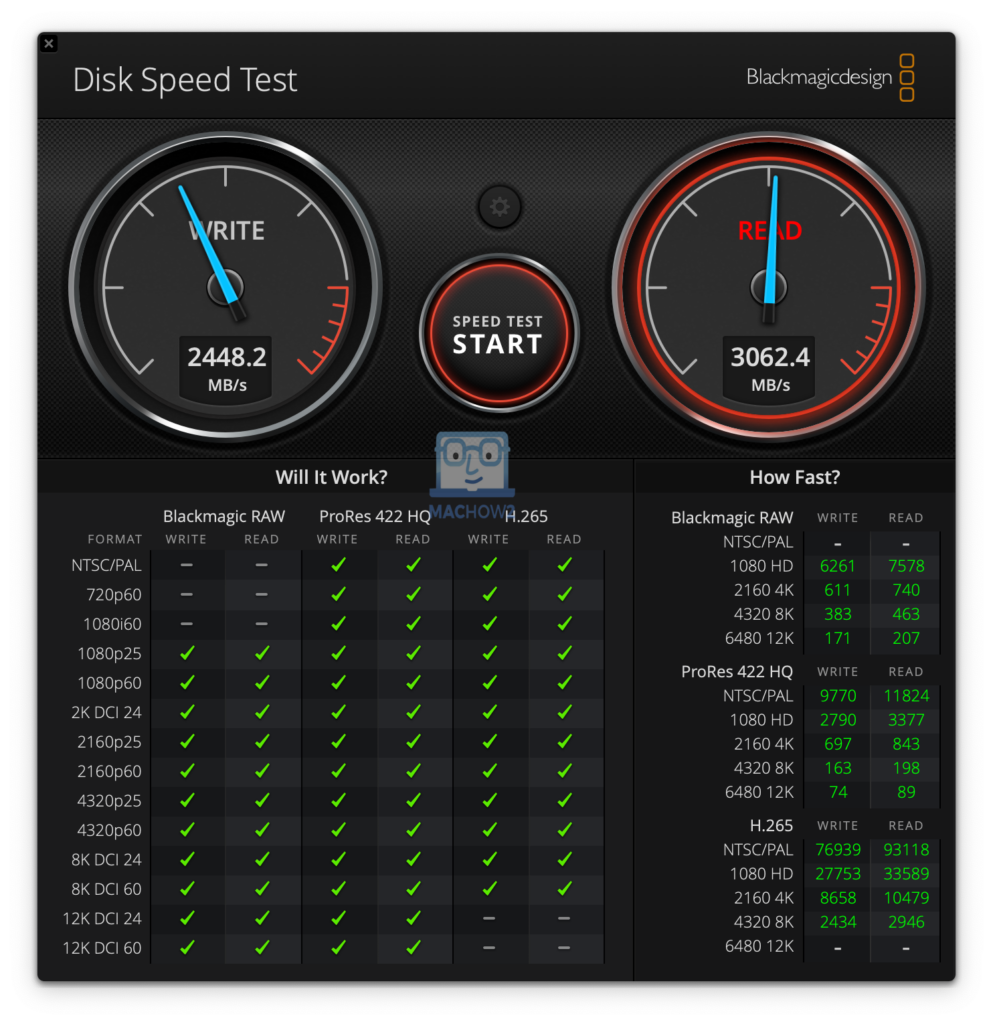
This discrepancy is pretty normal for Thunderbolt external drives.
Even our pick for the best Thunderbolt external drive for Macs the more expensive SanDisk Professional Pro G-40 SSD only achieved 27 Gbps (27 MB/s) so the Orico Mini Mate compares very well.
With the shorter, slower USB-C cable attached, the transfer speeds were as expected, well under half of this at around 9Gbps (900 MB/s).
Heating
Under moderate use, the Orico Mini Mate barely gets warm. However, we noticed it does get quite hot with intensive use.
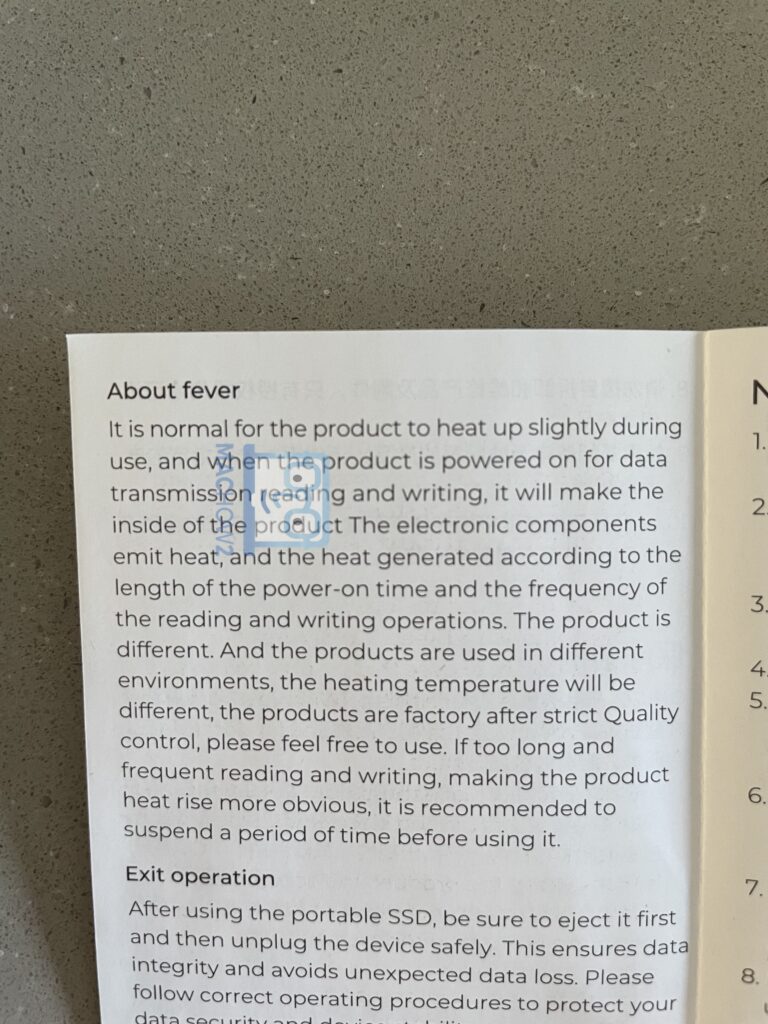
There is a comical “fever” warning in the instructions about this ensuring that it’s not a design fault and that it’s normal.
Although it’s not mentioned in the instructions, the constant whirring noise from the drive suggests there is a fan inside.
However, the instructions recommend to give the drive a rest if it becomes too hot.
The marketing blurb on the website claims it has an “Advanced Heat Dissipation” system via a “five-layer” cooling system although again, there’s no mention of an internal fan even though there sounds to be one.
There are also clearly air ducts on the device which along with the metal casing, dissipate as much heat as possible.
Most of the time, the heat wasn’t an issue but if you’re using it for over long periods such as for gaming, it does get quite warm.
We noticed that if the drive does run hot over an extended period, the transfer speeds can dip which suggests they may be throttled to prevent damage to the drive.
Technical Specifications
- Casing: Aluminum alloy
- Color: Silver
- Dimensions: 127 x 127 x 25mm
- Weight: 11.6 ounces
- Capacities: 512GB/1TB/2TB/4TB/8TB
- Data transfer speed: 40Gbps
- Supported operating systems: macOS, Windows, Linux, Android, HarmonyOS
Pricing
The Orico MiniMate is available in just 2 storage sizes on Amazon:
However, Orico’s website indicates that there are other sizes available if you buy direct from them.