

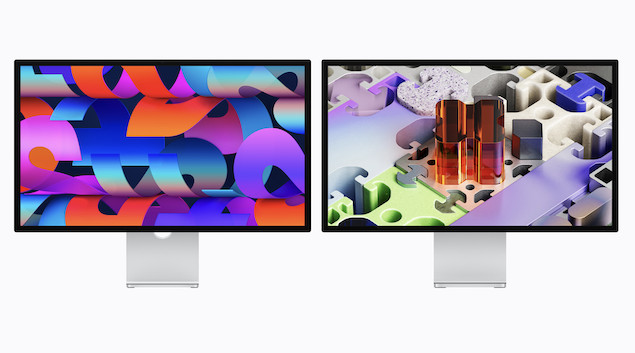
In 2026 Apple refreshed the Studio Display lineup and introduced an all-new premium model called the Studio Display XDR.
We’ve already looked at how the Studio Display 1 vs Studio Display 2 compare but here we take a closer look at how the new Studio Display compares with the Studio Display XDR.
Both displays immediately rocketed into our lineup of the best 5K monitors for Mac but there are some big differences between them.
At first glance the two monitors look almost identical – both are 27-inch 5K displays with the same 218 PPI Retina pixel density. However, the XDR model adds major upgrades aimed at creative professionals, including Mini-LED backlighting, 120 Hz refresh rate and dramatically higher brightness.
Many Apple fans were disappointed that these upgrades weren’t included in the refreshed Apple Studio Display, especially the 120 Hz refresh rate and Mini-LED backlighting.
As a result, many are already looking at cheaper alternatives to the Studio Display as they simply can’t justify splashing out over $3,000 on a monitor.
Apple definitely faces stiff competition to convince users to fork-out that kind of money too, especially in light of the release of the 5K BenQ MA270S which costs $400 less than the Studio Display.
Contents
Apple Studio Display vs Studio Display XDR Comparison Table
Here’s how the two displays compare head-to-head with the biggest differences highlighted.
| Feature | Studio Display (2026) | Studio Display XDR |
|---|---|---|
| Display size | 27-inch | 27-inch |
| Resolution | 5120 × 2880 (5K) | 5120 × 2880 (5K) |
| Pixel density | 218 PPI | 218 PPI |
| Panel type | IPS LCD | Mini-LED |
| Refresh rate | 60 Hz | 120 Hz |
| Brightness | 600 nits | 1000 nits SDR / 2000 nits HDR |
| Local dimming | None | 2304 zones |
| Full HDR support | No | Yes |
| Color | P3, 1B colors | P3 + Adobe RGB, 1B colors |
| Adaptive Sync | No | Yes |
| Thunderbolt | 2 × Thunderbolt 5 | 2 × Thunderbolt 5 |
| Power delivery | 96W | 140W |
| Camera | 12 MP | 12 MP |
| Speakers | 6-speaker Spatial Audio | 6-speaker Spatial Audio |
Now we’ll look at a few of these features in more detail.
Display Technology
Studio Display (2026)
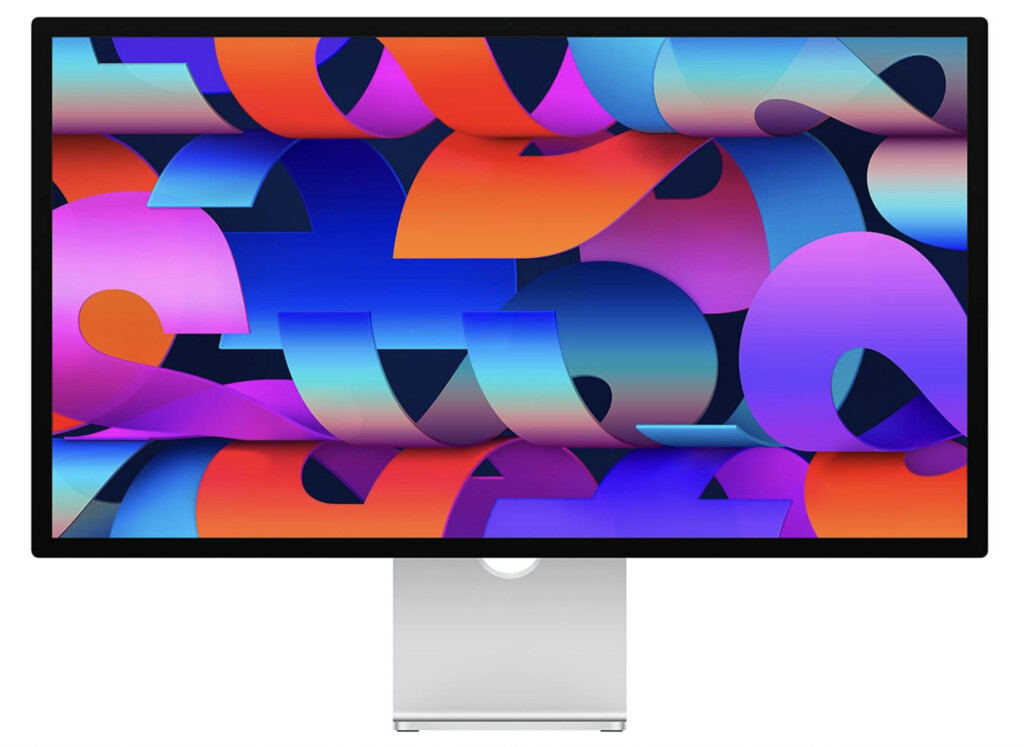
The standard Studio Display still uses a traditional IPS LCD panel with 600 nits of brightness and a 60 Hz refresh rate.
It retains the same 5K 218 PPI Retina resolution, which is ideal for macOS scaling and produces extremely sharp text and UI elements.
However, compared with newer monitors entering the market, the panel technology is relatively unchanged.
Best for:
Office work, coding, design, and anyone who mainly wants a Retina-quality 5K display for macOS.
Studio Display XDR
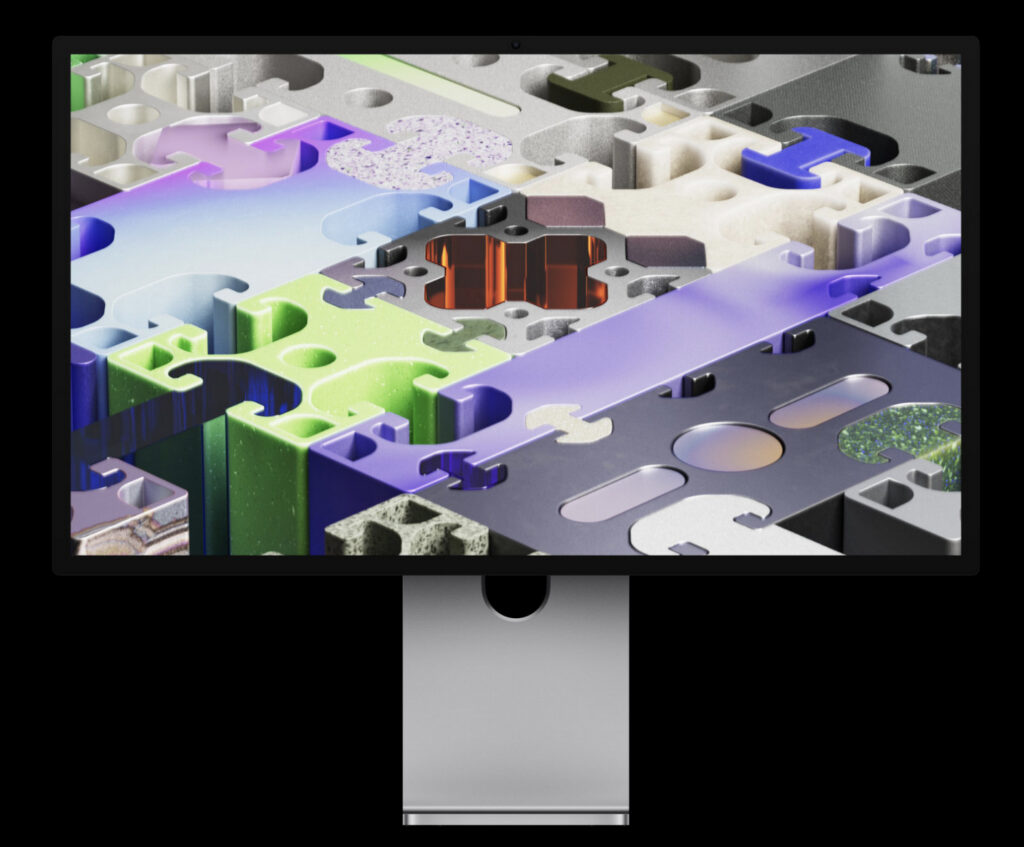
The Studio Display XDR introduces a Mini-LED backlight with 2304 local dimming zones, dramatically increasing contrast and brightness.
It also adds ProMotion-style 120 Hz refresh rate, which makes scrolling, animation and motion look far smoother than the standard 60 Hz model.
Other improvements include:
- 1000 nits sustained brightness (SDR)
- 2000 nits peak HDR brightness
- 1,000,000:1 contrast ratio
- Adaptive Sync support
- Adobe RGB color support
These upgrades make the XDR model far better suited for HDR video editing, professional photography, and color precision work.
Best for:
Professional creatives who need HDR grading, high brightness and smoother motion.
Ports and Connectivity
Both monitors now include Thunderbolt 5, which is a big upgrade over previous models.
Each display includes:
- 1 × Thunderbolt 5 upstream port
- 1 × Thunderbolt 5 downstream port (for daisy-chaining)
- 2 × USB-C ports (10 Gbps)
However, the Studio Display XDR delivers more power.
| Feature | Studio Display | Studio Display XDR |
|---|---|---|
| Laptop charging | 96W | 140W |
| Daisy chaining | Yes | Yes |
This means the XDR can fully power high-performance MacBook Pro models without needing a separate charger.
Camera, Speakers and Design
Both monitors share the same Apple hardware features:
- 12-MP ultra-wide camera with Center Stage
- Six-speaker Spatial Audio system
- Three-microphone array
- Optional nano-texture glass
- Tilt-only or tilt-and-height stand
Physically, the two displays also look almost identical.
Apple appears to have focused improvements almost entirely on display technology rather than design.
Performance With Macs
Because both monitors use Thunderbolt 5, they’re designed primarily for Apple Silicon Macs which are equipped with the latest Thunderbolt 4 or 5 ports depending on the model.
The XDR model’s 120 Hz 5K resolution may require newer Macs or Display Stream Compression (DSC) on some Thunderbolt 4 systems.
For most users with M-series Macs, both monitors should work seamlessly.
What The Apple Community Are Saying
The new Apple Studio Display lineup has generated a lot of discussion online. The main topics we’ve noticed users talking about are:
- Studio Display refresh was disappointing: Many users wanted to see the Studio Display get the features that were added to the Studio Display XDR – especially the 120Hz refresh rate and Mini-LED backlighting.
- Text clarity remains a strong point: Many users praise Apple’s 5K panel for sharp text and UI rendering, especially for coding, writing, or design work.
- macOS scaling limitations: Some note that non-integer scaling can still appear blurry, a platform limitation rather than a panel issue.
- Compatibility considerations: Both displays are designed for Apple Silicon Macs; older Macs may not fully support the XDR’s 120 Hz mode.
- Refresh rate for gamers: While the XDR offers 120 Hz, some users still prefer high-refresh OLED monitors for smoother motion in gaming.
- Size and resolution trade-offs: A number of creative professionals are disappointed that Apple discontinued the 32″ 6K option, leaving only the 27″ 5K displays in the lineup.
Which One Should You Choose?
Studio Display (2026)
For most users, the standard Studio Display remains the best, and most affordable choice. It’s ideal if you mainly use your monitor for office work, coding, design, or general Mac productivity.
- Price: Around $1,599 / £1,599, with optional tilt-and-height stand or nano-texture glass upgrades costing an extra $400–$500.
- Best for: Users who want a sharp, 5K Retina display without the need for HDR or higher refresh rates.
You can explore more options in our best 5K monitors for Mac guide, which compares Apple’s monitors with other high-quality displays.
Studio Display XDR
The Studio Display XDR is designed for professionals who need high-precision, color-accurate performance. With Mini-LED backlighting, HDR support, and a 120 Hz refresh rate, it’s tailored for video editing, photography, and other color-critical work.
- Price: Starting at $3,300 / £3,300, with the same optional stand and an additional $300 for a nano-texture screen upgrade (for less glare)
- Best for: Creatives who want true-to-life color, high contrast, and smoother motion for professional workflows.
The Bottom Line
The Studio Display (2026) remains essentially the entry-level Apple 5K monitor, focused on the perfect Retina experience for macOS.
The Studio Display XDR, however, is a much more advanced display with Mini-LED backlighting, HDR support and 120 Hz refresh rate – making it far closer to the displays used in Apple’s high-end MacBook Pro models.
For many users the standard Studio Display will still be enough, but the XDR model is clearly designed for professionals who need a high-precision, true 5K monitor.