

Now that Apple has released the second-generation Studio Display, many Mac users are facing a different question.
Rather than deciding whether to wait for a new Studio Display, buyers now have to choose between a discounted first-generation model and Apple’s latest version.
And of course, they could opt for a cheaper alternative to them both.
The good news is that the differences between the two displays are much smaller than many people expected.
For many Mac users, a used or refurbished first-generation Studio Display could actually be the smarter purchase.
Let’s take a closer look why.
Studio Display 1 vs Studio Display 2 at a Glance
| Feature | Studio Display (2022) | Studio Display 2 (2026) |
|---|---|---|
| Display size | 27-inch | 27-inch |
| Resolution | 5K (5120 × 2880) | 5K (5120 × 2880) |
| Pixel density | 218 PPI | 218 PPI |
| Brightness | 600 nits | 600 nits |
| Refresh rate | 60Hz | 60Hz |
| HDR | No | No |
| Panel technology | IPS LCD | IPS LCD |
| Power delivery | 96W | 96W |
| Camera | 12MP Center Stage | Improved 12MP camera |
| Speakers | Six-speaker system | Improved bass response |
| Thunderbolt | Thunderbolt 3 | Thunderbolt 5 |
| Apple Silicon support | Yes | Yes |
| Intel Mac support | Yes | No |
| Price: | Refurbished models start at approx $1,200-$1,300 | Starts at $1,599 |
Important macOS compatibility note: If you are staying on macOS Tahoe, update to macOS Tahoe 26.3.1 or later before using the 2026 Studio Display or Studio Display XDR.
The most surprising thing about the Studio Display 2 is how little the actual display changed.
Both monitors use the same 27-inch 5K Retina panel with identical resolution, brightness and refresh rates. The new model adds Thunderbolt 5 connectivity, a faster internal processor and some modest improvements to the camera and speakers, but the viewing experience remains largely unchanged.
What’s New in Studio Display 2?
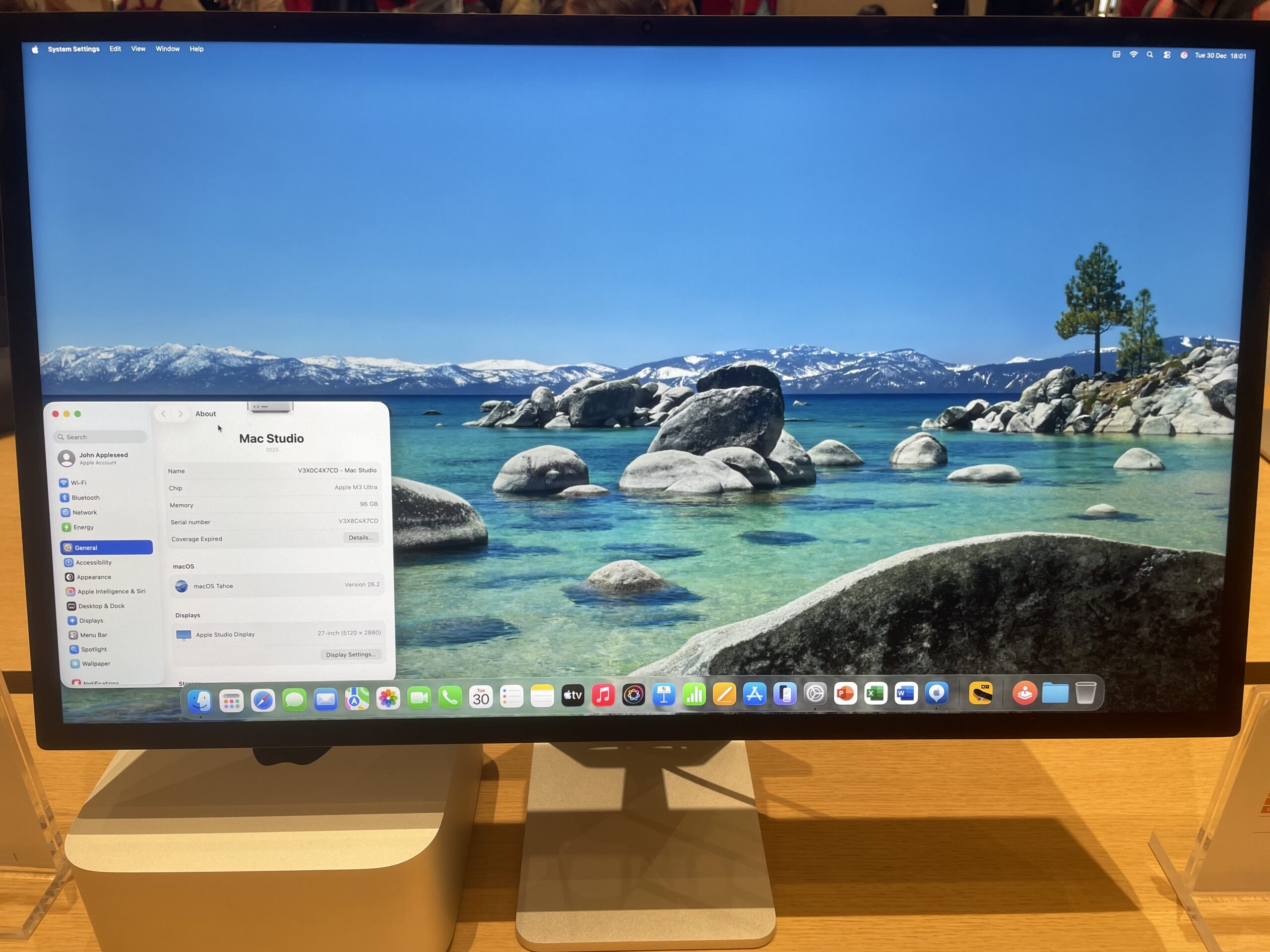
Apple focused mainly on internal upgrades rather than display technology.
The new model includes:
- Thunderbolt 5 connectivity
- Improved image processing
- Better webcam quality
- Enhanced bass performance
- Additional high-speed connectivity options
- Daisy-chaining support for compatible displays
For users with newer Macs and high-speed external storage, Thunderbolt 5 is the biggest practical improvement. The new display can also support more advanced accessory setups than the original model.
What Hasn’t Changed?
Many of the rumored upgrades never arrived.
Both displays still offer:
- 60Hz refresh rates
- 600 nits brightness
- Standard LCD technology
- No HDR support
- No mini-LED
- No ProMotion
- The same 5K Retina resolution
This means the day-to-day experience of working, editing photos, browsing the web or using word processing software is remarkably similar on both models. Several users have concluded that existing owners have little reason to upgrade.
Buying a Used Studio Display
This is where the original Studio Display becomes particularly attractive.
Because Apple changed so little, a discounted first-generation model can offer almost the same experience for substantially less money.
A used Studio Display makes sense if:
- You primarily use your Mac for productivity.
- You do not need Thunderbolt 5.
- You don’t require daisy-chaining.
- You are happy with 60Hz.
- You want Apple’s 5K Retina experience for less money.
The display panel itself remains identical between generations. Many buyers therefore see the original Studio Display as one of the best values in Apple’s current display lineup.
One Important Difference: Intel Mac Compatibility
Ironically, the older display may actually be the better choice for some users.
The original Studio Display works with certain Intel Macs, while the new Studio Display 2 requires Apple silicon Macs. Users with Intel-based MacBook Pros, Mac minis or Mac Pros should check compatibility carefully before buying the newer model.
What Existing Owners Say
Long-term owners still praise several aspects of the original Studio Display:
- Exceptional text clarity.
- Excellent built-in speakers.
- Reliable macOS scaling.
- Premium build quality.
- Strong color accuracy.
However, owners continue to criticize:
- The 60Hz refresh rate.
- Limited inputs.
- Expensive stand upgrades.
- Lack of HDR support.
- High prices on the used market.
The refresh rate remains the most common complaint, especially as more MacBook Pro models now include 120Hz displays.
Should Existing Owners Upgrade?
For most first-generation owners, the answer is probably no.
The display panel itself is unchanged, brightness remains identical and everyday usage feels extremely similar.
The Studio Display 2 mainly benefits users who:
- Need Thunderbolt 5.
- Use multiple high-bandwidth accessories.
- Want improved camera processing.
- Plan to keep the display for many years.
Otherwise, the original Studio Display remains highly competitive in 2026.
Should You Buy Studio Display 1 or Studio Display 2?
Buy the original Studio Display if:
- You find one significantly cheaper.
- You use an Intel Mac.
- You mainly want the 5K display itself.
- You don’t need Thunderbolt 5.
- You want the best value.
Buy Studio Display 2 if:
- You are buying new at full retail.
- You own a recent Apple silicon Mac.
- You need the latest connectivity.
- You use multiple Thunderbolt devices.
- You want the longest possible future support.
Should You Buy a Refurbished or Used Studio Display?
With the launch of the 2026 Studio Display, the original 2022 Studio Display has become a much more interesting option on the refurbished and used market.
In fact, if you mainly want the superb 27-inch 5K Retina panel and don’t need the improvements of the newer model, a discounted first-generation Studio Display can offer excellent value.
Apple itself continues to sell Certified Refurbished versions of the original 2022 Studio Display when stock is available. At the time of writing, Apple is selling the standard-glass model with tilt-adjustable stand for £1,149 in the UK and $1,229 in the US, compared with its original price of £1,499/$1,599.
That’s particularly significant now that the new 2026 Studio Display starts at £1,499/$1,599.
The original model still gives you the same fundamental display characteristics that made the Studio Display attractive in the first place: a 27-inch 5K Retina display with 5120 × 2880 resolution, 218 PPI, 600 nits brightness, P3 wide colour and True Tone.
What you’re mainly giving up compared with the 2026 Studio Display are the newer model’s upgraded camera features and Thunderbolt 5 connectivity.
Refurbished vs Used Studio Displays
If the prices are reasonably close, I’d choose an Apple Certified Refurbished Studio Display over a privately sold used model.
Apple puts its refurbished products through full functionality testing, cleaning and inspection, replaces defective components where necessary and supplies them with the appropriate accessories and cables. They also include Apple’s one-year limited warranty, can be covered by AppleCare and are eligible for Apple’s returns policy.
A used Studio Display from eBay or another marketplace can still be worth considering, but I’d only choose one if the saving over Apple’s refurbished price is substantial.
In particular, check carefully for:
- Dead or stuck pixels and display damage
- Scratches or marks on the glass
- Problems with the webcam, speakers or USB-C/Thunderbolt ports
- Damage to the stand or hinge
- Whether it’s the standard or nano-texture glass version
- Which stand is fitted, as Apple’s different stand configurations can significantly affect the value
Remember that the Studio Display’s stand isn’t designed to be easily swapped by the user, so make sure you’re buying the configuration you actually want.
What About a Refurbished 2026 Studio Display?
Apple has also started selling refurbished versions of the 2026 Studio Display, although availability varies by country and configuration.
For example, Apple US currently lists a refurbished 2026 nano-texture Studio Display with tilt-adjustable stand for $1,609 instead of $1,899 new.
Apple has even started offering the higher-end Studio Display XDR refurbished, with the standard-glass version listed at $2,799 compared with $3,299 new at the time of writing.
These are worth checking before buying new, although refurbished stock tends to be limited and changes frequently.
Our Recommendation
If you can find an original 2022 Studio Display for around 20–25% less than the 2026 model, it’s still an excellent buy for general Mac use.
The 5K panel remains extremely sharp with macOS, and for office work, browsing, photo editing and general productivity, the experience isn’t dramatically different simply because it’s the older generation.
At Apple’s current refurbished prices, for example, the standard 2022 model costs £1,149/$1,229, compared with £1,499/$1,599 for the equivalent entry-level 2026 Studio Display. That’s a saving of £350/$370, or roughly 23%.
However, if the difference is only around 10–15%, I’d buy the 2026 Studio Display instead. You’re getting the newer model, improved camera capabilities and Thunderbolt 5 connectivity, and it should retain its value for longer.
For most buyers looking for maximum value, my order of preference would therefore be:
You can check Apple’s Certified Refurbished Store for current availability, although the models and configurations available change regularly.
Conclusion
The Studio Display 2 is a relatively modest update.
Apple improved the connectivity, camera and internal hardware, but left the display itself almost entirely unchanged.
For buyers paying full retail, the newer model is the obvious choice.
However, if you can find a used or refurbished first-generation Studio Display at a meaningful discount, it remains one of the best monitors available for Mac users.
The original Studio Display isn’t obsolete.
In many cases, it may actually be the smarter buy.
What About The Studio Display XDR (2026)
This is where the real leap happens – both in specs and price.
The new Studio Display XDR effectively replaces the old Pro Display XDR concept in a far more compact and accessible 27-inch format.
Key Specs
- 27-inch 5K Retina XDR
- Mini-LED backlight
- Over 2,000 local dimming zones
- Up to 2,000 nits peak HDR brightness
- 1,000,000:1 contrast ratio
- 120Hz with Adaptive Sync
- P3 + Adobe RGB support
- Thunderbolt 5
- Up to 140W power delivery
This model delivers the upgrades that were widely rumored originally for the Studio Display 2.
However, at a starting price of $2,899, it’s way out of the budget of most mortal users.
For a closer look at how it compares to the Studio Display refresh, check out our in-depth look at the Studio Display vs Studio Display XDR.