

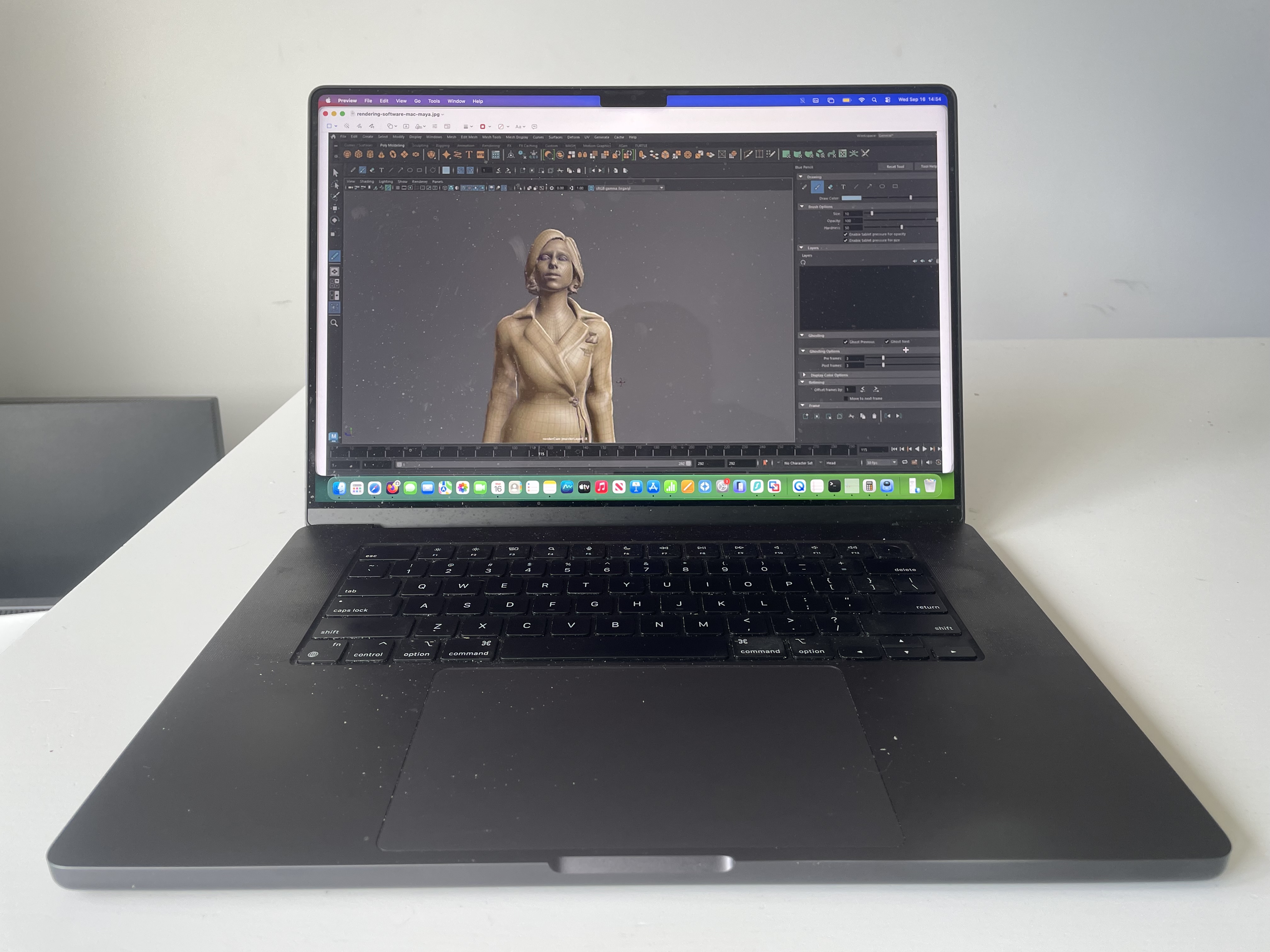
Apple has been making MacBooks since 2006, but working out where a particular model fits in the lineup can be surprisingly confusing. The MacBook, MacBook Air and MacBook Pro have overlapping histories, several years contain more than one major update, and the MacBook Neo has added another family to the range.
Knowing the generation helps you do more than put a date on a laptop. It can explain which accessories work, whether the keyboard has a butterfly mechanism, how many monitors you can connect, and whether the Mac can run the latest version of macOS.
The MacBook timeline began with the MacBook Pro in 2006, followed by the original MacBook later that year and the MacBook Air in 2008. The latest additions covered here are the M5 MacBook Air, M5 Pro and M5 Max MacBook Pro, and A18 Pro MacBook Neo, which became available in March 2026.
This guide lists the main model releases chronologically, then explains the important changes within each MacBook family. It covers models announced by September 14, 2026.
In this guide:
- MacBook generations in chronological order
- Original MacBook generations
- MacBook Air generations
- MacBook Pro generations
- MacBook Neo generations
- How to identify your MacBook generation
- MacBook generations and macOS compatibility
- Choosing between older and newer generations
What counts as a MacBook generation?
Apple generally identifies MacBooks by their family, screen size, model year and processor, rather than assigning a single generation number to every laptop it releases.
For example, “MacBook Air, M1, 2020” and “MacBook Air, Retina, 13-inch, 2020” identify different computers. The first uses Apple silicon; the second uses Intel. Apple lists them separately in its MacBook Air identification guide.
Three different things can be described as a generation:
- A design generation: a substantial physical change, such as the first Retina MacBook Pro or the redesigned M2 MacBook Air.
- A processor generation: a move from one chip family to another, such as M3 to M4.
- A model release: an update Apple identifies separately, even when its appearance remains similar.
That is why there is no useful single answer to “How many MacBook generations are there?” A list of major redesigns will be much shorter than a list of every size and hardware revision.
The tables below group screen sizes and chip options released together. They do not count every color, storage capacity, processor speed or regional part number as a separate generation. Years refer to the introduction of the hardware, not the year a particular unit was purchased.
MacBook generations in chronological order
This overview includes the main releases and named refreshes across the MacBook families. The sections below explain the models and differences in more detail.
| Year | MacBook models introduced or refreshed | Main development |
|---|---|---|
| 2006 | MacBook Pro 15-inch and 17-inch; MacBook 13-inch; later Core 2 Duo updates | The MacBook name debuts as Apple’s notebooks move from PowerPC to Intel. |
| 2007 | MacBook 13-inch Mid 2007 and Late 2007; MacBook Pro 15-inch and 17-inch | Intel upgrades; the 15-inch Pro gains LED backlighting. |
| 2008 | Original and Late 2008 MacBook Air; Early 2008 MacBook; Late 2008 aluminum MacBook; Early 2008 MacBook Pro and Late 2008 15-inch Pro | The Air launches, followed by the aluminum unibody redesign of the MacBook and 15-inch Pro. |
| 2009 | Early, Mid and Late 2009 MacBook; Mid 2009 Air; Early 2009 17-inch Pro; Mid 2009 13-inch, 15-inch and 17-inch Pro | The 13-inch aluminum laptop becomes a MacBook Pro; the white MacBook receives a unibody redesign. |
| 2010 | Mid 2010 MacBook; Mid 2010 13-inch, 15-inch and 17-inch Pro; Late 2010 11-inch and 13-inch Air | The final white MacBook hardware update; a smaller Air joins the range. |
| 2011 | Early and Late 2011 13-inch, 15-inch and 17-inch Pro; Mid 2011 11-inch and 13-inch Air | Thunderbolt reaches Apple’s notebooks; the last 17-inch Pro models are introduced. |
| 2012 | Mid 2012 11-inch and 13-inch Air; Mid 2012 non-Retina 13-inch and 15-inch Pro; Retina 15-inch Pro and later Retina 13-inch Pro | Retina displays arrive on the MacBook Pro alongside existing non-Retina designs. |
| 2013 | Mid 2013 11-inch and 13-inch Air; Early and Late 2013 Retina 13-inch and 15-inch Pro | Intel platform and battery-life improvements; two Retina Pro refreshes in one year. |
| 2014 | Early 2014 11-inch and 13-inch Air; Mid 2014 Retina 13-inch and 15-inch Pro | Hardware and configuration updates within the existing designs. |
| 2015 | Early 2015 12-inch MacBook; Early 2015 11-inch and 13-inch Air; Early 2015 Retina 13-inch Pro and Mid 2015 Retina 15-inch Pro | The fanless 12-inch MacBook introduces USB-C and the butterfly keyboard; Force Touch reaches the Retina Pro. |
| 2016 | Early 2016 12-inch MacBook; redesigned 13-inch and 15-inch Pro | The Pro adopts Thunderbolt 3 over USB-C, with Touch Bar and non-Touch Bar variants. |
| 2017 | 12-inch MacBook; 13-inch Air; 13-inch and 15-inch Pro | The final hardware update to the 12-inch MacBook and the final non-Retina Air model. |
| 2018 | Retina 13-inch Air; 13-inch and 15-inch Pro | Retina and Touch ID come to the Air; the Pro receives further Intel upgrades. |
| 2019 | Retina 13-inch Air; 13-inch and 15-inch Pro updates; new 16-inch Pro | The 16-inch Pro replaces the 15-inch model and introduces the scissor-switch Magic Keyboard. |
| 2020 | Intel Retina 13-inch Air; Intel 13-inch Pro; M1 Air; M1 13-inch Pro | Intel and Apple silicon MacBooks launch in the same year. |
| 2021 | 14-inch and 16-inch Pro with M1 Pro or M1 Max | A major Pro redesign brings Liquid Retina XDR, ProMotion, HDMI, SDXC and MagSafe 3. |
| 2022 | 13-inch Pro with M2; redesigned 13-inch Air with M2 | The Air gets a new shape and MagSafe; the smaller Pro retains its Touch Bar design. |
| 2023 | 14-inch and 16-inch Pro with M2 Pro or M2 Max; 15-inch Air with M2; later 14-inch Pro with M3, M3 Pro or M3 Max and 16-inch Pro with M3 Pro or M3 Max | The first 15-inch Air arrives; two different Pro chip generations launch during the year. |
| 2024 | 13-inch and 15-inch Air with M3; 14-inch Pro with M4, M4 Pro or M4 Max; 16-inch Pro with M4 Pro or M4 Max | M3 reaches the Air; Thunderbolt 5 arrives on M4 Pro and M4 Max notebooks. |
| 2025 | 13-inch and 15-inch Air with M4; 14-inch Pro with M5 | The Air gains a Center Stage camera and improved monitor support; M5 debuts in the 14-inch Pro. |
| 2026 | 13-inch and 15-inch Air with M5; 14-inch and 16-inch Pro with M5 Pro or M5 Max; 13-inch MacBook Neo with A18 Pro | The M5 notebook family expands and the Neo introduces a new entry-level MacBook line. |
For exact specifications, Apple’s identification pages link to individual MacBook, MacBook Air and MacBook Pro model records. Archived launch announcements for the earliest machines are linked in the relevant sections below.
Recent MacBook announcement and release dates
An announcement date is not always the date a MacBook becomes available. These are separate milestones, particularly when comparing two models launched close together.
| Model | Announced | First availability |
|---|---|---|
| MacBook Air 13-inch and 15-inch with M4 | March 5, 2025 | March 12, 2025 |
| MacBook Pro 14-inch with M5 | October 15, 2025 | October 22, 2025 |
| MacBook Air 13-inch and 15-inch with M5 | March 3, 2026 | March 11, 2026 |
| MacBook Pro 14-inch and 16-inch with M5 Pro or M5 Max | March 3, 2026 | March 11, 2026 |
| MacBook Neo with A18 Pro | March 4, 2026 | March 11, 2026 |
Dates come from Apple’s launch announcements for the M4 Air, M5 Pro 14-inch, M5 Air, M5 Pro and M5 Max notebooks and Neo.
Original MacBook generations
The product called simply MacBook has two distinct chapters: the 13-inch Intel laptops introduced in 2006 and the much smaller 12-inch Retina models introduced in 2015.
The original 13-inch MacBook from 2006
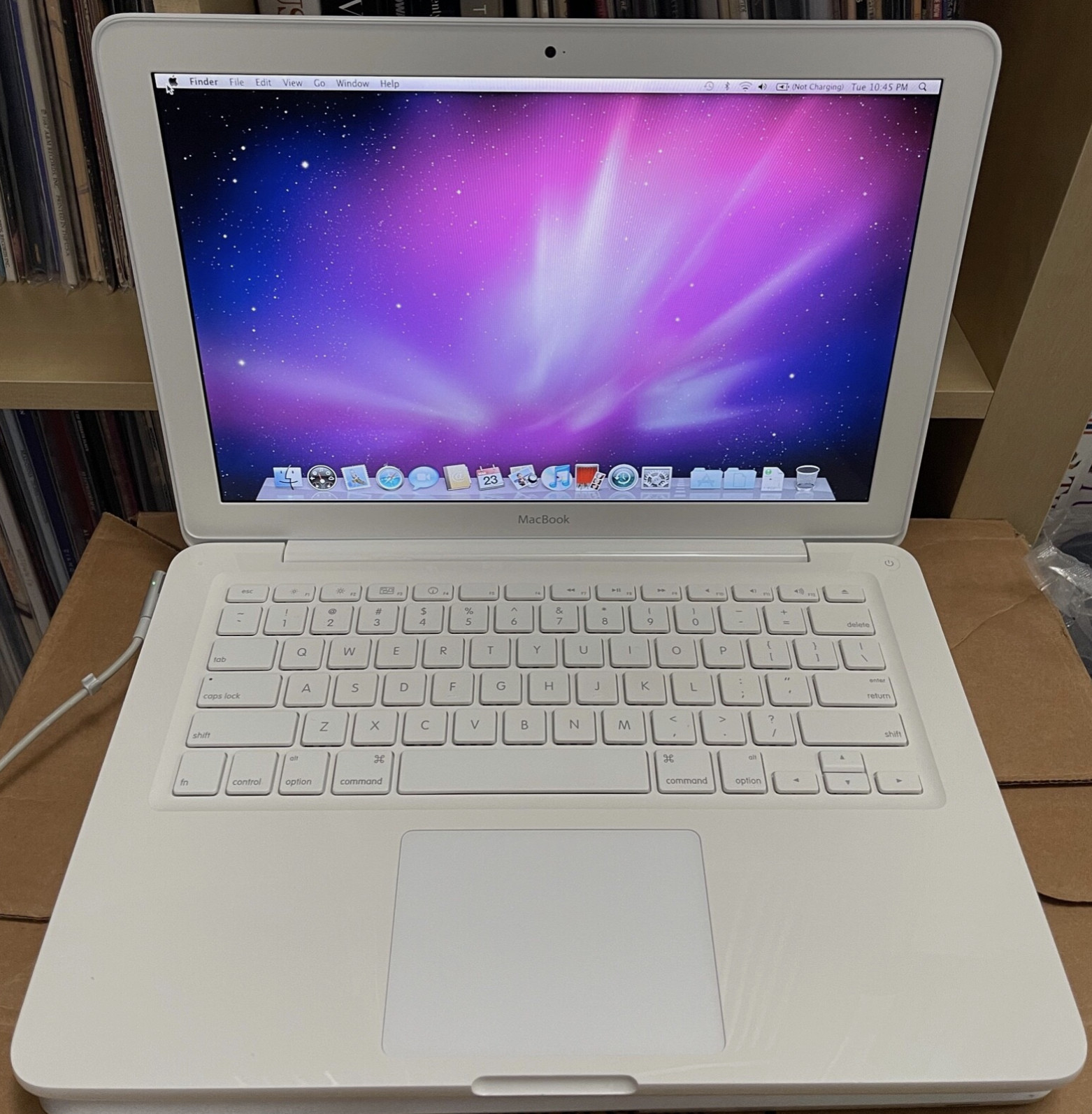
Apple announced the first consumer MacBook on May 16, 2006. It replaced the iBook and the 12-inch PowerBook, joining the 15-inch and 17-inch MacBook Pro models already announced that year.
Its recognizable features included a white or black polycarbonate enclosure, a 13.3-inch glossy display, an Intel Core Duo processor, a built-in iSight camera and MagSafe charging. Core 2 Duo versions followed later in 2006.
This is the model many people mean when they remember the “white MacBook” or “black MacBook.” The original consumer MacBook should not be confused with the aluminum MacBook Pro that began the wider family earlier in 2006. Apple’s original MacBook announcement.
Aluminum and white unibody MacBooks from 2008 to 2010
The Late 2008 aluminum MacBook introduced a design machined from aluminum, a glass Multi-Touch trackpad and Mini DisplayPort. Apple’s 2008 MacBook family announcement. It was a short-lived branch of the plain MacBook family: the corresponding 13-inch aluminum design moved into the MacBook Pro range in 2009.
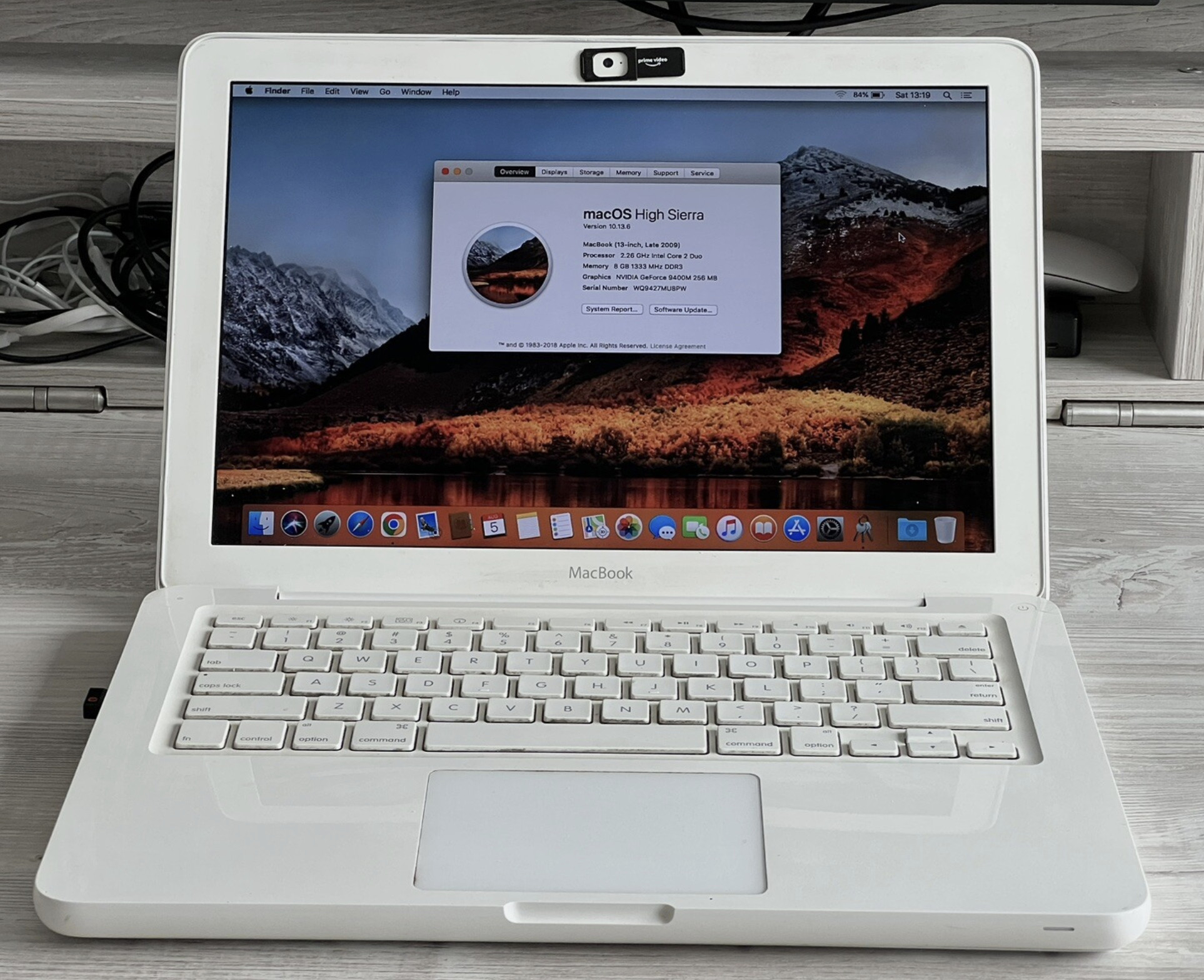
The white MacBook continued separately. A redesigned white unibody version arrived in Late 2009, followed by the Mid 2010 model. Consequently, a “2009 MacBook” could refer to an earlier white design or the later white unibody version. Apple’s MacBook model records.
The 12-inch Retina MacBook from 2015 to 2017
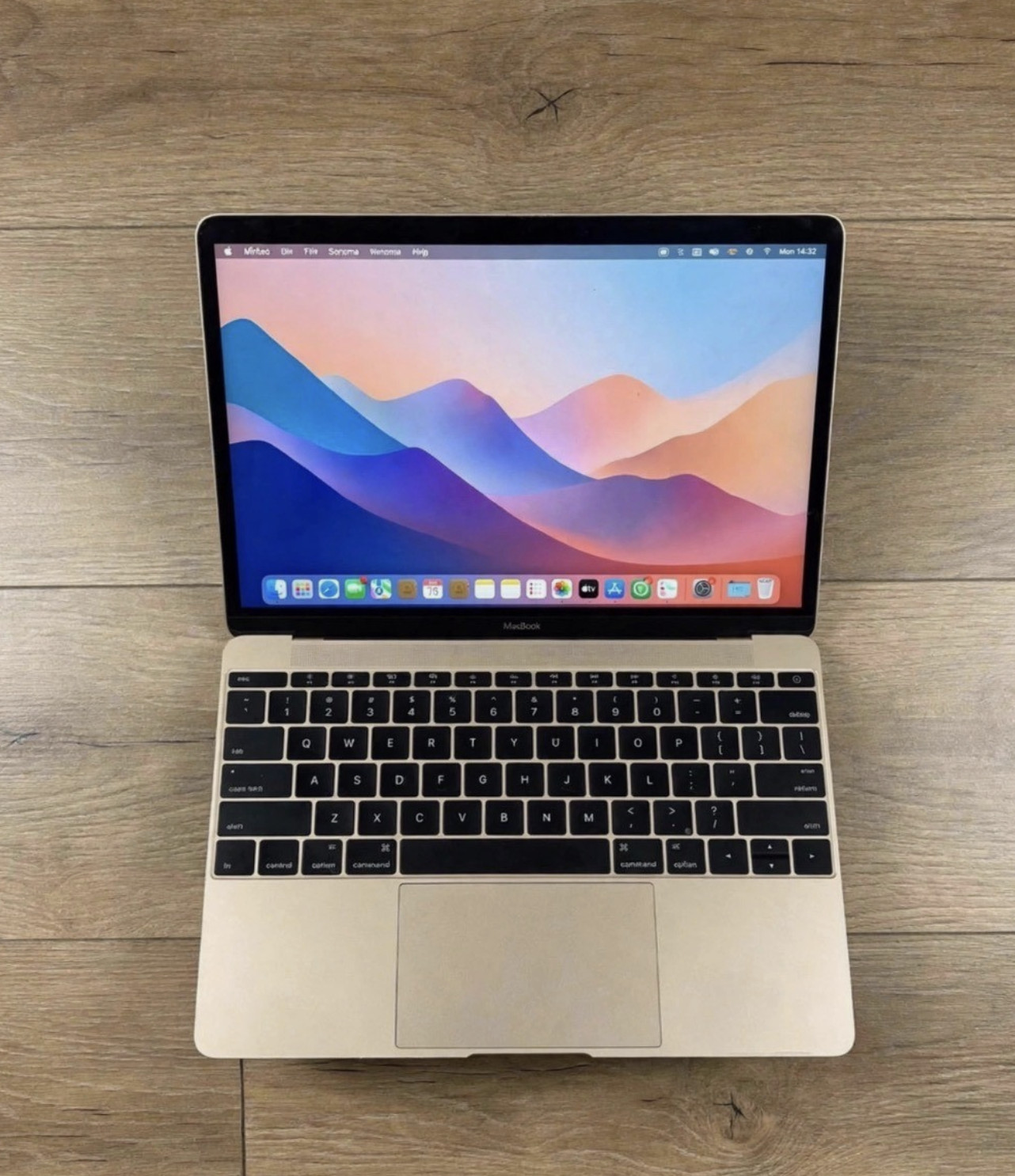
Apple revived the plain MacBook name in 2015 for a very different computer: a 12-inch Retina laptop weighing approximately two pounds, with no fan and just one USB-C port plus a headphone socket.
It introduced the butterfly keyboard and a Force Touch trackpad. Its USB-C connection handled charging, data and video, but it was not a Thunderbolt port. These were deliberate tradeoffs in a machine built around minimal size and weight. Apple’s 12-inch MacBook announcement.
| 12-inch MacBook release | Processor family | Model identifier |
|---|---|---|
| Early 2015 | Intel Core M | MacBook8,1 |
| Early 2016 | Intel Core m3, m5 or m7 | MacBook9,1 |
| 2017 | Intel Core m3, i5 or i7 | MacBook10,1 |
Apple’s MacBook identification guide distinguishes these three releases. The 2017 model was the final hardware generation of the 12-inch MacBook; a later purchase date or color change does not make it a new processor generation.
MacBook Air generations
The MacBook Air began as a premium ultraportable and evolved into Apple’s mainstream thin-and-light notebook. Its history includes several different designs, so the familiar tapered shape is only part of the story.
Original MacBook Air from 2008 to 2009
Apple introduced the MacBook Air on January 15, 2008. The first model had a 13.3-inch display, an Intel Core 2 Duo processor and a very thin enclosure.
Storage illustrates how different this machine was from a modern Air: the original configuration used an 80GB hard drive, with a 64GB SSD available as an option. It had one USB port, Micro-DVI, a headphone connection and MagSafe, but no built-in optical drive. Apple’s original MacBook Air announcement.
Late 2008 and Mid 2009 updates retained the basic design before Apple made a more substantial change in 2010.
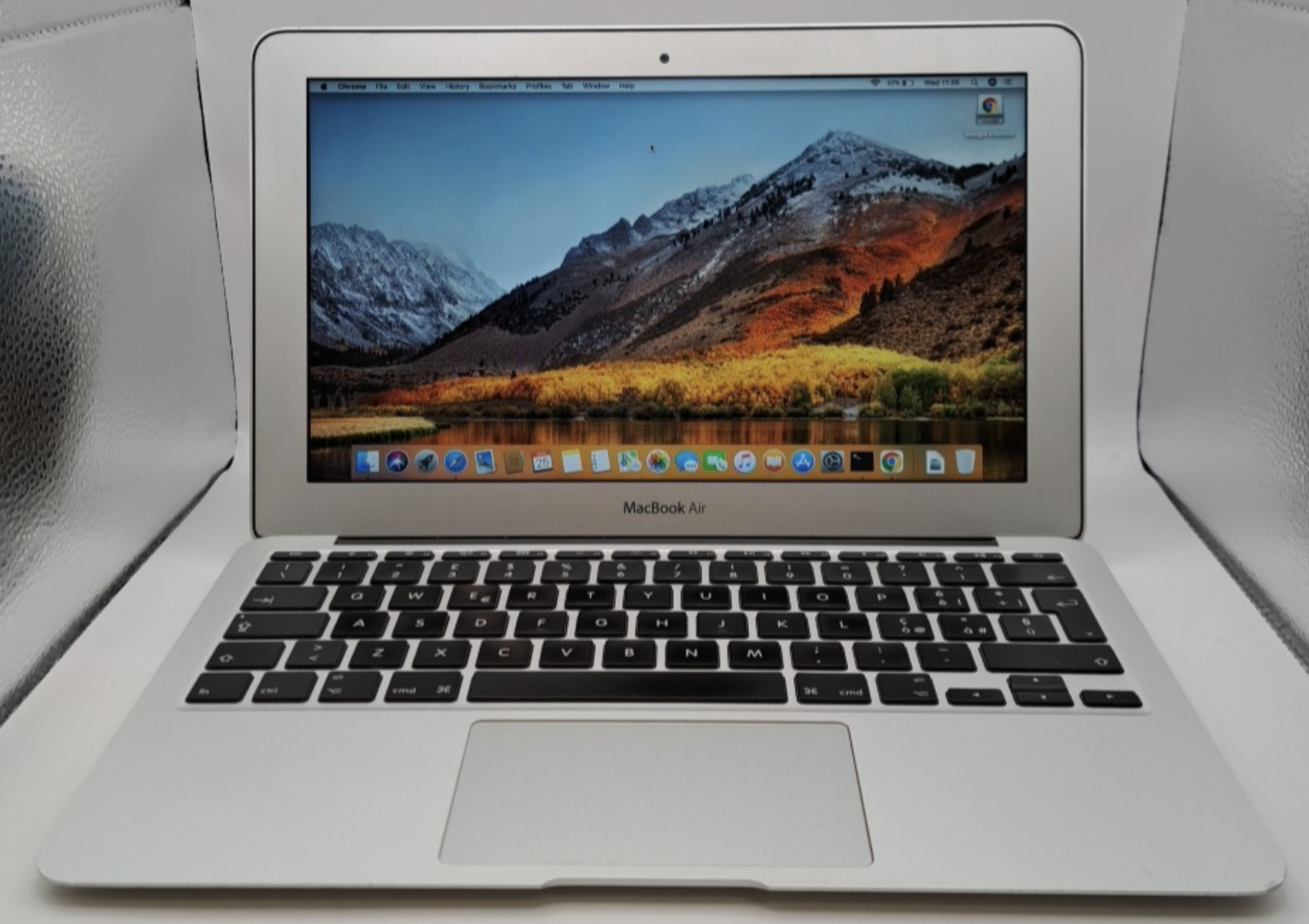
The 11-inch and 13-inch MacBook Air from 2010 to 2017
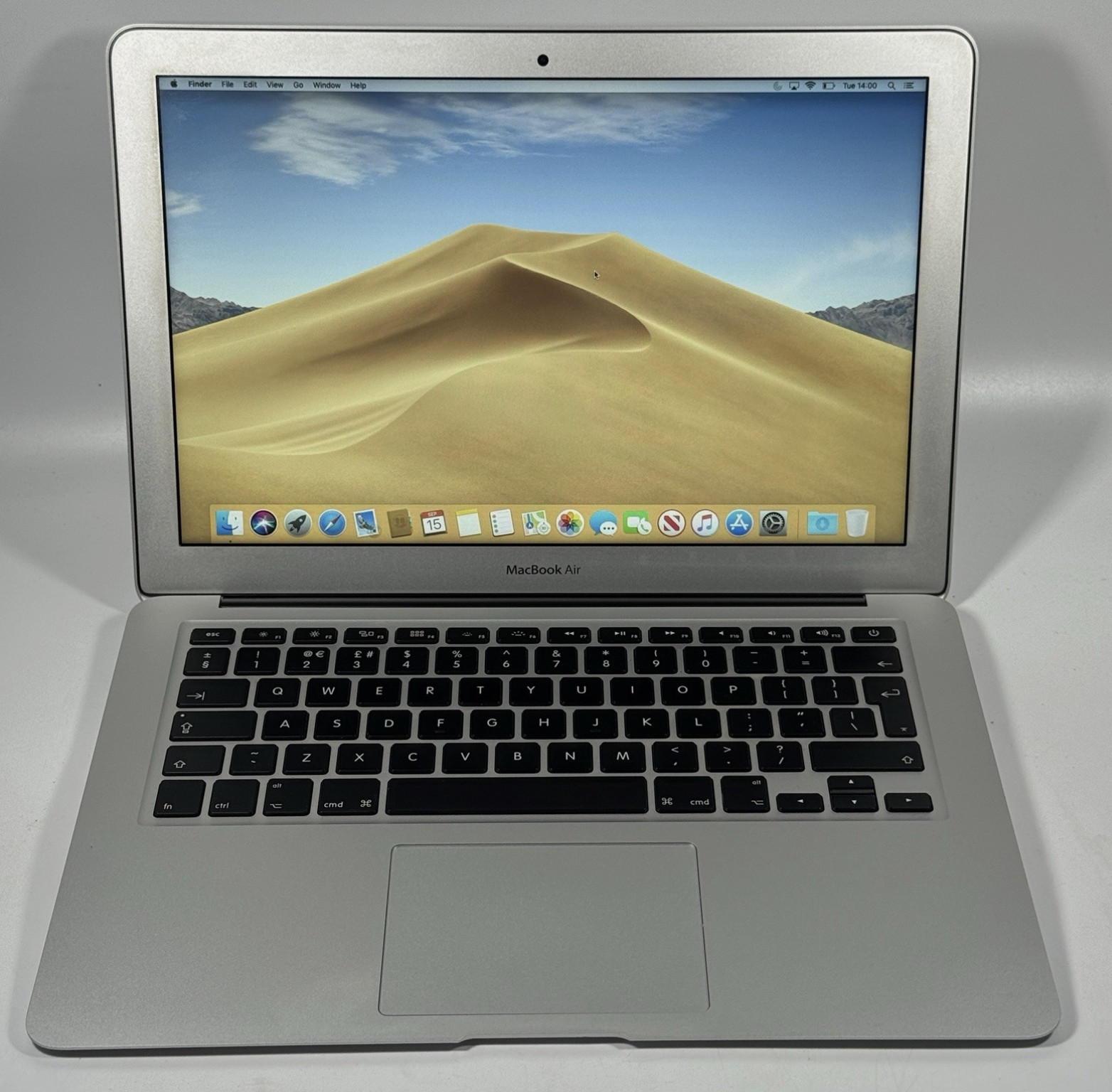
The Late 2010 redesign brought the familiar wedge shape, flash storage as standard and a new 11.6-inch model alongside the 13.3-inch Air. Apple also provided two USB ports, while the 13-inch version included an SD card slot. Apple’s 2010 MacBook Air announcement.
These are the main model years for that design:
| Model year | Screen sizes introduced that year |
|---|---|
| Late 2010 | 11-inch and 13-inch |
| Mid 2011 | 11-inch and 13-inch |
| Mid 2012 | 11-inch and 13-inch |
| Mid 2013 | 11-inch and 13-inch |
| Early 2014 | 11-inch and 13-inch |
| Early 2015 | 11-inch and 13-inch |
| 2017 | 13-inch |
The 11-inch Air’s last new hardware model was the Early 2015 release. The 2017 13-inch Air was the final non-Retina Air generation. Neither the year a model remained on sale nor a standard-memory adjustment necessarily created a new model year in Apple’s identification list.
Retina Intel MacBook Air from 2018 to 2020
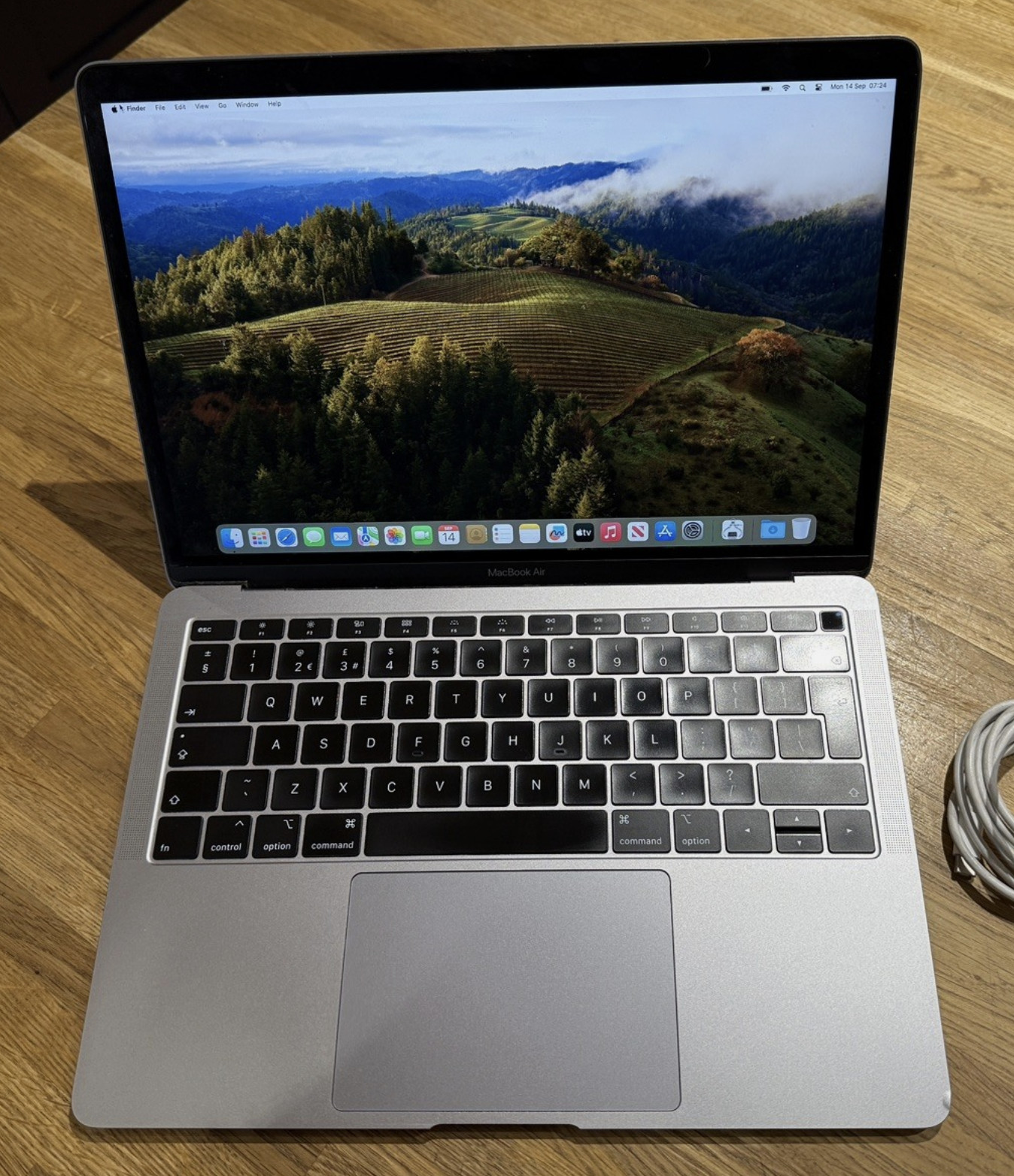
The 2018 MacBook Air introduced a Retina display, Touch ID and two Thunderbolt 3 ports using USB-C connectors. It retained a tapered profile but replaced the older model’s ports and display technology. Apple’s Retina MacBook Air announcement.
The 2018 and 2019 versions used butterfly keyboards. The Intel MacBook Air introduced in March 2020 switched to the scissor-switch Magic Keyboard and offered Intel Core i3, i5 and i7 options. Apple’s 2020 Intel MacBook Air announcement.
This makes 2020 an especially important year to check when shopping for a used Air. An Intel 2020 model and an M1 2020 model belong to different processor platforms despite sharing the year and a similar appearance.
M1 MacBook Air from 2020
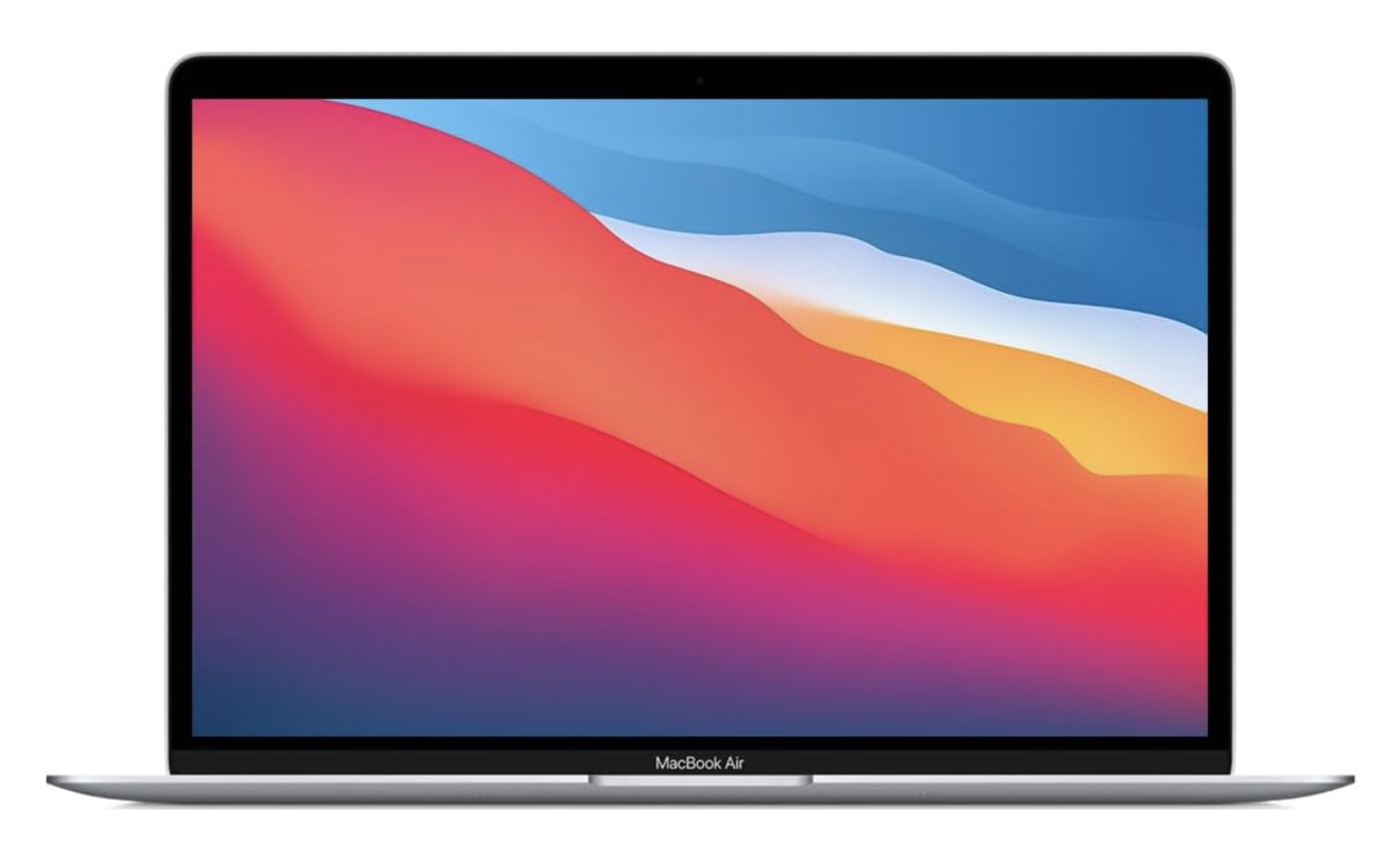
The M1 MacBook Air arrived in November 2020 as one of the first Macs with Apple silicon. It retained the 13.3-inch Retina display and wedge-shaped exterior but moved to a fanless design.
It used unified memory, with 8GB and 16GB configurations, and retained a conventional row of function keys with Touch ID. The M1 Air did not have a Touch Bar. Its two USB-C connectors support Thunderbolt 3 and USB4. Apple’s M1 MacBook Air specifications.
M2 MacBook Air from 2022 and 2023
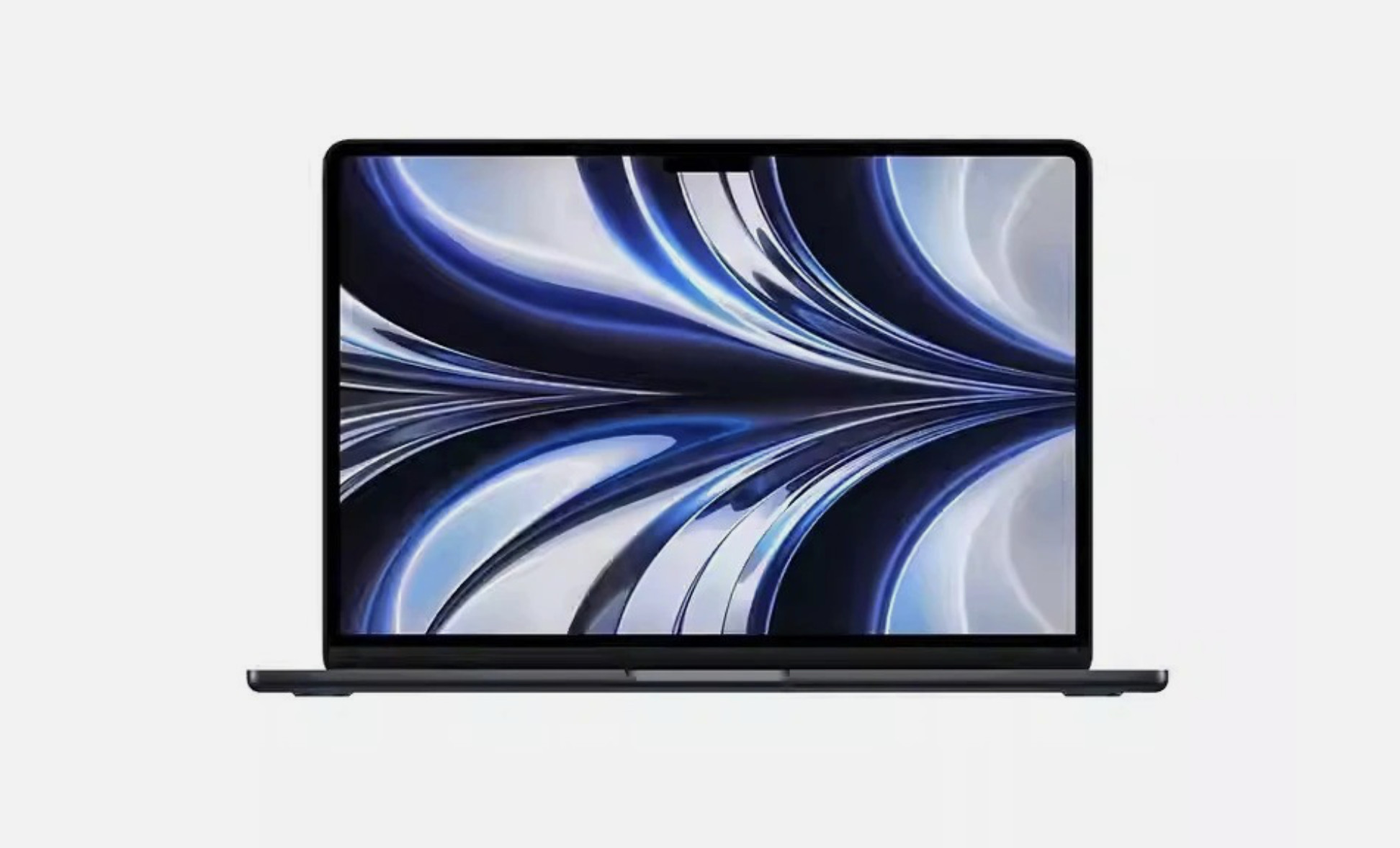
The M2 Air introduced in 2022 brought the next major design change. The wedge shape gave way to a flatter enclosure, the screen grew to 13.6 inches, and MagSafe charging returned. A 1080p camera and a display notch also became part of the design. Apple’s M2 MacBook Air announcement.
The first 15-inch MacBook Air followed in June 2023, also using M2. Its display measures 15.3 inches, so the 13-inch and 15-inch names describe size classes rather than the exact panel diagonals. Apple’s 15-inch MacBook Air announcement.
Like the M1 Air, the M2 Air natively supports one external display. Buying an ordinary dock does not increase that native display limit. Apple’s M2 Air display specifications.
M3 MacBook Air from 2024
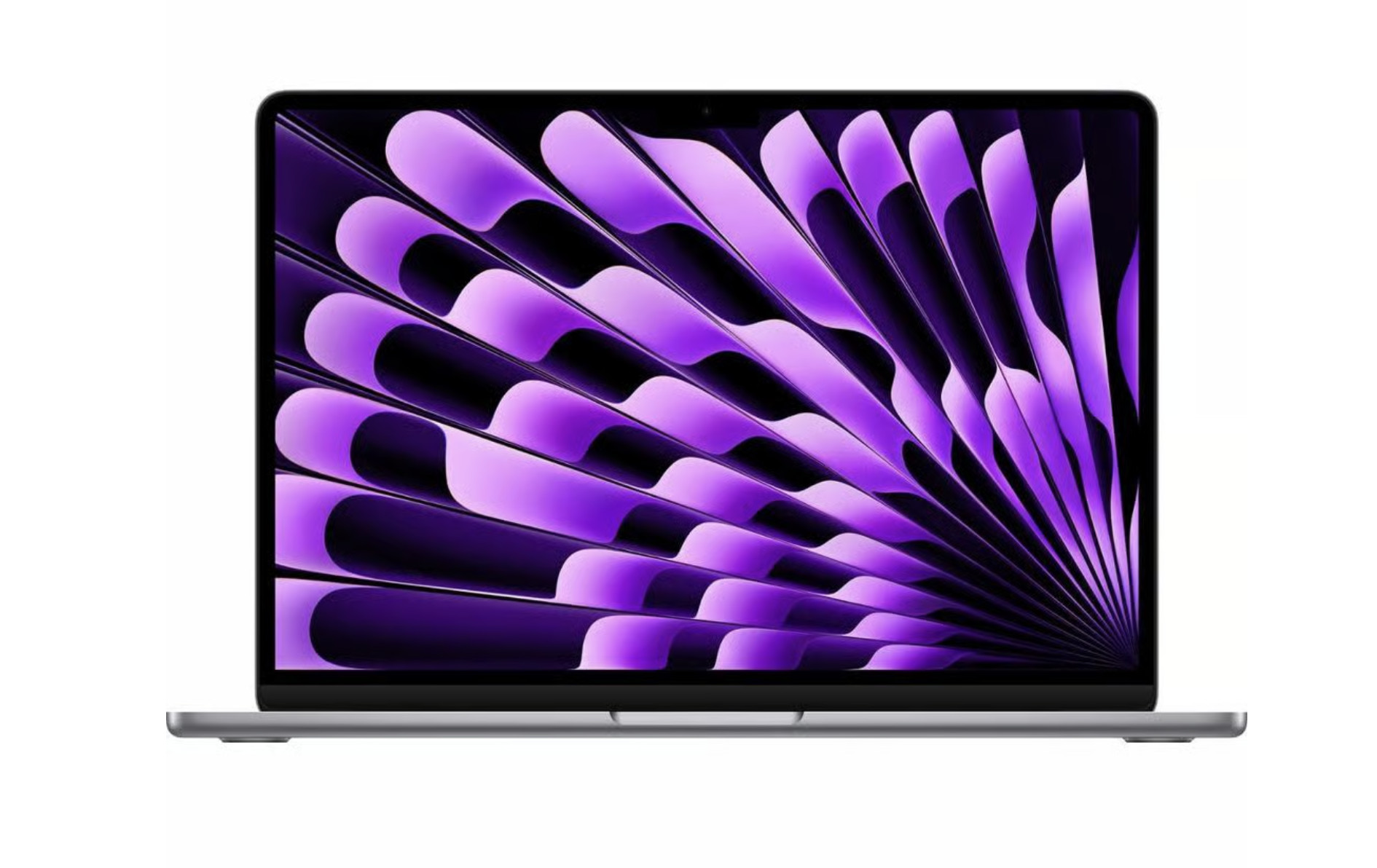
Apple updated both Air sizes to M3 in March 2024. The physical design remained familiar, while the chip brought hardware-accelerated ray tracing and the notebooks gained Wi-Fi 6E.
A practical change was support for two external displays with the laptop lid closed. This is an important distinction for anyone comparing an M3 Air with an older M1 or M2 Air for a desk setup. Apple’s M3 MacBook Air announcement.
M4 MacBook Air from 2025
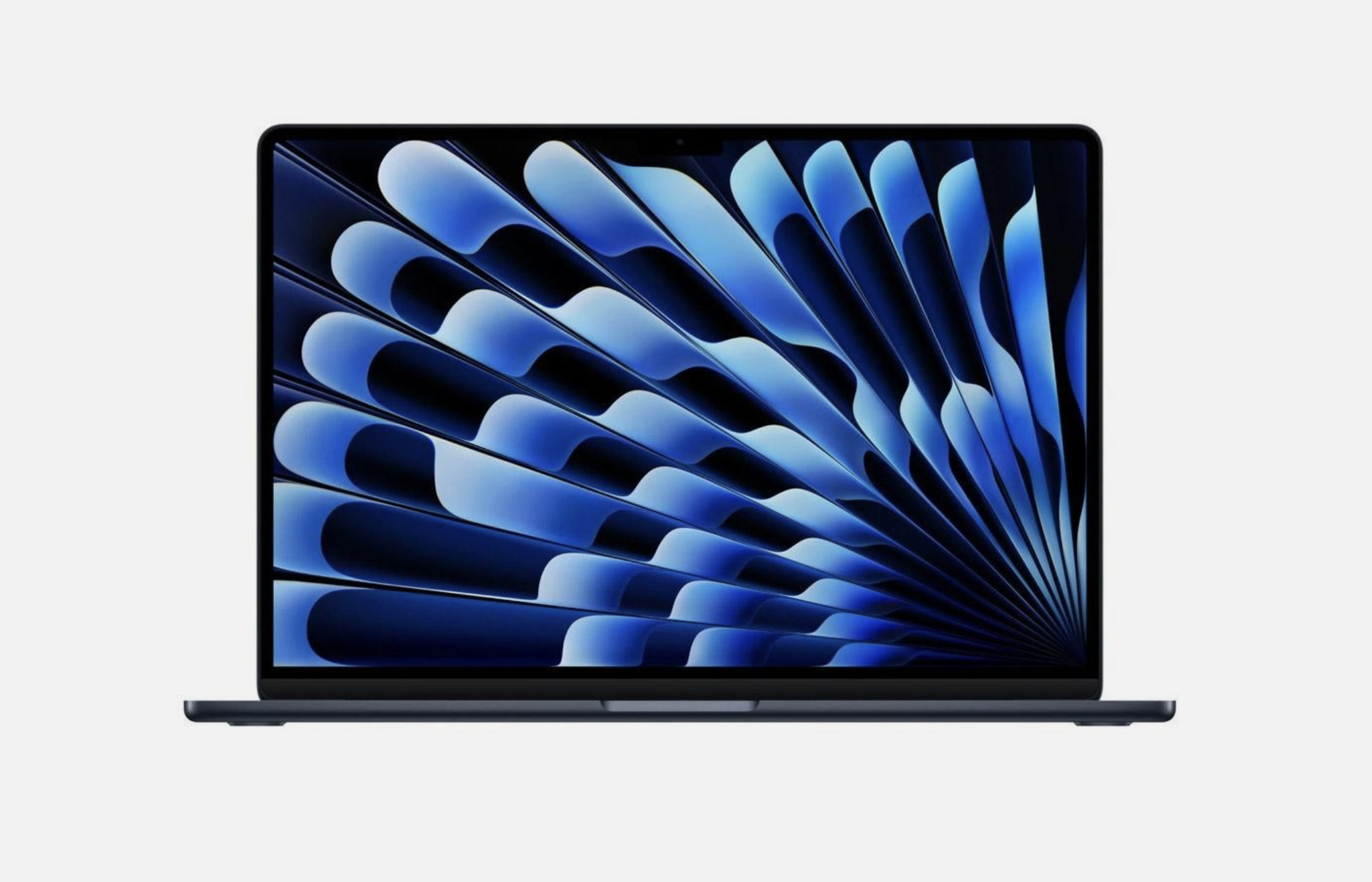
The M4 update arrived in March 2025 in both sizes. It added a sky blue finish and a 12MP Center Stage camera.
It also improved monitor support again: the M4 Air can drive two external displays while keeping its built-in screen active. The difference between M3 and M4 therefore matters even if both machines are fast enough for your everyday apps. Apple’s M4 MacBook Air announcement.
M5 MacBook Air from 2026
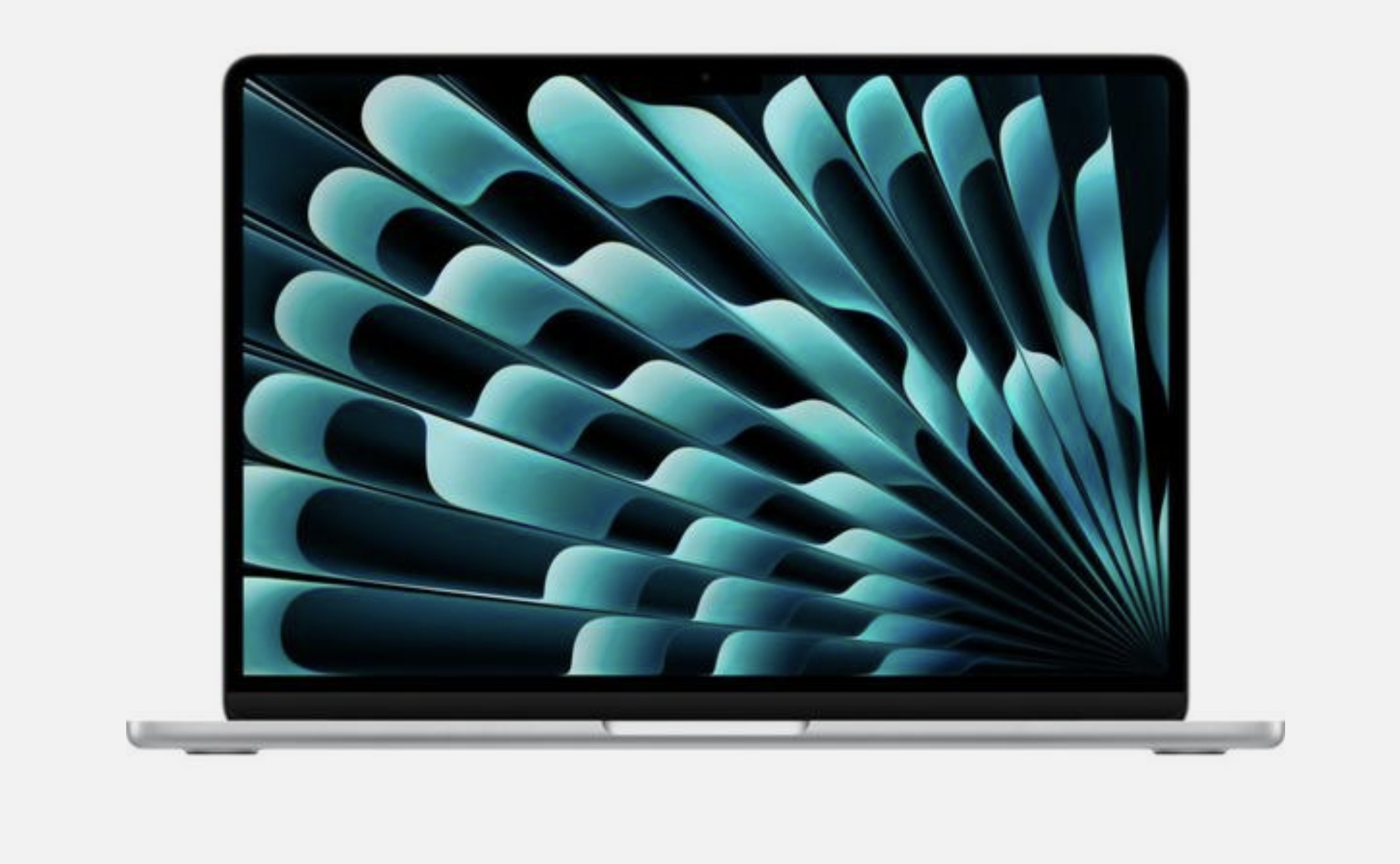
The M5 Air became available on March 11, 2026, retaining the 13-inch and 15-inch choices and fanless design.
The starting SSD doubled to 512GB, with configurations up to 4TB. Apple also added its N1 wireless chip for Wi-Fi 7 and Bluetooth 6. The Air retains MagSafe, two Thunderbolt 4 ports and support for two external displays. Apple’s M5 MacBook Air announcement.
MacBook Pro generations
MacBook Pro history is more complicated because Apple has offered several sizes, processor tiers and port configurations at the same time. The model year alone often leaves out information you need.
Original aluminum MacBook Pro from 2006 to 2008
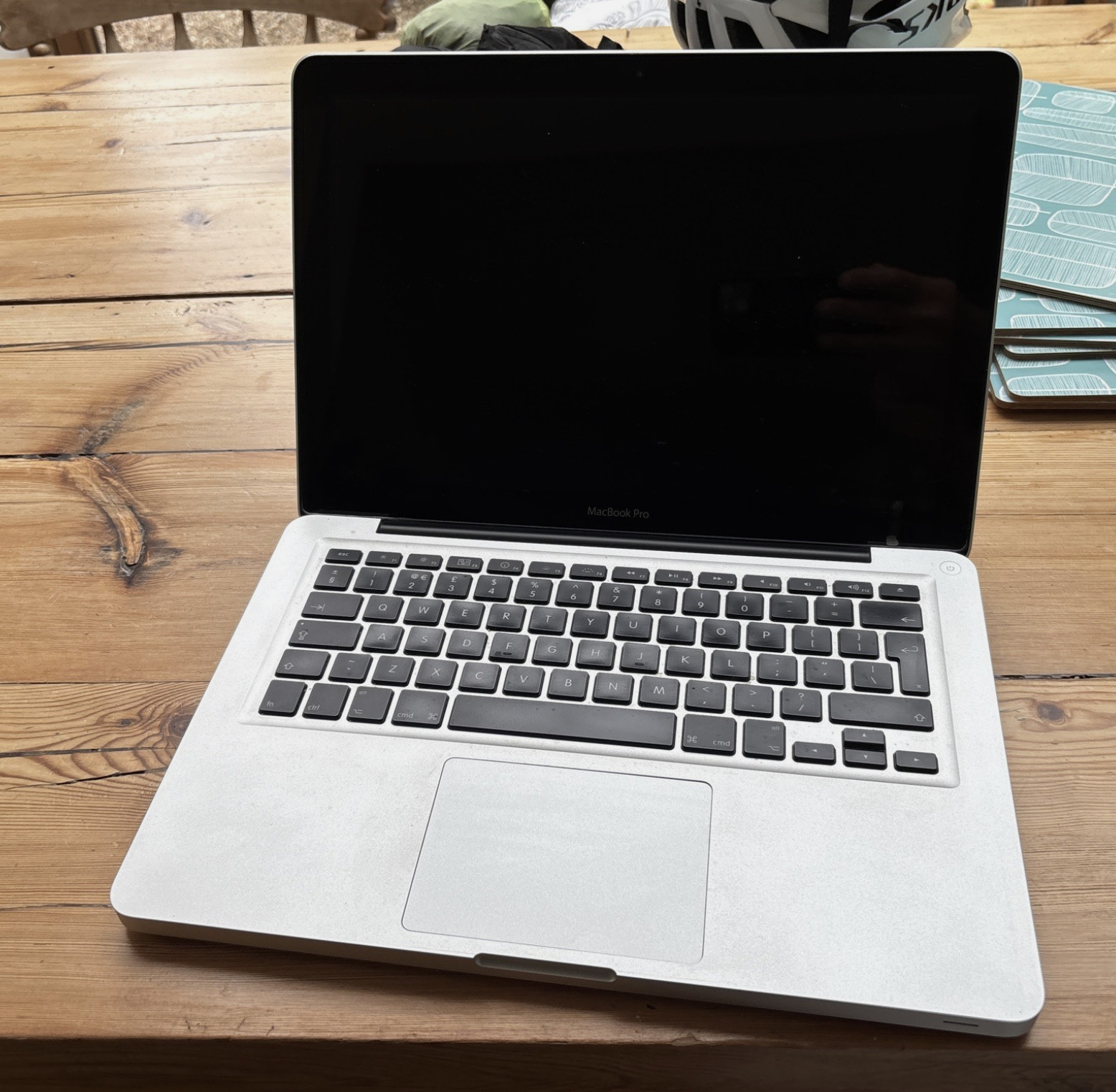
Apple announced the first 15-inch MacBook Pro on January 10, 2006, with availability planned for February. The 17-inch model was announced on April 24.
Both belonged to the Intel transition that replaced the PowerBook family. The original Pro design included a built-in camera, an optical drive and MagSafe charging. Core 2 Duo revisions and subsequent updates followed. Apple’s first MacBook Pro announcement, 17-inch announcement.
The 2007 refresh brought LED backlighting to the 15-inch model, while the 17-inch version offered a higher-resolution display option. Apple’s 2007 Pro announcement.
Unibody MacBook Pro from 2008 to 2012
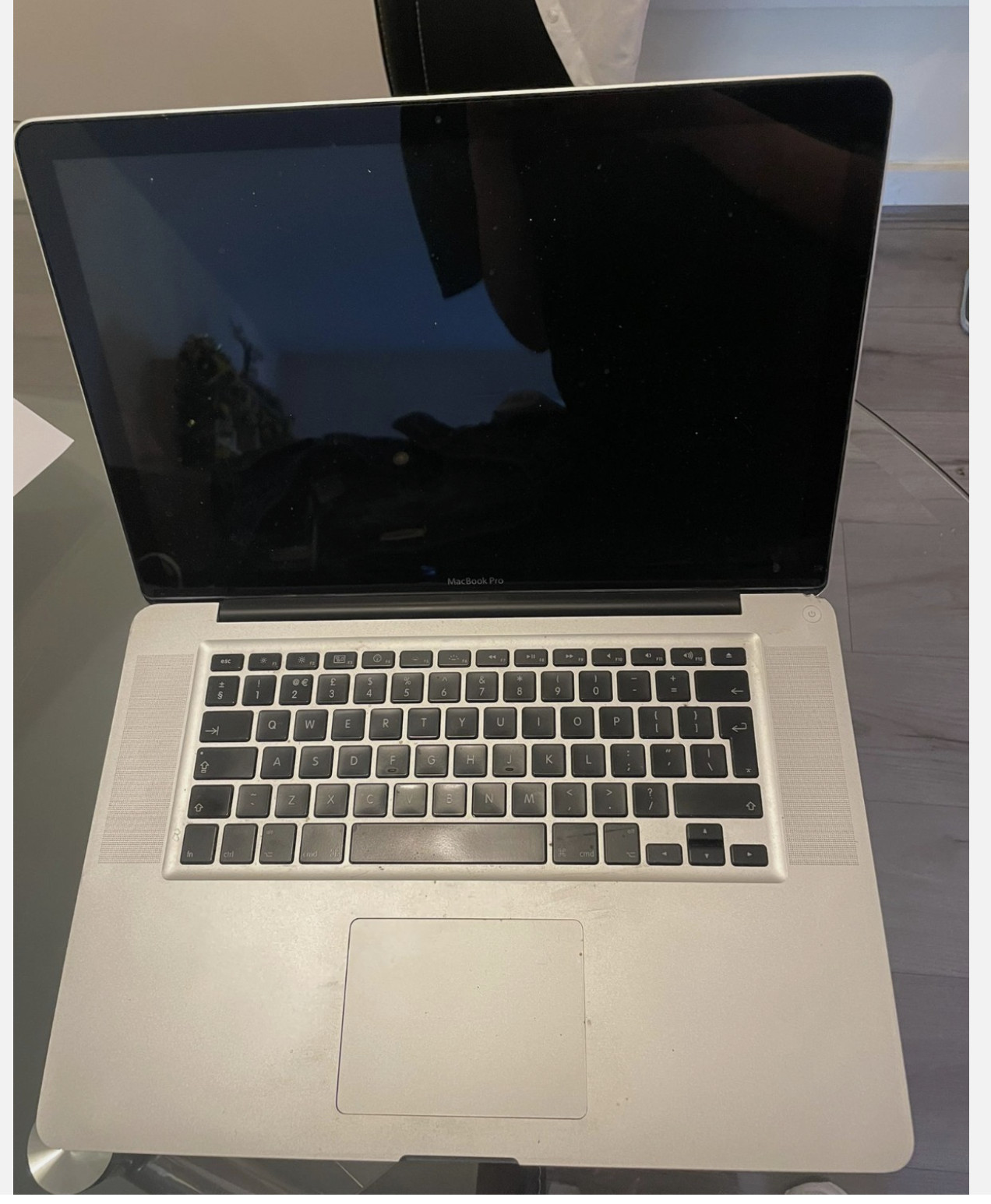
The 15-inch MacBook Pro adopted an aluminum unibody design in Late 2008. Apple’s unibody notebook announcement. A unibody 17-inch version followed in Early 2009, and the 13-inch aluminum notebook joined the Pro family in Mid 2009.
For several years, this meant Apple sold 13-inch, 15-inch and 17-inch MacBook Pro models alongside one another. The last 17-inch hardware updates came in 2011.
The non-Retina Mid 2012 13-inch and 15-inch models retained optical drives. They should be distinguished from the thinner Retina models introduced that same year. Apple lists the non-Retina and Retina releases separately.
Retina MacBook Pro from 2012 to 2015
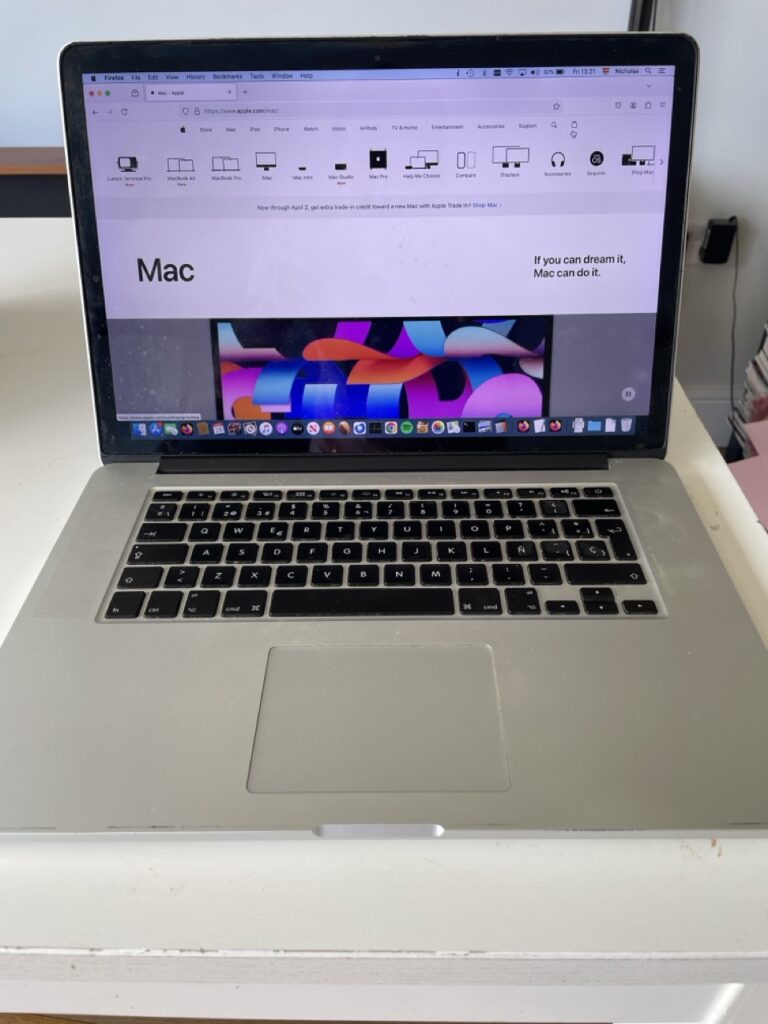
The first Retina MacBook Pro arrived in June 2012 with a 15.4-inch, 2880 × 1800 display. A 13-inch Retina version followed later in 2012.
The Retina design removed the built-in optical drive and used flash storage. The 15-inch launch model included Thunderbolt, USB 3, HDMI and MagSafe 2. It marked a substantial change in both display quality and physical design. Apple’s Retina MacBook Pro announcement.
Apple refreshed both sizes in 2013 and 2014. In 2015, the 13-inch and 15-inch Retina models gained Force Touch trackpads. This feature therefore predates the 2016 Touch Bar redesign. Apple’s 2015 15-inch Retina specifications.
Thunderbolt 3 and Touch Bar MacBook Pro from 2016
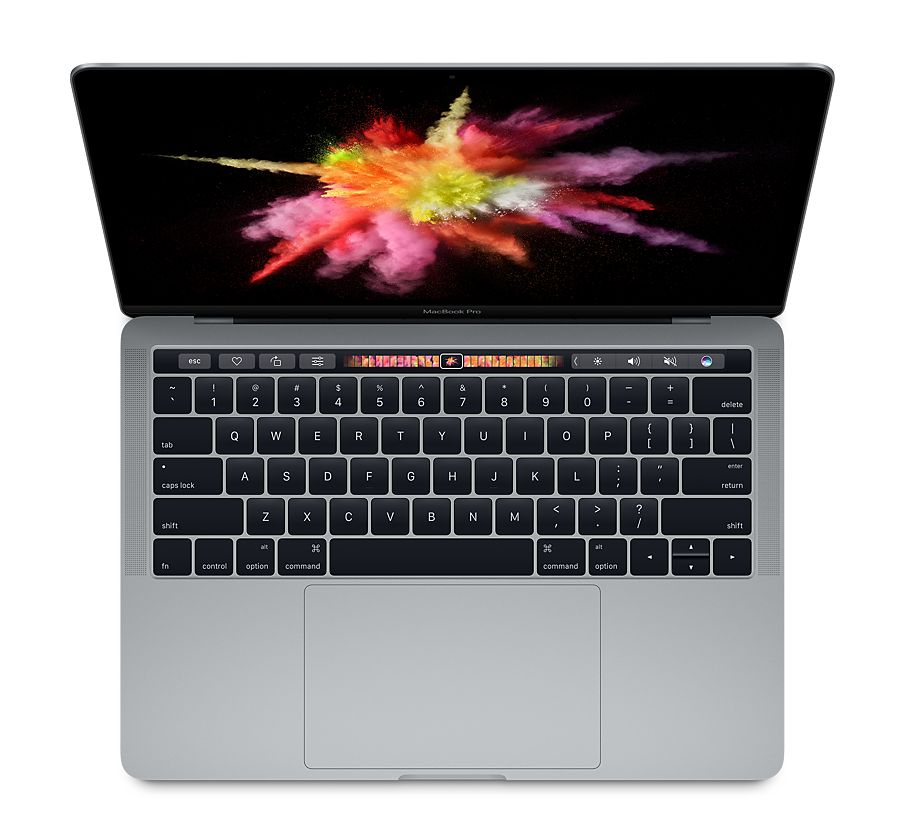
The 2016 redesign replaced the earlier assortment of ports with Thunderbolt 3 over USB-C, plus a headphone socket. It also introduced butterfly keyboards to the Pro family.
However, not every 2016 or 2017 MacBook Pro had a Touch Bar:
- The entry-level 13-inch versions had two Thunderbolt 3 ports and physical function keys.
- The higher-end 13-inch versions had four Thunderbolt 3 ports and a Touch Bar.
- The 15-inch versions had four Thunderbolt 3 ports and a Touch Bar.
This is why “two Thunderbolt 3 ports” and “four Thunderbolt 3 ports” appear in Apple’s model names. The distinction identifies more than the number of connectors. Apple’s MacBook Pro model guide.
Updates followed in 2017, 2018 and 2019. Buyers of these used models should identify the exact size and keyboard generation rather than assume every Pro from this period is the same.
The 16-inch Pro and final Intel models from 2019 to 2020
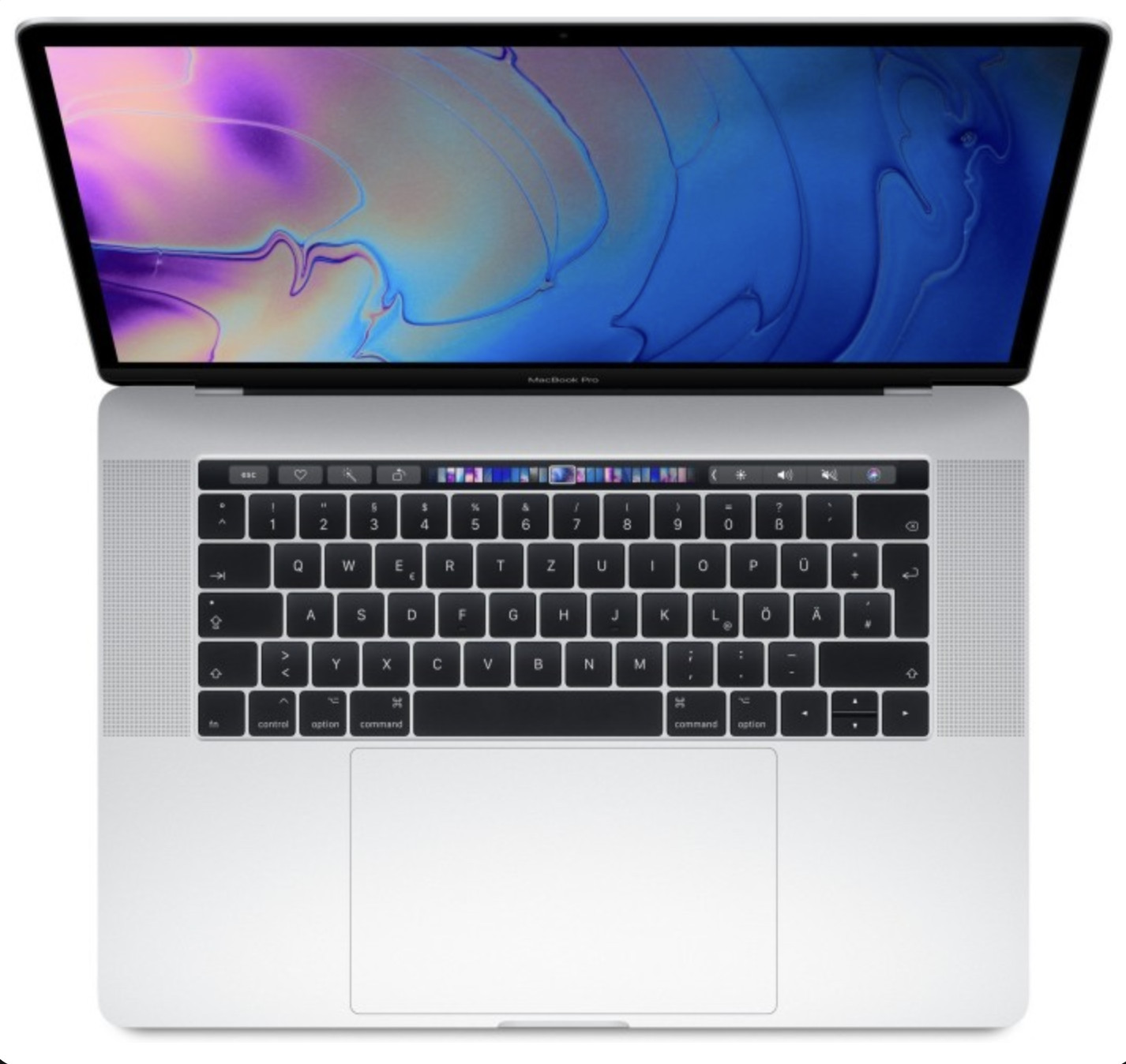
The 16-inch MacBook Pro introduced in November 2019 replaced the 15-inch model and switched to a scissor-switch Magic Keyboard. It retained the Touch Bar but restored a separate physical Escape key. Apple’s 16-inch MacBook Pro announcement.
Although it was larger than the outgoing 15-inch Pro, it was not the largest MacBook ever: Apple had previously made the 17-inch Pro.
The 2019 model also did not end new Intel MacBook releases. Apple introduced an updated Intel 13-inch MacBook Pro in May 2020, with the Magic Keyboard, before the M1 version arrived later that year. Apple’s final Intel 13-inch Pro announcement.
The M1 and M2 13-inch MacBook Pro from 2020 to 2022
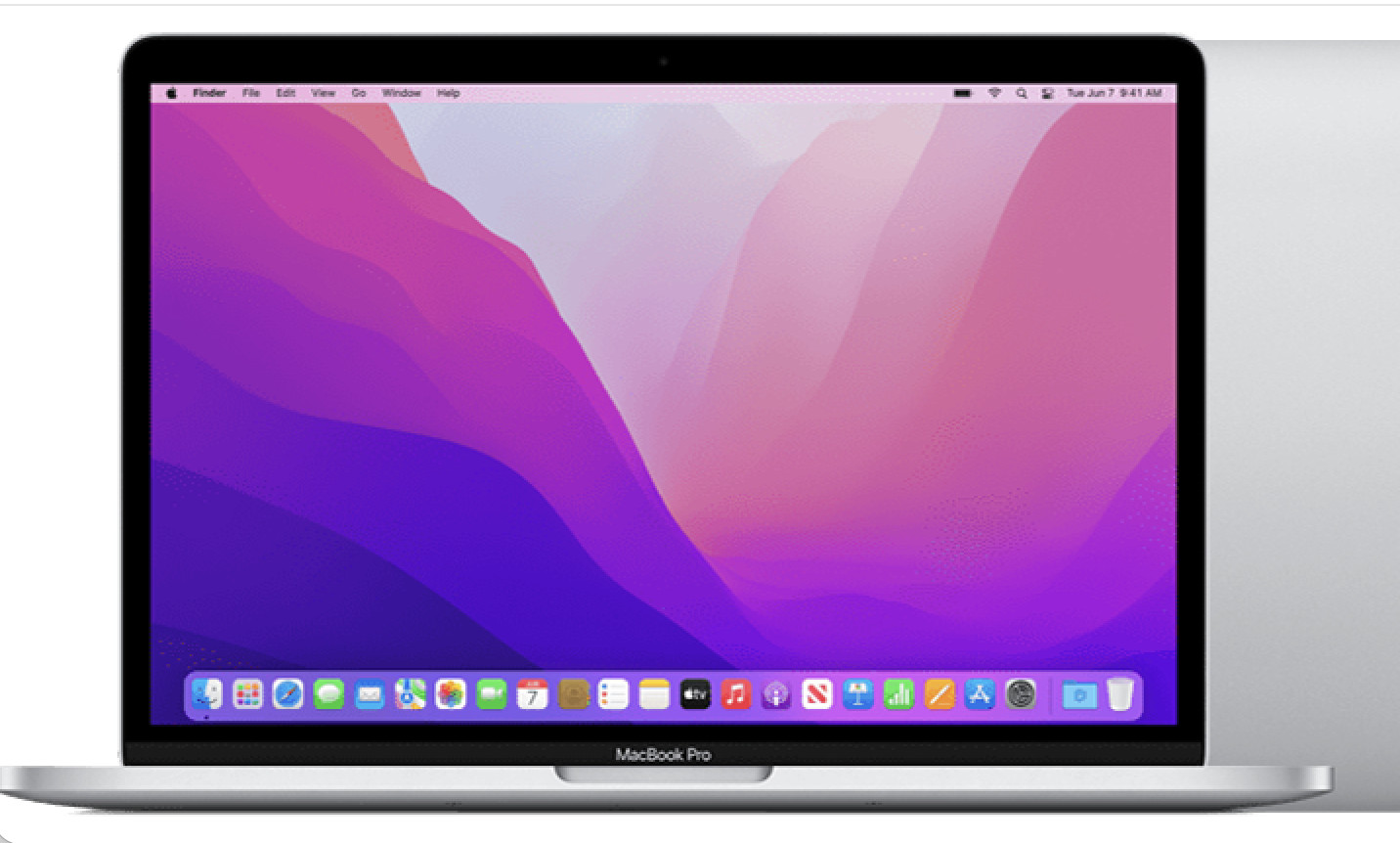
The first Apple silicon MacBook Pro was the 13-inch M1 model introduced in November 2020. It retained the older body, Touch Bar and active cooling. Apple announced it alongside the M1 Air and M1 Mac mini. Apple’s first M1 Mac announcement.
The 13-inch M2 MacBook Pro followed in 2022, again retaining the Touch Bar design. It did not adopt the display, ports or enclosure of the larger 14-inch and 16-inch Pro models. Apple’s M2 notebook announcement.
“M2 MacBook Pro” is therefore incomplete as a model description: it might mean this 13-inch laptop, while “M2 Pro MacBook Pro” refers to a different chip tier in the larger 2023 machines.
The 14-inch and 16-inch MacBook Pro from 2021 onward
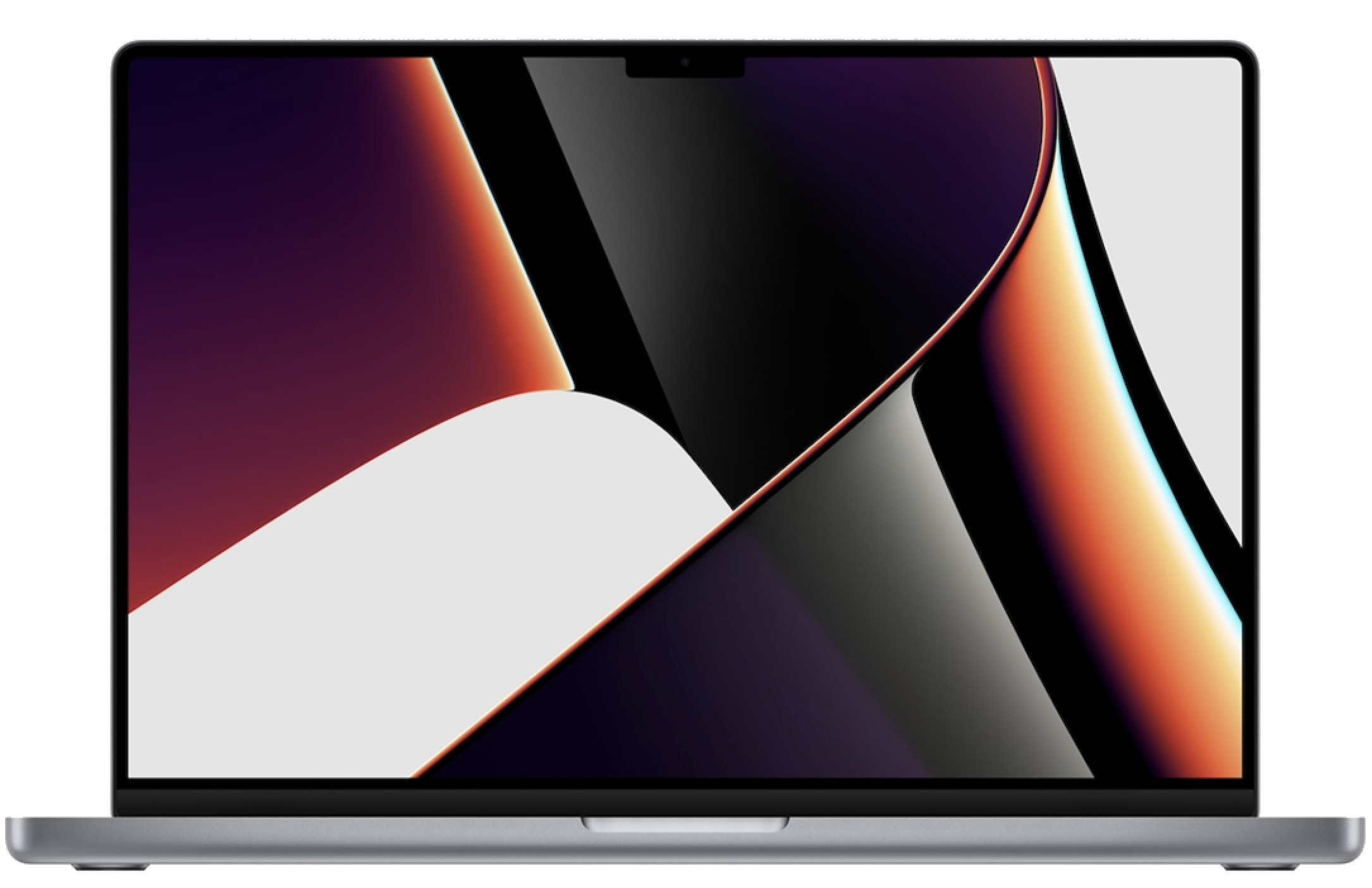
The October 2021 redesign introduced 14.2-inch and 16.2-inch Liquid Retina XDR displays, Mini-LED backlighting and ProMotion refresh rates up to 120Hz.
Apple brought back HDMI, an SDXC card slot and MagSafe with the new MagSafe 3 connector. Physical function keys replaced the Touch Bar on these models.
Both sizes could be configured with M1 Pro or M1 Max. M1 Max was not restricted to the 16-inch model. Apple’s 2021 MacBook Pro announcement.
The subsequent chip releases are easier to follow as a table:
| Introduction | 14-inch MacBook Pro chips | 16-inch MacBook Pro chips |
|---|---|---|
| October 2021 | M1 Pro, M1 Max | M1 Pro, M1 Max |
| January 2023 | M2 Pro, M2 Max | M2 Pro, M2 Max |
| October 2023 | M3, M3 Pro, M3 Max | M3 Pro, M3 Max |
| October 2024 | M4, M4 Pro, M4 Max | M4 Pro, M4 Max |
| October 2025 | M5 | No new 16-inch chip generation at this launch |
| March 2026 | M5 Pro, M5 Max | M5 Pro, M5 Max |
Apple’s announcements document the 2023 M2 Pro and M2 Max update, M3 family, M4 family, M5 14-inch model and M5 Pro and M5 Max update.
The base-chip 14-inch models are particularly easy to confuse with their more expensive siblings. A MacBook Pro with M4 is not the same specification as a MacBook Pro with M4 Pro.
For example, the M4 14-inch model has three Thunderbolt 4 ports, whereas M4 Pro and M4 Max models have three Thunderbolt 5 ports. Thunderbolt 5 therefore arrived on MacBook Pro in 2024, before M5 Pro and M5 Max. M4 specifications, M4 Pro and M4 Max specifications.
The March 2026 refresh also raised the standard storage of the existing base M5 14-inch Pro to 1TB. Apple continues to identify the original M5 model as introduced in 2025; the storage change does not mean it has an M5 Pro chip. Apple’s March 2026 announcement.
Should I wait for the next MacBook Pro?
The current M5 Pro and M5 Max MacBook Pro models are excellent laptops, and a meaningful discount can still make one a sensible purchase. However, if you are about to pay full price and do not need a new MacBook Pro immediately, it may be worth waiting until late October.
Apple will hold a “Pro and tell” event in Los Angeles on 28 October according to Reuters. New MacBook Pros are widely expected, but Apple has not confirmed rumors of the models, touchscreen, OLED display or specifications.
A Bloomberg report suggests that M6 models using the current design may arrive alongside a more substantial redesign, potentially featuring a lighter chassis, an OLED touchscreen and a Dynamic Island-style display cutout.
Do not delay a necessary purchase or ignore a genuinely good discount, but if you can comfortably wait, we recommend holding off on paying full price for an M5 Pro or M5 Max MacBook Pro until Apple clarifies its plans.
MacBook Neo generations
The MacBook Neo became available on March 11, 2026, introducing a new entry-level family below the Air. The first generation uses the A18 Pro, rather than an M-series processor.
It has a 13-inch Liquid Retina display and launched in silver, blush, citrus and indigo. Its US launch price started at $599. The Neo runs macOS and is part of the Apple silicon Mac family despite its different chip naming. Apple’s MacBook Neo announcement.
| First-generation MacBook Neo | Specification |
|---|---|
| Introduction year | 2026 |
| Chip | Apple A18 Pro |
| Display | 13-inch Liquid Retina |
| Memory | 8GB unified memory |
| Storage options | 256GB or 512GB SSD |
| USB connections | One USB 3 USB-C port and one USB 2 USB-C port |
| Touch ID | Included on the 512GB configuration |
Its ports do not offer Thunderbolt, and the two USB-C connections have different capabilities. That makes the exact port specification relevant when choosing a display, dock or external drive. Apple’s MacBook Neo specifications.
That’s why we’ve given the Neo its own place in this chronological MacBook list. It is a separate product family, rather than a new generation of the old 12-inch Intel MacBook.
How to identify your MacBook generation
Start with About This Mac
The quickest way to identify your MacBook is to choose Apple menu → About This Mac.
Record the model name, screen size if shown, chip or processor, and memory. For a used MacBook, ask the seller for a screenshot with the serial number obscured.
If the machine will not start, look for its serial number on the underside or original packaging. Apple also lists devices associated with your account at account.apple.com → Devices. Apple’s model and serial number instructions.
Check the model identifier when the year is ambiguous
Hold Option while opening the Apple menu, choose System Information, then select Hardware. The model identifier can help distinguish releases that look almost identical.
For example:
| MacBook Air | Model identifier | Processor platform |
|---|---|---|
| Retina 13-inch, 2020 | MacBookAir9,1 | Intel |
| M1, 2020 | MacBookAir10,1 | Apple silicon |
Apple lists these as separate models, with separate Intel Air specifications and M1 Air specifications. A listing that says only “2020 MacBook Air” leaves out a crucial distinction.
Use Apple for model and warranty checks
You can enter a serial number at Apple’s Check Coverage service to identify a device and check its coverage information. Apple itself recommends this route for model identification. Apple’s identification instructions.
A model identifier describes a hardware model; a serial number identifies an individual device. Neither the purchase year nor an informal description such as “fifth-generation MacBook” is a substitute for the full model information.
If you use a third-party lookup tool, distinguish between identifying a model and verifying a live warranty record. A chatbot-generated explanation is not, by itself, confirmation of AppleCare coverage or a complete check of a used computer’s condition and ownership.
MacBook generations and macOS compatibility
macOS 27 Golden Gate supports Apple silicon MacBook Air and MacBook Pro models from 2020 onward, plus the 2026 MacBook Neo. Intel MacBooks are not on its supported list. Apple’s macOS 27 compatibility list.
For this release, the distinction looks like this:
| MacBook family | macOS 27 Golden Gate |
|---|---|
| Intel MacBook, including the 12-inch models | Not officially supported |
| Intel MacBook Air | Not officially supported |
| Intel MacBook Pro | Not officially supported |
| MacBook Air with M1 or later | Supported |
| MacBook Pro with M1 or later | Supported |
| MacBook Neo with A18 Pro | Supported |
Operating-system compatibility is separate from support for a particular feature. Individual AI features, applications and accessories can have additional requirements. See our guide to macOS Golden Gate compatibility for more detail.
An older Mac may still run an earlier macOS release, but that does not make it compatible with the newest system. Before buying one, check the operating-system requirements of the apps you actually need and the exact model’s official upgrade limit. Our guide to how long Intel Mac apps will continue to work explains the related software transition.
Choosing between older and newer generations
The best generation depends on the task, the configuration and the price. A more recent year is useful information, but it should not be your only buying criterion.
For general work, study and everyday use, an Apple silicon MacBook is the sensible starting point. Current macOS support gives it a practical advantage over Intel models, while the different families let you choose between the Neo’s entry price, the Air’s portability and the Pro’s higher-end features.
When comparing two models, focus on these points:
- Memory and storage: check the actual configuration. In particular, the Neo’s 8GB memory limit is different from the configurable memory available in the Air and Pro families.
- Keyboard: identify the mechanism on older Intel machines. The 2019 16-inch Pro and 2020 Intel Air and Pro use Magic Keyboards, while earlier models in those families can use butterfly keyboards.
- Display and ports: the modern 14-inch and 16-inch Pro offer features such as Liquid Retina XDR and built-in HDMI that you should compare against your needs.
- External displays: check the precise chip and supported monitor arrangement. M3 Air’s two-display support requires a closed lid, while M4 Air supports two external displays alongside its own screen.
- Battery and condition: an older premium machine can still need an expensive repair. Compare its condition, return policy and total cost with a newer alternative.
An Intel MacBook may have a role in a specific legacy setup. If Windows software is part of that decision, read our guide to running Windows on a Mac before choosing the hardware. For someone buying a main laptop to use with current software, compatibility limits deserve more weight than its original retail price or the word “Pro” on the case.
Once you have narrowed down the generation and specification, our Mac hardware deals page can help you compare available offers.
FAQ
What was the first MacBook?
The first laptop to use the MacBook name was the 15-inch MacBook Pro, announced in January 2006. The consumer laptop called simply MacBook followed in May 2006.
What is the latest MacBook generation?
As of September 14, 2026, the latest hardware additions are the M5 MacBook Air, M5 Pro and M5 Max MacBook Pro, and A18 Pro MacBook Neo. The base M5 14-inch MacBook Pro was originally introduced in October 2025.
What is the order of Apple silicon MacBook Air models?
The order is M1 in 2020, M2 in 2022, M3 in 2024, M4 in 2025 and M5 in 2026. The 15-inch Air joined the range in 2023 using the existing M2 chip.
Did Apple make a 17-inch MacBook?
Yes. Apple introduced the 17-inch MacBook Pro in 2006. Its final new hardware models appeared in 2011. The later 16-inch Pro was therefore not Apple’s largest-ever notebook display.
Did any MacBook Air have a Touch Bar?
No. The Touch Bar appeared on selected MacBook Pro models, including the M1 and M2 13-inch versions. MacBook Air models use physical function keys.
Is a MacBook Pro with M5 the same as one with M5 Pro?
No. MacBook Pro is the laptop family; M5 Pro is a particular chip. A 14-inch MacBook Pro with the base M5 differs from a 14-inch or 16-inch MacBook Pro with M5 Pro in processor capabilities and other specifications.
Is the year I bought my MacBook its model year?
Not necessarily. Apple and other retailers can sell the same hardware generation for several years. Use the full model name and chip from About This Mac to identify the machine, rather than relying on a receipt date.
Which MacBook generation should I check before buying used?
Always identify the full model, but pay particular attention to 2020 Intel versus M1 models, 2019 15-inch versus 16-inch Pros, and 2023 M2 Pro versus M3-family Pros. These share a calendar year while having differences that can materially change their usefulness.