

Microsoft has made the word Copilot do far too much work. It can mean a free AI chatbot, AI inside Word and Excel, a work-only chat tool, or a paid business licence that can use an organisation’s Microsoft 365 data.
That is why a simple question such as “Do I need Microsoft 365 Copilot?” has no simple answer until you know which account you use and what you want Copilot to access.
This guide separates the products that matter to Mac users in 2026 and explains which one is worth paying for.
Quick answer: Start with the free Microsoft Copilot app or Copilot on the web for general AI help. Pay for Microsoft 365 Personal only if you regularly use Word, Excel, PowerPoint or Outlook and want Copilot inside those apps. If you need Copilot to work across company emails, Teams chats, meetings and files, that is a work-account decision: ask your employer about Copilot Chat or a Microsoft 365 Copilot licence.
Microsoft Copilot vs Microsoft 365 Copilot: the important difference
The names are similar, but they are not interchangeable:
| Product | Who it is for | What it can use | UK price when checked (24 September 2026) |
|---|---|---|---|
| Microsoft Copilot | Anyone with a personal account | Your prompts, uploaded files and web results | Free |
| Copilot in Microsoft 365 Personal or Family | Home users who also want the desktop Office apps | Your current Word, Excel, PowerPoint, Outlook and OneNote work | Personal: £84.99/year; Family: £104.99/year |
| Microsoft 365 Premium | Heavier individual AI users | The same Microsoft 365 apps, with higher allowances and advanced Copilot features | £189.99/year |
| Microsoft 365 Pro | Very heavy individual AI users | The same consumer Microsoft 365 services, with the highest personal usage tier | £94.99/month |
| Copilot Chat | People using a qualifying work or school Microsoft 365 account | Secure web-grounded chat and, depending on the licence, limited work-content use | Usually included with an eligible work plan |
| Microsoft 365 Copilot / Copilot Business | Organisations that need AI across permitted company data | Work emails, files, meetings, chats and other Microsoft 365 information you are allowed to access | Requires a qualifying business plan; Microsoft lists the business add-on from £16.10 per user/month, paid annually, excluding VAT |
Prices and feature limits can change, so check Microsoft’s current individual plan comparison or its business pricing page before buying.
1. Microsoft Copilot: the free AI assistant
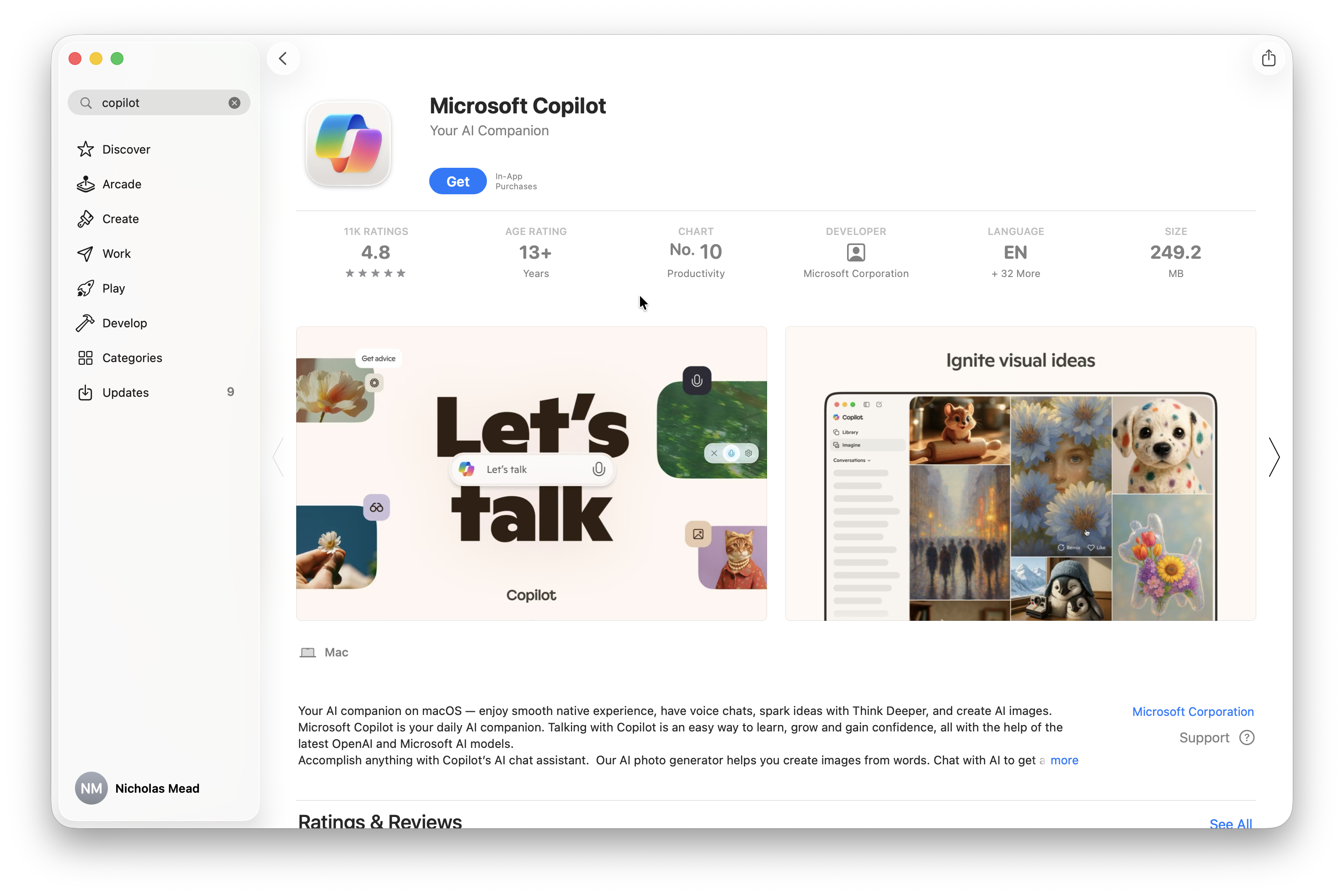
Microsoft Copilot is the consumer AI assistant. It is the closest equivalent to ChatGPT: you can use it for questions, writing, brainstorming, summaries, image generation and web-based research.
You can use it in a browser at copilot.com or through the Microsoft Copilot app. A Microsoft account is not essential for a quick chat, but signing in gives you useful extras such as chat history, longer conversations, voice features and more image-generation access.
The free version is the right starting point if you mainly want to:
- Ask questions or research a subject
- Draft, edit or summarise text
- Brainstorm ideas or outlines
- Analyse a file that you choose to upload
- Generate an image or talk to an AI assistant
It is not the same thing as having Copilot built into your Office documents. You can copy text between Copilot and Word, but the free assistant does not give you the paid Microsoft 365 experience of opening a document and working with Copilot inside the app.
Does the free Copilot app work on a Mac?
The native Microsoft Copilot app currently requires an Apple silicon Mac (M1 or later) and macOS Sonoma 14 or later. Microsoft says the native Mac app is available in the UK, US and Canada, although availability can change by region.
If you have an Intel Mac, do not assume that Copilot is unavailable: use the browser version instead. Microsoft 365’s Word, Excel, PowerPoint and Outlook apps support both current Intel and Apple silicon Macs; it is the standalone Copilot app that has the Apple-silicon requirement.
2. Copilot in Microsoft 365 Personal and Family
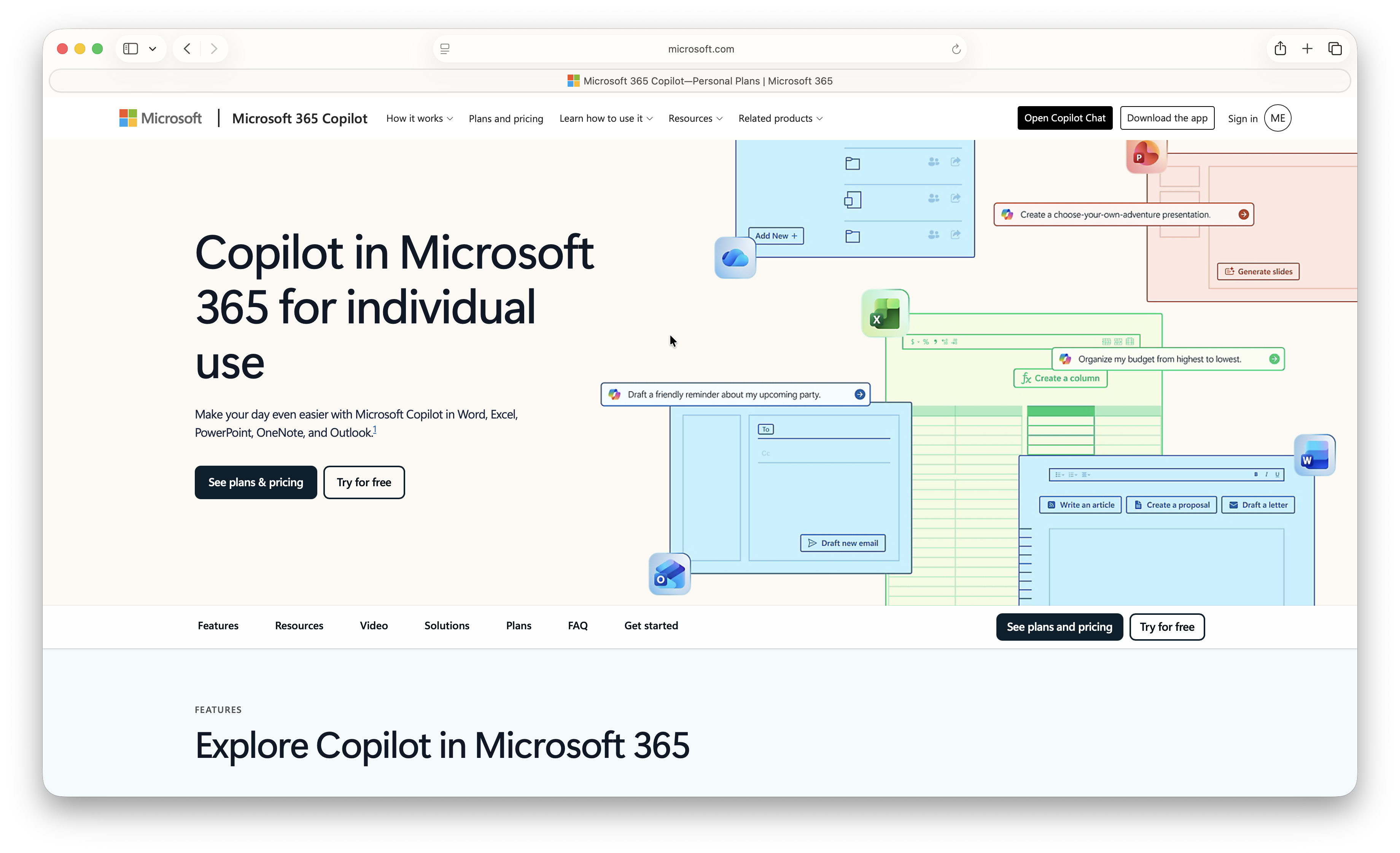
For most people, this is the genuinely useful paid upgrade.
Microsoft 365 Personal includes the Mac desktop versions of Word, Excel, PowerPoint, Outlook and OneNote, plus 1TB of OneDrive storage for one person. It also gives the subscription owner access to Copilot within supported Microsoft 365 apps.
That means you can ask Copilot to help with the file you already have open, for example:
- Drafting, rewriting or summarising a Word document
- Explaining, analysing or organising an Excel workbook
- Turning an outline into a PowerPoint presentation
- Summarising an Outlook email thread or drafting a reply
- Organising notes in OneNote
This is the main reason to choose Microsoft 365 rather than relying only on the free Copilot app. It reduces the copying and pasting between a separate AI chat window and the Office file you are working on.
However, there are three catches worth knowing before you pay:
- AI benefits belong to the subscription owner. Microsoft 365 Family gives up to six people their own Office apps and since 8th October 2026, 2TB of pooled OneDrive storage, but the full Copilot benefits in the desktop apps are not shared with every family member.
- The limits are not unlimited. Microsoft now describes many allowances by feature and usage level rather than promising one fixed number of prompts. They can change as models and features change.
- A personal plan is not a substitute for a work Copilot licence. It does not give you automatic access to an employer’s mail, Teams chats or company files. Your organisation controls that access and may use a different Copilot licence altogether.
Is Microsoft 365 Family worth it for Copilot?
Buy Microsoft 365 Family when several people genuinely need Word, Excel, PowerPoint and OneDrive. It is excellent value for the Office and storage side of the subscription.
Do not buy it on the assumption that six people receive six full AI subscriptions. The person who owns and pays for the plan gets the main AI benefits, including Copilot in the desktop apps. Other members should treat it primarily as a shared Office and OneDrive plan.
Since 8th of October 2026, Family subscriptions also only receive 2TB of pooled OneDrive storage down from 6TB previously.
3. Microsoft 365 Premium and Pro: who should pay more?
Microsoft 365 Personal is enough for most individual Mac users. The higher tiers are for people who use Copilot heavily, not simply for people who want Word or Excel on a Mac.
Microsoft 365 Premium
Microsoft 365 Premium includes the Family-level Office and storage benefits, but gives the subscription owner more extensive AI usage and access to advanced Copilot capabilities. Microsoft currently highlights agents such as Researcher, Analyst and Tasks for Premium users.
At £189.99 per year, Premium makes sense only if you repeatedly hit the normal plan’s limits or you know that its advanced research, analysis and agent features will save meaningful time. It is still not an unlimited AI plan.
Microsoft 365 Pro
Microsoft 365 Pro is Microsoft’s highest consumer Copilot tier. At £94.99 per month, it is aimed at a very small group of power users who need the highest available personal usage limits.
For nearly every home user, freelancer or student, it is excessive. Treat it as a specialist plan to consider only after you have used Premium and can identify a real usage problem that the higher tier solves.
4. Copilot Chat vs Microsoft 365 Copilot for work
This is where Microsoft uses its most confusing language.
If you sign in with a work or school account, you may see Copilot Chat. In some Microsoft material it is still called Microsoft 365 Copilot Chat. It is a secure, enterprise-managed AI chat service available at no additional cost with eligible Microsoft 365 plans.
Copilot Chat is useful for web-grounded questions, drafting and analysing content you upload. It also benefits from enterprise data protection when you use your work account.
But Copilot Chat is not necessarily the full company-data assistant people have seen demonstrated. Without a paid Microsoft 365 Copilot licence, its work-data reasoning is limited. With the paid licence, Copilot can use Work IQ to reason across information you already have permission to access, including relevant emails, meetings, chats and files.
| If your employer gives you… | What you should expect |
|---|---|
| Copilot Chat only | Secure AI chat, web grounding and limited work-content use; features depend on your account and administrator settings. |
| A Microsoft 365 Copilot licence | Broader, permission-aware assistance across Microsoft 365, including work files, meetings, email, Teams chats and advanced agents. |
The important privacy point is that the paid business licence does not bypass permissions. Copilot is meant to use the information that the signed-in employee is already authorised to see. Organisations still need to get their Microsoft 365 permissions, retention rules and AI policies in order before rolling it out.
If you run a business, Microsoft 365 Copilot Business is an add-on for a qualifying Microsoft 365 Business subscription. It is not a consumer upgrade, and its availability can be controlled by the organisation’s administrator.
Microsoft 365 Copilot app vs Microsoft Copilot app: why the names changed
Older advice often tells Mac users to install both Microsoft Copilot and Microsoft 365 Copilot. That distinction is increasingly out of date.
Microsoft has renamed the Microsoft 365 Copilot app as the Microsoft Copilot app as it brings personal and work experiences closer together. You may still see the older name or icon during the transition, especially on a Mac that has not been updated recently, but it does not mean you must buy two Copilot subscriptions.
Instead, focus on the account label after signing in:
- Personal means you are using a consumer Microsoft account.
- Work or School means you are using an organisation-managed Microsoft Entra account.
Your account and licence determine what Copilot can access far more than the app name does.
How to get Copilot in Word, Excel and PowerPoint on a Mac
If you have an eligible Microsoft 365 subscription and are the plan owner:
- Install the latest Microsoft 365 apps on your Mac.
- Sign in to Word, Excel, PowerPoint or Outlook with the Microsoft account that owns the subscription.
- Open or create a file.
- Select the Copilot button. In Word, Excel and PowerPoint it may appear as a floating or docked action button rather than the older ribbon icon.
If you cannot see Copilot, check that the subscription is active, the app is up to date, you are signed in with the correct account and the relevant connected experiences have not been disabled. Work or school users should also ask their IT administrator whether Copilot has been enabled for their licence.
Microsoft changes feature availability by app, country, account type and licence. It is best not to build a workflow around a feature until you have tested it with the sort of document you actually use.
Which Microsoft Copilot plan should you get?
Here is the practical choice for most Mac users:
- Want an AI assistant for writing, questions and research? Use the free Microsoft Copilot app or web version first.
- Use Word, Excel, PowerPoint or Outlook regularly? Microsoft 365 Personal is the sensible paid choice.
- Need Office and OneDrive for several people? Choose Microsoft 365 Family for the shared apps and storage, but remember that Copilot desktop-app benefits stay with the subscription owner.
- Use Copilot every day for demanding analysis or research? Consider Microsoft 365 Premium once you can clearly explain why Personal’s limits or features are holding you back.
- Tempted by Microsoft 365 Pro? It is unlikely to be worthwhile unless you are a genuine high-volume individual AI user.
- Need answers based on company emails, Teams, meetings and documents? Do not buy a personal plan. Ask your employer whether you have Copilot Chat or a Microsoft 365 Copilot licence.
If you mainly use Pages, Numbers and Keynote rather than Microsoft Office, the free Copilot app is usually the better starting point. Paying for Microsoft 365 makes most sense when you also want the desktop Office suite and its in-app Copilot tools.
FAQ
Is Microsoft Copilot free on a Mac?
Yes. You can use Microsoft Copilot for free in a browser, and eligible Apple silicon Macs can use the native app. Paid Microsoft 365 plans add Office apps and, for the subscription owner, Copilot features inside those apps.
Does Copilot work on Intel Macs?
Yes in a browser. The native standalone Microsoft Copilot app currently requires an Apple silicon Mac, but Microsoft 365’s desktop Office apps support both Intel and Apple silicon Macs within Microsoft’s supported macOS versions.
Does everyone on Microsoft 365 Family get Copilot?
No. Everyone can receive their own Microsoft 365 apps and OneDrive storage allocation, but the main AI benefits, such as Copilot in the desktop apps, are tied to the subscription owner.
Is Copilot Chat the same as Microsoft 365 Copilot?
No. Copilot Chat is the lighter work-account experience included with eligible Microsoft 365 plans. A Microsoft 365 Copilot licence adds broader, permission-aware work-data reasoning and integrated features in Microsoft 365 apps and Teams.
Can a personal Microsoft 365 plan read my work email and Teams messages?
No. A personal plan does not grant access to company data. Use the Microsoft account and Copilot option approved by your employer, and never paste confidential work information into a personal AI chat service unless your organisation explicitly permits it.
Do I need Microsoft Edge to use Copilot on a Mac?
No. Copilot works in modern browsers including Safari, Chrome and Firefox. You can also use the native app on a supported Apple silicon Mac.
Can I disable Copilot in Microsoft 365 apps for Mac?
Microsoft provides Copilot controls in apps such as Word, Excel and PowerPoint for eligible home subscribers. The exact controls can vary by app and account type, so check the app’s settings and your Microsoft account if you want to turn it off.