

If you’re looking for the best rendering software for Mac, this guide compares the top paid and free 3D rendering tools that run natively on macOS, including Apple Silicon Macs (M-series chips).
While Windows still has a wider selection of rendering software, the gap has closed dramatically. Thanks to Apple Silicon and increasing macOS support, Macs are now excellent machines for 3D rendering, especially for architecture, product design, motion graphics, and creative visualization.
Below you’ll find a clear winner, followed by in‑depth reviews, comparisons, and Mac‑specific advice to help you choose the right rendering software.
Can Macs Be Used for Rendering?
Yes, modern Macs are very capable rendering machines.
Apple Silicon Macs such as the MacBook Pro, Mac Studio, Mac mini, and iMac deliver excellent CPU and GPU performance, unified memory, and impressive efficiency. Many rendering tools now run natively on Apple Silicon, avoiding the poor performance of Rosetta emulation.
While some Windows‑only renderers (such as Lumion or 3ds Max) are unavailable on macOS, there are still professional‑grade rendering solutions for Mac that rival or exceed Windows alternatives in real‑world workflows.
Running Windows on a Mac purely for rendering is generally not recommended, especially on Apple Silicon, as virtualization significantly reduces performance.
What Is Rendering?
Rendering is the process of generating realistic or photorealistic images or animations from 2D or 3D models created in CAD software, 3D modelling, or graphic design software.
In a typical rendering workflow:
- A model is created in CAD or 3D modelling software
- Materials, lighting, and cameras are applied
- A rendering engine calculates the final image or animation
Rendering should not be confused with video rendering in video editing software, which simply exports an edited timeline to a playable video file.
Comparison Table: Best Rendering Software for Mac
| Software | Best For | Rendering Type | Pricing (approx.) |
|---|---|---|---|
| Blender | All‑round 3D rendering | CPU & GPU (Cycles/Eevee) | Free |
| Enscape | Architectural visualization | Real‑time | From $74.90/mo |
| KeyShot | Product visualization | CPU & GPU ray tracing | From $99/mo |
| Cinema 4D | Motion graphics & animation | CPU & GPU (Redshift) | From $94.99/mo |
| Adobe Substance 3D | Materials & staging | PBR | From $19.99/mo |
| Autodesk Maya | Film & VFX | CPU & GPU (Arnold) | From $235/mo |
| Fusion | Engineering & manufacturing | CPU-based | Free / $84/mo |
| Twinmotion | Architectural walkthroughs | Real‑time | Free / $749 |
| Shapr3D | Concept & industrial design | CPU-based | Free / $25/mo |
| TinkerCAD | Beginners & education | Basic | Free |
1. Blender: Best Overall Rendering Software for Mac
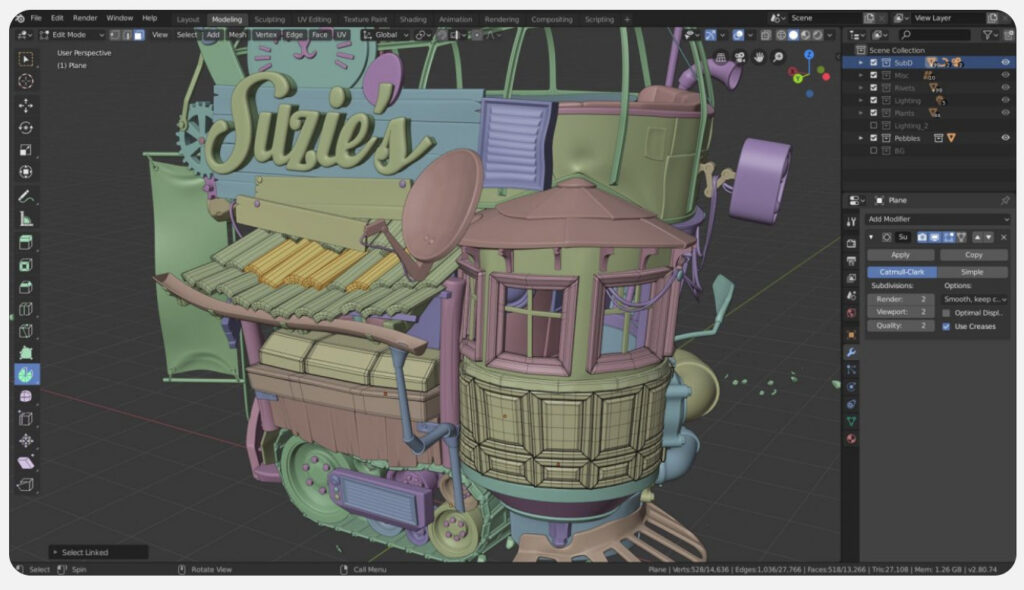
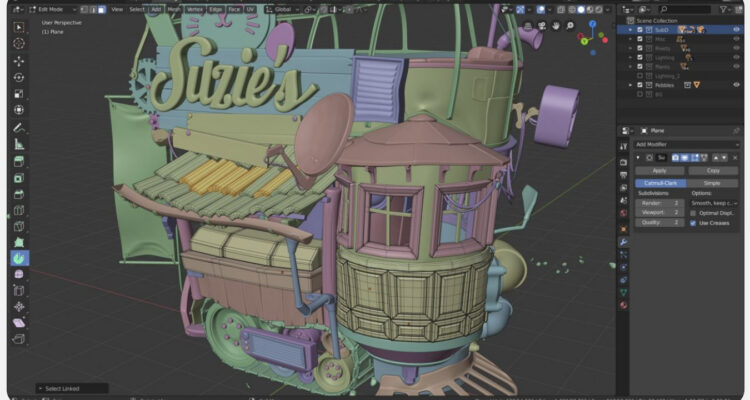
Blender is the best rendering software for Mac overall, combining professional‑grade rendering, modelling, animation, and VFX – completely free.
Blender runs natively on Apple Silicon, and its Cycles ray‑tracing engine delivers outstanding photorealistic results. Eevee provides real‑time rendering for previews and animations.
While Blender has a steeper learning curve than some paid tools, its capabilities rival (and often exceed) software like Maya or Cinema 4D.
Pricing: Free
Pros
- Completely free and open source
- Native Apple Silicon support
- Multiple render engines (Cycles, Eevee)
- Huge community and learning resources
Cons
- Steep learning curve
- No official commercial support
2. Enscape – Best Rendering Software for Architects on Mac
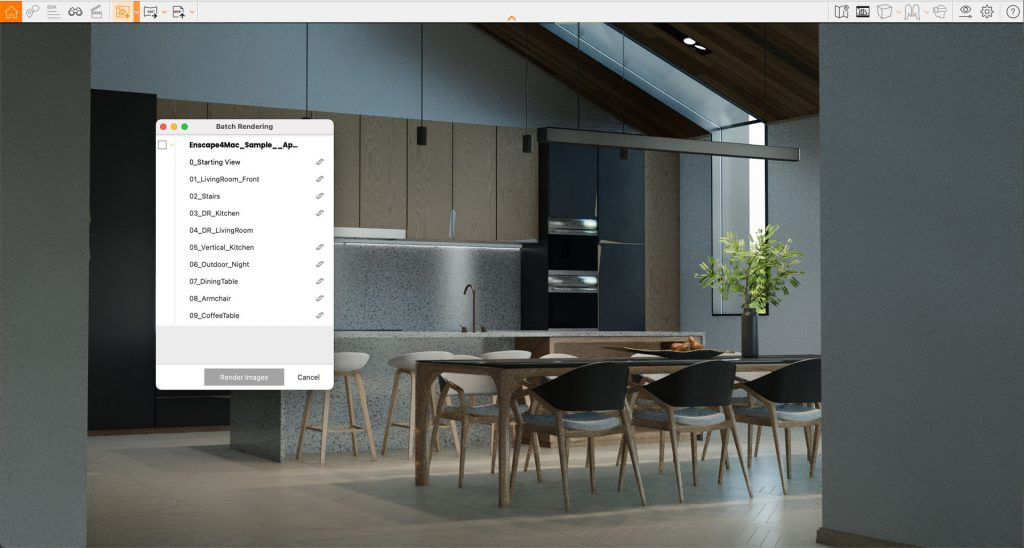
Enscape is the best real‑time rendering solution for architects on Mac, provided you use SketchUp, Archicad, or Vectorworks.
Rather than being standalone, Enscape works as a plugin, enabling instant walkthroughs, real‑time lighting, and photorealistic visualization directly from your CAD model.
The Mac version supports Apple Silicon and includes most core features, although Windows still has some advanced options.
Pricing: From $74.90/month. Free Trial.
Pros
- Excellent real‑time architectural visualization
- Very easy to use
- Native Apple Silicon support
Cons
- Plugin only (no standalone Mac app)
- Requires compatible CAD software
3. KeyShot – Best for Product & Industrial Design
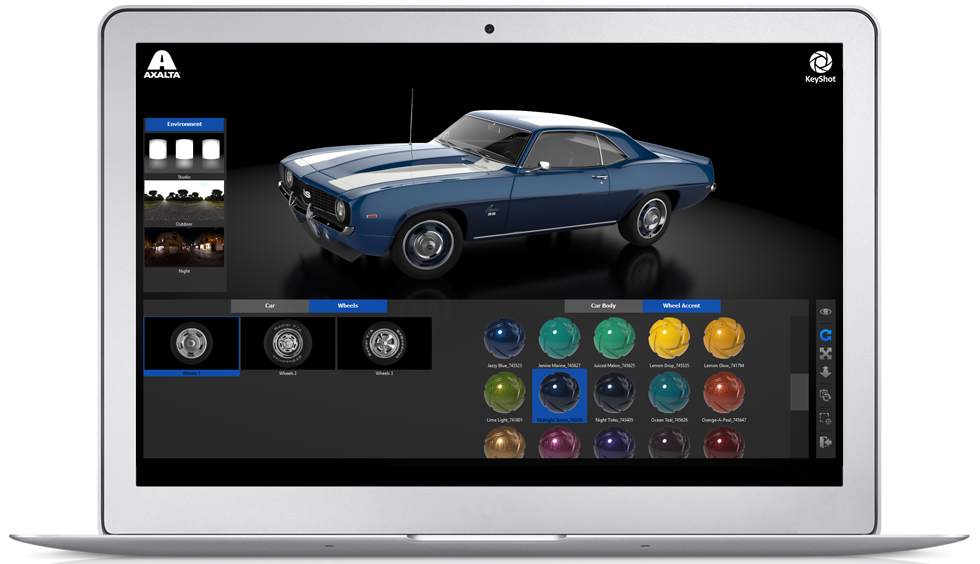
KeyShot is one of the easiest ways to create high‑quality, photorealistic product renders on a Mac.
Everything updates in real time, making it ideal for designers who want fast results without complex setup. KeyShot runs natively on Apple Silicon and supports dozens of 3D formats.
Pricing: From $99/month. Free Trial.
Pros
- Extremely easy to use
- Excellent photorealism
- Native Apple Silicon support
Cons
- Expensive
- Limited advanced animation tools
4. Cinema 4D – Best for Motion Graphics
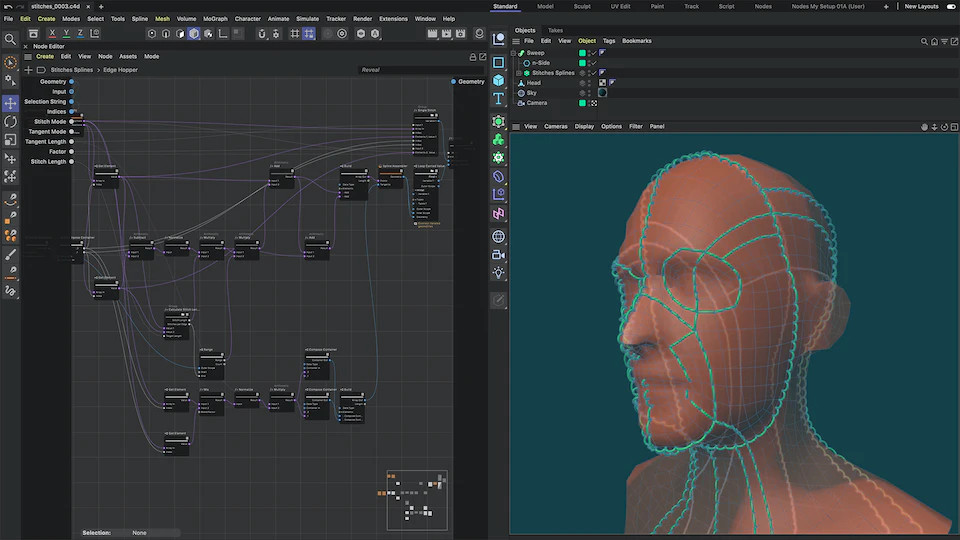
Cinema 4D is the best rendering software for motion graphics on Mac, widely used in broadcast design, animation, and VFX.
With Redshift integration and native Apple Silicon support, Cinema 4D delivers powerful GPU‑accelerated rendering while remaining more approachable than Maya.
Pricing: From $94.99/month. Free Trial.
Pros
- Industry‑leading motion graphics tools
- Native Apple Silicon support
- Excellent After Effects integration
Cons
- Subscription only
- Expensive for hobbyists
5. Adobe Substance 3D – Best for Adobe Workflows

Adobe Substance 3D is ideal if you already work within Adobe Creative Cloud.
It excels at materials, texturing, and staging, with Substance Stager acting as the primary rendering tool. All components run natively on Apple Silicon.
Pricing: From $19.99/month. Free Trial.
Pros
- Excellent material realism
- Integrates with Photoshop & Illustrator
- Native Apple Silicon support
Cons
- Separate subscription from Creative Cloud
6. Autodesk Maya – Best for Film & VFX
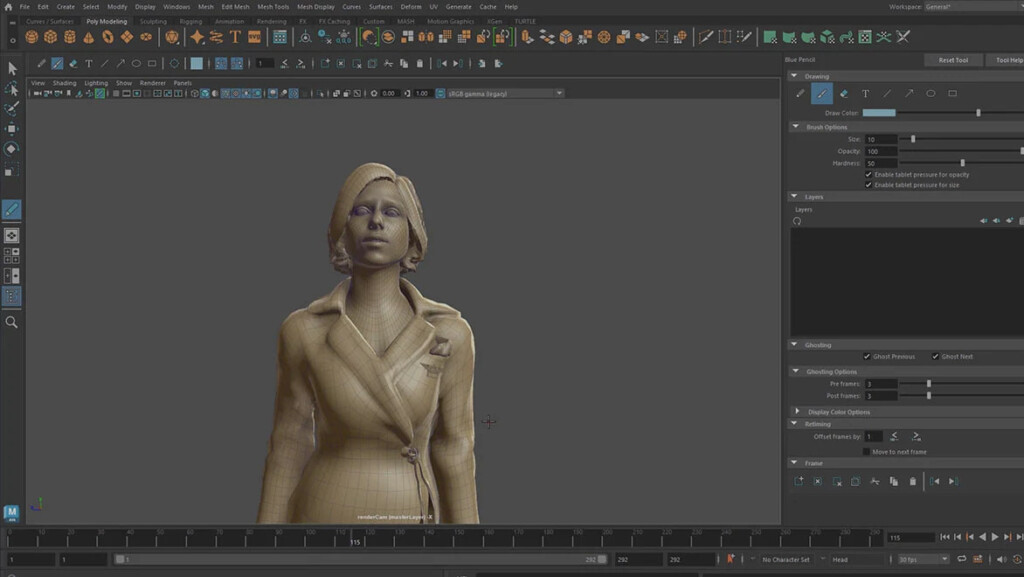
Maya remains a Hollywood standard for animation and VFX and now runs natively on Apple Silicon Macs.
While extremely powerful, it is best suited to professionals and studios rather than casual users.
Pricing: From $235/month. Free Trial.
Pros
- Industry standard for animation & VFX
- Native Apple Silicon support
Cons
- Expensive
- Steep learning curve
7. Fusion – Best for Engineering Rendering
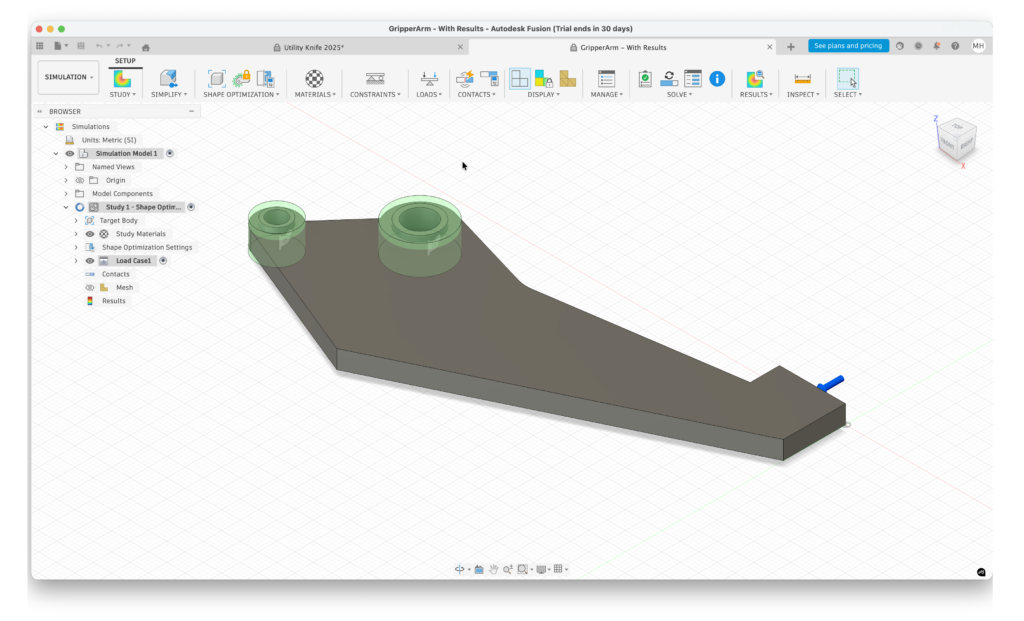
Autodesk Fusion is ideal for engineering and manufacturing workflows, offering simple yet effective rendering tools that integrate seamlessly with CAD and CAM features. While it is not primarily a visualization tool, Fusion allows users to produce professional-quality technical renders with minimal setup.
Fusion’s rendering workflow is optimized for Apple Silicon Macs, making complex engineering models easier to visualize. Users can apply realistic materials, lighting, and environments to showcase product designs or prototypes.
Fusion is also highly collaborative, enabling cloud-based sharing of renders and designs with teams.
You can read our full Fusion review for more.
Pricing: Free / $84/month or $680 annually
Pros:
- Cheaper than AutoCAD
- Specialized for engineering rendering on a Mac
- Works natively on Apple Silicon Macs
- Rendering is very easy
Cons:
- Focused on engineering rendering
- Steep learning curve
8. Twinmotion – Real‑Time Architectural Visualization
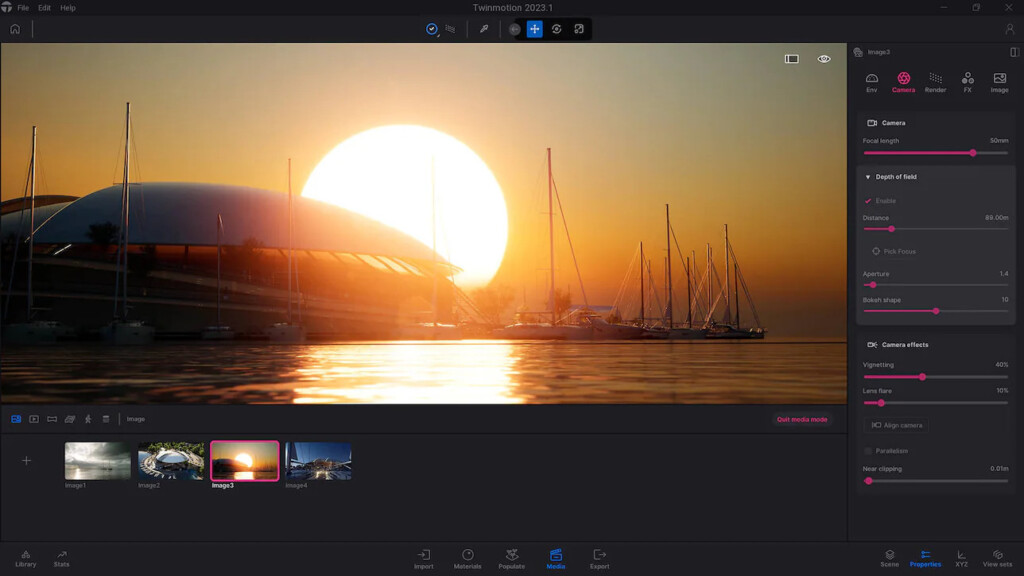
Twinmotion is popular for architectural walkthroughs and real-time visualization, especially for architects and designers who want rapid feedback on models. Powered by Unreal Engine, Twinmotion offers one-click integration with CAD software like Archicad, Revit, SketchUp, Rhino, and Rikcad.
It features enhanced path tracing, intuitive templates, and a simplified interface, making it easy to generate high-quality renders and videos quickly.
While it does not yet run natively on Apple Silicon, performance on Rosetta is still sufficient for most architectural tasks.
Pricing: Free for students and educators/ $445 commercial license
Pros:
- Real time rendering engine
- Free version for students and educators
- Integration with major CAD and BIM software
- Perpetual license
Cons:
- No native Apple Silicon version yet
9. Shapr3D – Best for Concept Design
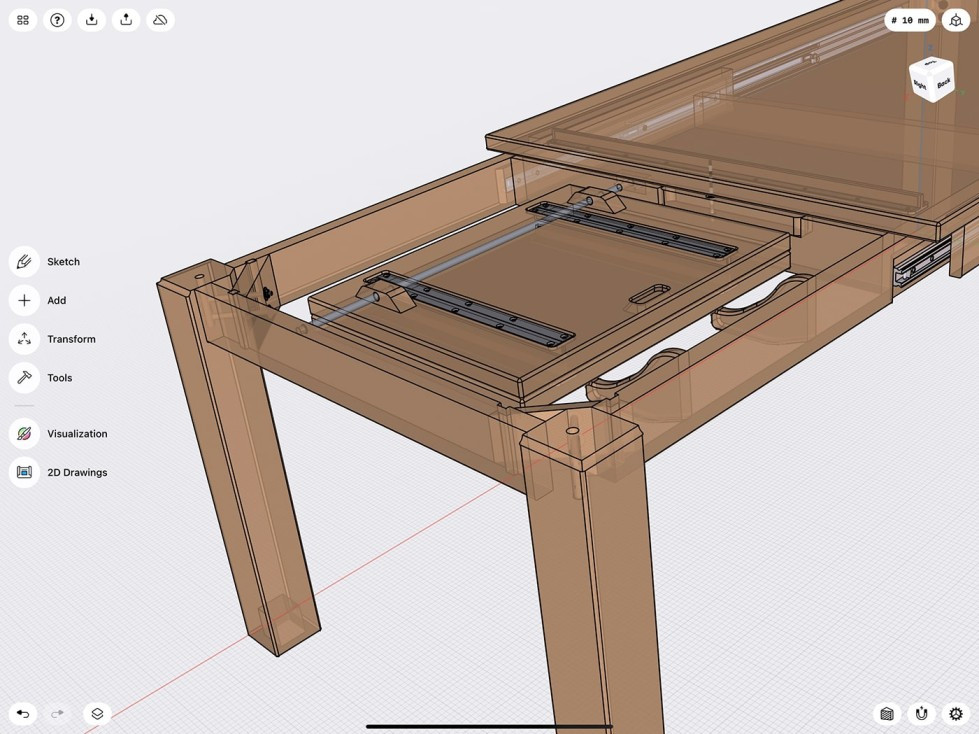
Shapr3D is a versatile tool for early-stage concept design, combining CAD modelling with simple visualization. It excels on iPad with Apple Pencil, and seamlessly syncs with Mac for more advanced workflows.
It allows designers to quickly sketch, model, and render industrial or product designs. While not as advanced as Blender or KeyShot in photorealism, it provides a fast and intuitive workflow for conceptual visualization.
Pricing: Free / $25/month
Pros:
- Easy to use 3D designer plus renderer
- Works on Macs and tablets
- Slick interface
- Price
Cons:
- Lacks powerful rendering features
- May be too basic for professional designer
10. TinkerCAD – Best Free Beginner Tool
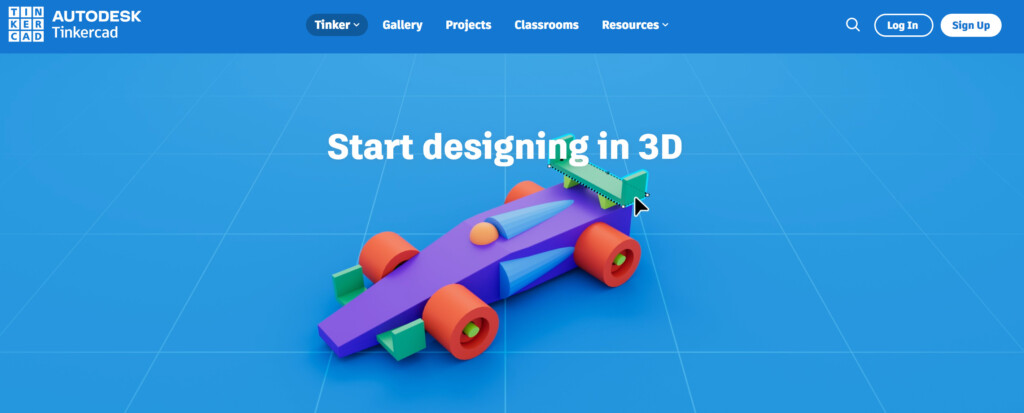
TinkerCAD is a free, browser-based CAD and rendering tool ideal for beginners, students, and hobbyists. While it is simple, it allows users to create 3D models and perform basic renders directly in the cloud.
It also integrates with Fusion for more advanced rendering, making it a great entry point into the Mac 3D design ecosystem.
Pricing: Free
Pros:
- Free to use
- Works in the Cloud on any Mac
- Very easy to use
- Exports to Fusion
Cons:
- Not very powerful
- Basic tools
FAQ
What’s the Best Rendering Software for SketchUp on Mac?
Enscape is the best SketchUp rendering plugin on Mac, followed by Twinmotion and V‑Ray.
Can You Run Lumion on a Mac?
No. Lumion is Windows‑only and not recommended via virtualization on Mac.
Can You Run 3ds Max on a Mac?
No. 3ds Max is Windows‑only.
Other Ways to Render on Mac
Cloud rendering services such as Fox Renderfarm and Render Pool are viable alternatives for Mac users.