


Whether you want to protect your privacy online, use public WiFi safely, stream content from other countries or avoid ISP tracking, a Virtual Private Network (VPN) remains one of the most effective security tools you can install on a Mac.
Right now, using a VPN is the best way to watch the World Cup for free on a Mac wherever you are in the world.
The good news is that VPN software for macOS has improved dramatically in recent years. Most leading VPN providers now offer native Apple Silicon support, independently audited no-logs policies and fast WireGuard-based protocols that have minimal impact on performance or battery life.
After extensive testing on the latest versions of macOS, we found NordVPN remains the best VPN for Mac overall thanks to its combination of speed, privacy features, Apple Silicon optimization and value for money.
However, the best VPN for you depends on what you need it for. ExpressVPN offers the easiest Mac experience, Surfshark delivers the best value, while Proton VPN and Mullvad are excellent choices for privacy-focused users.
Best VPNs For Mac At A Glance
| VPN | Best For |
|---|---|
| NordVPN | Best Overall |
| ExpressVPN | Best For Beginners |
| Surfshark | Best Value |
| Proton VPN | Best Privacy Alternative |
| Mullvad | Best Anonymous VPN |
| Private Internet Access | Best For Advanced Users |
| Windscribe | Best Customizable VPN |
| CyberGhost | Best For Streaming & Torrents |
What We Looked For
Native Apple Silicon Support
Modern VPNs should run natively on Apple Silicon Macs including M1-M5 models running the latest versions of macOS. Native apps typically use less battery power, wake more reliably from sleep and provide better performance than apps relying on Rosetta translation.
Independently Audited No-Logs Policies
Most VPN providers claim not to log your browsing activity. We gave preference to VPNs that have had their privacy policies independently audited by third-party security firms.
Fast VPN Protocols
Modern VPNs increasingly rely on WireGuard-based technologies such as NordLynx and Lightway. These offer significantly faster speeds than traditional VPN protocols while maintaining strong security.
Kill Switch Protection
A kill switch immediately disconnects your Mac from the internet if the VPN connection drops unexpectedly, preventing your real IP address from being exposed.
Split Tunneling
Split tunneling allows selected apps or websites to bypass the VPN while the rest of your traffic remains protected. Due to Apple’s networking restrictions, support varies significantly between VPN providers.
Streaming Support
Many users choose VPNs to access content on services such as Netflix, BBC iPlayer, Hulu and Disney+. We tested how reliably each VPN bypasses regional restrictions.
Server Coverage
We gave preference to VPNs with large global server networks and broad country coverage.
Dedicated IP
We looked for VPNs that offer dedicated IPs allow you to connect from the same IP address to different services instead of being assigned one randomly every time you connect. This is useful for avoiding CAPTCHAS, accessing banking sites, accessing corporate intranets and other services that can block dynamic IPs.
Value For Money
The VPN market is extremely competitive. We looked at long-term subscription pricing, money-back guarantees and additional features included with subscriptions.
Best VPNs For Mac Comparison Table
| VPN | Native Apple Silicon | Devices | Split Tunneling | No-Logs Audit | Dedicated IP |
| NordVPN | Yes | 10 | Limited | Yes | Yes |
| ExpressVPN | Yes | 8+ | Limited | Yes | Yes |
| Surfshark | Yes | Unlimited | Yes | Yes | Yes |
| Proton VPN | Yes | 10 | Partial | Yes | No |
| Mullvad | Yes | 5 | Yes | Yes | No |
| PIA | Yes | Unlimited | Yes | Yes | Yes |
| Windscribe | Yes | Partial | Yes | Limited | No |
| CyberGhost | Yes | 7 | Limited | Yes | Yes |
1. NordVPN – Best Overall
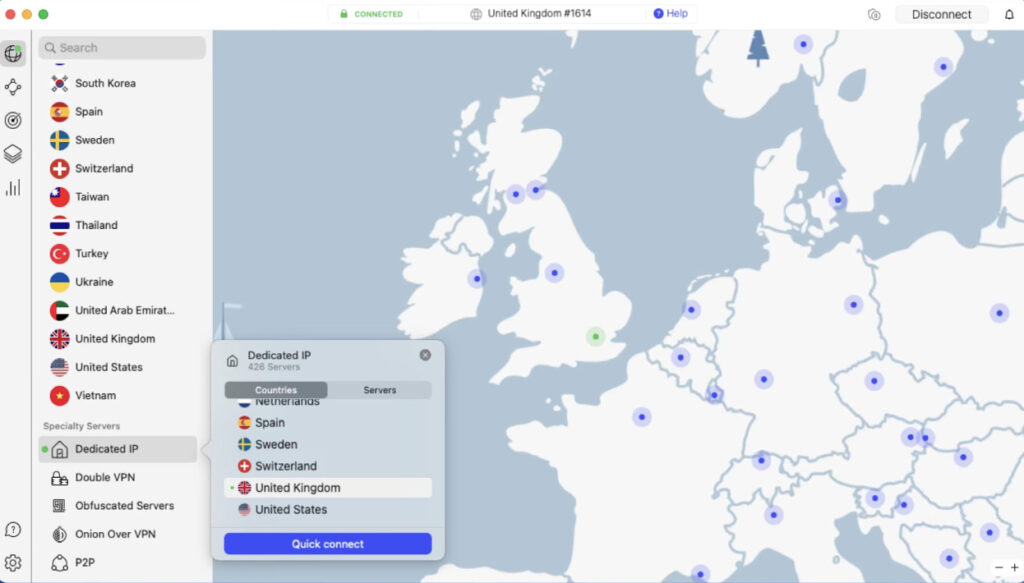
NordVPN remains our top recommendation for Mac users thanks to its combination of speed, security, privacy and excellent macOS support.
Its proprietary NordLynx protocol consistently delivers some of the fastest VPN speeds available while maintaining strong privacy protections. The Mac app works natively on Apple Silicon Macs and includes advanced features such as Threat Protection, Double VPN and Meshnet.
NordVPN also continues to be one of the most reliable VPNs for streaming services including Netflix, BBC iPlayer, Hulu and Amazon Prime Video.
The one downside is that split tunneling, which allows you to define which apps and websites use the VPN, is not supported on Macs.
Pricing: Starts at $3.09 per month with 75% off
Pros:
- Excellent Apple Silicon performance
- Fast NordLynx protocol
- Independently audited no-logs policy
- Threat Protection malware blocking
- Reliable streaming support
Cons:
- Split tunneling remains limited on macOS
- Some advanced features only available in direct-download version
2. ExpressVPN – Best For Beginners
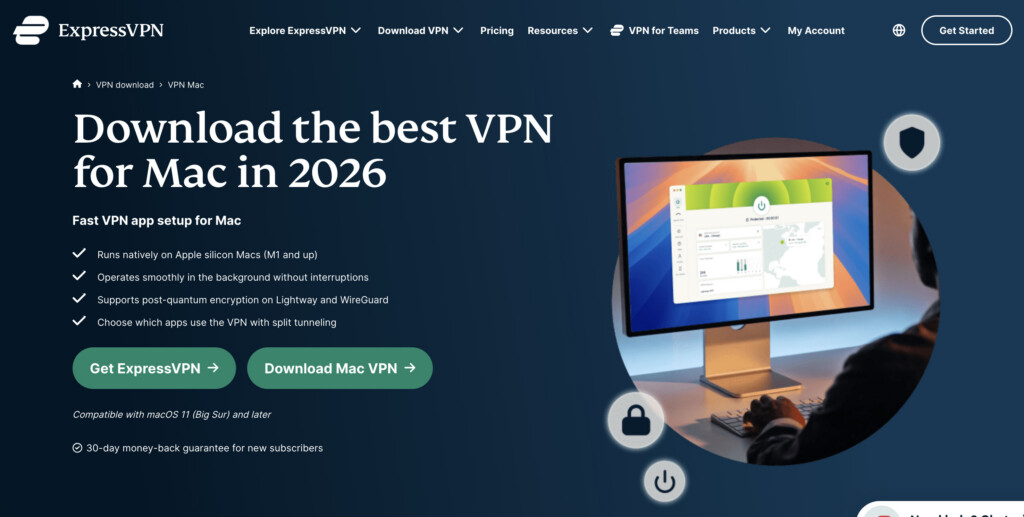
ExpressVPN offers arguably the most polished Mac VPN experience available.
The interface is extremely simple, making it ideal for users who want to install a VPN and start using it immediately without configuring advanced settings.
ExpressVPN’s Lightway protocol delivers excellent speeds and low battery usage while its network spans 105 countries.
You can also check our full ExpressVPN For Mac review.
Pricing: Basic Plan starts at $3.49 per month on 2 year subscriptions. Advanced and Pro Plans available
Pros:
- Easiest Mac VPN to use
- Excellent performance
- Strong privacy protections
- Native Apple Silicon support
- Reliable streaming performance
Cons:
- More expensive than competitors
- Fewer advanced features than NordVPN
3. Surfshark – Best For Unlimited Connections
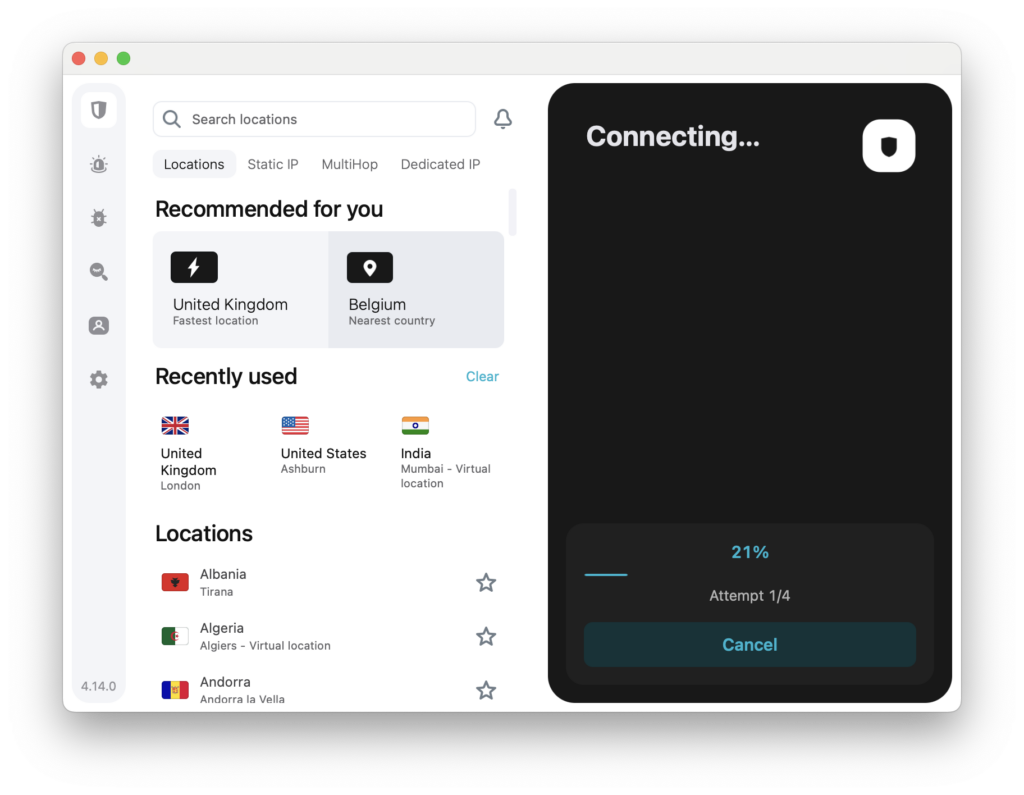
Surfshark offers one of the strongest feature-to-price ratios in the VPN industry.
Its biggest advantage remains unlimited simultaneous connections, making it ideal for households with multiple Macs, iPhones, iPads and Apple TVs.
It’s also the only major VPN to support split tunneling on Macs allowing you to customize which apps and websites use it.
Check out our full Surfshark For Mac Review for more.
Pricing: Starter Plan starts at $1.99 per month + 3 months free with 86% off
Pros:
- Unlimited devices
- Excellent value
- Split tunneling support
- Dedicated IP option
- Fast WireGuard performance
Cons:
- Some advanced features can feel overwhelming
- Smaller server network than NordVPN
4. Proton VPN – Best Privacy Alternative
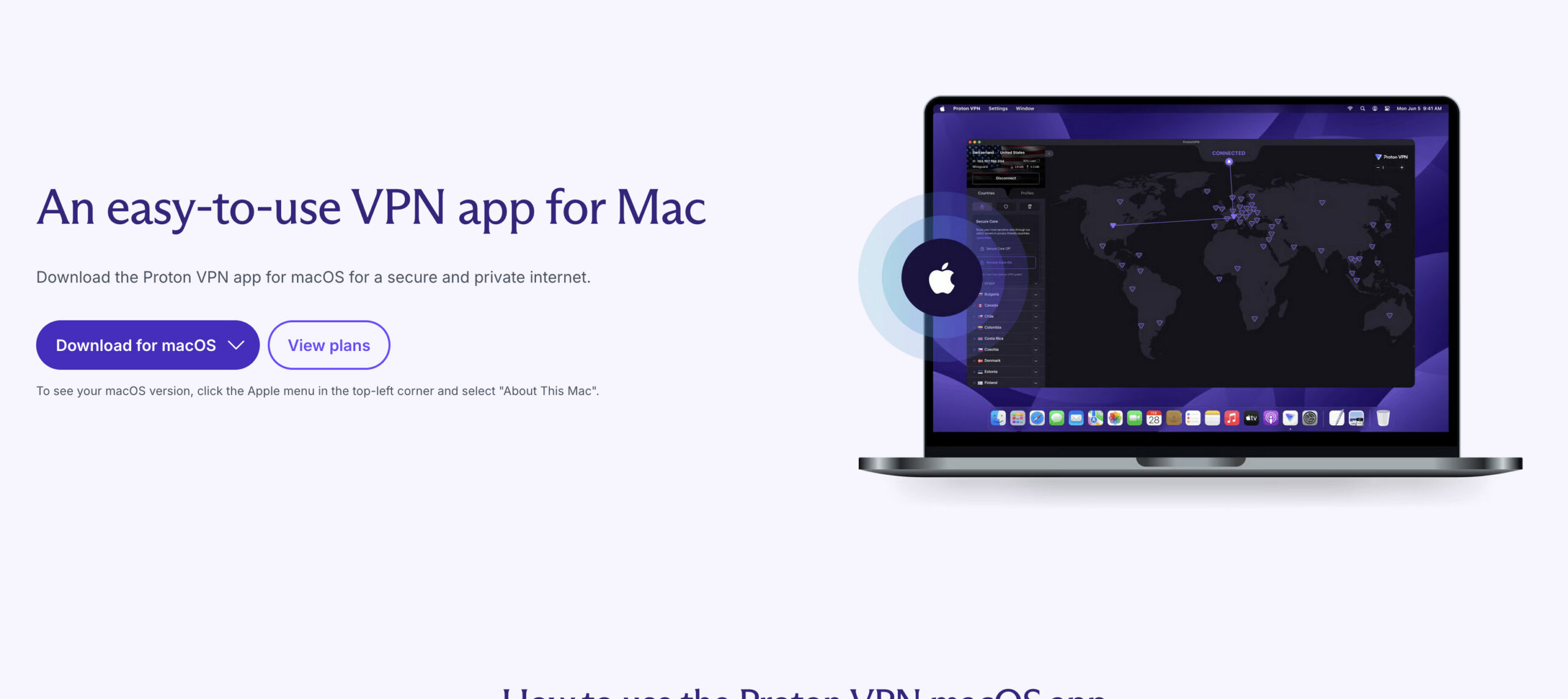
Proton VPN has become one of the strongest alternatives to NordVPN and ExpressVPN.
Based in Switzerland and developed by the team behind Proton Mail, Proton VPN combines strong privacy protections with excellent Mac support and one of the best free VPN plans available.
Pricing: Free basic plan, Paid plans start at $2.99/month
Pros:
- Excellent free plan
- Swiss privacy laws
- Open-source apps
- Independently audited
- Native Apple Silicon support
Cons:
- Premium plans are relatively expensive
- Interface can feel more technical
5. Mullvad – Best Anonymous VPN
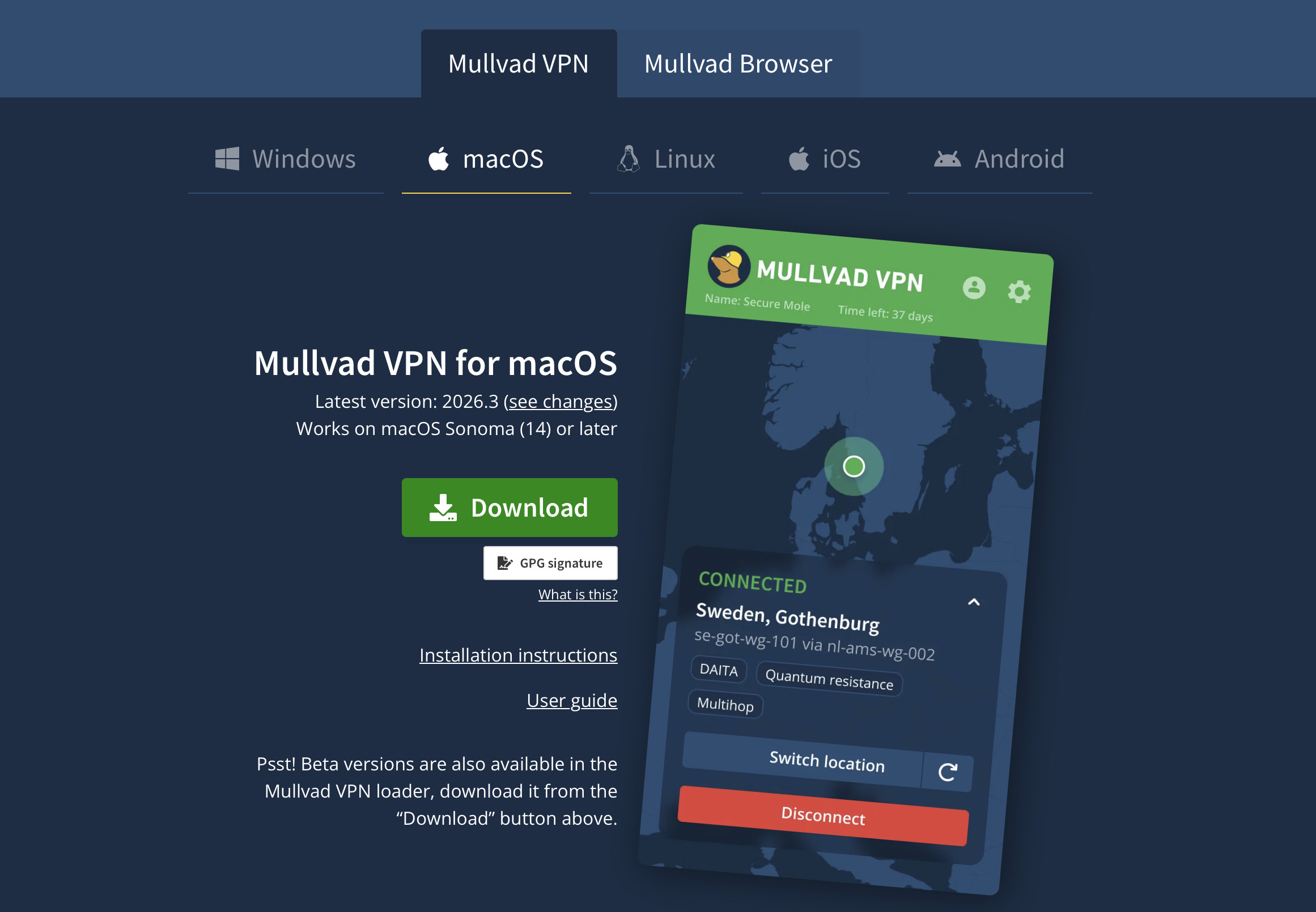
For users who prioritize anonymity above everything else, Mullvad remains difficult to beat.
Unlike most VPNs, Mullvad doesn’t even require an email address to create an account.
Pricing: Flat €5 per month ($5.50 USD). No long-term discounts, one simple plan.
Pros:
- Anonymous account creation
- Flat monthly pricing
- Open-source apps
- Excellent privacy reputation
- Split tunneling support
Cons:
- Limited streaming support
- Smaller server network
6. Private Internet Access – Best For Advanced Users
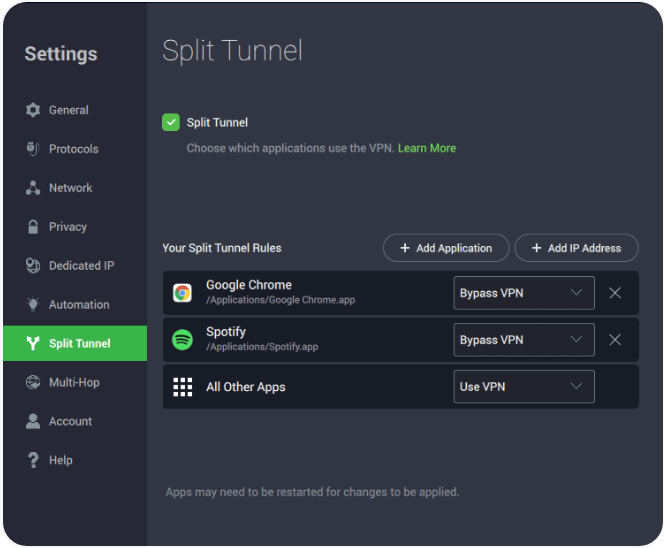
Source: MacHow2
Private Internet Access (PIA) is one of the most configurable VPNs available for Mac users who want greater control over their connection settings.
It offers extensive customization options, including encryption levels, protocol selection, automation rules and advanced split tunneling features. PIA also supports unlimited simultaneous device connections, making it a strong choice for power users managing multiple devices.
You can check out our full Private Internet Access For Mac review for more.
Pricing: $2.03 per month on 3 year deals with 83% off + 3 months free
Pros:
- Highly customizable settings
- Unlimited device connections
- Advanced split tunneling support
- Independently audited no-logs policy
- Large global server network
Cons:
- Interface can feel overwhelming for beginners
- Streaming performance can be inconsistent compared to top rivals
7. Windscribe (Best Customizable VPN)

Windscribe stands out for its flexibility and generous free plan, making it a popular choice among users who like to fine-tune their VPN experience.
The Mac app includes a wide range of customization options, from protocol selection and connection rules to ad and tracker blocking through its R.O.B.E.R.T. filtering system. Windscribe also offers servers in a large number of countries and supports streaming on many popular platforms.
You can also use the free version of Windscribe VPN to test it for yourself.
Pricing: $5.75/month or $79.00/3 years
Pros:
- Excellent customization options
- Generous free plan available
- Built-in ad and tracker blocking
- Good streaming support
- User-friendly Mac app
Cons:
- Speeds can vary between servers
- Fewer independent audits than some competitors
8. CyberGhost (Best For Streaming & Torrents)
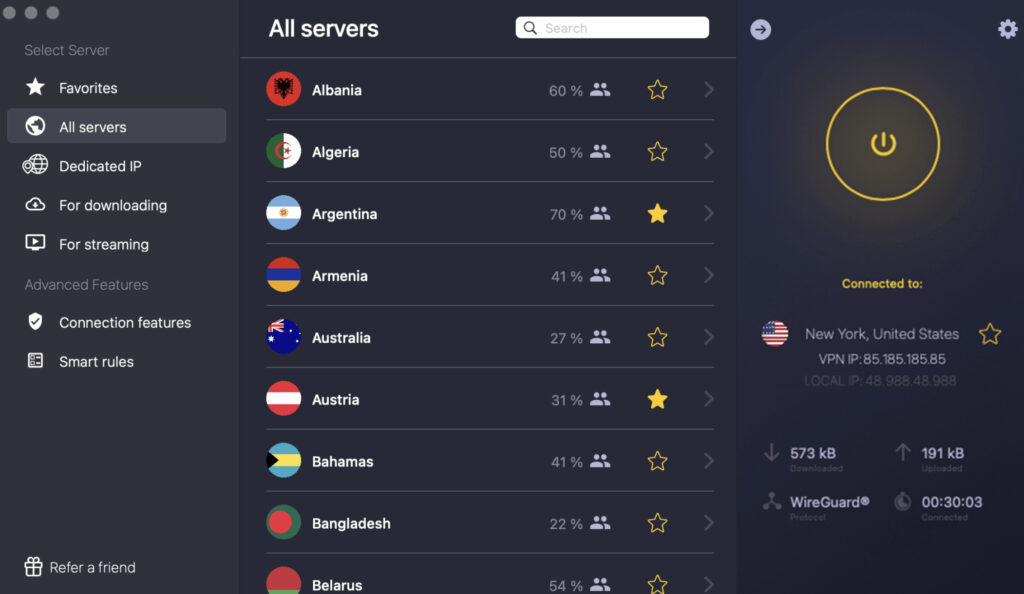
CyberGhost is particularly well suited to Mac users who primarily want a VPN for streaming and torrenting.
Its standout feature is a large selection of optimized servers designed specifically for streaming services and P2P file sharing. The Mac app is easy to use, and CyberGhost’s extensive server network makes it simple to find reliable connections around the world.
Check out our full CyberGhost For Mac review for more.
Pricing: Starts at $2.19 per month on 2 year plans with 2 months free
Pros:
- Streaming-optimized servers
- Torrent-friendly servers
- Large global server network
- Easy-to-use Mac app
- Long money-back guarantee
Cons:
- Fewer advanced privacy features than top competitors
- Performance can vary on heavily used servers
VPN vs Apple Private Relay
Private Relay is an Apple feature that allows a certain amount of anonymization when surfing. However, it is not a VPN and for more on this, check our guide to Private Relay vs VPNs.
Private Relay is useful for Safari privacy, but it is not a replacement for a full VPN if you want streaming access, torrenting support, server selection or protection across your entire Mac.
| Feature | Apple Private Relay | VPN |
|---|---|---|
| Hide IP Address | Yes | Yes |
| Choose Country | Limited | Yes |
| Streaming Region Changes | No | Yes |
| Torrenting | No | Yes |
| Works Outside Safari | No | Yes |
| Choose Server Location | No | Yes |
| Protect Entire Device | Partial | Yes |
FAQ
What is the best VPN for Mac in 2026?
For most Mac users, NordVPN is currently the best all-round VPN thanks to its combination of speed, privacy features, independently audited no-logs policy and excellent Apple Silicon support.
If you’re looking for alternatives, ExpressVPN is ideal for beginners, Surfshark offers the best value, and Mullvad is one of the strongest privacy-focused VPNs available.
Do Macs have a built-in VPN?
macOS includes support for connecting to VPNs through System Settings, but Apple does not provide a full VPN service itself.
You can manually connect to workplace or third-party VPN servers, but most users will find it much easier to use a dedicated VPN app such as NordVPN, ExpressVPN or Surfshark.
Is Apple Private Relay the same as a VPN?
No.
Apple Private Relay helps hide your IP address and browsing activity in Safari, but it is not a full VPN replacement.
Unlike a VPN, Private Relay cannot reliably change your virtual location, unblock streaming services, protect torrent traffic or secure all internet activity across your Mac.
If privacy is your only concern, Private Relay is useful. If you want complete device protection, streaming access or advanced security features, you’ll still need a VPN.
Which VPN works best on Apple Silicon Macs?
All of the VPNs featured in this guide offer native support for Apple Silicon Macs, including M1, M2, M3 and M4 models.
NordVPN, ExpressVPN, Surfshark and Proton VPN are particularly well optimized and have minimal impact on performance and battery life.
Does using a VPN slow down a Mac?
A VPN can slightly reduce internet speeds because your data must be encrypted and routed through another server.
However, modern VPN protocols such as NordLynx, WireGuard and Lightway have significantly reduced performance loss. In our testing, premium VPNs typically have little noticeable impact on everyday browsing, streaming and video calls.
Do VPNs drain MacBook battery life?
Any VPN will use some additional battery power because it continuously encrypts network traffic.
However, modern VPN apps that run natively on Apple Silicon Macs are far more efficient than older VPN software. Choosing a VPN with native Apple Silicon support can help minimize battery drain on MacBook Air and MacBook Pro models.
Which VPN is best for streaming on a Mac?
ExpressVPN and NordVPN are currently the most reliable VPNs for streaming services such as Netflix, BBC iPlayer, Hulu, Disney+ and Amazon Prime Video.
Surfshark and CyberGhost are also strong options for accessing geo-restricted content from other countries.
Which VPN is best for torrenting on a Mac?
CyberGhost, NordVPN and Private Internet Access are among the best VPNs for torrenting.
All three offer strong encryption, kill switch protection and P2P-friendly servers that help protect your privacy while downloading files.
Which VPN supports split tunneling on macOS?
Split tunneling remains more limited on macOS than on Windows because of Apple’s networking restrictions.
However, providers such as Surfshark, Private Internet Access and Mullvad currently offer some of the best split tunneling support for modern versions of macOS.
Can I use one VPN subscription on multiple devices?
Yes.
Most VPN providers allow multiple simultaneous connections under a single subscription.
Surfshark and Private Internet Access allow unlimited device connections, making them excellent options for households with multiple Macs, iPhones, iPads and Apple TVs.
Are free VPNs safe on a Mac?
Some free VPNs are safe, while others should be avoided.
Proton VPN offers one of the most trustworthy free VPN plans available, with unlimited bandwidth and strong privacy protections.
However, many free VPNs make money through advertising, tracking or data collection. For maximum privacy, security and performance, a reputable paid VPN is usually the better choice.
Can I use a VPN on an iPhone and Mac with the same account?
Yes.
All of the VPNs featured in this guide provide apps for both macOS and iOS, allowing you to protect your Mac, iPhone and iPad using the same subscription.
Do VPNs work with Safari?
Yes.
VPNs work at the operating system level, meaning they protect internet traffic regardless of whether you’re using Safari, Chrome, Firefox or another browser.
Some VPN providers also offer browser extensions for additional privacy and convenience.
Are VPNs legal?
VPNs are legal in the UK, the US and most countries around the world.
However, some countries restrict or regulate VPN usage. If you’re travelling internationally, it’s worth checking local laws before using a VPN.