

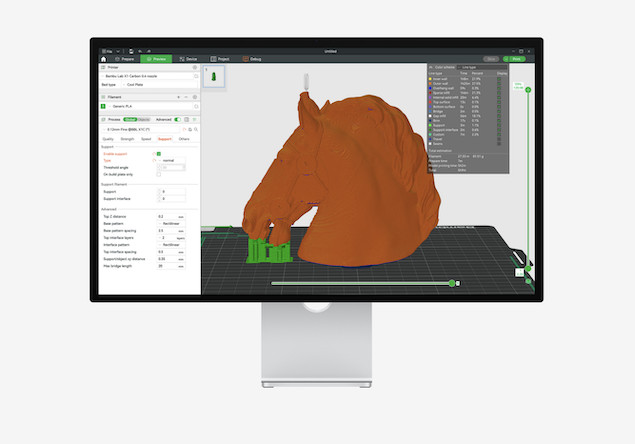
If you’re using a Bambu Lab 3D printer on a Mac, choosing the right CAD software for macOS is just as important as the printer itself.
While Bambu Studio works perfectly on macOS for slicing and printing, it doesn’t include design tools – so you’ll need separate CAD software to create or edit models before exporting them.
In this guide, we’ve rounded up the best CAD software for Bambu Lab on Mac, whether you’re a beginner designing simple parts or an advanced user creating complex models.
If you’re also looking for general 3D CAD tools, check out our guide to the best 3D CAD software for Mac.
What To Look For In CAD Software For Bambu Lab on Mac
Before choosing a CAD tool, it’s important to understand what works best with Bambu Lab printers.
1. macOS Compatibility (or Browser-Based)
Not all CAD tools run well on macOS. Prioritize:
- Native Mac apps (best performance)
- Cloud/browser tools (great for beginners)
2. STL / 3MF Export Support
Bambu Studio works best with:
- STL (most common)
- 3MF (preferred for advanced projects)
3. Parametric vs Mesh Modeling
- Parametric CAD (Autodesk Fusion, FreeCAD): best for precise, functional parts
- Mesh modeling (Blender): better for organic shapes and artistic models
4. Ease of Use vs Power
Some tools are easier to learn, while others offer professional level control.
Best CAD Software for Bambu Lab on Mac
1. Fusion 360 — Best Overall for Bambu Lab
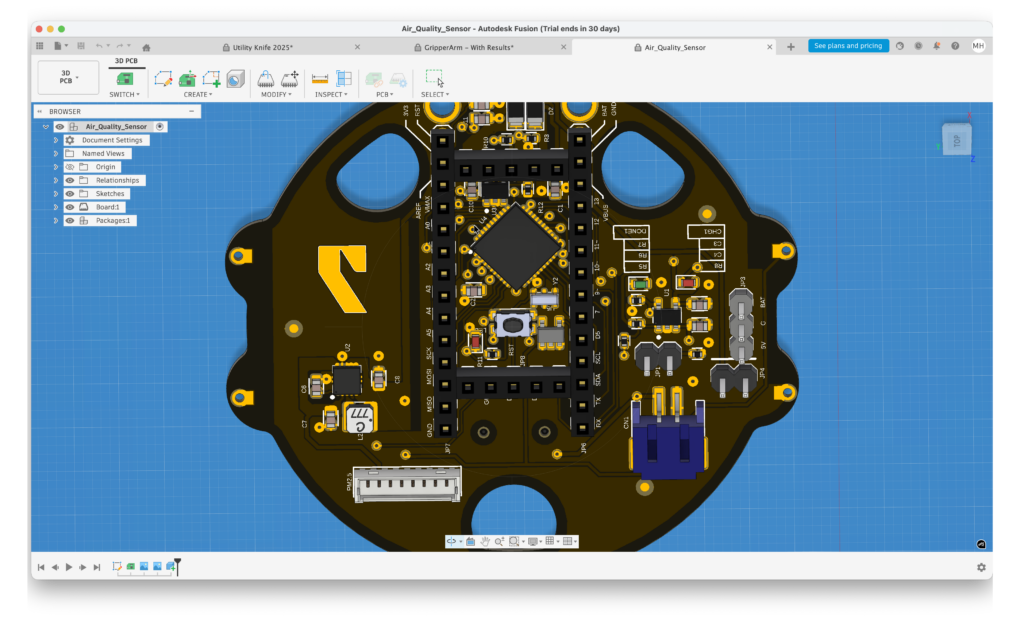
Best for: Hobbyists to advanced users
Autodesk Fusion (formerly Fusion 360) is widely considered the best all-round CAD tool for 3D printing – and it’s especially popular among Bambu Lab users.
Why it works well with Bambu Lab:
- Excellent STL and 3MF export
- Precise parametric modelling (ideal for functional prints)
- Huge community and tutorials
- Reliable scaling and tolerances for printing
Pros:
- Powerful yet relatively accessible
- Free for personal use
- Works smoothly on Apple Silicon Macs
Cons:
- Requires an internet connection for some features
- Interface can feel complex at first
If you only pick one CAD tool for Bambu Lab on Mac, Download Fusion and see how good it is.
2. Shapr3D — Best Native Mac CAD App
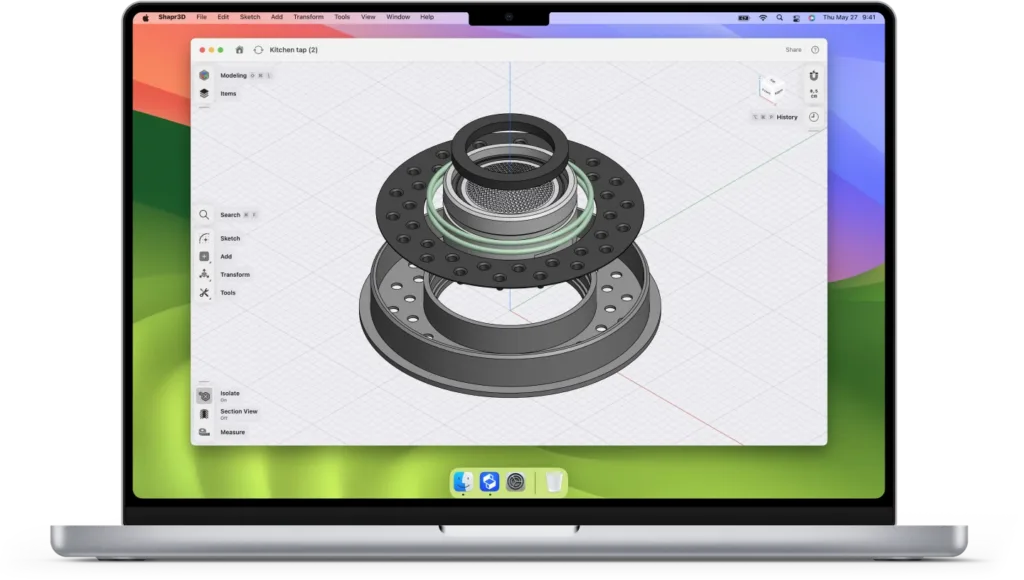
Best for: Beginners and iPad/Mac users
Shapr3D is one of the best-designed CAD apps for macOS and works particularly well if you also use an iPad with Apple Pencil.
Why it works well:
- Native Mac performance (fast and smooth)
- Simple, intuitive interface
- Easy export to STL for Bambu Studio
Pros:
- Very easy to learn
- Excellent UI/UX
- Great for quick prototyping
Cons:
- Subscription required for full features
- Less powerful than Fusion 360 for complex designs
Try Shapr3D for free to test it for yourself.
3. FreeCAD — Best Free Open Source Option
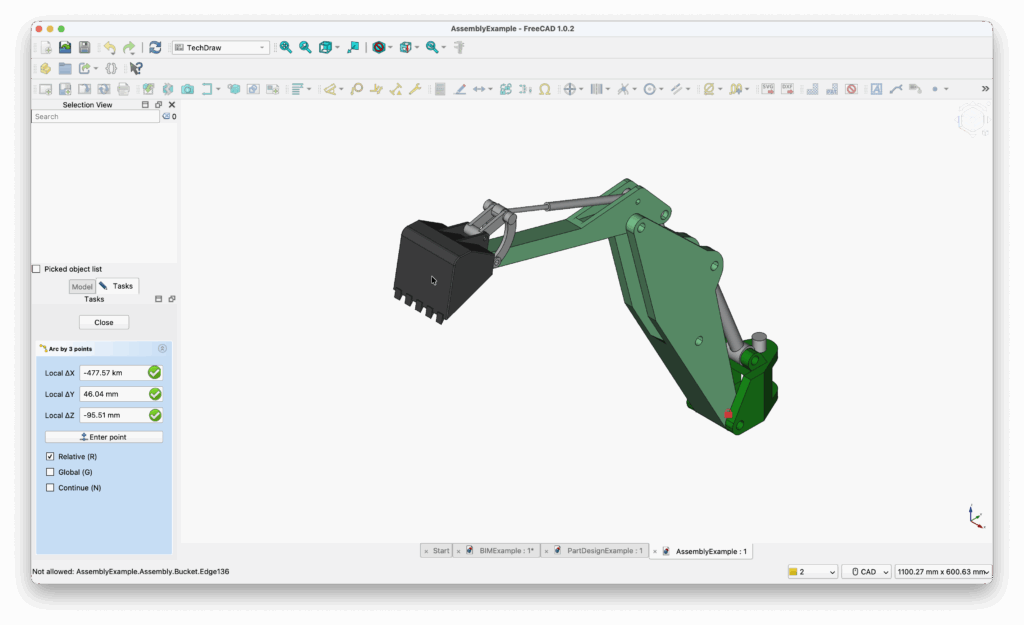
Best for: Budget users and engineers
FreeCAD is a completely free and open-source parametric CAD tool that runs on macOS.
Why it works well:
- Full parametric modelling
- Strong STL export support
- No cost at all
Pros:
- Free forever
- Highly customizable
- Good for technical designs
Cons:
- Steeper learning curve
- Interface feels dated compared to competitors
Download FreeCAD for free now.
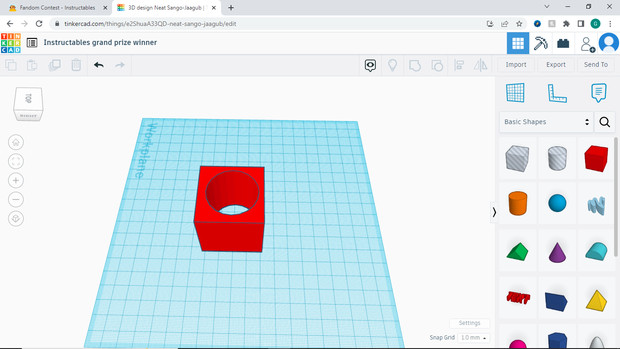
4. Tinkercad — Best for Beginners
Best for: Absolute beginners
Tinkercad is a browser-based CAD tool that’s perfect if you’re just starting out with 3D printing.
Why it works well:
- Runs in any browser on Mac
- Simple drag-and-drop interface
- Easy STL export for Bambu Studio
Pros:
- Extremely easy to use
- No installation required
- Great for learning basics
Cons:
- Limited for advanced designs
- Not suitable for complex models
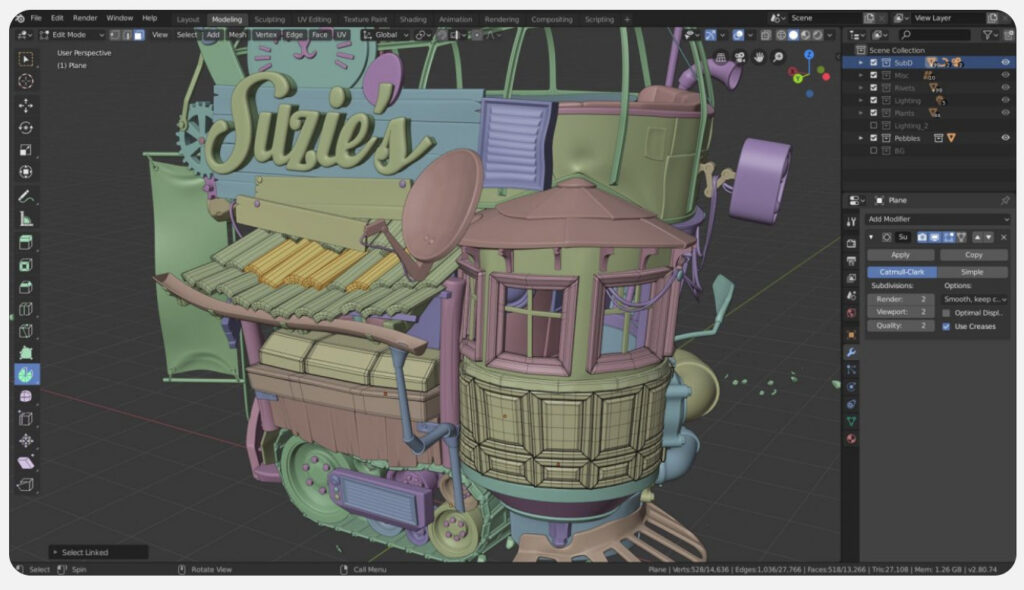
5. Blender — Best for Artistic Models
Best for: Organic shapes and creative designs
Blender isn’t traditional CAD software, but it’s widely used for creating complex, artistic 3D models.
Why it works well:
- Excellent mesh modelling tools
- Works well with STL export
- Free and very powerful
Pros:
- Ideal for figurines and sculptures
- Huge community
- Completely free
Cons:
- Not ideal for precise engineering parts
- Steep learning curve
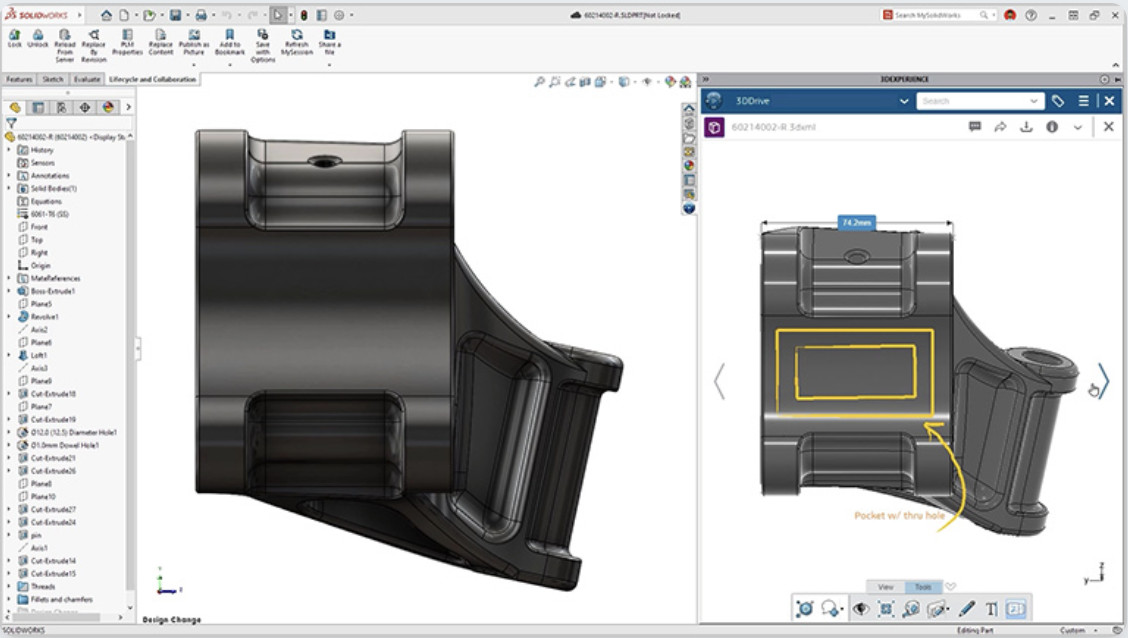
6. SolidWorks (via Virtualization) — Best for Professionals
Best for: Engineers and professional work
SolidWorks is an industry-standard CAD tool, but it doesn’t run natively on macOS.
To use it on a Mac, you’ll need:
- Virtualization software (like Parallels Desktop)
- Or a remote Windows setup
For more, check out our guide how to install SolidWorks on a Mac.
Pros:
- Extremely powerful
- Industry-standard for engineering
Cons:
- Expensive
- Requires workaround on Mac
- Overkill for most hobbyists
Best CAD Workflow for Bambu Lab on Mac
To get the best results with your Bambu Lab printer, follow this simple workflow:
- Design your model in CAD software (e.g. Fusion 360 or Shapr3D)
- Export as STL or 3MF
- Import into Bambu Studio
- Adjust:
- Orientation
- Supports
- Infill settings
- Slice and print
Tips for Better Results with Bambu Lab
Use 3MF Instead of STL (When Possible)
3MF files can preserve more data and reduce errors compared to STL.
Check Scale Before Printing
Always confirm your model dimensions in Bambu Studio before slicing.
Optimize Wall Thickness
Thin walls may fail to print—ensure they match your nozzle size.
Reduce Mesh Complexity
Overly dense meshes can slow down slicing and cause issues.
Which CAD Software Should You Choose?
- Best overall: Fusion 360
- Best for beginners: Tinkercad or Shapr3D
- Best free option: FreeCAD
- Best for artistic models: Blender
- Best for professionals: SolidWorks
Summary
For most Mac users with a Bambu Lab printer, Fusion 360 offers the best balance of power, usability, and compatibility.
However, if you prefer a more intuitive, Mac-native experience, Shapr3D is an excellent alternative, especially for beginners.
The key is choosing a CAD tool that fits the way you work, then exporting clean models into Bambu Studio for reliable prints.