

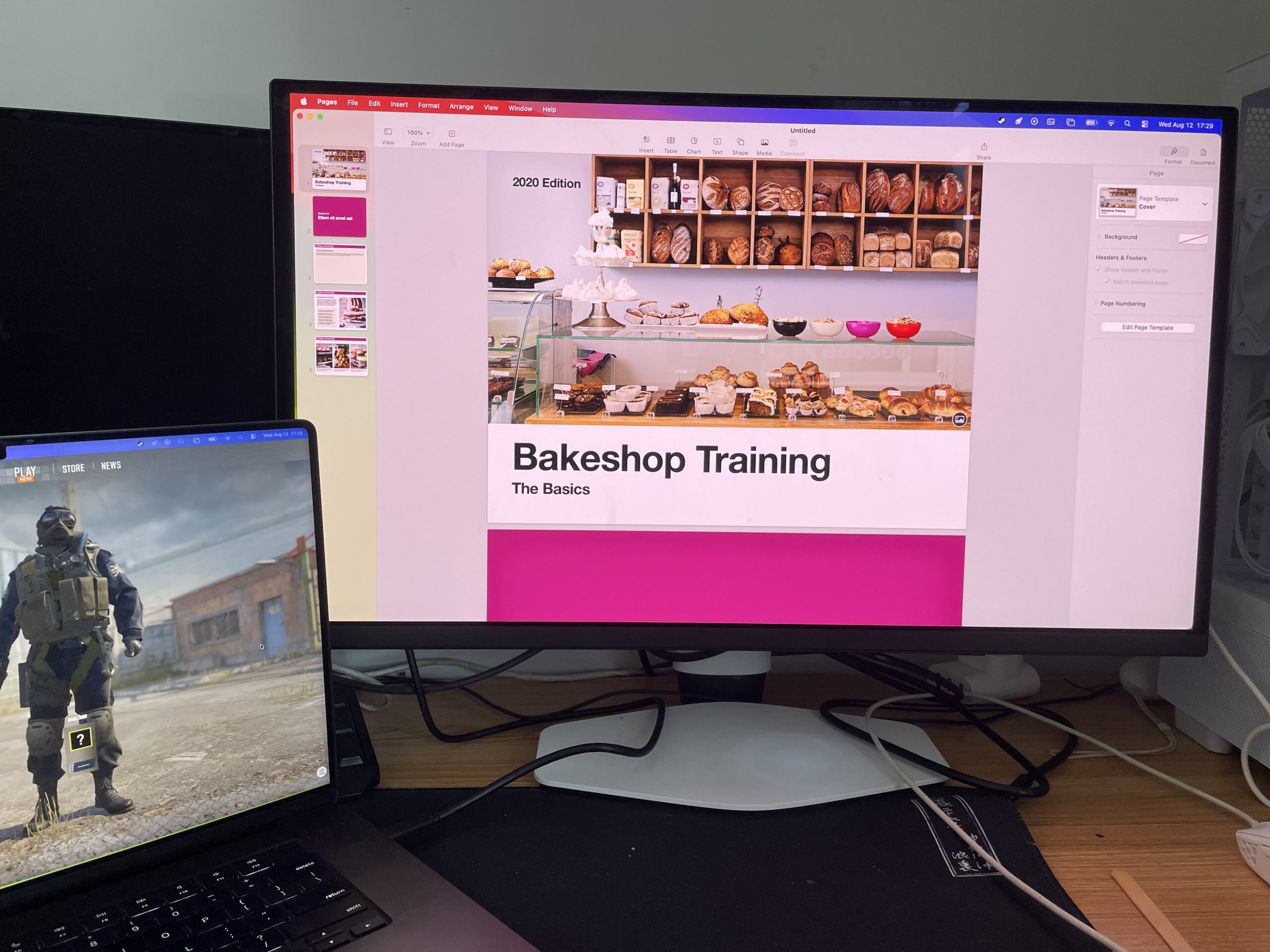
If you’re looking for an affordable monitor for your Mac, there’s one thing that matters more than almost any other specification: pixel density.
Many people focus on screen size, color accuracy or USB-C connectivity, but if you’ve ever connected a cheap monitor to a Mac and wondered why text looks slightly fuzzy compared to your MacBook display, pixel density is usually the reason.
Apple designs macOS around Retina scaling. Ideally, a monitor should provide either:
- Around 220 PPI (5K at 27 inches)
- Around 110 PPI (1440p at 27 inches although you’ll have less screen real estate)
Unfortunately, most budget monitors sit somewhere in-between at around 160 PPI (27-inch 4K displays).
These still look very good, but macOS has to use scaling to achieve comfortable text sizes. The result is a slight reduction in sharpness or blurred images compared to a true 5K display.
That doesn’t mean you should avoid 4K monitors though.
In fact, for most Mac mini, MacBook Air, MacBook Pro and Mac Studio owners, a good 27-inch 4K display remains the best value option.
At MacHow2, we’ve tested hundreds of monitors with Macs over the years and these are the most up-to-date picks of those that offer incredible value for money.
For example, one of our picks – the AsusPro Art PA279CV – is currently 25% off at just $299. That’s insanely good value for a 4K monitor with the specs it has.
Quick Comparison
| Monitor | Resolution | Pixel Density | USB-C Power Delivery | Best For |
|---|---|---|---|---|
| BenQ MA270U 27″ 4K Monitor | 4K | 163 PPI | 90W | Best overall |
| ASUS ProArt PA279CRV 27″ 4K Monitor | 4K | 163 PPI | 96W | Creative professionals |
| ASUS ProArt PA27JCV 27″ 5K Monitor | 5K | 218 PPI | 96W | Best Retina experience |
| ASUS ProArt PA279CV 27″ 4K Monitor | 4K | 163 PPI | 65W | Best budget ProArt |
| Dell S2725QC 27″ 4K Monitor | 4K | 163 PPI | 65W | Home office users |
| Dell P2715Q 27″ 4K Monitor | 4K | 163 PPI | None | Best used bargain |
| INNOCN 27C1U-D 27″ 4K Monitor | 4K | 163 PPI | 65W | Best cheap alternative |
Best Budget Monitors For Mac By Budget
Under $300
Under $500
Under $700
1. BenQ MA270U – Best Overall Budget Monitor For Mac
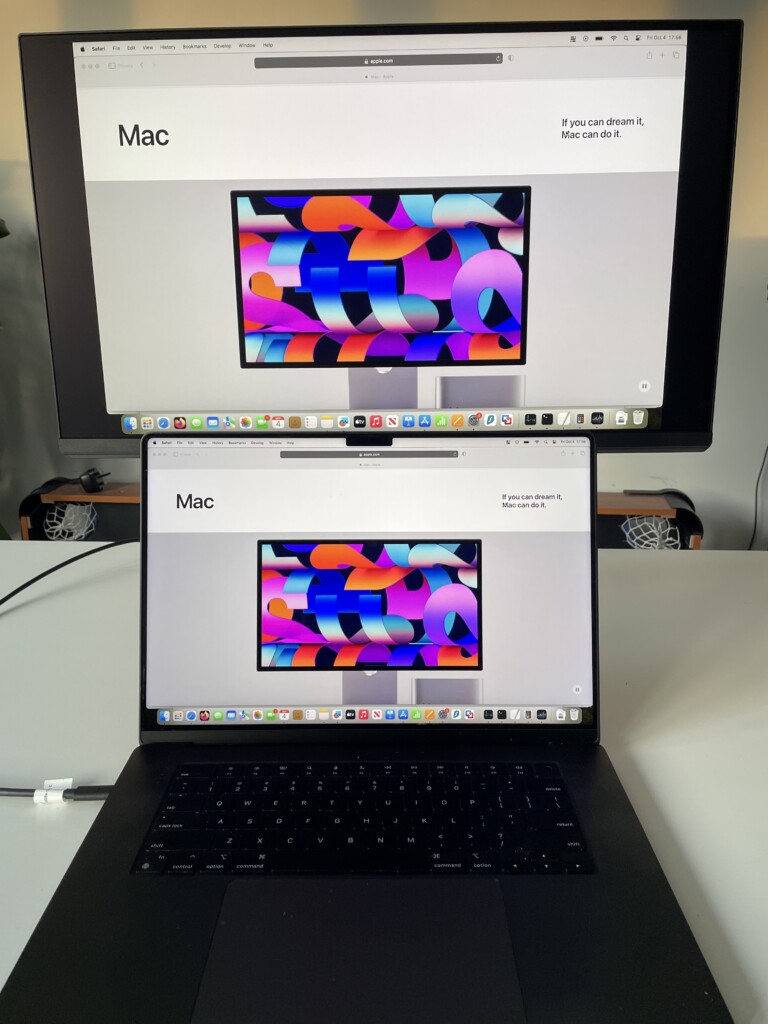
I’ve used a lot of monitors since I first tested the MA270U over a year ago but I’m still amazed at the quality it offers for the price.
Unlike most monitors that simply happen to work with macOS, BenQ designed the MA series specifically for Mac users. It includes Mac-specific color modes, brightness synchronization, keyboard controls and excellent USB-C connectivity.
It features a 27-inch 4K IPS panel with 95% DCI-P3 coverage, 99% sRGB coverage and 90W USB-C charging.
What makes it stand out is that it delivers much of the Apple Studio Display experience at a fraction of the cost making it one of my favorite alternatives to the Studio Display.
The Nano Matte coating also does an excellent job reducing reflections while preserving sharpness.
MA270UP: The Glossy Alternative
If you prefer Apple’s glossy display appearance, BenQ now also offers the MA270UP 27″ 4K Glossy Monitor. The MA270UP uses a Nano Gloss finish rather than Nano Matte, producing deeper perceived contrast and a more Apple-like appearance. Many Mac users moving from MacBook displays may prefer the glossy version.
For more check our full hands-on BenQ MA270U review and you can also see how it compares to the Apple Studio Display here.
Pricing: $549
Pros
- Designed specifically for Mac
- Excellent USB-C implementation
- Strong color accuracy
- Great ergonomics
- Outstanding value
Cons
- Still a 163 PPI 4K display
- Not quite as sharp as a true 5K monitor
2. ASUS ProArt PA279CRV – Best Budget Monitor For Creators
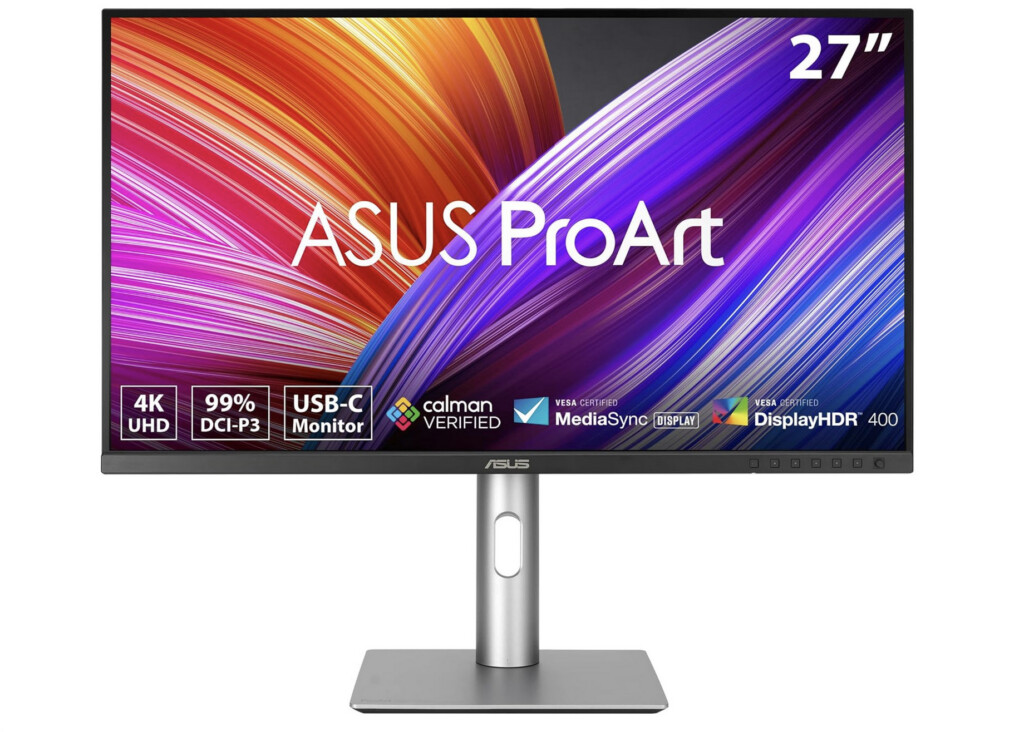
The ASUS ProArt A279CRV 27″ 4K Monitor has become one of the most popular monitors among photographers, designers and video editors.
ASUS factory calibrates the display and includes excellent color accuracy out of the box. The slim bezels and clean design pair particularly well with Mac minis and Mac Studios.
Compared to the BenQ MA270U, it lacks some of the Mac-specific integration features but offers excellent professional-grade color performance for similar money.
Pricing: $429
Pros
- Excellent color accuracy
- USB-C connectivity
- Thin bezels
- Professional calibration
Cons
- Less Mac-focused software
- Similar 163 PPI limitation as other 4K displays
3. ASUS ProArt PA27JCV – Best Budget 5K Monitor
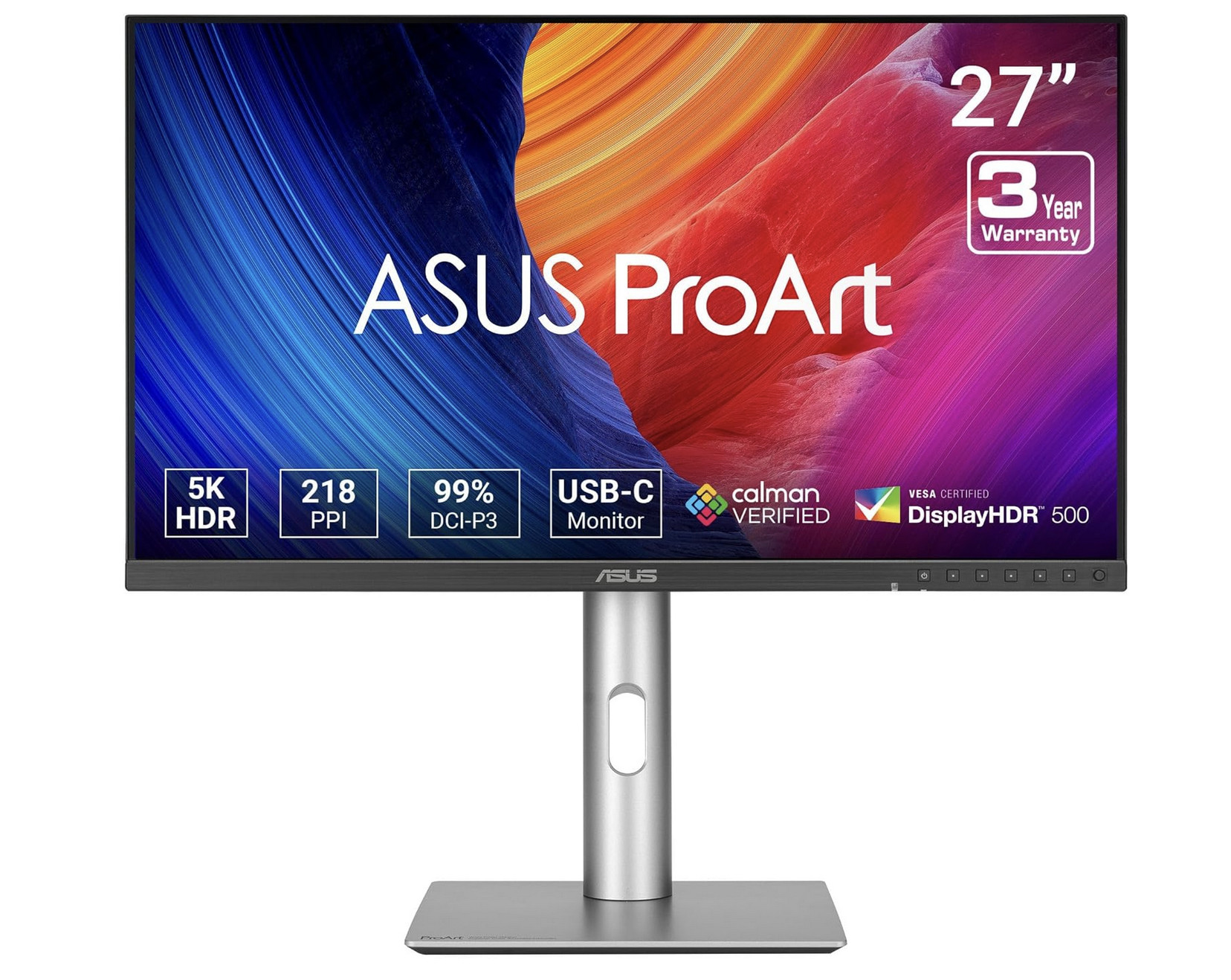
If image sharpness is your top priority, the 27 inch Asus ProArt PA27JCV is arguably the sweet spot.
The 27-inch 5K panel provides approximately 218 PPI, almost identical to Apple’s Studio Display. This allows macOS to use perfect Retina scaling without compromises. Text appears noticeably sharper than on 27-inch 4K monitors.
For users spending all day writing, coding or editing photos, the difference is immediately visible.
Although it costs more than the 4K options on this list, it remains substantially cheaper than Apple’s Studio Display.
Pricing: $594.23
Pros
- True Retina-quality scaling
- Extremely sharp text
- Excellent color performance
- Great for Mac mini and Mac Studio setups
Cons
- More expensive
- Not quite “budget” compared to 4K options
4. ASUS ProArt PA279CV – Best Budget Monitor Under $350
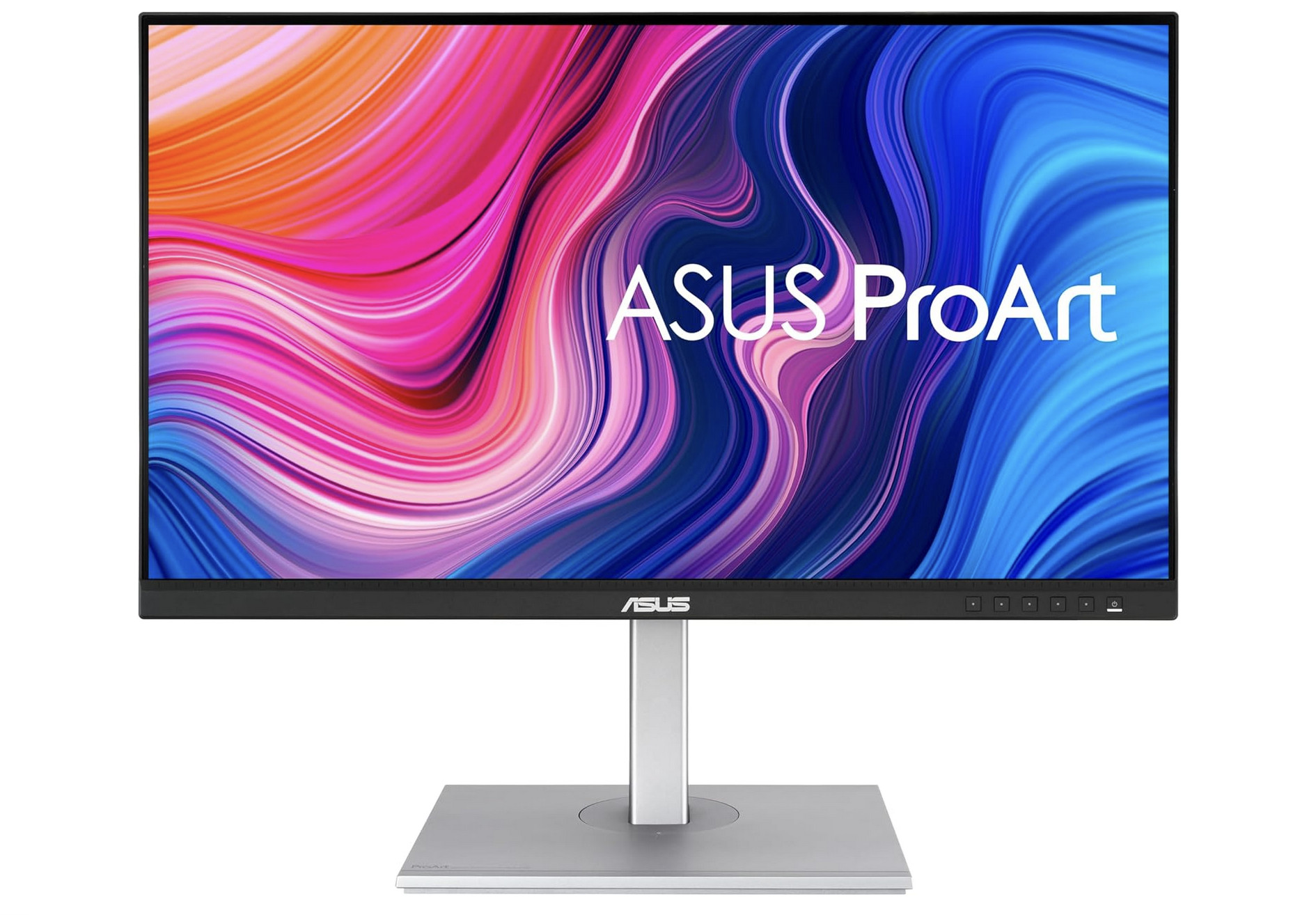
The 27 inch Asus ProArt PA279CV has become something of a classic recommendation for Mac users.
It’s often available for significantly less than the PA279CRV at just $400 while still offering:
- 4K resolution
- IPS panel
- USB-C connectivity
- Factory calibration
- Excellent ergonomics
For writers, students, office users and general productivity work, it remains one of the best value monitors available.
While the official retail price is around $400, it’s frequently discounted and can often be found for less than $300.
You simply won’t find another 4K monitor with these specs at that price.
Pricing: $400 but often discounted
Pros
- Excellent value
- Reliable USB-C connectivity
- Good factory calibration
Cons
- Older model
- Lower power delivery
5. Dell S2725QC – Best Budget Home Office Monitor
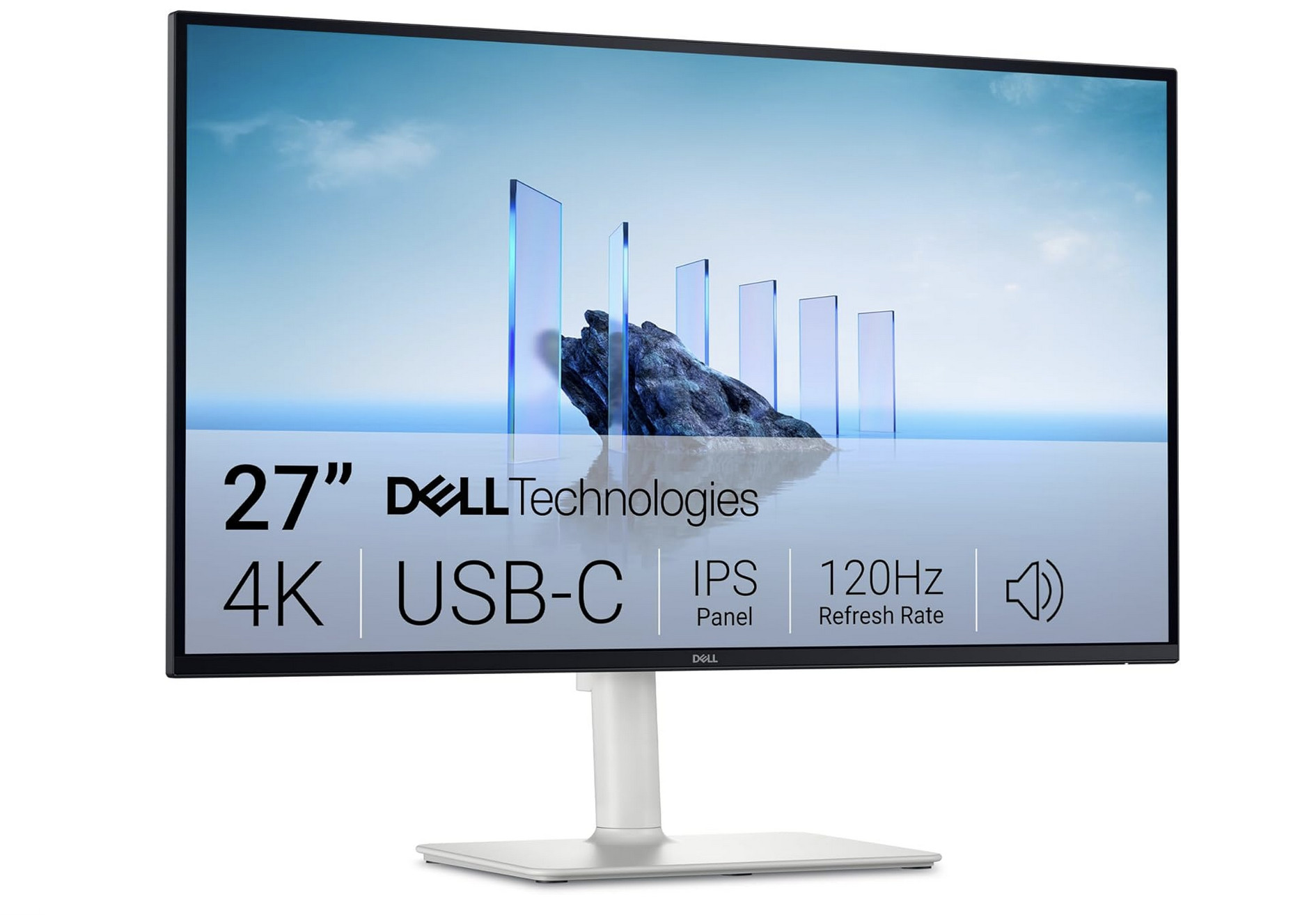
Not many Mac users think of Dell when it comes to monitors but the company has significantly improved its USB-C monitor lineup in recent years.
The Dell 27 Plus 4K USB-C S2725QC is the budget pick of the bunch for Mac users featuring:
- 4K resolution
- USB-C charging
- A slick modern design
- Integrated speakers
It isn’t specifically designed for Mac users but works very well with MacBook Airs, MacBook Pros and Mac minis.
For users primarily focused on office productivity rather than creative work, it offers excellent value.
Pricing: $349.99
Pros:
- Excellent value
- USB-C connectivity
- 65W laptop charging
- Sharp 4K display
- Adjustable stand
- Built-in speakers
Cons:
- Not true Retina scaling
- Average color accuracy
- Basic HDR performance
- No Mac-specific features
6. Used Dell P2715Q – Best Ultra-Budget Option
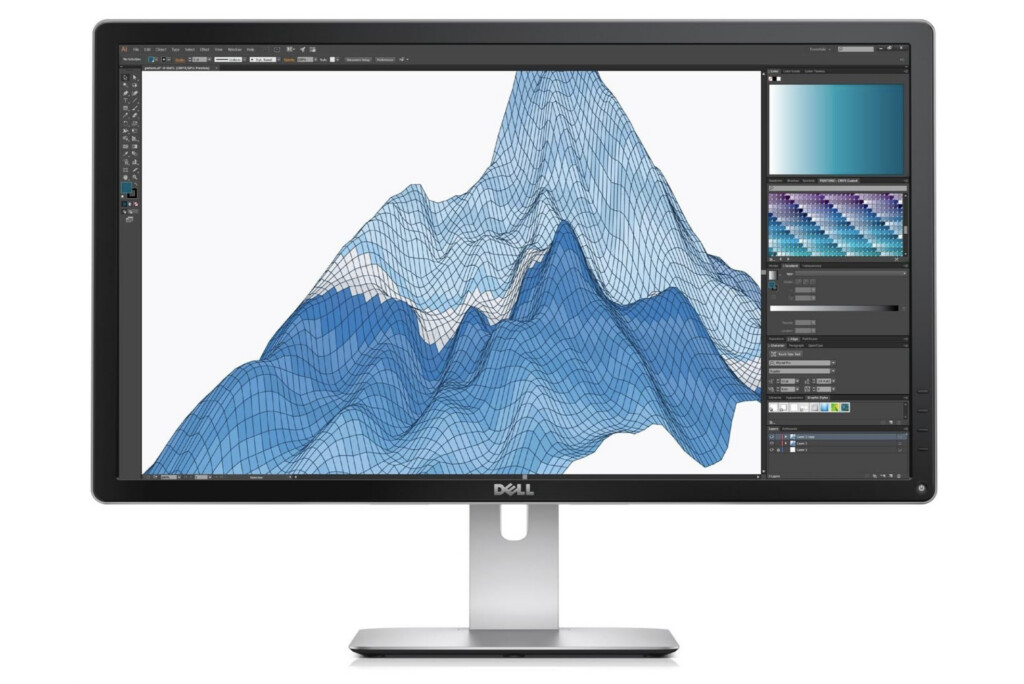
Dell 27″ P2715Q 4K Ultra HD Monitor
If you’re trying to spend as little as possible, a used Dell P2715Q remains a surprisingly good choice.
This monitor helped popularize affordable 4K displays among Mac users years ago and still delivers:
- Good IPS image quality
- 4K resolution
- Reliable macOS compatibility
Although you can’t find them from new anymore, you can often find one used for less than $250, including on Amazon.
The downside is that you’ll miss modern USB-C connectivity and charging capabilities.
Pricing: $265.95
Pros
- Very affordable
- Good 4K image quality
- Reliable build quality
- Widely available used
Cons
- No USB-C
- No laptop charging
- Older design
- Limited warranty support
7. INNOCN 27C1U-D – Best Cheap Alternative
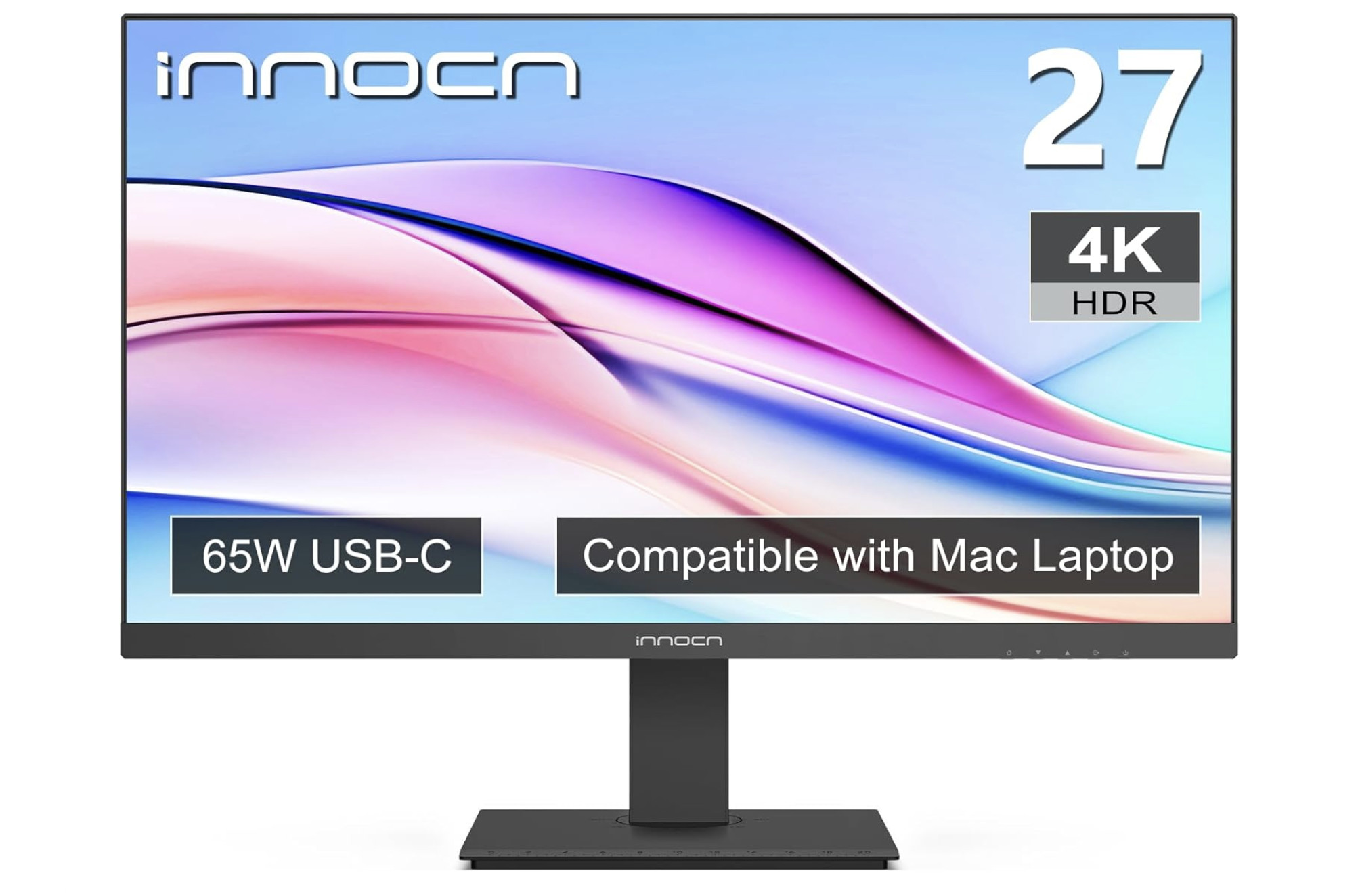
The INNOCN 27C1U-D has developed a following among Mac mini owners because it delivers:
- 27-inch 4K resolution
- USB-C connectivity
- Wide color gamut
- Aggressive pricing
Build quality and support don’t match BenQ or ASUS, but for users on a tight budget it remains worth considering.
Pricing: $279.99
Pros:
- Affordable 4K monitor
- USB-C connectivity
- Good color performance
- Thin bezels
Cons
- Basic build quality
- Limited support
- Average factory calibration
- Fewer Mac-specific features
Choosing The Right Monitor For Your Mac
Mac mini
Any of these monitors would be a good choice for the Mac mini but the following work particularly well with it:
- BenQ MA270U
- ASUS PA279CRV
- ASUS PA27JCV
Because the mini has no built-in display, investing in the best monitor you can afford often provides a bigger improvement than upgrading the Mac itself.
Mac Studio
For professional workf, the PA27JCV’s 5K resolution is especially attractive.
The sharper Retina scaling is easier on the eyes during long editing sessions.
MacBook Air & MacBook Pro
If you’ll regularly connect and disconnect your laptop, prioritize:
- USB-C charging
- Single-cable connectivity
- Power delivery above 65W
The MA270U’s 90W USB-C charging makes it a particularly good choice for charging MacBooks quickly.
Apple Silicon Macs
All Apple Silicon Macs, including M-series models, support these displays without requiring any additional drivers or software.
4K vs 5K: Which Should You Buy?
For most people:
Buy a 4K monitor if:
- Your budget is under £500
- You mainly use productivity apps
- You want the best value
For some suggestions, check out our guide to the best 4K monitors for Macs.
Buy a 5K monitor if:
- You spend all day in front of your display
- Text sharpness matters to you
- You’re coming from a MacBook Pro and want a similar Retina experience
For some suggestions, check out our guide to the best 5K monitors for Macs.
The reality is that a good 27-inch 4K monitor like the BenQ MA270U still delivers excellent results on macOS. But if you have the budget, a 27-inch 5K display such as the ASUS PA27JCV remains the closest thing to Apple’s native Retina experience outside the Studio Display.
Conclusion
For most Mac users, the BenQ MA270U hits the sweet spot between price, image quality, Mac integration and connectivity. It feels more like a monitor designed for macOS rather than a generic PC monitor that happens to work with a Mac.
It offers the best combination of Mac integration, image quality, connectivity and value, while the ASUS PA27JCV is the upgrade pick for anyone who wants true Retina-quality sharpness without paying Apple Studio Display prices
FAQ
Is a 4K monitor worth it for Mac?
Yes. For most Mac users, a 27-inch 4K monitor offers the best balance of price, image quality and desktop space. While it doesn’t provide the same Retina scaling as a 5K display, a good 4K monitor still looks excellent with macOS and is significantly more affordable.
Why do some monitors look blurry on a Mac?
The most common reason is pixel density. Apple designs macOS around Retina displays, which use very high pixel densities. Many external monitors fall between Apple’s preferred scaling levels, causing text and interface elements to appear slightly softer than on a MacBook display.
Is 5K better than 4K for macOS?
Yes. A 27-inch 5K monitor provides a pixel density of around 218 PPI, which is almost identical to Apple’s Studio Display. This allows macOS to use native Retina scaling, resulting in sharper text and a more Mac-like viewing experience. However, 5K monitors are usually more expensive than comparable 4K models.
What is the best budget monitor for a Mac mini?
The BenQ MA270U is our top pick for most Mac mini owners thanks to its Mac-specific features, excellent image quality, USB-C connectivity and competitive price. If your budget allows, the ASUS ProArt PA27JCV offers an even sharper 5K Retina-like experience.
Can I use a PC monitor with a Mac?
Absolutely. Most modern monitors work perfectly with Macs via USB-C, HDMI or DisplayPort. However, some displays are better optimized for macOS than others. Monitors such as the BenQ MA270U are specifically designed with Mac users in mind and offer features like Mac color modes and brightness synchronization.
Does USB-C matter for Mac users?
For many users, yes. A monitor with USB-C allows you to connect your MacBook using a single cable for video, data and charging. This reduces cable clutter and makes it much easier to connect and disconnect your laptop from your desk setup.
Is a 27-inch monitor too large for a Mac?
Not at all. In fact, 27 inches is widely considered the sweet spot for Mac users. It provides plenty of screen space for multitasking while maintaining a comfortable viewing distance. A 27-inch 4K or 5K monitor is generally the best choice for most Mac mini, MacBook and Mac Studio owners.
Should I buy a 4K or 5K monitor for my Mac?
If you’re looking for the best value, choose a 27-inch 4K monitor such as the BenQ MA270U or ASUS ProArt PA279CV. If text sharpness is your highest priority and your budget allows, a 27-inch 5K monitor such as the ASUS ProArt PA27JCV delivers the closest experience to Apple’s Retina displays.