

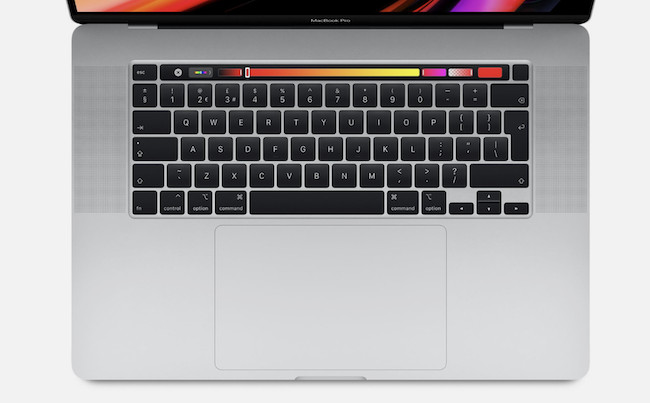
Short answer: for most people, no. Now that macOS 27 Golden Gate is available, every Intel Mac has reached the end of its major macOS upgrade path. Golden Gate supports Apple silicon Macs only, which makes macOS Tahoe the final major version of macOS that Intel Macs can run.
That does not mean an Intel Mac has suddenly stopped working. Apple is still issuing Tahoe security updates, so a late Intel Mac that supports Tahoe can remain useful for everyday work, a specific Windows setup or an older application. But an ultra-cheap used Intel Mac is no longer a good general-purpose purchase simply because the headline price looks tempting.
If you are buying a primary Mac in 2026, start with an Apple silicon model—ideally an M1 Mac or newer. It can run Golden Gate, is dramatically more efficient and will have a much longer useful life.
The important distinction is between an Intel Mac and an Intel app. An Intel Mac cannot run Golden Gate, but an Apple silicon Mac can still run many 64-bit Intel apps in macOS 27 using Rosetta. For the full picture—including what happens when Rosetta support changes in macOS 28—see our guide to how long Intel Mac apps will continue to work.
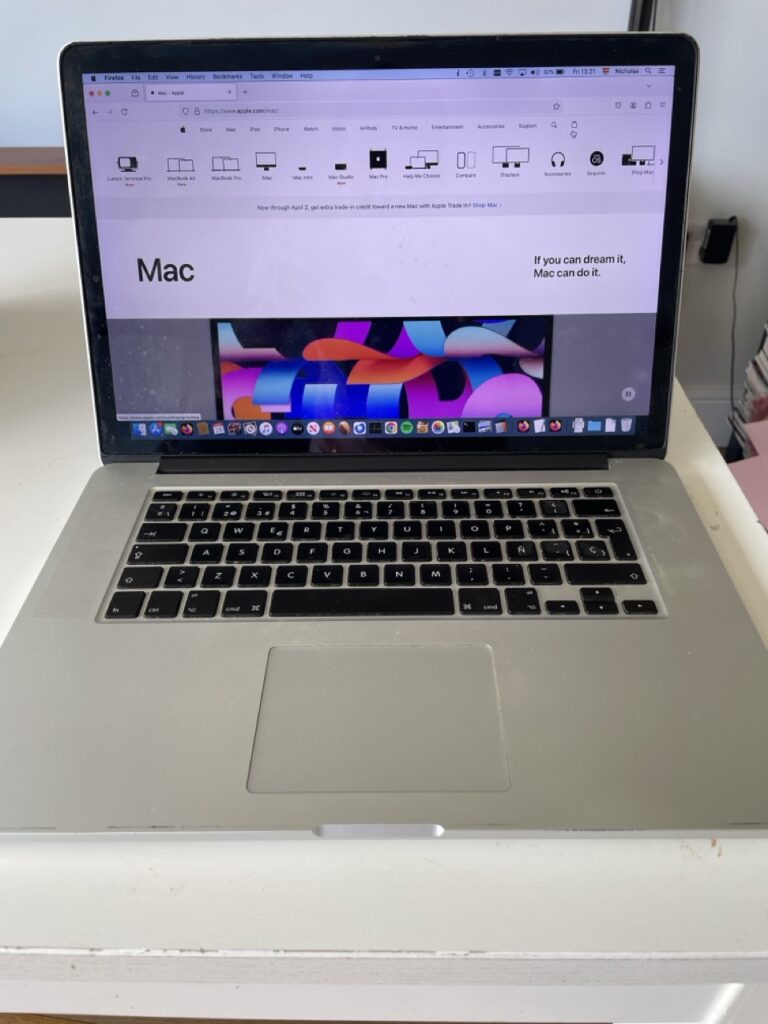
Quick Answer: Should You Buy or Keep an Intel Mac?
| Situation | Verdict | Why |
|---|---|---|
| You want a cheap Mac for browsing, Office, schoolwork and streaming | No—buy used Apple silicon instead | Even a used M1 Mac is a much better long-term buy and can run Golden Gate. |
| You already own a late Intel Mac that runs Tahoe | Keep it for now | Tahoe is still receiving updates, so there is no need to replace a working Mac immediately. |
| You need native Intel Windows through Boot Camp | Possibly | This remains a genuine Intel-only advantage for a known Windows requirement. |
| You rely on a 32-bit Mac app, old plug-in or specialist peripheral | Possibly, as a secondary Mac | Keep a tested, self-contained legacy setup rather than buying Intel as a general-purpose machine. |
| You are considering a very cheap 2013 Mac Pro, MacBook Air or older MacBook Pro | Usually no | It is already several macOS releases behind and may no longer receive security updates. |
What Is an Intel Mac?
Intel Macs use Intel processors. Apple sold them from 2006 until its transition to Apple silicon began in late 2020 and was completed with the Apple silicon Mac Pro in 2023.
Apple silicon Macs use Apple’s own M-series chips. They are faster, quieter and far more power-efficient than comparable Intel models, but the more important change in 2026 is software support: Apple now develops the current version of macOS for Apple silicon only.
Golden Gate Changes the Decision Completely
Until Golden Gate was released, it was reasonable to say that a late Intel Mac still had one more current macOS release in it. That is no longer the case.
Apple’s macOS 27 Golden Gate compatibility list contains Apple silicon Macs only. Intel Macs cannot install Golden Gate, so they miss its new Siri AI features, Apple Intelligence improvements, system refinements and future app requirements tied to the latest version of macOS.
macOS Tahoe remains usable and Apple is still supplying security fixes for it—Tahoe 26.7, for example, includes important security fixes. However, Tahoe is now a maintenance release rather than a platform that will gain the next generation of Mac features. Apple has not published a firm end date for Tahoe security updates, so it would be unwise to buy an Intel Mac on the assumption that it will remain supported for a particular number of years.
The practical takeaway is simple:
- If you already own an Intel Mac: keep using it if it does what you need, update it to the newest compatible version of macOS and make a replacement plan.
- If you are buying a Mac: do not choose Intel for ordinary everyday use just because it is cheap.
- If you have a niche legacy requirement: Intel can still be the right tool, but only when you know exactly why you need it.
Intel Apps and Intel Macs Are Not the Same Thing
One reason this is confusing is that an Intel app does not automatically require an Intel Mac.
On macOS 27, Apple silicon Macs can still run many 64-bit Intel apps through Rosetta, which translates them in the background. That means moving from an Intel Mac to an M-series Mac will not automatically make your existing software unusable.
There is an important deadline, though. Apple says in its Rosetta support guidance that Rosetta is available through macOS 27, but general Rosetta support will end with macOS 28, apart from certain older unmaintained games. So if a vital app, plug-in or driver is still Intel-only, you should check the developer’s plans now rather than discovering the problem during a future macOS upgrade.
When an Intel Mac Can Still Be Worth It
There are a few legitimate reasons to keep—or occasionally buy—an Intel Mac in 2026.
1. You Need Boot Camp and Native Intel Windows
Intel Macs are the only Macs that can run the standard Intel version of Windows natively through Boot Camp. That can still matter for a particular business application, device driver, engineering tool or Windows game that needs direct access to Intel hardware.
Apple silicon Macs can run Windows 11 on ARM in a virtual machine, and Windows on ARM can emulate many traditional Windows apps. For most people, that is enough. But it is not a like-for-like replacement for every Windows workflow, so an Intel Mac can be sensible where native Windows is a proven requirement.
Do not buy one merely because you might need Windows one day. Identify the exact application or device first.
2. You Need a 32-Bit Mac App
This is one of the strongest legacy-use cases, but it needs an important qualification: an Intel Mac alone is not enough. Apple removed 32-bit app support in macOS Catalina, so 32-bit Mac apps require an Intel Mac running macOS Mojave or an earlier compatible version.
If an old 32-bit application is genuinely essential, preserve a known-working Intel Mac, its installer, licence details and compatible operating system. Treat it as a legacy machine, ideally with limited exposure to the web. Our guide to running 32-bit apps on a Mac explains the options.
3. You Have Specialist Hardware or a Legacy Professional Workflow
Older music interfaces, scanners, cameras, printers, industrial equipment and plug-in-heavy creative setups can depend on Intel-era drivers or extensions. A working Intel Mac may be the least disruptive way to keep that equipment useful.
This is especially relevant if you have a studio or production workflow that cannot easily be recreated. Before replacing the Mac, test every essential app, plug-in and peripheral on Apple silicon. Do not assume an app’s main window opening means the whole workflow is compatible.
4. You Want a Very Cheap Secondary Mac
A late Intel iMac or MacBook Pro can still make a pleasant second Mac for a fixed, low-risk job: a family room computer, a basic writing machine, a server for a local task or a test system. The 2020 27-inch iMac is particularly capable for people who value its 5K display and user-upgradeable memory.
The key word is secondary. Its price should leave enough room in the budget for an Apple silicon primary Mac and for the possibility that the Intel machine will need replacing sooner.
Reasons Intel Macs Are No Longer a Good General Purchase
1. Their Major macOS Support Has Ended
This is now the decisive drawback. Tahoe is the final Intel-compatible major release, while Golden Gate and the next round of Apple features are Apple-silicon-only.
Even before Golden Gate, many Intel Macs had already fallen behind the current macOS release. The final Tahoe-compatible Intel group is relatively small, so an older bargain model can be several releases behind from the day you buy it.
2. App Updates Will Gradually Leave Intel Behind
Existing software does not stop working on release day. The problem is the slow erosion of compatibility: developers can stop supporting older macOS versions, release Apple-silicon-only updates or retire the online services that older app versions depend on.
That is a poor foundation for a primary Mac, particularly if you rely on banking, business software, cloud storage, video calls or a modern web browser.
3. Apple Silicon Is Better Value Even at the Budget End
The lowest-priced Intel Mac is not necessarily the cheapest Mac to own. An M1 Mac or newer has a far stronger performance-per-pound advantage, better battery life in laptops, lower heat and fan noise, and access to Golden Gate.
A used M1 MacBook Air, M1 Mac mini or later Apple silicon model is usually a much safer starting point than a 2018–2020 Intel laptop. It also gives you time to audit Intel apps while Rosetta still works in macOS 27.
4. Battery, Heat and Reliability Matter More Than the Sticker Price
Used Intel laptops are now old enough that battery health, keyboards, thermals and storage capacity deserve as much attention as the processor. Apple silicon MacBooks generally run cooler, quieter and much longer on battery power.
The original price of an Intel Mac is irrelevant if it needs a battery replacement, struggles under a modern browser or cannot receive current security fixes.
5. Multiple Displays and Thunderbolt Are No Longer Intel Advantages
Some early base-model Apple silicon Macs had restrictive external-display limits, but this is not a reason to choose Intel in 2026. Current Apple silicon Macs offer much better options overall, and higher-tier chips and desktop Macs can drive several displays.
Intel Macs are also limited to Thunderbolt 3, whereas newer Apple silicon Macs can offer Thunderbolt 4 or Thunderbolt 5. Always check the exact model’s display and port specifications rather than assuming Intel is more flexible.
What Should Existing Intel Mac Owners Do?
There is no need to panic or replace a Mac that still does the job. Instead, use Golden Gate’s release as a sensible point to make a plan.
- Check your exact model and its newest compatible macOS version. If it supports Tahoe and runs well, install current Tahoe updates after making a backup.
- Audit your vital apps and peripherals. List anything you cannot easily replace: paid software, plug-ins, printers, scanners, Windows tools and licence managers.
- Find the Apple silicon version now. Look for a Universal or Apple-silicon-native update and test it before you need it.
- Keep a legacy fallback for irreplaceable workflows. A cloned backup, installer and working licence can be more valuable than the old Mac itself.
- Plan your next Mac around the difficult app, not just the processor. A cheap Apple silicon Mac is excellent for most people, but an essential Windows, 32-bit or specialist-hardware workflow may need a more deliberate migration.
Should You Buy an Intel Mac in 2026?
For a primary home, school or work Mac, no. Buy Apple silicon instead, even if that means choosing a used M1 model rather than a very cheap Intel machine.
An Intel Mac can still be worth buying when all of the following are true:
- you have a specific compatibility reason, such as Boot Camp, a 32-bit Mac app or a legacy peripheral;
- you have confirmed that the exact model, macOS version and software setup work together;
- you regard it as a specialist or secondary computer rather than a future-proof daily Mac; and
- the price reflects its limited support life.
FAQ
Can Intel Macs run macOS 27 Golden Gate?
No. Apple lists only Apple silicon Macs as compatible with macOS 27 Golden Gate. No Intel Mac can install it.
What is the last version of macOS for Intel Macs?
macOS Tahoe 26 is the final major macOS release that supports Intel Macs. Apple is still providing Tahoe updates at the time of writing, but it will not receive Golden Gate’s new features.
Will my Intel apps work on an Apple silicon Mac?
Many 64-bit Intel apps work on an Apple silicon Mac through Rosetta in macOS 27. However, 32-bit Mac apps do not, and Apple says general Rosetta support ends with macOS 28. Check your most important software, plug-ins and drivers before moving to a newer macOS version.
Is a 2020 Intel MacBook Pro still worth buying?
Usually not as a main Mac. It is more capable than older Intel models, but it cannot run Golden Gate. Only buy one if you have a specific reason to need Boot Camp, a legacy workflow or a very low-cost secondary machine.
Bottom Line
Golden Gate makes the answer much clearer than it was a year ago: Intel Macs are still useful, but they are no longer sensible general-purpose purchases.
If you already own one, keep using it while it remains secure and productive. If you need it for Boot Camp, a 32-bit app or a specialist peripheral, preserve that working setup carefully. But if you are buying your next everyday Mac, an Apple silicon model—starting with a used M1 Mac or newer—is the better investment.
Before moving, read our detailed guide to how long Intel Mac apps will continue to work so that an old app or plug-in does not become an unexpected reason to delay the upgrade.