

I’ll admit it, I was pretty skeptical of the AI craze when ChatGPT exploded onto the scene. But over time, I’ve come to discover how incredibly useful AI tools are and how they’ve supercharged my productivity like nothing else.
On macOS, the right AI app can speed up writing, design, coding, research, and even managing your day.
But not all AI tools are equal: some are web-only, some are native Mac apps that take advantage of Apple Silicon chips, and some are lightweight utilities that plug into the apps you already use.
That’s why we’ve rounded-up the best AI software for Macs to help you get the most out of macOS in 2026.
Enjoy, and let me know if there’s anything you think we have missed!
Best AI Apps for Mac (Quick Picks)
- Best overall: Gemini for Mac
- Best for writing: ChatGPT for Mac
- Best for offline use: LM Studio
- Best for automation: Alfred
- Best for design: Adobe Express
- Best for privacy: Lumo
ChatGPT vs Gemini vs Apple Intelligence on Mac
If you’re trying to decide which AI tool to use on a Mac, the three biggest players right now are ChatGPT, Google Gemini, and Apple Intelligence.
Each one has its strengths depending on how you work.
- ChatGPT is the most versatile all-rounder. It’s great for writing, coding, brainstorming, and general productivity, with a powerful native Mac app and support for advanced AI models.
- Google Gemini is ideal if you’re already using Google Workspace. It integrates directly with Docs, Gmail, and Sheets, making it perfect for writing, email, and collaboration tasks.
- Apple Intelligence is built directly into macOS, offering system-wide AI features like writing tools, summarization, and smart actions across apps like Mail, Notes, and Safari. It’s also the most privacy-focused, with many features running on-device.
Which should you use?
- Use ChatGPT for the most powerful and flexible AI assistant
- Use Gemini if you rely heavily on Google apps and workflows
- Use Apple Intelligence for seamless, built-in AI across macOS
In reality, many Mac users will benefit from using a combination of all three depending on the task.
Best AI Apps for Mac (Quick Comparison)
Here’s a comparison of our top 6 AI apps for Mac in 2026 – these are arguably the biggest players in AI right now although as you’ll see, we found lots more too.
| App | Best For | Key Strength | Pricing |
|---|---|---|---|
| Google Gemini | Google Workspace users | Deep integration with Docs, Gmail, Sheets, Meet | Free with Workspace plans ($6+/month) |
| ChatGPT | All-round AI assistant | Most versatile AI for writing, coding, and brainstorming | Free / Plus $20/month |
| Apple Intelligence | macOS-native AI | Built into macOS with privacy-focused on-device AI | Free (requires supported Mac) |
| Perplexity AI | Research & fact-checking | Real-time answers with cited sources | Free / Pro $20/month |
| Microsoft Copilot | Microsoft 365 users | Deep integration with Word, Excel, PowerPoint, Outlook | Paid add-on ($30/month with Microsoft 365) |
| Claude | Long-form writing & analysis | Excellent for large documents and structured reasoning | Free / Pro $20/month |
Best AI Assistants for Mac
1. Google Gemini For Mac – Best All Round AI Tool
Price: Free with optional premium features via Google One AI plans
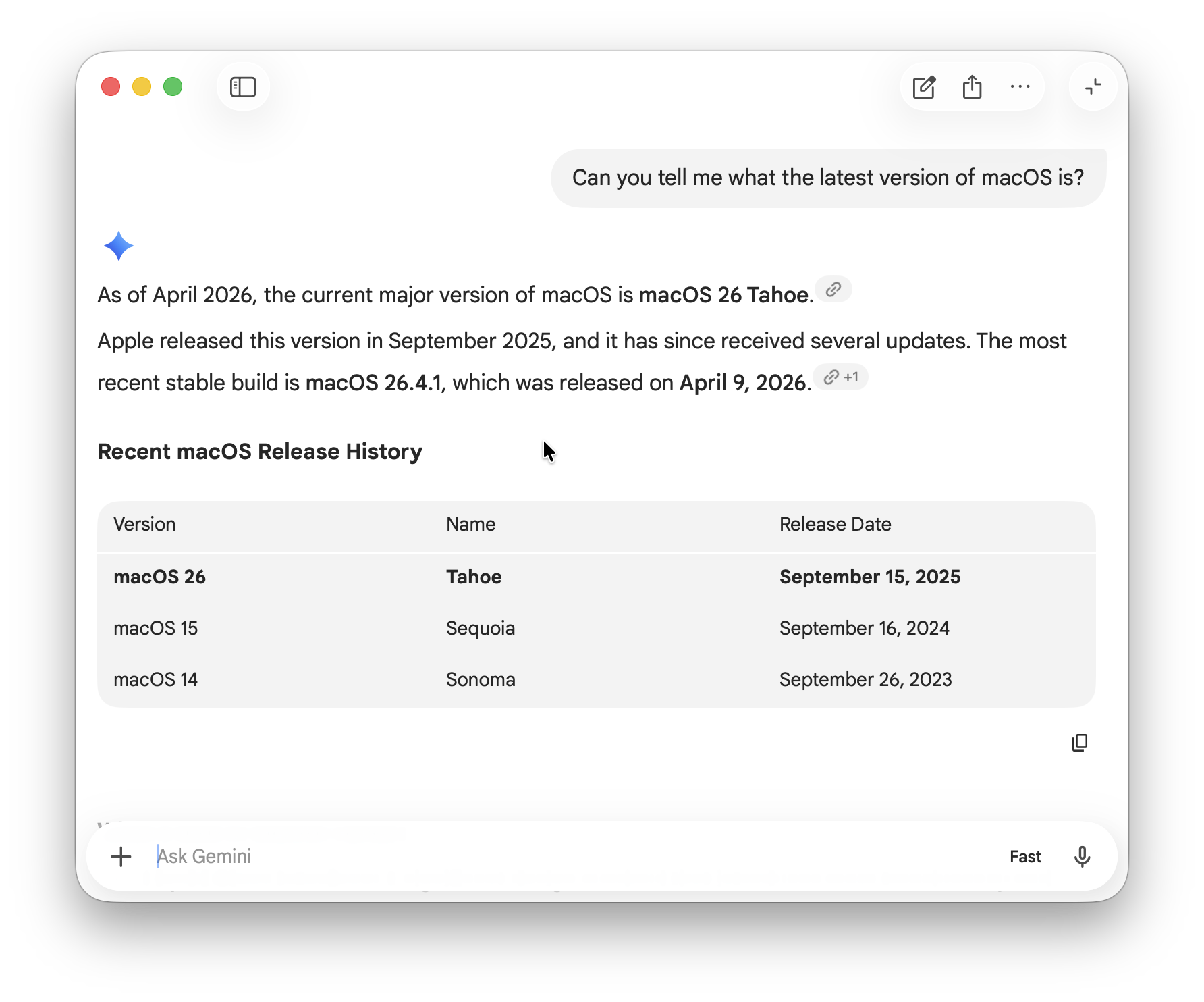
What happens if you combine one of the most powerful AIs around (Gemini) with a dedicated macOS app designed for quick, system-wide access?
The Google Gemini app for Mac brings Google’s latest AI directly to your desktop, allowing you to generate content, summarize text, brainstorm ideas and get instant answers without opening a browser. It works alongside your existing apps, making it easy to use Gemini while writing, researching or multitasking on your Mac.
Why You’ll Love It:
- Dedicated macOS app for fast, native access to Gemini
- Works across apps for system-wide AI assistance
- Great for quick prompts, summaries and brainstorming
- Can create anything from research briefs and images to music and videos
- Seamless syncing with your Google account and tools
- Can also be used directly in Google Workspace (although may not have as many features)
Downsides:
- Limited deep integration with third-party Mac apps
- Some advanced features require a Google One AI subscription
- Can be slow especially when generating music and video
More Info: Gemini for Mac app review
2. ChatGPT Mac App – Best for Conversational AI
Price: Free with OpenAI account; ChatGPT Plus $20/month for GPT-4 access
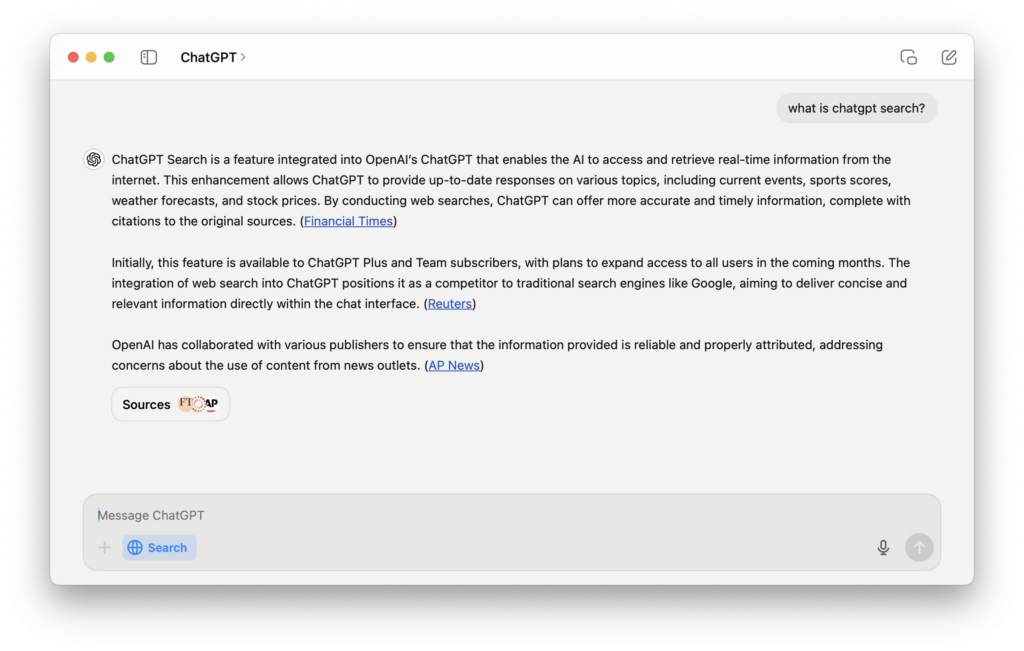
The official ChatGPT app for Mac brings OpenAI’s AI ground-breaking assistant directly to your desktop. It provides quick access to GPT-5 for writing help, brainstorming, coding assistance, and general productivity without needing a browser.
Why You’ll Love It:
- Native Mac desktop app with system-wide access
- Fast, distraction-free interface
- Syncs history across Mac, iPhone, and iPad
- Supports voice input and code formatting
Downsides:
- Free GPT-5 access limited and requires a Plus subscription
- No offline mode – internet required
More Info: ChatGPT For Mac review
3. Apple Intelligence – Best for Apple Device Assistance
Price: Included with macOS Tahoe / macOS Sequoia on supported devices; no extra subscription required for basic features (some advanced capabilities may roll out later).
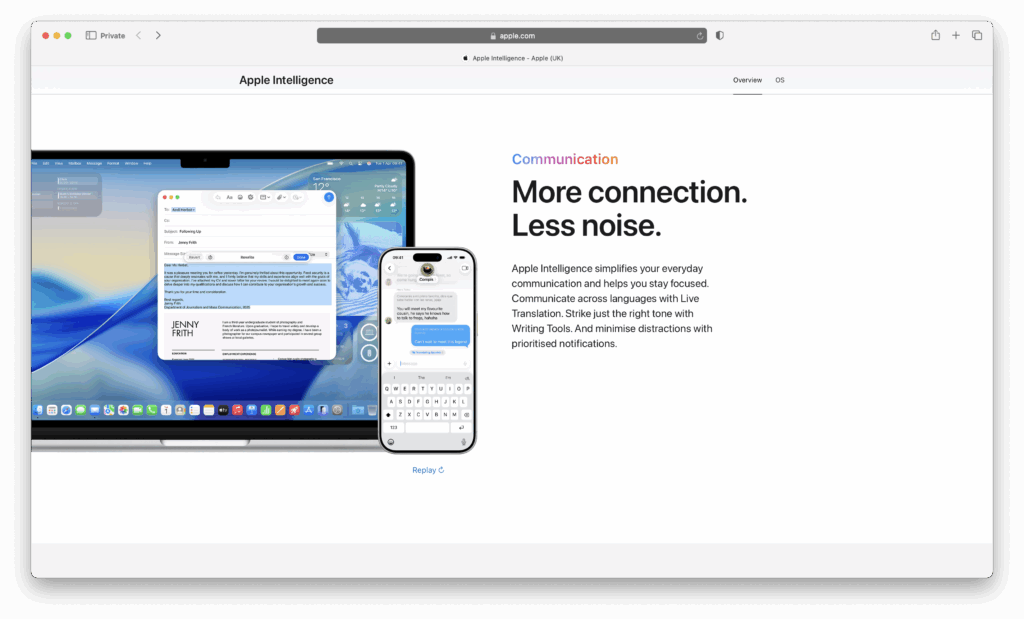
Apple Intelligence is Apple’s integrated AI system built into macOS (also iOS, iPadOS, etc.) that adds smart, privacy-focused tools for writing, translation, image generation, and more – right in your system apps. It works on-device where possible, using your Mac’s AI capabilities to enhance functionality without sending everything to the cloud.
Why You’ll Love It:
- Writing Tools (rewrite, summarize, proofread) built into Mail, Notes, Pages, Safari, Messages, etc.
- Visual Intelligence: ability to understand what’s on screen – identify objects, translate text from images, etc.
- Live Translation: in Messages, FaceTime, calls; breaking down language barriers using Apple Intelligence features.
- System-wide smart actions: enhanced Siri, shortcuts that call AI models, notifications summaries, writing tone & clarity suggestions.
Downsides:
- Only available on supported Macs (mainly Apple silicon models; older Intel Macs may have limited support or no support)
- Some features are region or language-locked (initial launch mostly in English and in select locales)
- More advanced features may come later and could require stronger hardware or more system resources
More Info: Apple Intelligence
4. Perplexity AI – Best for AI-Powered Research
Price: Free plan available; Pro from $20/month
What happens if you combine the speed of a search engine with the intelligence of an AI assistant?
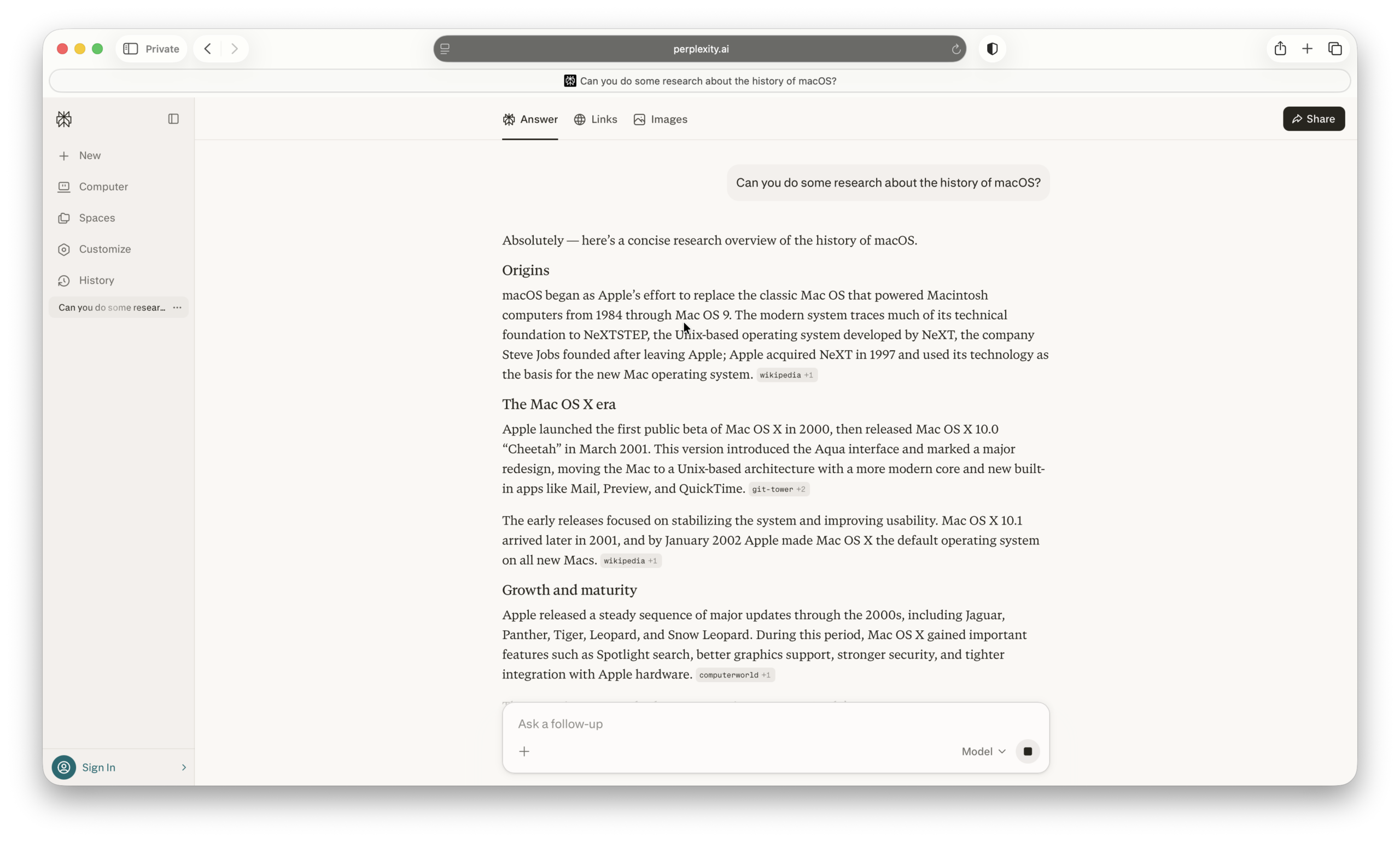
Perplexity AI is an AI-powered answer engine that delivers real-time, cited responses to your questions. Unlike traditional AI chatbots, it pulls information from the web and shows sources, making it one of the most reliable tools for research, fact-checking, and learning on a Mac.
Why You’ll Love It:
- Fast, accurate answers with cited sources
- Great for research, fact-checking, and learning
- Clean, minimal interface that’s easy to use
- Supports follow-up questions for deeper exploration
Downsides:
- Advanced features require a Pro subscription
- Less suited for creative writing compared to ChatGPT
More Info: Perplexity AI
5. Microsoft Copilot – Best for Microsoft 365 Users
Price: Included with Microsoft 365 Copilot plans ($30/month add-on)
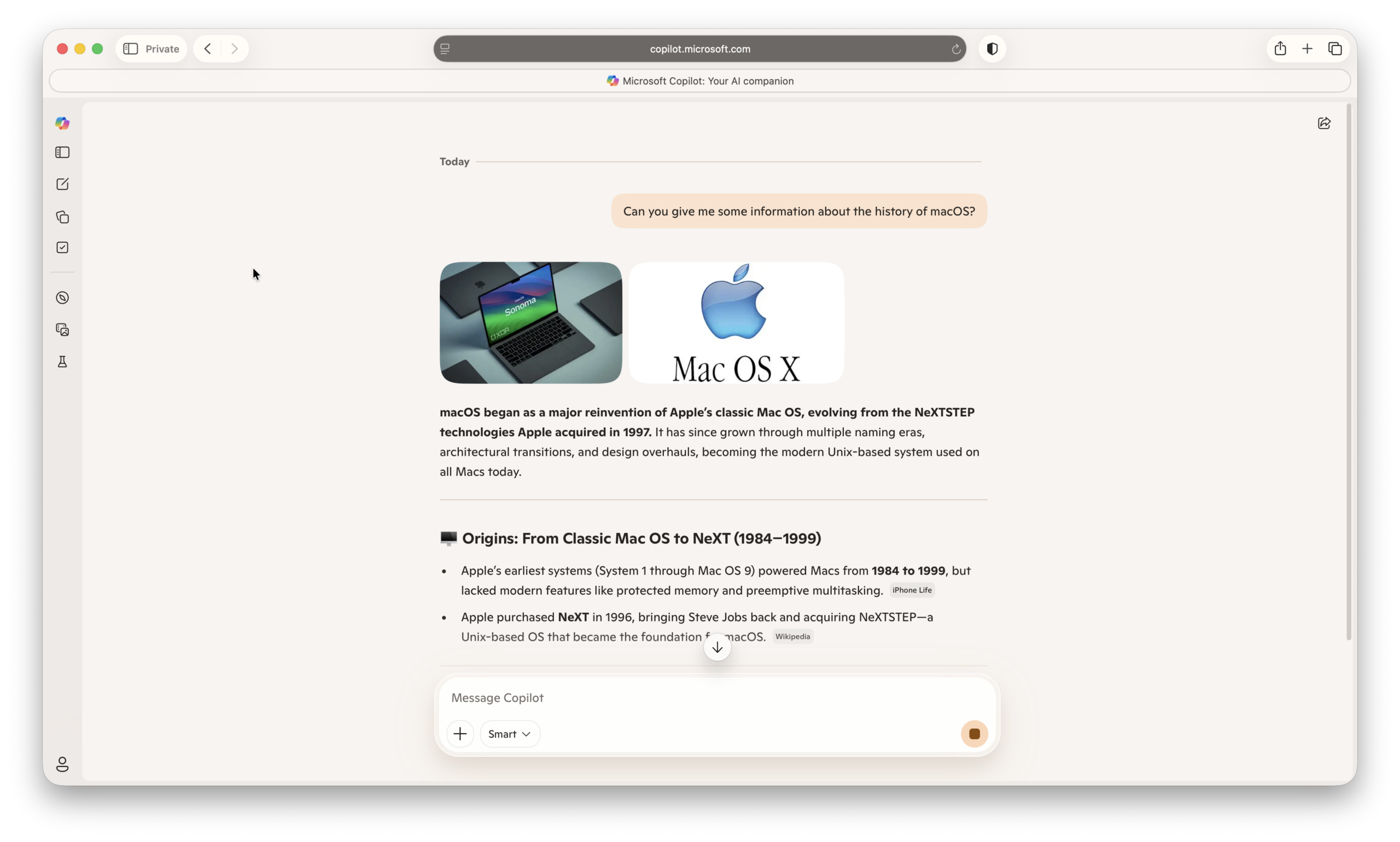
Microsoft Copilot is Microsoft’s AI assistant built into apps like Word, Excel, PowerPoint, and Outlook. It uses AI to help you write documents, analyze data, create presentations, and manage emails directly within Microsoft 365 on a Mac.
Why You’ll Love It:
- Deep integration with Word, Excel, PowerPoint, and Outlook
- Excellent for business, spreadsheets, and presentations
- Strong data analysis and automation features
- Works seamlessly across Mac, Windows, and web
Downsides:
- Requires Microsoft 365 subscription plus Copilot add-on
- Best features locked to enterprise and business plans
More Info: Microsoft Copilot
6. Claude – Best for Long-Form Writing & Analysis
Source: MacHow2
Price: Free plan available; Pro from $20/month
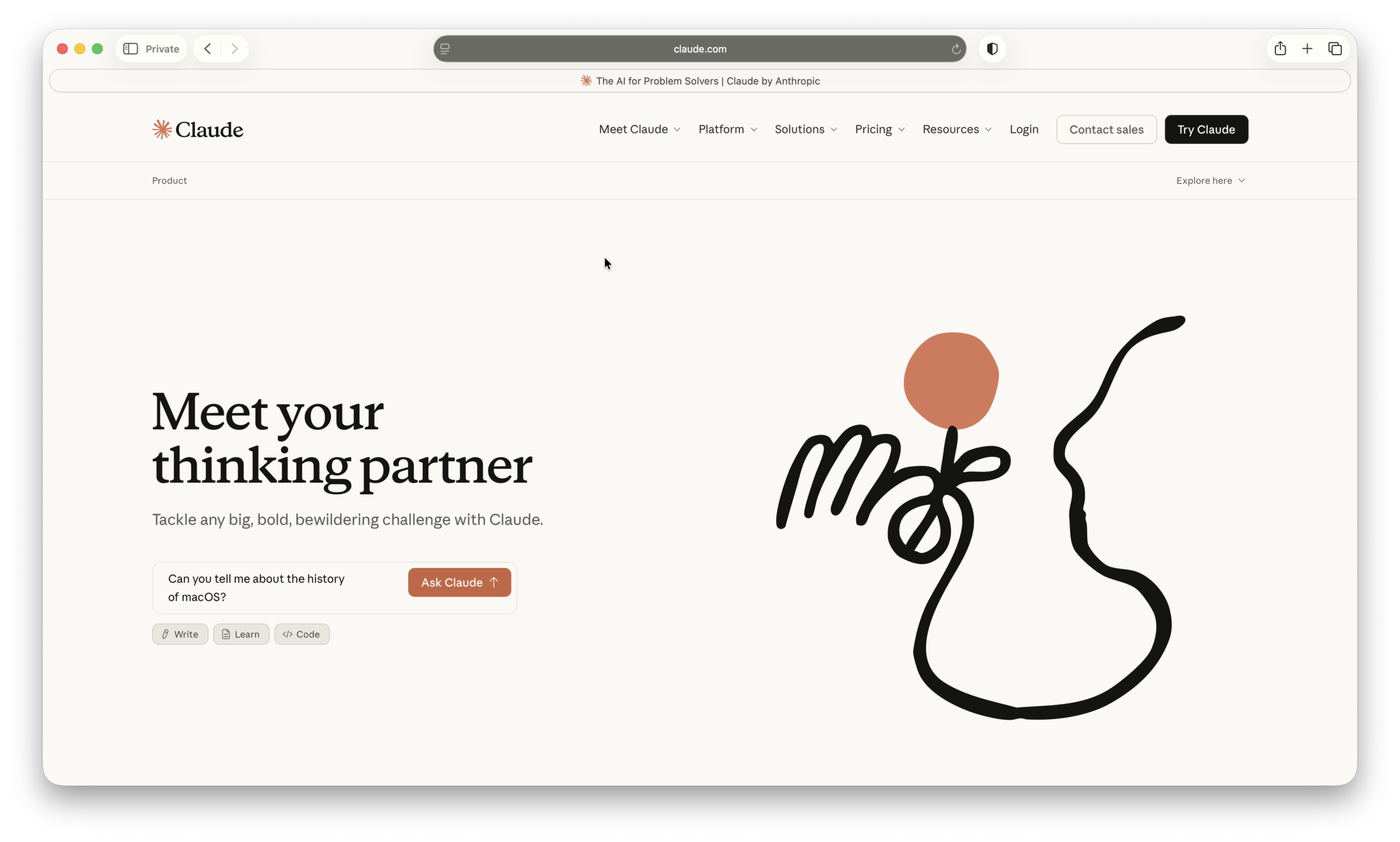
Claude is an advanced AI assistant developed by Anthropic, known for its strength in long-form writing, document analysis, and thoughtful responses. It’s particularly good at handling large amounts of text, making it ideal for research, reports, and detailed content creation on a Mac.
Why You’ll Love It:
- Excellent for long documents and detailed writing
- Handles large context inputs better than many rivals
- Clear, structured, and thoughtful responses
- Great for research, summaries, and analysis
Downsides:
- No fully featured native Mac app (primarily browser-based)
- Less integrated with third-party apps than competitors
More Info: Claude AI
7. Bolt AI – Best for Multi‑Model AI Support
Price: Free tier available; Pro plans start at $9/month for 10M tokens, scaling up to $200/month for 120M tokens
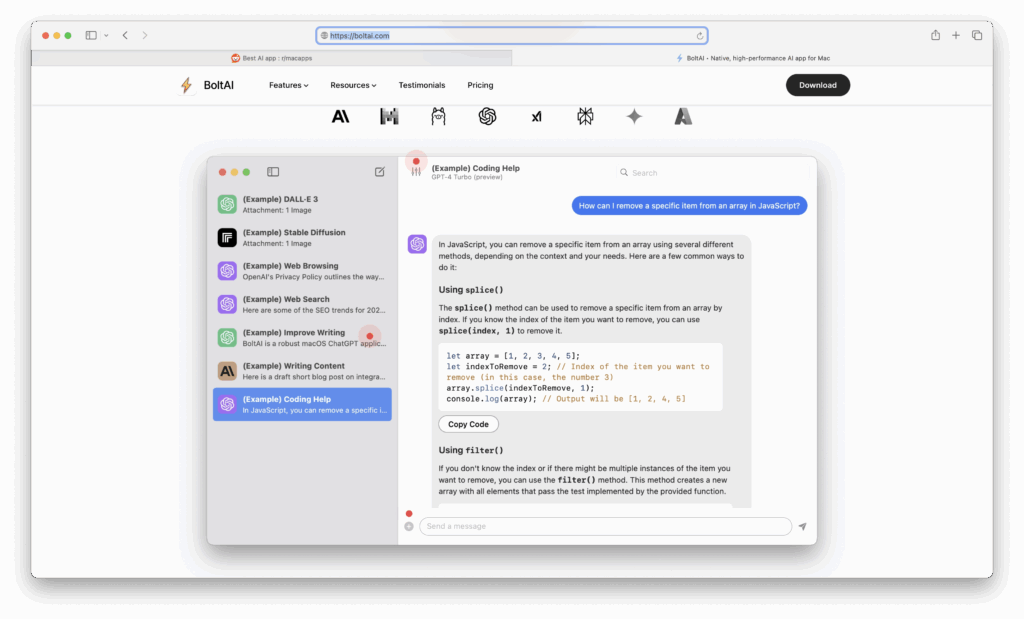
Bolt AI is a native macOS application that seamlessly integrates with your favorite Mac apps, providing instant access to AI assistants powered by OpenAI’s GPT technology. It allows you to leverage AI capabilities directly within your workflow for enhanced productivity and creativity.
Why You’ll Love It:
- Native macOS App: Optimized for performance, ensuring a smooth and responsive user experience on both Intel and Apple Silicon Macs
- Multi‑Model Support: Switch between top AI services and local models, including OpenAI, Anthropic, Mistral, Ollama, Perplexity, and Google Gemini, all from a single application
- Custom AI Assistants: Create tailored AI assistants to suit specific tasks or roles, enhancing your workflow
- Prompt Library: Access a library of prompts to get the most out of your AI assistance
- Secure and Private: Operates locally on your device, ensuring your data remains private. Your OpenAI API key is securely stored in the Apple Keychain, adhering to industry-standard encryption methods
Downsides:
- Subscription Required for Full Features: While a free tier is available, advanced features and higher token limits require a paid subscription
- Learning Curve: New users may need time to familiarize themselves with the various AI models and customization options
More Info: Bolt AI
8. Alter AI – Best AI For Offline macOS Integration
Price: Free tier available; Pro plans start at $15/month for 10M tokens, scaling up to $200/month for 120M tokens.
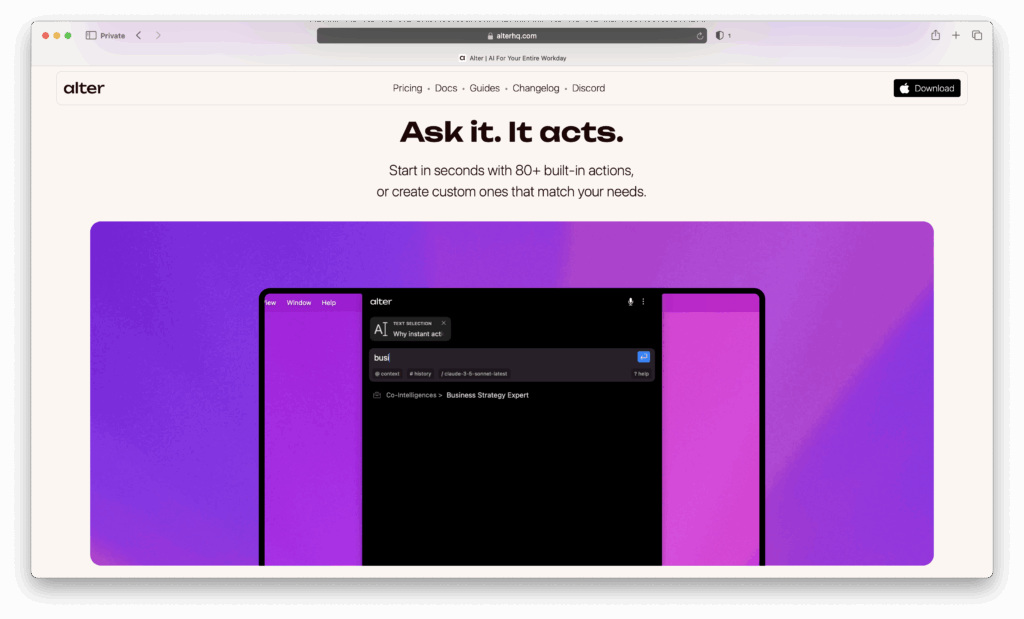
Alter is a native macOS AI assistant designed to supercharge your productivity by integrating deeply with macOS. Unlike browser-based tools, Alter operates locally, offering privacy-first features and context-aware actions across all your applications. Whether you’re drafting emails, summarizing meetings, or automating tasks, Alter acts as your intelligent co-pilot, understanding your workflow and providing real-time assistance.
Why You’ll Love It:
- Deep macOS Integration: Alter understands your screen and app context, enabling it to perform actions like summarizing documents, drafting messages, or controlling apps without switching windows.
- Voice-First Activation: Activate dictation or issue commands using natural language, allowing for hands-free operation and efficient multitasking.
- Local Model Support: Run AI models locally for enhanced privacy and speed, with support for tools like Ollama and LM Studio.
- Meeting Intelligence: Record meetings from any platform – Zoom, Teams, Meet, or in-person – and receive instant summaries, action items, and searchable transcripts.
- Automation Across 2,000+ Apps: Connect and automate tasks with services like Slack, Notion, Gmail, and more, streamlining repetitive jobs.
Downsides:
- Pro Features Require Subscription: While a free tier is available, advanced features and higher token limits require a paid subscription.
- Learning Curve: New users may need time to familiarize themselves with the various AI models and customization options.
More Info: Alter AI
Best AI Writing & Productivity Tools
9. Raycast AI – Best for AI-Powered Mac Productivity
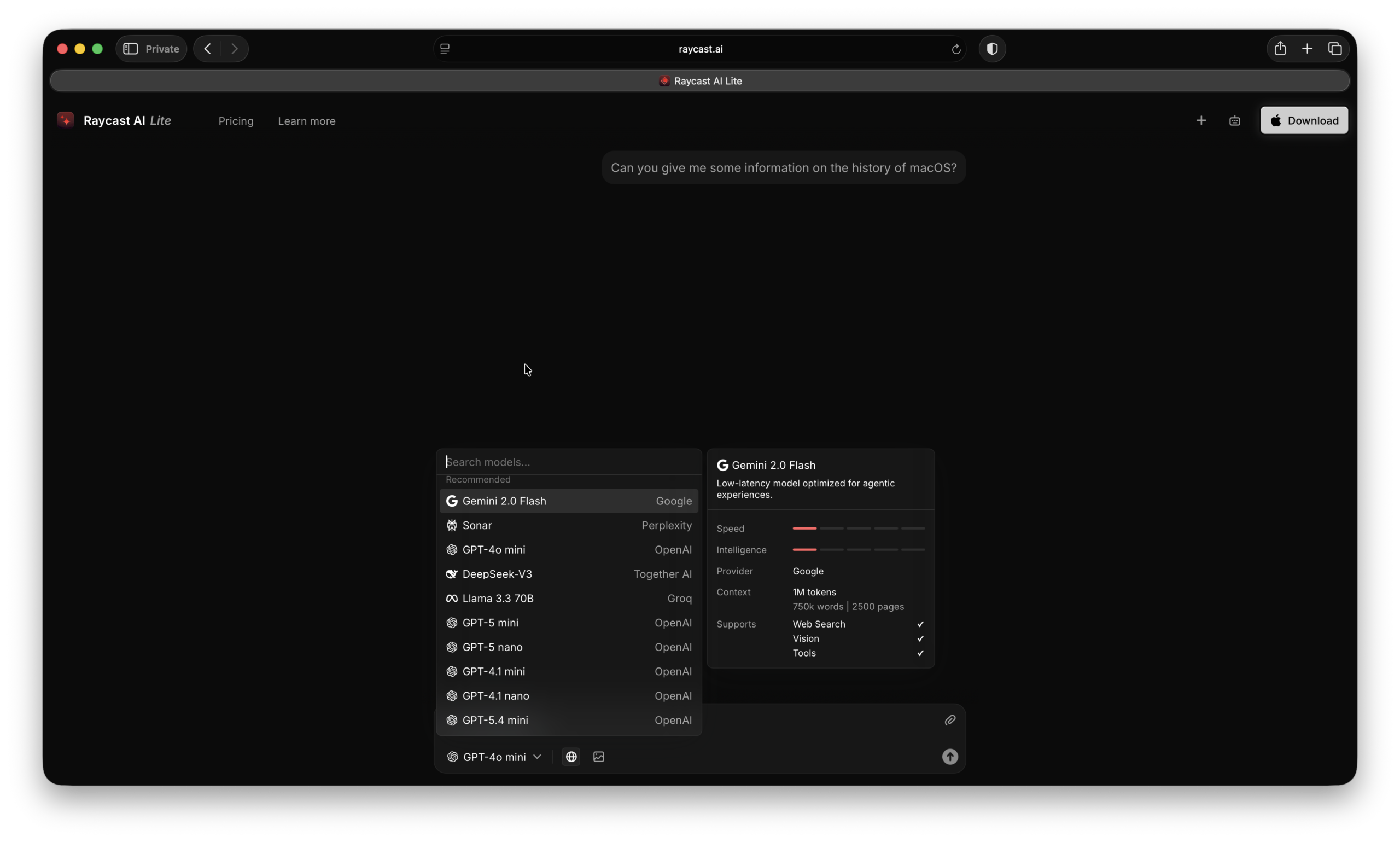
Price: Free plan available; Pro from $8/month
Raycast is a powerful Mac launcher that goes far beyond Spotlight, and with Raycast AI, it becomes a full productivity assistant. You can search, write, summarize, and automate tasks directly from your keyboard without leaving your current app.
Why You’ll Love It:
- Blazing-fast launcher with built-in AI features
- Works system-wide with keyboard shortcuts
- Extensive extensions for apps and workflows
- Ideal for power users and productivity enthusiasts
Downsides:
- AI features require a Pro subscription
- Can take time to learn all capabilities
More Info: Raycast AI
10. Grammarly – Best for All-Round Writing
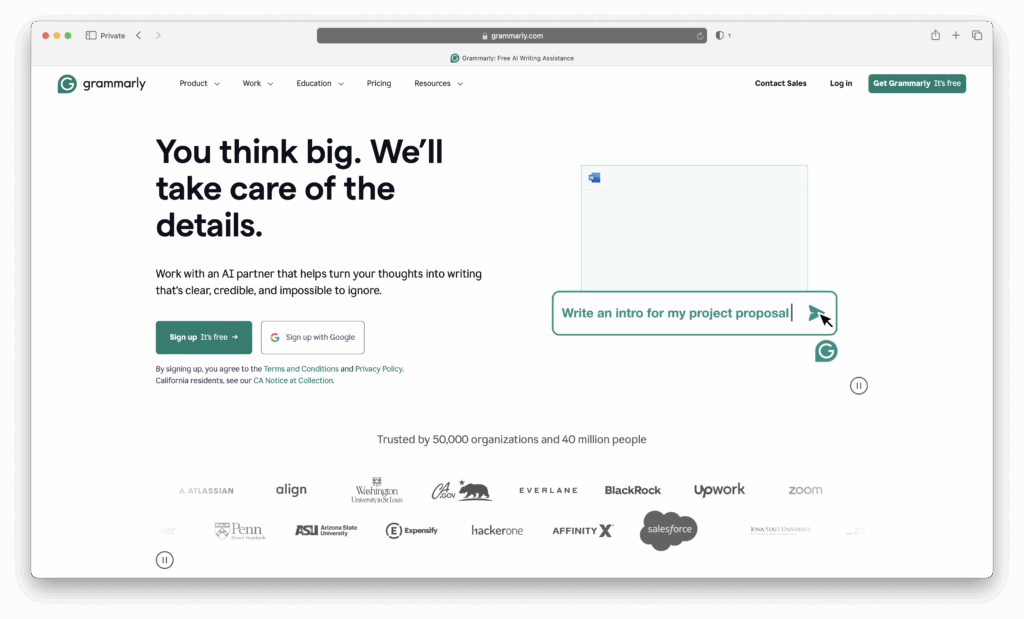
Price: Free basic version; Grammarly Pro starts at US $12/month per member when billed annually (≈ $30/month with monthly billing)
Grammarly is a comprehensive AI-powered writing assistant that checks grammar, spelling, clarity, tone, style, and plagiarism. It integrates across browsers, desktop apps, word processors, email, and more. With its new AI agents and generative tools, Grammarly helps you not just correct your writing, but also craft, refine, and adapt it for different audiences and goals.
Why You’ll Love It:
- Real-time grammar, punctuation, and style suggestions across many platforms (browser, desktop, Word, email etc.)
- Tone detection, clarity improvements, vocabulary enhancements, and full-sentence rewriting
- Plagiarism detection ensures originality; AI agents (now in “Docs”) assist with summarization, citation finding, and reader feedback
- Collaboration features: style guides, brand tones, team usage analytics (for multi-user plans)
Downsides:
- Pro features require a paid subscription; free plan is limited
- Some AI prompt limits depending on plan (e.g. Free vs Pro)
- Occasionally suggestions may not match tone or context perfectly – you’ll still need to review edits manually
More Info: Grammarly
11. Notion AI – Best for Integrated AI Writing, Research & Team Collaboration
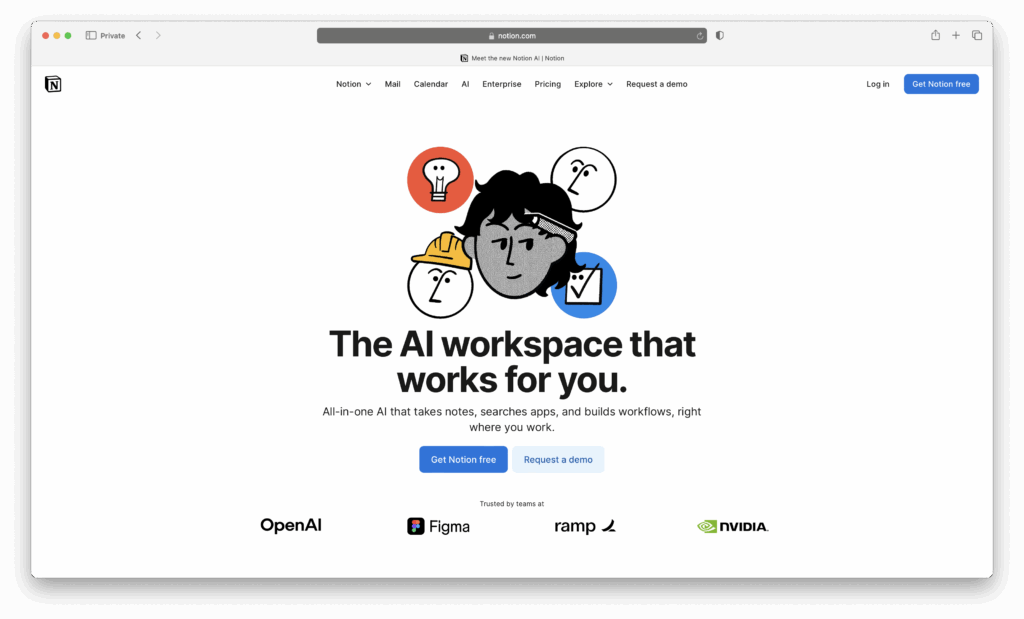
Price: Business plan $20/user/month (annual billing); Free tier gives limited AI trials.
Notion AI blends generative AI tools directly into your workspace: docs, databases, and meetings. It helps with writing, summarization, Q&A, meeting notes, and searching across your content – all without leaving Notion. It’s a great tool to use when you want AI that lives where your projects already are.
Why You’ll Love It:
- AI features built-into Notion: summarisation, autofill of databases, meeting note transcription & action items
- Research Mode & Enterprise Search: Pull info from your workspace (and connected tools) for more powerful document creation and insight gathering
- Full collaboration features: shared workspaces, private teamspaces, page history, guest collaborators – all in the same environment
- Cross-platform: Web, Mac, iOS, Windows, synchronized across devices
Downsides:
- Full AI features only available on Business plan or Enterprise – Free or Plus users only get limited trials.
- File upload limits (5 MB per file on Free tier) and shorter page-history (e.g. 7 days) under lower plans can be restrictive for serious use.
- Heavy AI use may trigger fair-use limits or temporary throttling.
More Info: Notion AI
12. Ulysses + AI Shortcuts – Best for Creative Writers
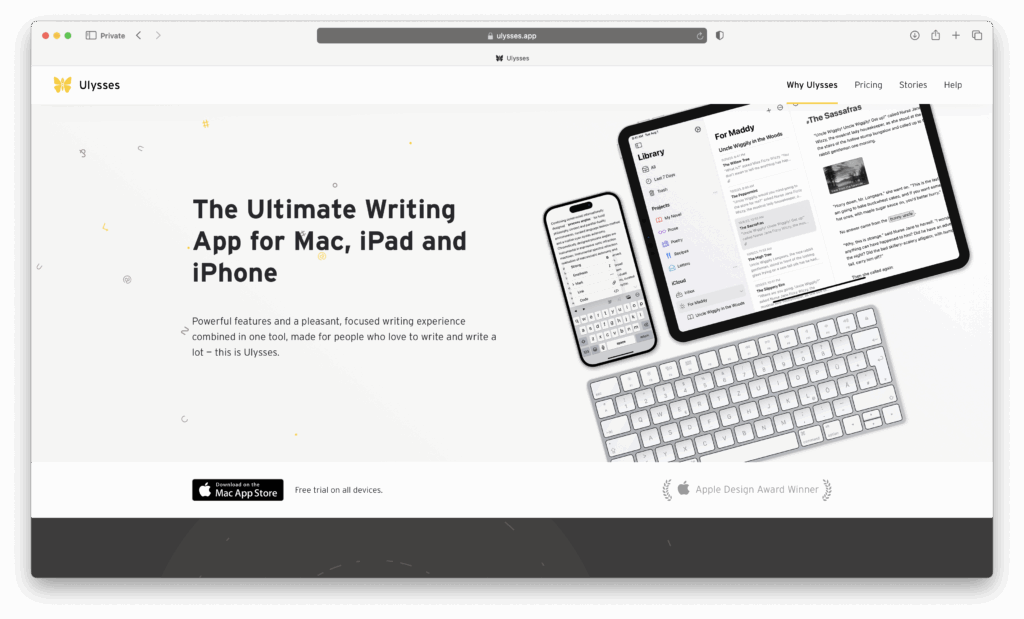
Price: $5.99/month or $49.99/year
Ulysses is a polished creative writing app for Macs. While it’s not an AI app itself, it integrates with AI helpers through Shortcuts or external services. This makes it a clean, distraction-free word processing software where AI supports your writing rather than taking over.
Why You’ll Love It:
- Sleek, Mac-native interface
- Excellent sync across Mac, iPad, and iPhone
- AI integrations available for idea generation
- Great export options (Word, PDF, ePub)
Downsides:
- AI features require setup with third-party tools
- Subscription required
More Info: Ulysees
13. Elephas – Best for Building a “Super Brain” & Writing Everywhere
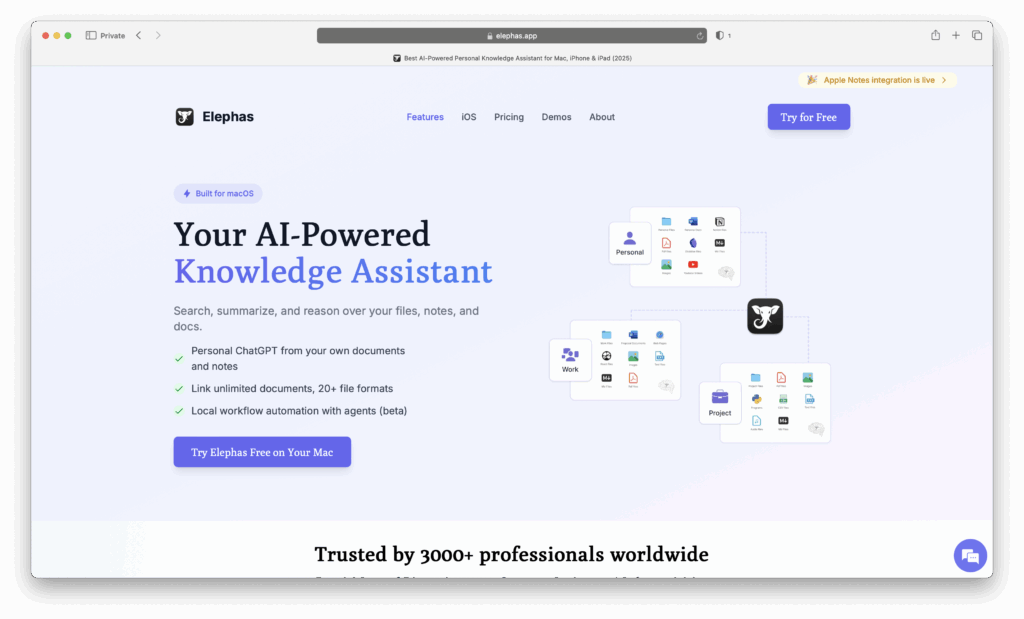
Price: Free version available; Paid plans to unlock more usage, AI engine options, and workflow automation.
Elephas is a Mac-focused knowledge assistant that combines AI writing, summarisation, snippets/prompts, and a searchable “Super Brain” built from your own data (notes, files, meetings, etc.). It works across apps on your Mac, letting you run several AI tasks without changing the way you already work.
Why You’ll Love It:
- Integrates with your own data: Apple Notes, Notion, Zoom transcripts, files & meetings for a personalized knowledge base.
- Supports local/offline models or using your own API keys (OpenAI, Claude etc.) for privacy and flexibility.
- Super Command / snippets: perform writing-tasks, summaries, rewrites, tone shifts, directly in any app.
- Helpful for research: chat with documents, pull quotes, generate outlines, summarise long reads.
Downsides:
- Free version has limitations on how many AI tasks / number of uses before upgrading.
- Best performance (especially offline/local AI) requires newer Mac hardware and sufficient system resources.
- Mobile version / keyboard has fewer features than the Mac desktop “Super Brain” / workflow automations.
More Info: Elephas
14. Dia Browser – Best AI-Powered Web Browsing on Mac
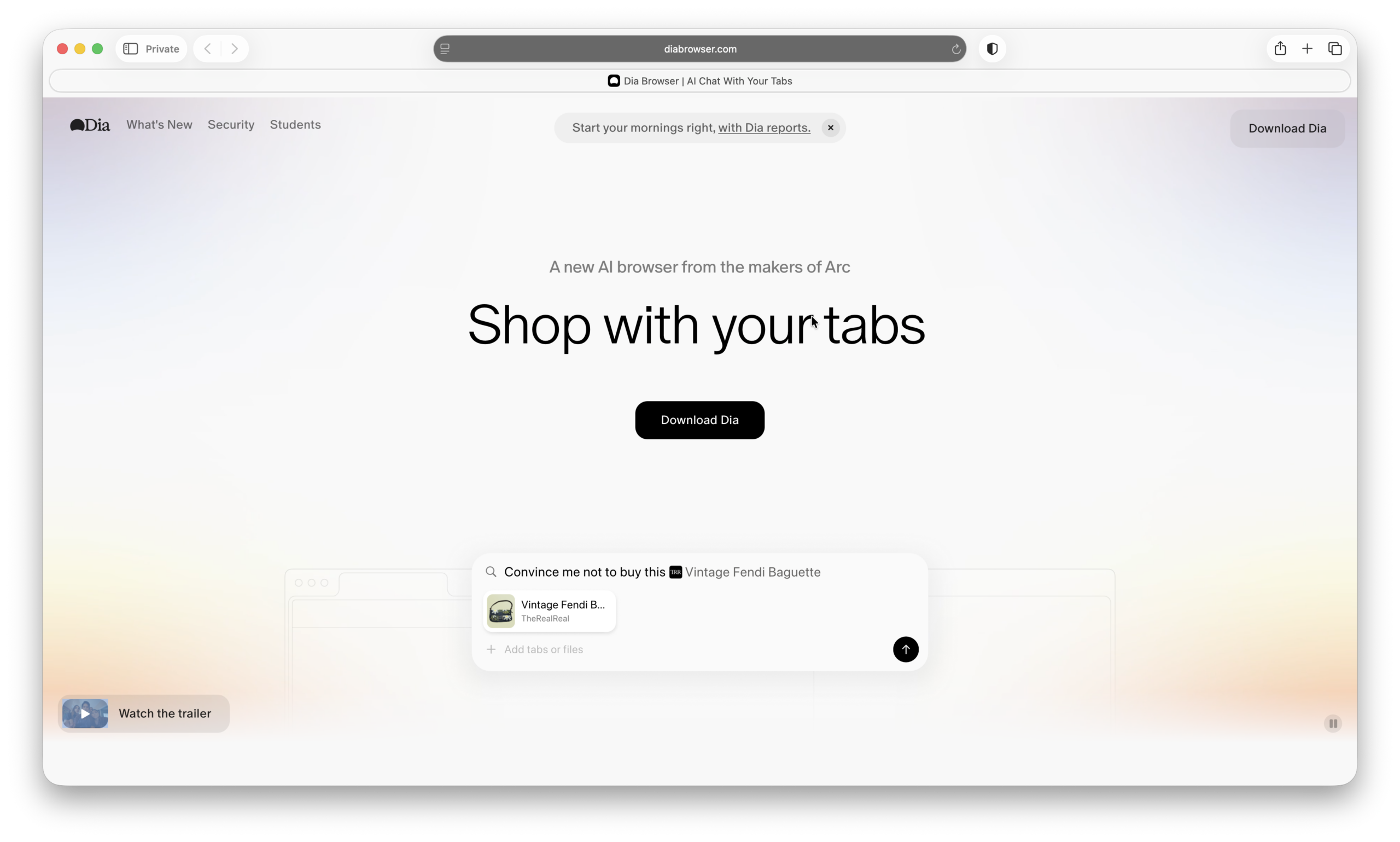
Price: Free
What happens if you combine a modern web browser with built-in AI that actively helps you browse, research, and organize information?
Dia is an AI-first browser for Mac that re-imagines how you interact with the web. Instead of just displaying pages, it helps you summarize content, answer questions, and organize your browsing using built-in AI tools. It’s designed to reduce tab overload and make research, reading, and multitasking far more efficient.
Why You’ll Love It:
- Built-in AI that can summarize pages and answer questions instantly
- Helps organize tabs, workflows, and research more efficiently
- Clean, modern interface designed for productivity
- Free to use with frequent updates and improvements
Downsides:
- Still relatively new, so some features are evolving
- Learning curve compared to traditional browsers like Safari or Chrome
- AI features may not yet match dedicated AI tools
More Info: Dia Browser
Best AI for Audio, Meetings & Dictation
15. Notta – Best for AI Dictation on Mac
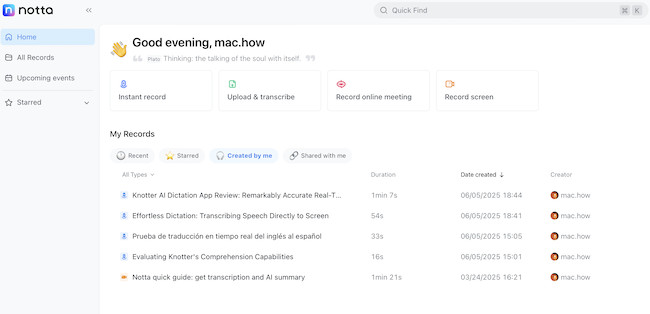
Price: Free plan available, Pro from $8.25/month
If you record meetings, interviews, or lectures, Notta is one of the best voice recognition software for Macs. It’s easily, the smartest and fastest tools I’ve used to turn audio into text on a Mac. It supports live transcription and lets you search transcripts instantly. The macOS app syncs with iOS, so you can pick up where you left off on your iPhone or iPad.
Why You’ll Love It:
- Accurate live transcription
- Works well across Apple devices
- Exports to TXT, DOCX, and SRT
- Great for podcasters, students, and journalists
Downsides:
- Free plan limited to 120 minutes/month
- Collaboration and advanced features need a Pro plan
More Info: Notta review
16. Otter.ai – Best for Note Taking
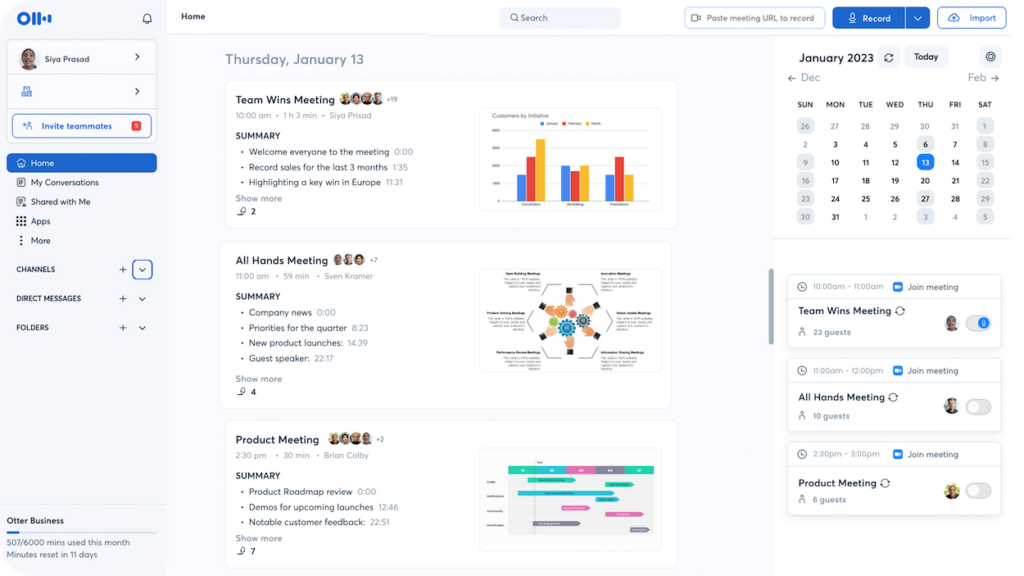
Price: Free tier available; Premium $13/month or $99/year
Otter.ai is an AI-powered transcription and note-taking app that converts speech to text in real time. It’s perfect for meetings, lectures, interviews, and brainstorming sessions, allowing you to capture ideas without typing.
Why You’ll Love It:
- Real-time transcription with speaker identification
- Integrates with Zoom, Google Meet, and Microsoft Teams
- Searchable transcripts for easy reference
- Collaborative features for sharing notes with teams
Downsides:
- Free tier has limits on transcription minutes
- Accuracy depends on audio quality and clarity
More Info: Otter.ai
17. SuperWhisper – Best for Voice-to-Text Productivity
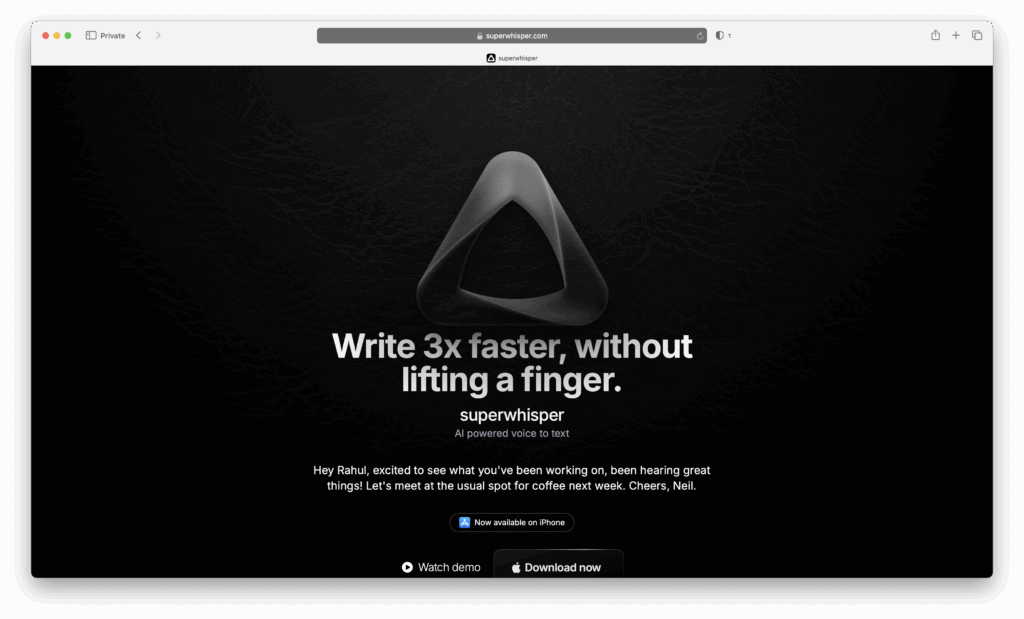
Price: Free tier available; Pro plan approx US $8.49/month, US $84.99/year, or lifetime option (≈US $249.99)
SuperWhisper is an AI-powered voice-to-text/dictation app for macOS (and iPhone) built to offer accurate, fast transcription, both locally and via cloud/local AI models. It works in any app where you can type or paste text, so you can “just talk” instead of typing emails, notes, messages, or documents.
Why You’ll Love It:
- Works offline (especially well on Apple Silicon Macs) for privacy and speed
- Supports 100+ languages with translation into English
- Ability to use your own AI API keys in Pro plan, giving more control
- Transcribe audio & video files, use both cloud & local models, priority support in Pro plan
Downsides:
- Pro features require subscription or payment (monthly/yearly/lifetime)
- Best performance (especially offline) demands more recent hardware (at least an Apple Silicon Mac) and lots of RAM
- While the free tier is good, there are limits on recording duration or access to larger models/languages unless you upgrade
More Info: SuperWhisper
Best AI Creative Tools (Design, Image, Video)
18. Adobe Express – Best for AI-Powered Design
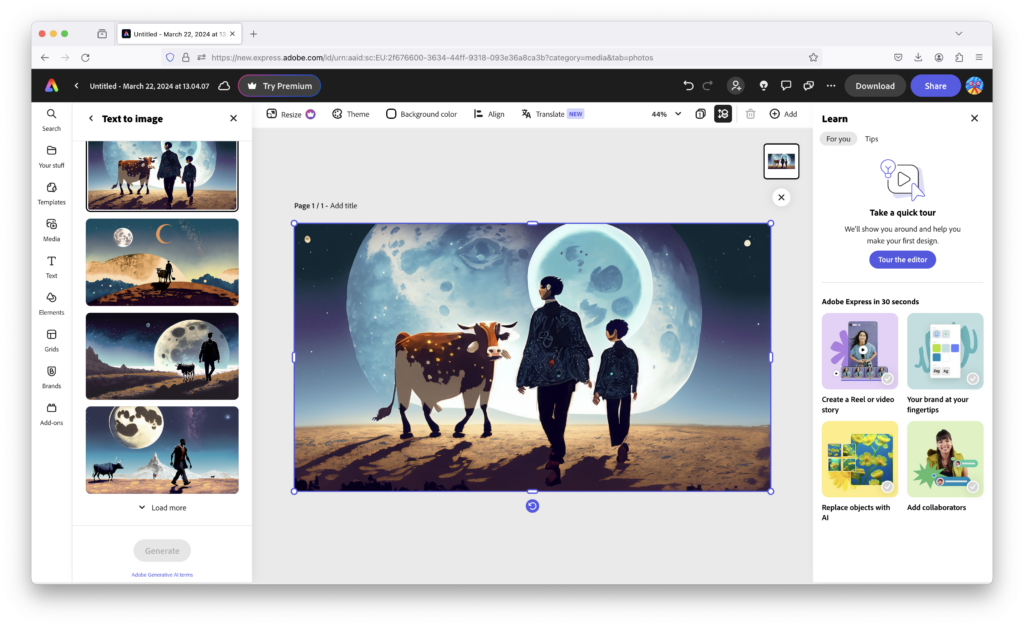
Price: Free plan available; Premium $9.99/month
Adobe Express combines the power of Adobe’s creative suite with Adobe’s Firefly AI-driven design tools to make it one of the best AI art generation software for Macs. It helps you quickly create graphics, social media posts, flyers, and short videos with templates and AI-powered features like background removal and text-to-image generation.
Why You’ll Love It:
- Easy-to-use templates for quick designs
- AI tools for image generation and smart edits
- Syncs with Adobe Creative Cloud apps
- Works across Mac, web, and mobile
Downsides:
- Premium features locked behind subscription
- Less powerful than Photoshop or Illustrator for advanced editing
More Info: Adobe Express Review
19. Pixelmator Pro – Best AI Image Editor for Mac
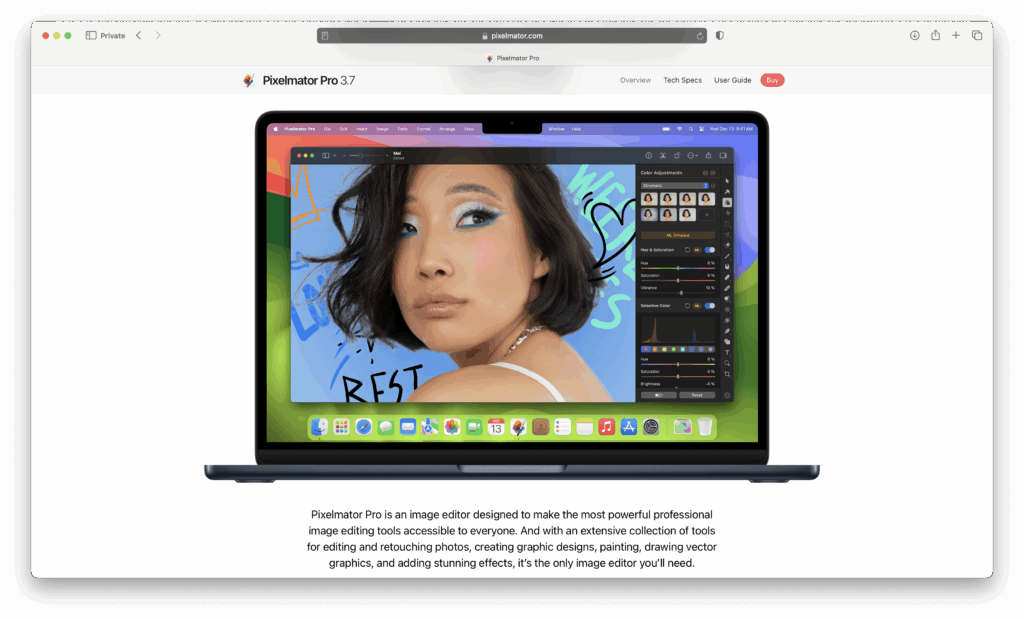
Price: $49.99 one-time purchase
Pixelmator Pro is one of the best Photoshop alternatives for Macs packed with AI features like ML Super Resolution, background removal, and style transfer. It’s fully optimized for Apple Silicon.
Why You’ll Love It:
- Lightning-fast on Apple Silicon Macs
- One-time payment, no subscription
- Smart AI tools for photographers and designers
- Gorgeous Mac-native interface
Downsides:
- Not as feature-rich as Photoshop
- Updates add new features slowly
20. Runway – Best for AI Video Editing
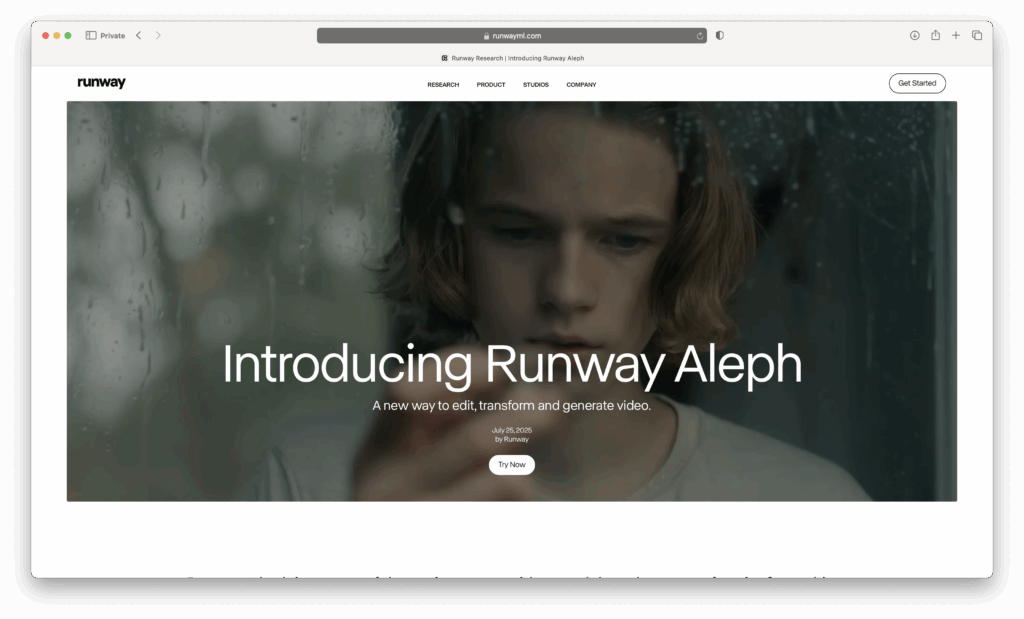
Price: Free trial, paid plans from $15/month
Runway brings generative AI to video editing on a Mac. It doesn’t just edit video, it even creates it for you. You can remove objects, generate new backgrounds, or even create video clips from text prompts.
Why You’ll Love It:
- State-of-the-art generative video tools
- Easy to experiment with effects
- Great foe creative professionals
Downsides:
- Subscription can get expensive
- Not all tools run locally
More Info: Runway
21. DiffusionBee – Best for Offline AI Art Creation
Price: Free; no subscription required
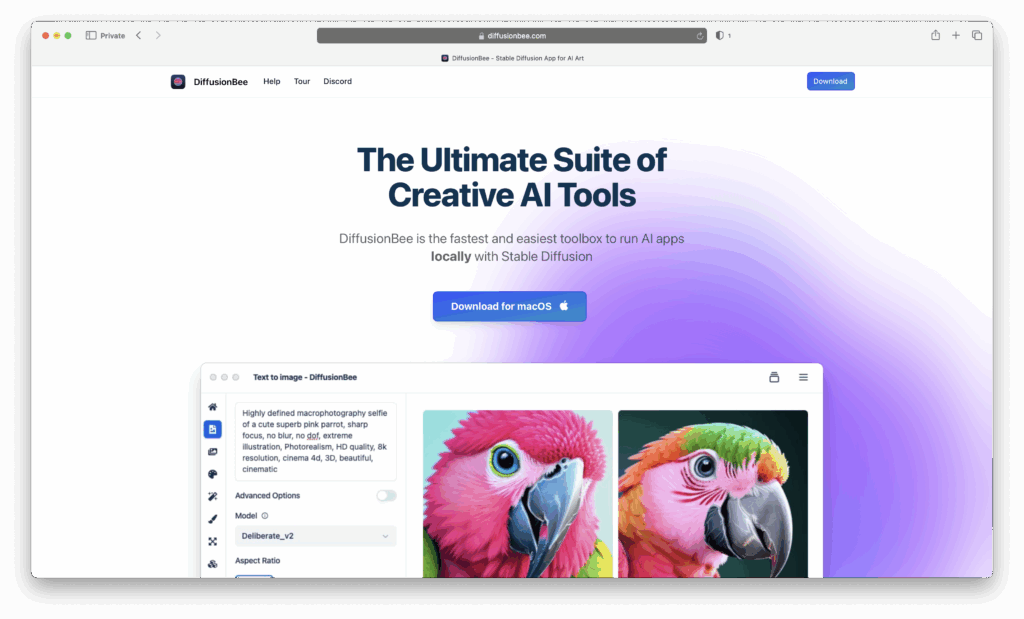
DiffusionBee brings the power of Stable Diffusion locally to your Mac. Generate images from text prompts, modify existing images, upscale, in-paint/out-paint, and more – all without ever sending your data to the cloud. Perfect for creators who want full control over their art and privacy.
Why You’ll Love It:
- Runs 100% offline on your Mac – high privacy & no cloud dependency
- Lots of Tools: text-to-image, image-to-image, generative fill, out-painting, upscalers, custom model training, variants, even video-tools
- Optimized for Apple Silicon (great performance) but also works on Intel Macs (though slower)
- Free to use; no paywalls or subscriptions to unlock basic tools
Downsides:
- Older/less powerful Macs (especially Intel without a strong GPU) can be very slow for complex renders or high resolution
- User interface is functional but less polished than some cloud-based or premium AI art platforms
- Local models require disk space, and heavy usage may tax your hardware (RAM, GPU)
More Info: DiffusionBee
22. Sogni AI – Best For Offline AI Art Generation
Price: Free to use; pay-as-you-go for rendering when using the Supernet (no monthly subscription required)
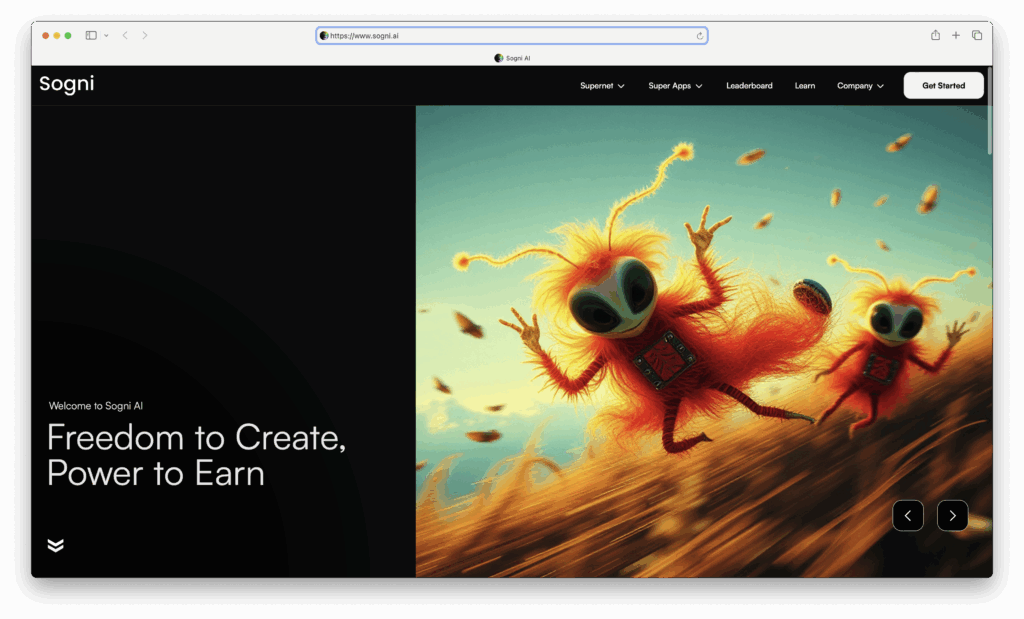
Sogni AI is a creative-AI platform that lets you generate images on a Mac, animations, and high-definition visuals using local device processing or via a decentralized GPU network (“Supernet”). It’s built for artists, creators, and developers who want control over style, ownership, and speed.
Why You’ll Love It:
- Unlimited, private image generation on Mac or iOS with local & Supernet rendering options
- Advanced tools: ControlNet, style blending, image-to-image and text-to-image, animations, and guide/reference images
- Offline/local model support: run Stable Diffusion-style models on Mac or iOS; also import custom Core ML models
- Community & compute sharing: you can also contribute idle computing power (as a Worker) to the Supernet and earn tokens, helping with rendering scale and speed
Downsides:
- Demanding on device: requires recent version of macOS (at least Sonoma 14.0+) & decent hardware (Apple silicon + ~16 GB RAM minimum) for best performance locally
- Some tasks (especially GPU Supernet renders) may incur costs or delays depending on network load
- Model quality and style vary – results depend heavily on prompt structure, reference images, and the model chosen
More Info: Sogni AI
23. Descript – Best for Audio & Video Editing with AI
Price: Free plan available, Pro from $12/month
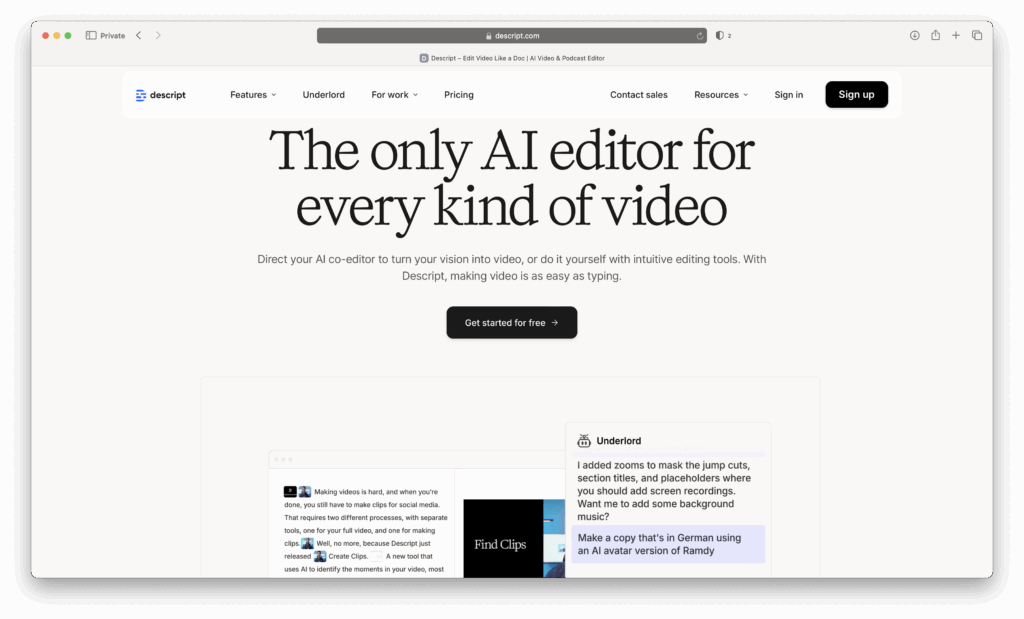
Descript combines transcription with powerful editing. You can edit a podcast or video simply by editing its transcript. It also includes overdub voice cloning and AI-based audio clean-up.
Why You’ll Love It:
- Edit videos by changing the text transcript
- Built-in AI audio clean-up
- Overdub lets you fix mistakes without re-recording
- Direct export to Final Cut Pro and Logic
Downsides:
- Steeper learning curve than Notta
- Heavy features are locked behind paid plans
More Info: Descript
Best AI Developer & Power Tools
24. GitHub Copilot – Best AI Coding Assistant
Price: $10/month for individuals
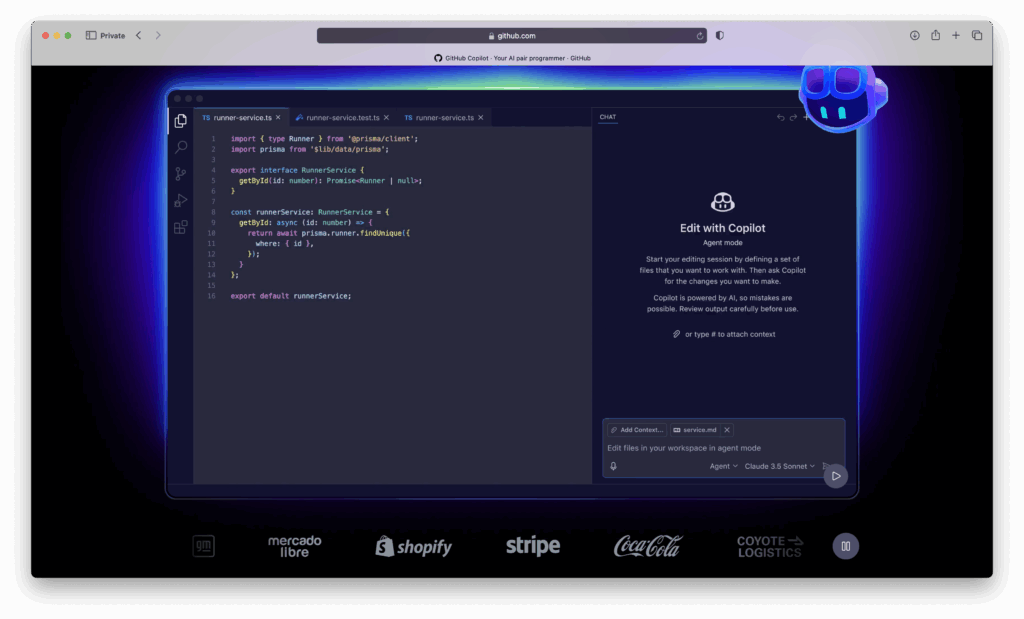
GitHub Copilot lives inside VS Code and suggests code as you type. It’s trained on billions of lines of code and saves time by writing boilerplate for you.
Why You’ll Love It:
- Huge time-saver for repetitive coding
- Context-aware suggestions
- Works great on macOS in VS Code
Downsides:
- Subscription required
- Must review code carefully for errors
More Info: GitHub Copilot
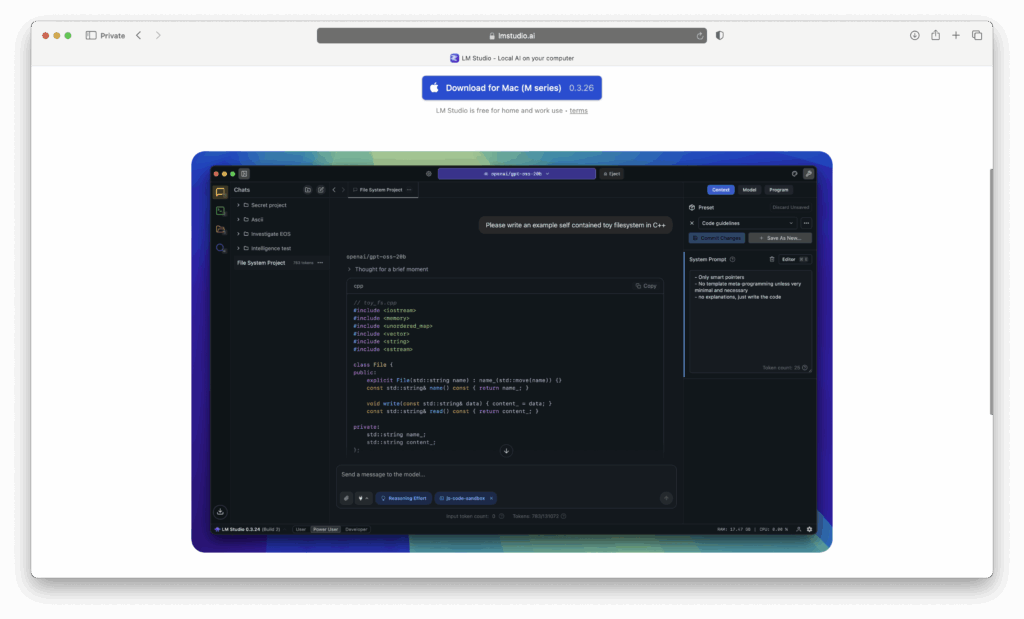
25. LM Studio – Best for Offline Use
Price: Free (open-source options available)
LM Studio is a local LLM app that lets you run AI models directly on your Mac – no internet needed. Thanks to Apple Silicon chip, local LLMs are faster than ever and LM Studio is one of the best.
Why You’ll Love It:
- No cloud, no data leaks
- Works offline
- Great for developers and privacy-conscious users
Downsides:
- Smaller models, less powerful than GPT-5
- More technical setup required
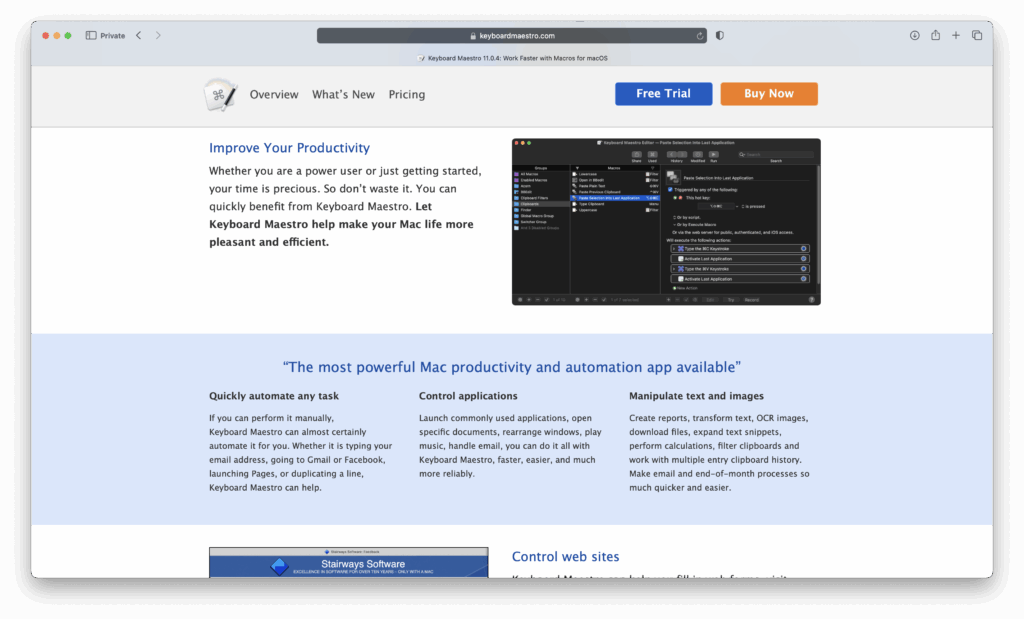
26. Keyboard Maestro + Local AI – Best for Advanced Automation
Price: $36 one-time license
Keyboard Maestro automates nearly anything on macOS. Pair it with local AI models to create private, offline automations like renaming files, summarizing text, or generating content.
Why You’ll Love It:
- Extremely powerful automation engine
- Works with offline/local AI models
- One-time purchase, no subscription
Downsides:
- Steep learning curve
- Geared towards advanced users
More Info: Keyboard Maestro
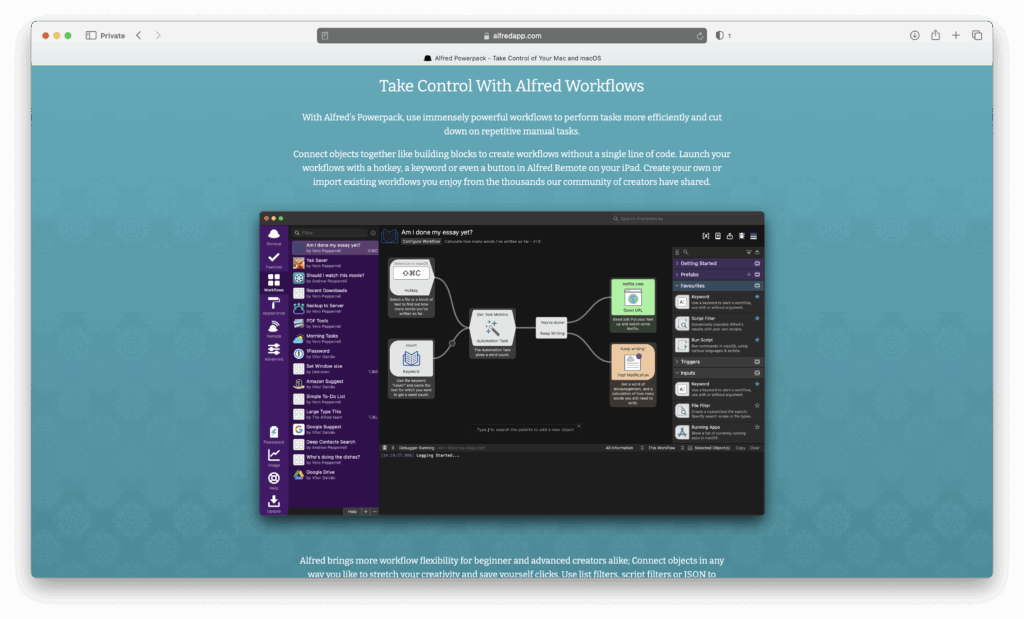
27. Alfred + ChatGPT – Best for Mac Automation
Price: Free, Powerpack one-time license from £34
Alfred is a productivity launcher for macOS. With ChatGPT integration, you can generate text, summarize files, and run AI-powered searches directly from your keyboard.
Why You’ll Love It:
- Lightning-fast search and automation
- Add ChatGPT for summaries and quick prompts
- Highly customizable
- One-time purchase for most features
Downsides:
- Requires manual setup for integrating AI
- Might overwhelm casual users
More Info: Alfred
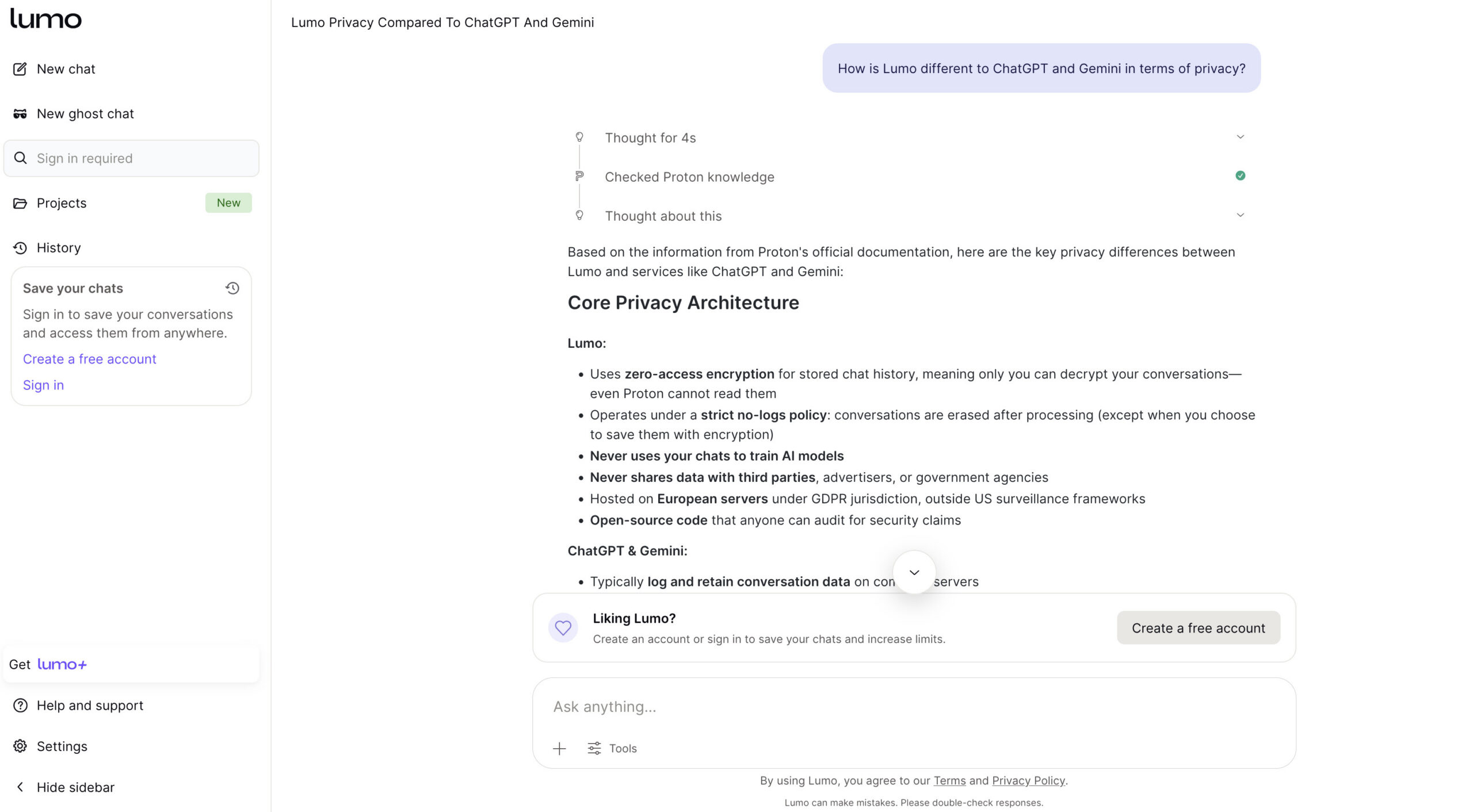
28. Lumo – Best For Privacy
Price: Free
Lumo AI is a privacy-first AI assistant designed for users who want the benefits of AI without sacrificing their data. Built by the team behind Proton Mail, it uses a strict no-logs policy and zero-access encryption, meaning your conversations aren’t stored, tracked or used to train AI models.
You can use Lumo for everyday tasks like writing, summarizing, brainstorming and coding, just like other AI assistants. However, it takes a more secure approach by limiting external data access and keeping everything as private as possible.
Why You’ll Love It:
- No-logs policy (your chats aren’t stored or tracked)
- End-to-end encryption with zero-access architecture
- Not used for AI model training
- Simple, clean interface with no setup required
- Strong focus on privacy and security
Downsides:
- Less powerful than leading AI tools
- No native macOS app (browser-based so no offline option)
- Fewer features than mainstream AI apps
More Info: Lumo AI
Best AI Apps for Apple Silicon Macs
If you’re using an Apple Silicon Mac (M1, M2, M3 or later), you can take advantage of AI apps that are optimized for on-device performance and efficiency.
These apps are designed to use Apple’s Neural Engine and unified memory architecture, making them faster and more responsive than traditional Intel-based tools.
Some of the best AI apps optimized for Apple Silicon include:
- Pixelmator Pro – Fast AI-powered image editing with features like ML Super Resolution
- LM Studio – Run local AI models directly on your Mac for privacy and offline use
- DiffusionBee – Generate AI images locally without needing cloud processing
- Apple Intelligence – Built directly into macOS with system-wide AI features
- SuperWhisper – High-speed, on-device voice-to-text transcription
These tools make it possible to run powerful AI workflows directly on your Mac without relying entirely on the cloud.
If you’re using an older Intel Mac, most of these will still work but performance may be significantly slower.
Should You Use Local AI or Cloud AI on a Mac?
When choosing an AI app for your Mac, one of the biggest decisions is whether to use cloud-based AI or run models locally on your device.
Cloud AI tools like ChatGPT, Gemini, and Claude run on powerful remote servers. This means they’re faster, more capable, and can handle complex tasks like coding, large document analysis, and image or video generation.
However, they require an internet connection and may involve sharing data with external services.
Local AI tools like LM Studio and DiffusionBee run directly on your Mac using Apple Silicon. This keeps your data private and allows you to work offline, which is ideal for sensitive information or secure environments.
The trade-off is that local models are usually smaller and less powerful than cloud-based AI.
Which should you choose?
- Use cloud AI for the best performance and latest features
- Use local AI for privacy, offline access, and full control
If you have a newer Apple Silicon Mac, you can even use both—running local AI for private tasks and cloud AI for more demanding work.
FAQs
Are desktop AI apps better than web apps?
It depends. Desktop apps offer better OS integration, hotkeys, and sometimes offline modes. Web apps usually give access to the latest, largest models.
Can I run AI models offline on my Mac?
Yes – with local LLM wrappers and Apple Silicon-optimized models. Expect more technical setup and smaller models.
Should I be worried about privacy?
Use apps that let you supply your own API key or run models locally if privacy is essential. Read each vendor’s data policy.
Which apps support Apple Silicon natively?
Pixelmator Pro, many modern Mac apps, and some local LLM tools now ship Apple Silicon binaries. Always check the app page before buying.