

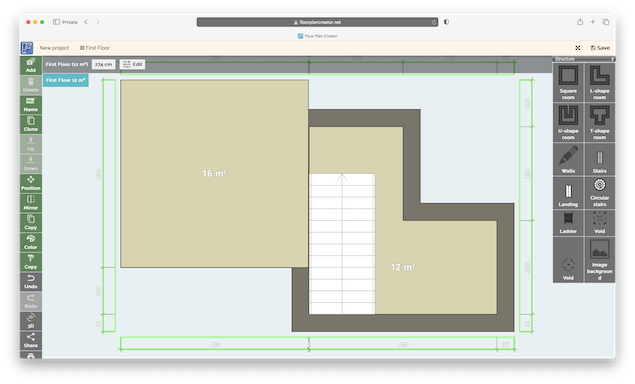
If you’re looking for a free, easy and simple way to create a floor plan or redesign any kind of building layout, Floor Plan Creator net is a free, easy to use Cloud application.
Although it lacks the power and finesse of the best floor plan apps I’ve used on a Mac, it’s fuss free – and doesn’t cost a cent.
Here I take a closer look at what it can do.
Using Floor Plan Creator
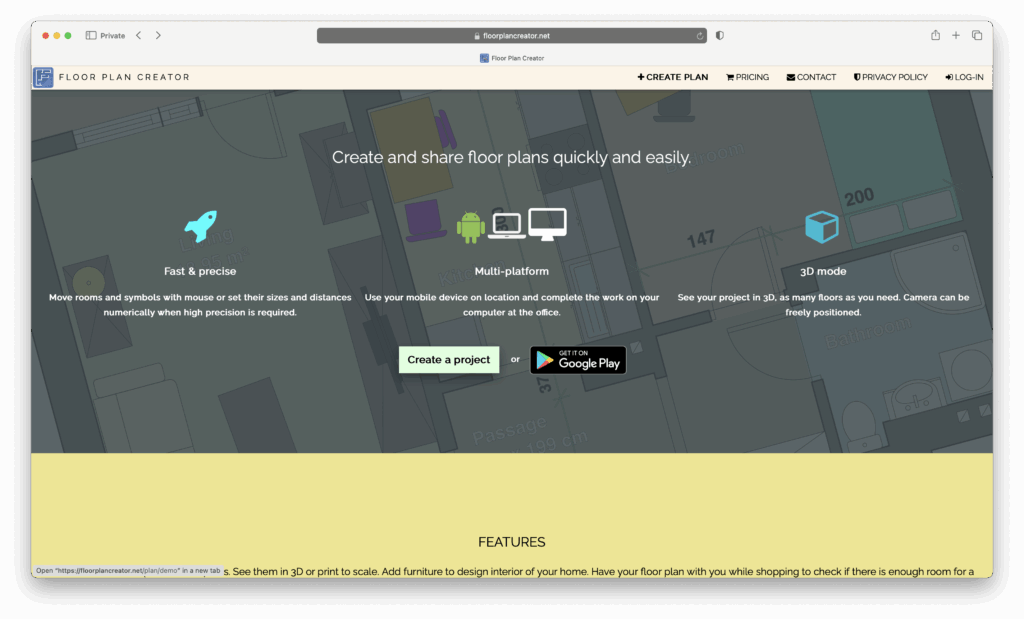
There’s nothing to setup or download with Floor Plan Creator. As soon as you go to the site, simply click on “Create a Project” to start designing. You’ll also see the option to download the Android mobile app (there’s no iOS app unfortunately) if you want to design on the move.
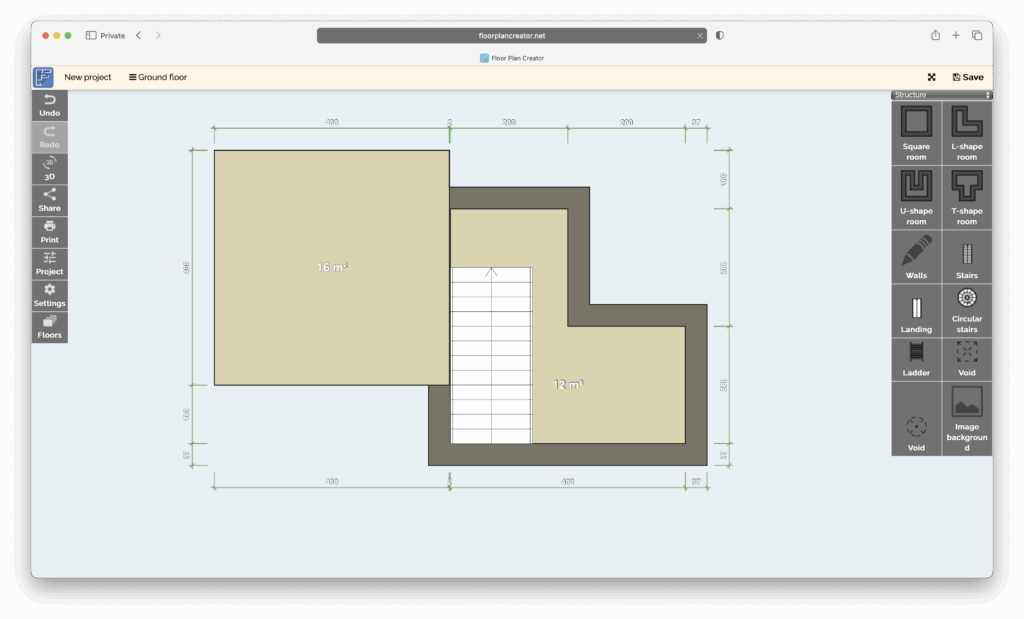
The canvas is straightforward with structural elements along the right-hand side and navigation tools along the left.
You simply drag and drop elements such as walls, rooms and simple shapes onto the canvas to start making your floor plan.
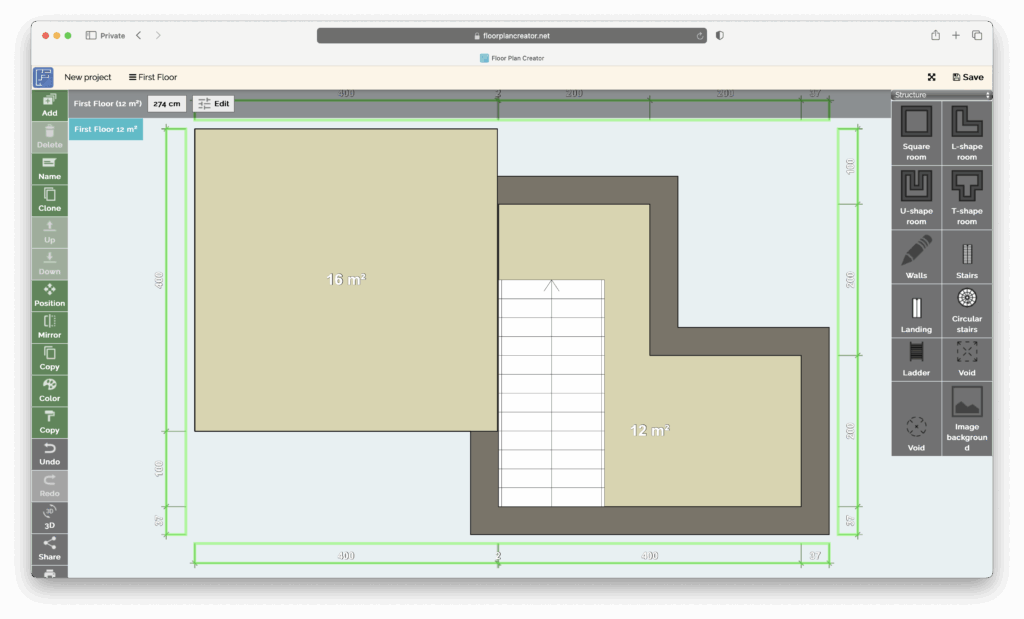
You can easily add extra floors by clicking on the “Floors” button the left.
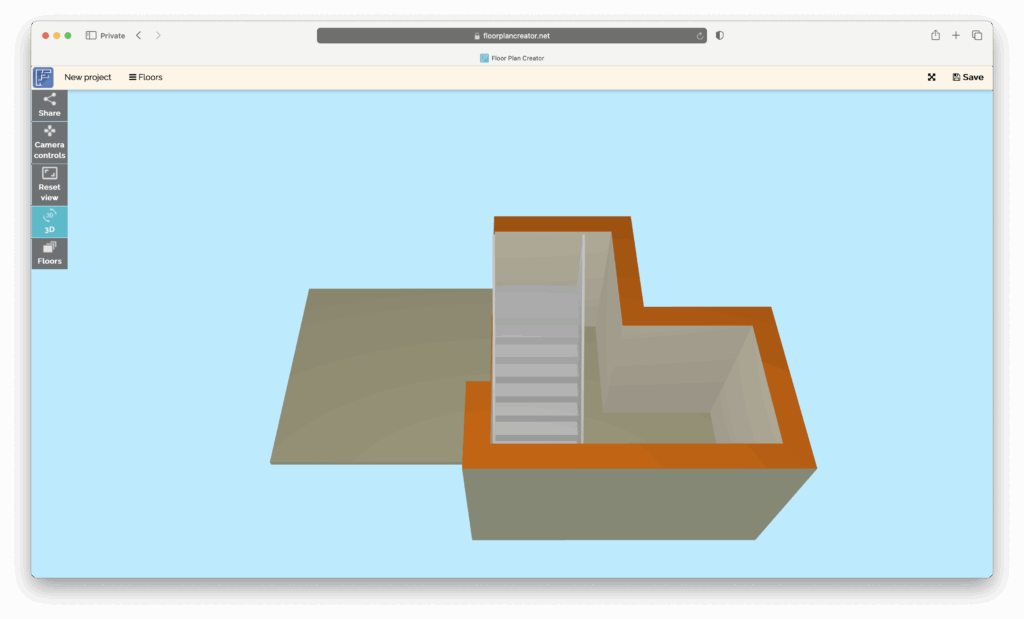
Although it’s quite basic, you can also switch to a 3D view by clicking on the 3D button on the left. This is a really cool touch and you can drag the angle however you want to see it.
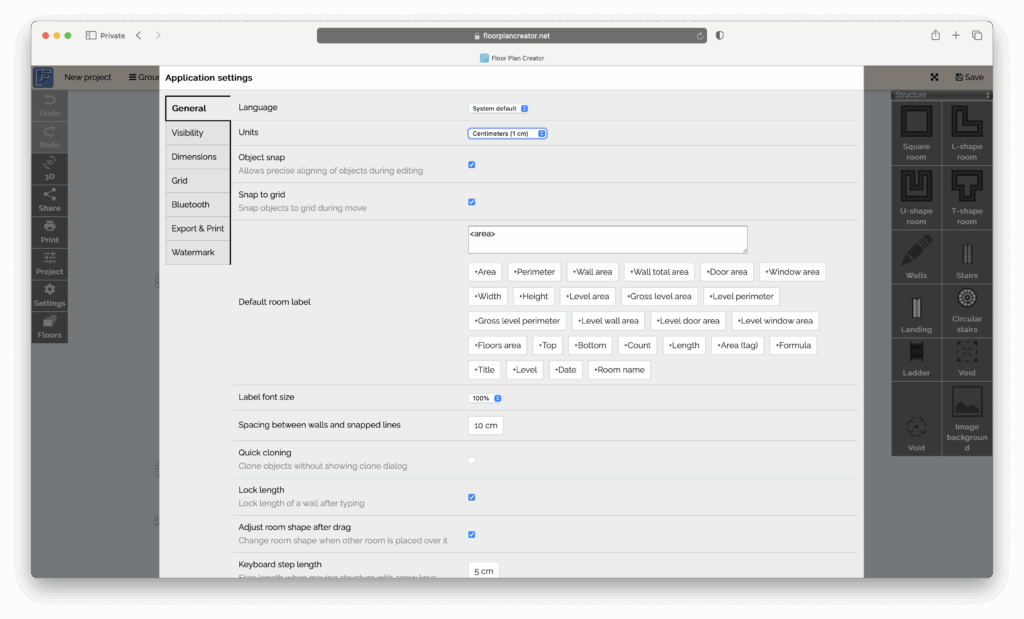
Setting units (metric/imperial) is simply a case of going into Settings > General > Units
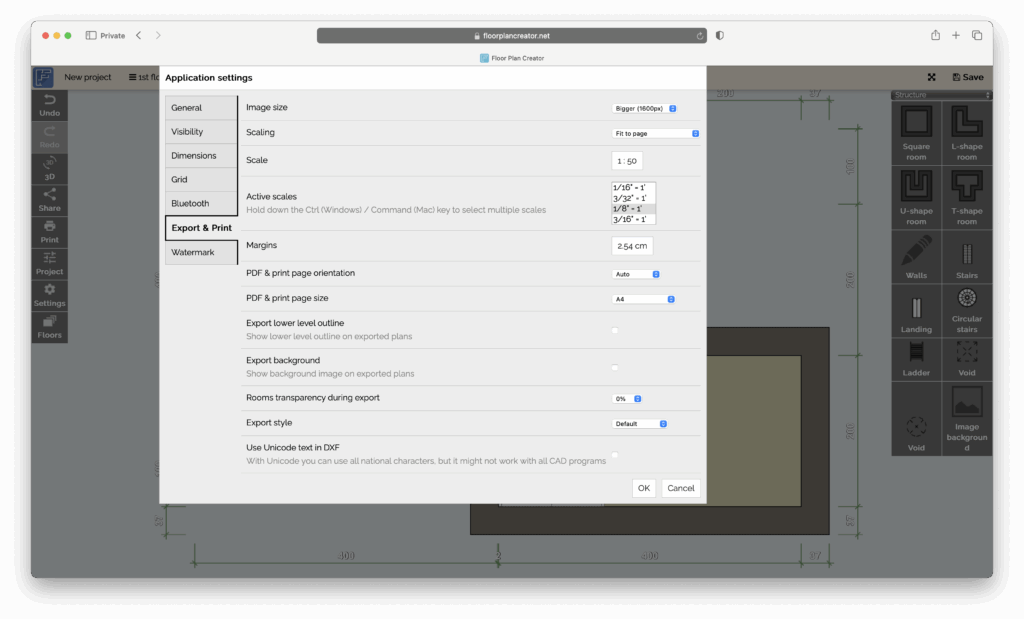
Other settings include Export & Print which allows you to export your designs in PDF format and set the image size. For DXF support you need to upgrade to a paid plan however.
Mobile App
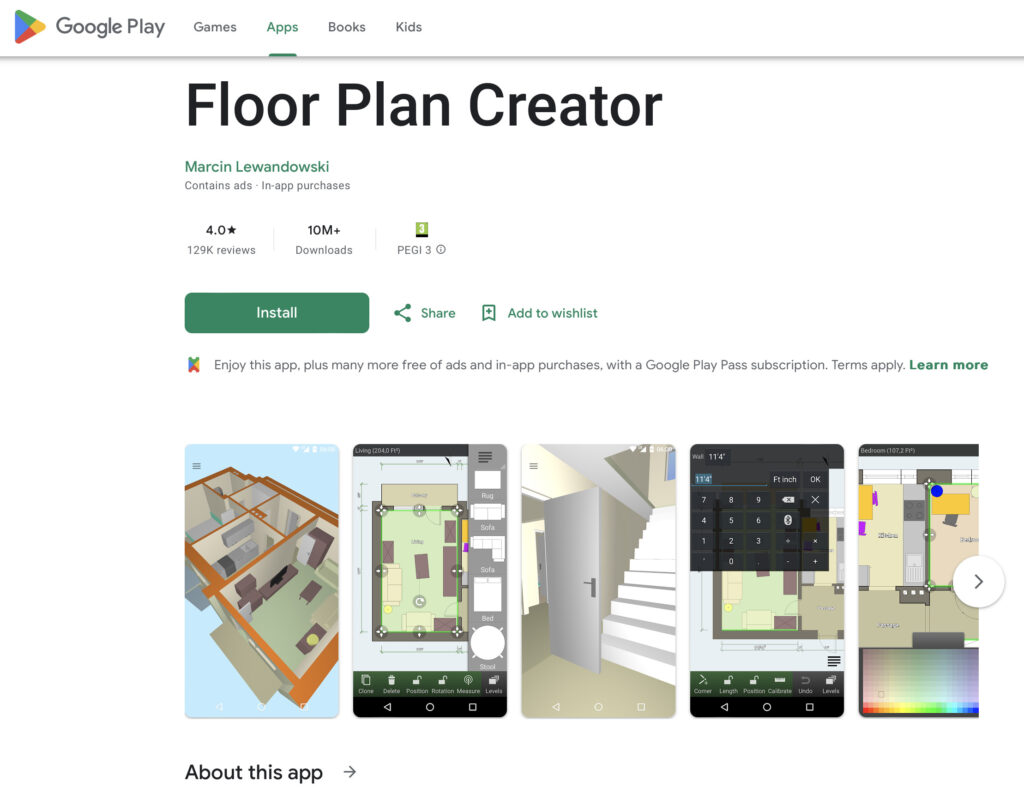
The Android mobile app has an average 4/5 star reviews on the Play store with most users full of praise for it.
The main criticisms are similar to the desktop app that there’s a lack of furnishings although many users are able to cobble together generic items using the tools available.
For Mac users, the only downside of this is that there’s no iPhone or iPad version.
What I Liked About Floor Plan Creator (Pros)
- Accessibility & cost – The free tier is generous enough to let you try the tool and work on smaller projects. The paid version is very affordable compared to many professional packages starting at just $4.95 (£4.64) per year which allows an additional 10 projects, high res images and DXF export among other things. There’s also a Pro version for $6.95 which allows unlimited projects and supports adding your logo to designs.
- Ease of use – Drawing walls, defining room sizes and adjusting dimensions works smoothly. For DIY-ers, hobbyists and non-engineers this is a major plus.
- Cross-platform – Allows you to start on your Mac or PC and continue on mobile.
- Export options – You’ll get higher-resolution exports and DXF support (useful if you ever want to hand off to a contractor or import into a professional CAD software).
What’s Not So Good (Cons)
- Library depth & odd scaling behavior – Once you start adding furniture and fixtures, they don’t always scale well when you stretch them leaving you with huge, oversized doors and other furnishings.
- Limited advanced features – If you’re used to full CAD or serious architectural software, you’ll notice there’s a lack of advanced tools (such as complex roof modelling, terrain slopes, BIM features etc). Interior fixtures and furnishings in general are very limited.
- Free version export limitations – If you’re hoping to get high-resolution, print-ready output from the free tier, you’ll have to upgrade to a paid subscription.
- No fancy AI – as you might expect in such a basic tool, there’s no AI features for inspiration like you get with tools such as Homestyler.
Summary: Who Is It Aimed At?
To summarize: Floor Plan Creator net is a very good fit for:
- Home-owners or remodelers who want to draw accurate floor plans without learning complex CAD software.
- Small-scale designers, hobbyists or anyone with a Mac or wanting web/mobile flexibility.
- Projects where you want to visualize space and layout, share plans with others, print to scale or export to DXF for a contractor.
It is less ideal for:
- Architectural professionals who need advanced terrain modelling, complex roof/structure features, or deep object libraries.
- Projects where photorealistic 3D interiors or detailed BIM assets are essential.
- Users who: (a) expect a fully free export-capable version, or (b) require massive libraries of fixtures/furniture right out of the box.
Floor Plan Creator Alternatives
There are lots of other floor planning apps you can use on Macs. Below I’ve compared Floor Plan Creator some of the best and most popular but you can also find more in our look at the best floor plan software for Mac.
| Software | Key Focus & Strengths | Key Limitations | Pricing |
|---|---|---|---|
| Floor Plan Creator | Browser + mobile-friendly tool focused on drawing accurate 2D plans (and some 3D view) for DIY/house-owner use. Good for quick room layouts and moderately detailed plans. | Library depth and advanced architectural options are limited; free version has export/feature limits. | Free to use for basic plans, export features require upgrades. One-time project-pack or upgrade options. |
| SmartDraw | Strong in diagramming and 2D floor plans; many templates and symbols, quick layout tools. | Doesn’t offer full 3D modelling / immersive visuals; not specialized for complex architectural renderings. | Individual plan Starts at $7.95/month (billed annually). Team and site plans vary. |
| SketchUp Free | Very good for 3D modelling, great for creative, open-ended design and modelling of spaces in three dimensions. | Learning curve steeper; free version has limitations (no extensions, fewer export options, not for full professional needs). | Free version available. Paid tiers: e.g., “Go” $10.75/month (billed annually), “Pro” $33.25/month (billed annually). |
| Planner 5D | Designed for home design and visualization: both 2D and 3D, large library of furniture, drag-and-drop ease. Good for homeowners and interior design. | Graphics are great but lacks technical CAD/BIM features. | Free tier available. Premium plan starts at approx $4.99/month (annual billing) or $19.99/month on monthly billing. |